Pick your practice, choose a Style and size, then generate. A Brand Guide is optional — turn it on for a consistent look.
Ad subject (what the ad is about)
Optional — leave empty to generate from your prompt alone (text only).
Style (the kind of ad — sets the look)
A clean, versatile ad — let the studio choose the angle
Brand Guide (optional)
Off by default — turn it on only when you want visual consistency across your ads.
Platform — where the ad runs
Placement
Generating at 1:1 for Feed Square
Or any ratio the model supports
On-image text (optional — blank = no text)
Prompt (editable — the scene & styling that drives the image)
Also applied (not part of the editable box above):
Your practice stays exactly as your photo (shape, label, colours) — styling only touches the scene & lighting.
No invented text, logos, watermarks, prices or hex codes rendered on the image.
On-image text = only the slogan you typed (blank = none).
This step uses 1 credit
Dental Ad Studio
A photo of your practice in, a ready-to-run dental ad out — the offer, the service, and your real room, sized for the placement you pick and ready for Ads Manager.
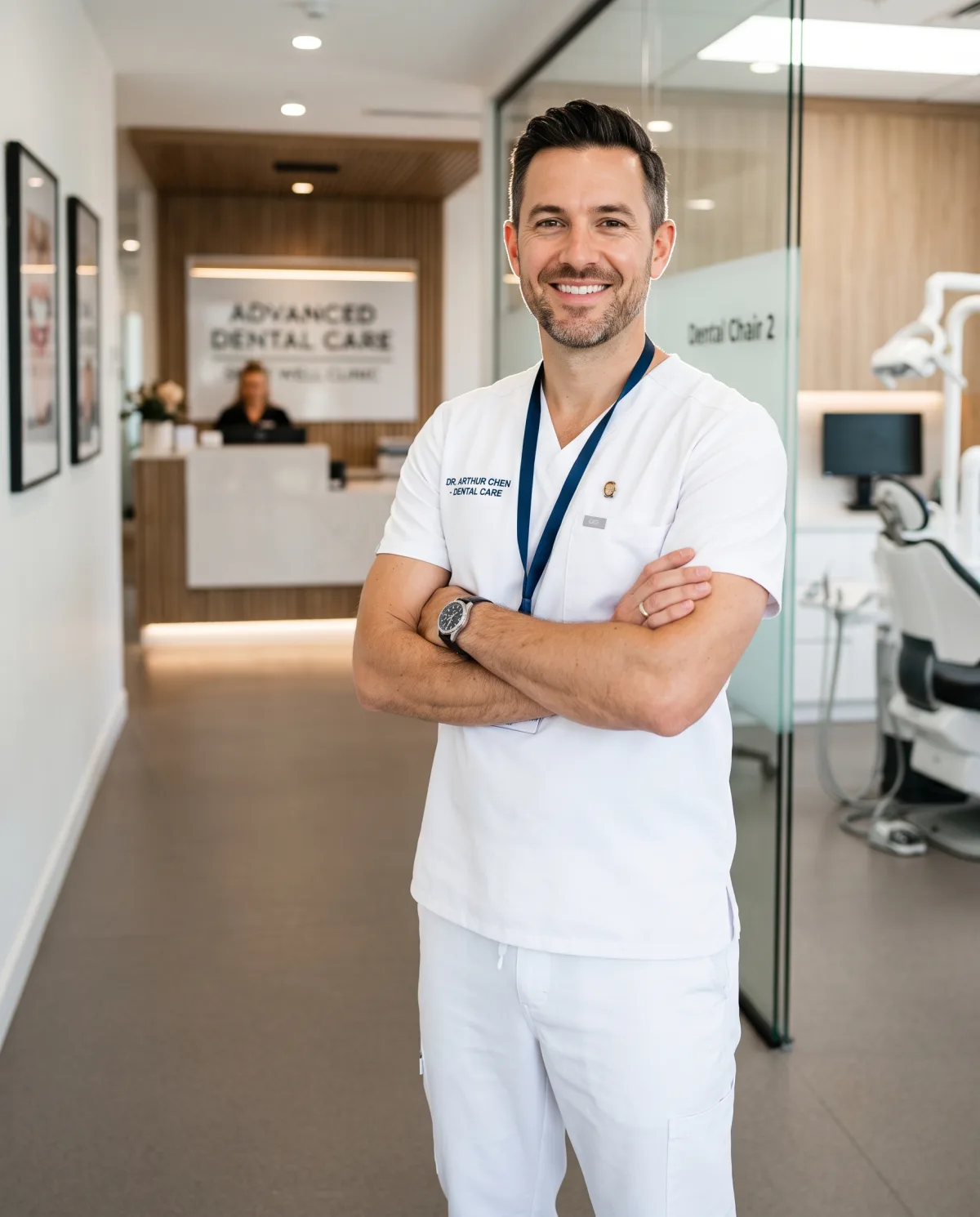
Dental Advertising That Books New Patients, Without an Agency
Punchylime turns a photo of your practice — or your website URL — into dental advertising built to run: a Facebook new-patient offer, an Instagram Reel of your whitening service, a Story for same-day emergencies. Pick the service and the placement, and the studio composes the ad with your real room in frame, sized for where it runs. You download a finished dental ad and launch it in Ads Manager — no design retainer, no month-long agency wait, no fabricated "before & after" you never took.
Make a Dental Ad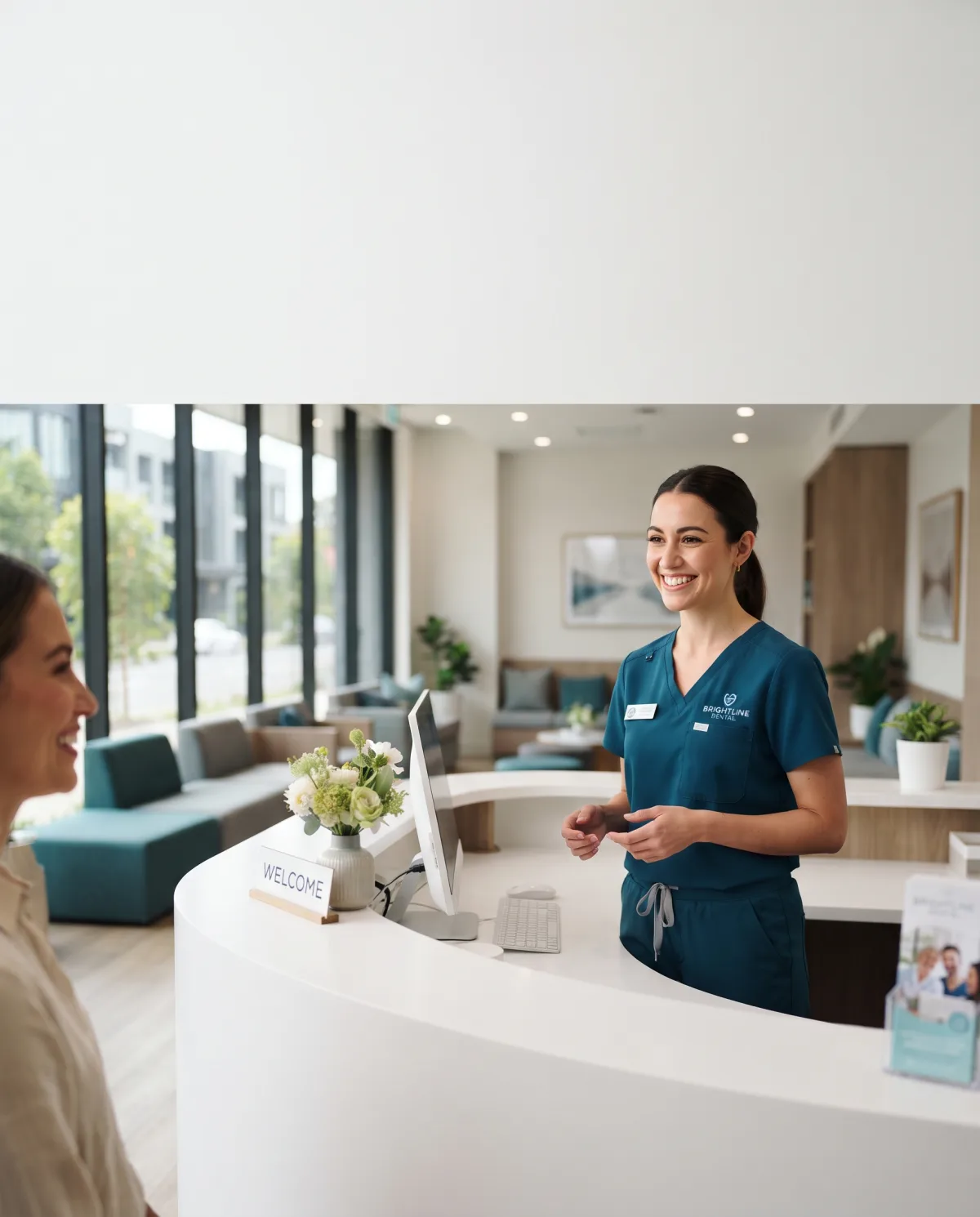
What Is Dental Advertising?
Dental advertising is how a practice turns its services into paid ads that reach the patients searching and scrolling nearby — a new-patient exam offer on Facebook, a whitening Reel on Instagram, an emergency same-day hook in a Story, a Google image ad for people typing “dentist near me.” The hard part has never been the idea; it is producing the creative for every service and every placement without a designer on staff. Punchylime does that part: a photo of your practice becomes an ad built for where it runs, with your real room in frame and the offer sized to the canvas — so what comes out is an ad you can launch, not a brief you still have to hand to an agency.
Why Run Your Dental Ads with Punchylime?
A dental marketing agency bills a monthly retainer and still turns every offer into a week-long email thread; a freelance designer disappears the day you need the campaign live. Punchylime collapses that into minutes: upload one photo of your practice, type the offer, and the studio composes the Facebook, Instagram, Story, and Google versions from that one photo — each native to its placement, each keeping your real operatory on screen. Preview each angle as a 1-credit draft and keep the ones worth running, then swap creative the moment an ad fatigues, all from one wallet shared with your video, image, and copy work — no retainer, no reshoot, no waiting on a design round.
Tired of Ads That Look Like Every Other Practice?
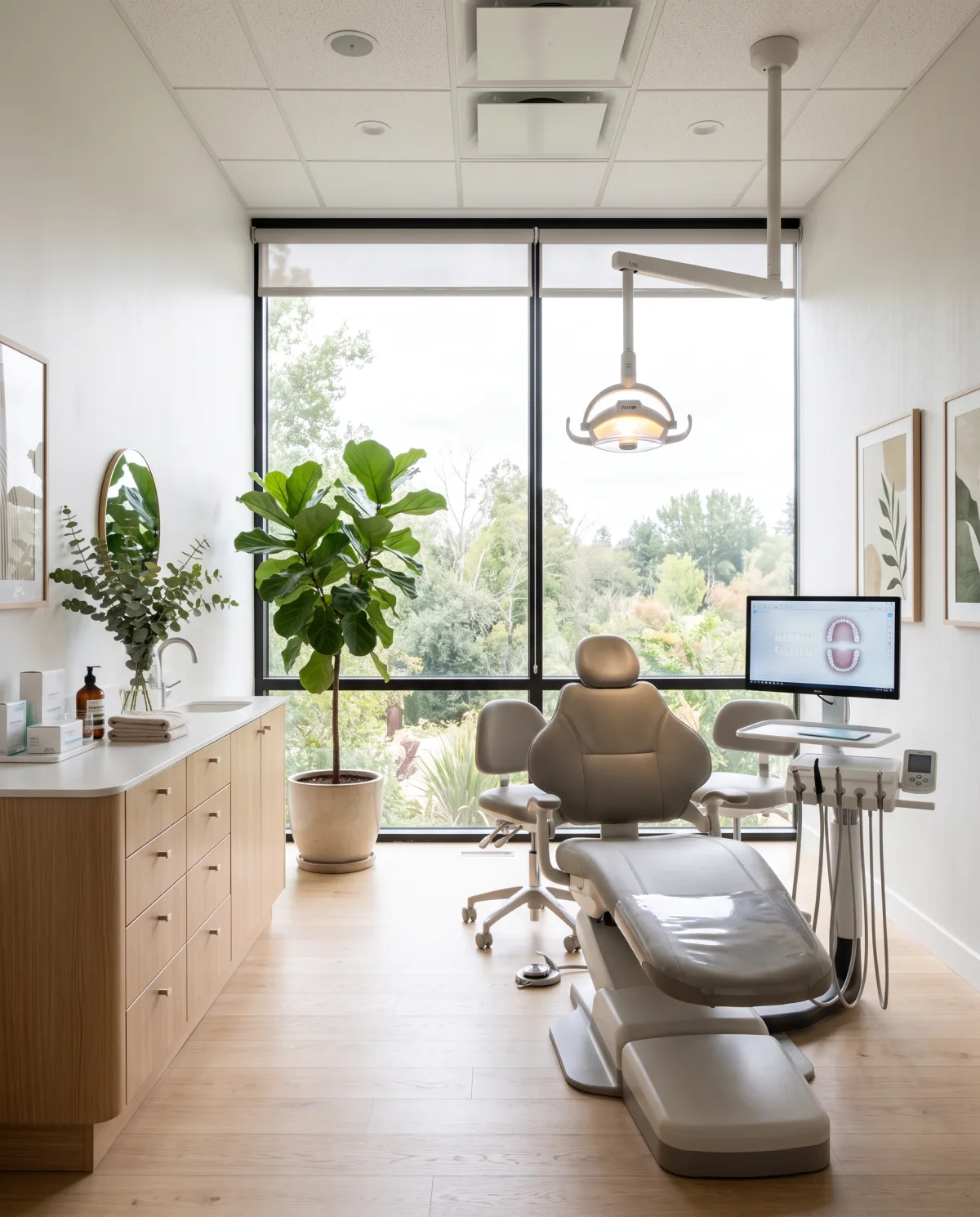
The same stock dentist and the same “$59 cleaning” template are running in every town, and local patients scroll right past them. Generic templates cannot show your chairs, your team, or the front desk a patient actually walks up to — so the ad never feels like your practice. Punchylime removes the guesswork: your own photo becomes a Facebook, Instagram, Story, and Google ad each composed for its canvas, fresh service angles come from regenerating the same upload, and the whole thing runs on a credit wallet shared across your ad work — so a solo practice ships dental advertising that looks like a studio made it, without hiring one.
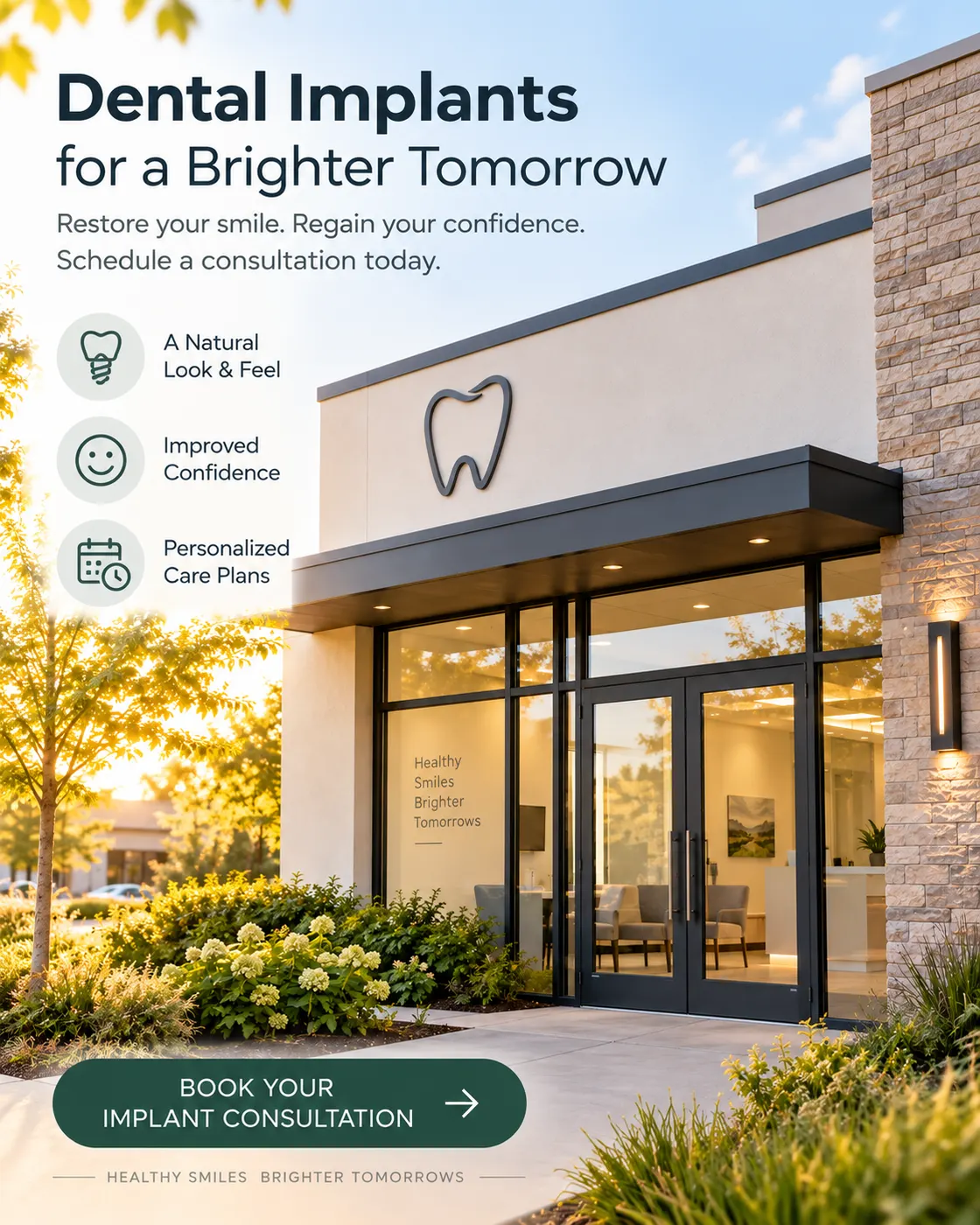
What Makes Punchylime Dental Advertising Different
Most dental ad tools hand you a template and a stock smile. Punchylime builds the ad around your real practice, composes it for every placement, and lets you swap angles the week an offer stops converting.
Your Real Operatory, Not a Stock Clinic
Buyers scroll past the same stock dentist everyone else licensed. Punchylime anchors every dental ad to the photo you upload — your chairs, your team, your front desk — so a local patient recognises the practice they will actually walk into. No generic clinic, no invented "before & after" you never took, just your real room composed into an ad that runs.
One Offer, Every Placement It Needs
A new-patient special has to run as a Facebook Feed post, an Instagram Reel, a Story, and a Google image — four canvases, four sizes. Punchylime composes each from the same brief, keeping the offer, the phone number, and the "book now" inside the safe zone each placement shows, so you launch the whole campaign instead of resizing one file until the price gets cropped off.
Swap the Angle the Moment Results Dip
Dental ad fatigue is real — the whitening offer that booked chairs in week one goes quiet by week three. Instead of briefing a designer again, spin a fresh angle from the same practice photo: implants this month, clear aligners next, an emergency same-day hook when the schedule has gaps. Preview each version as a 1-credit draft and keep the ads you decide to run.
How to Make a Dental Ad with Punchylime
From a single photo of your practice to a placement-ready dental ad — three steps, no designer to brief, no agency retainer, no invented patient results.
Step 1: Add a photo of your practice
Upload one photo — your operatory, your front desk, your team, or a patient smile you have consent to use — or paste your practice website and Punchylime pulls the imagery for you. It reads the room and your brand so every dental ad looks like the practice a local patient will actually visit.
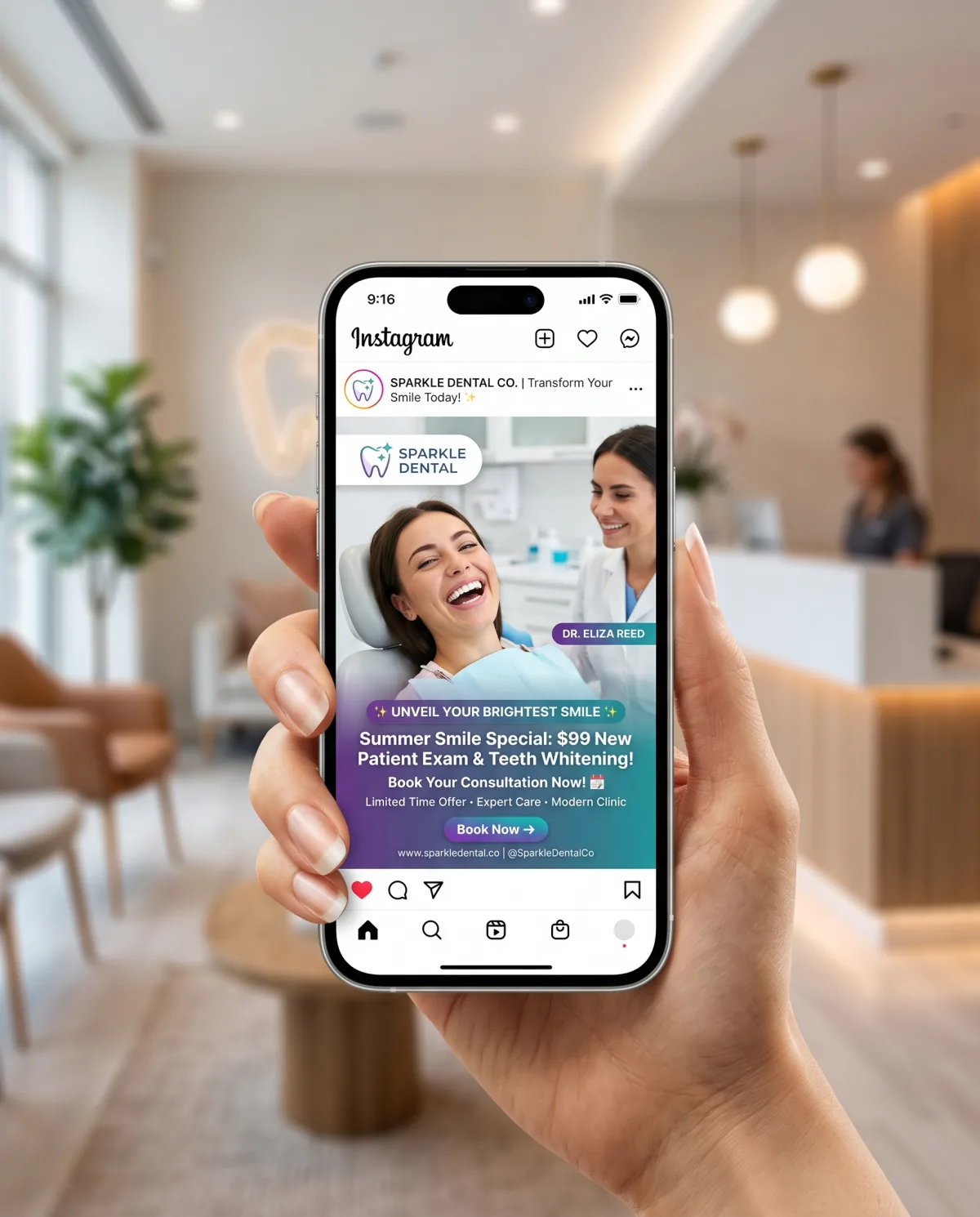
Step 2: Pick the service and where it runs
Choose the campaign — new-patient offer, whitening, clear aligners, implants, or a same-day emergency hook — and the placement it runs in: Facebook Feed, Instagram Reels, a Story, or a Google image ad. Write your offer in a line and the studio composes for that exact canvas, offer and phone number inside the safe zone.
Step 3: Generate, then run it
The studio composes the ad for the ratio you pick, with your practice in frame. Preview it, regenerate the angles worth pushing, download the file, and post it yourself or upload it straight to Meta or Google Ads Manager — no designer to brief and no agency retainer to clear first.
Ads for Every Industry
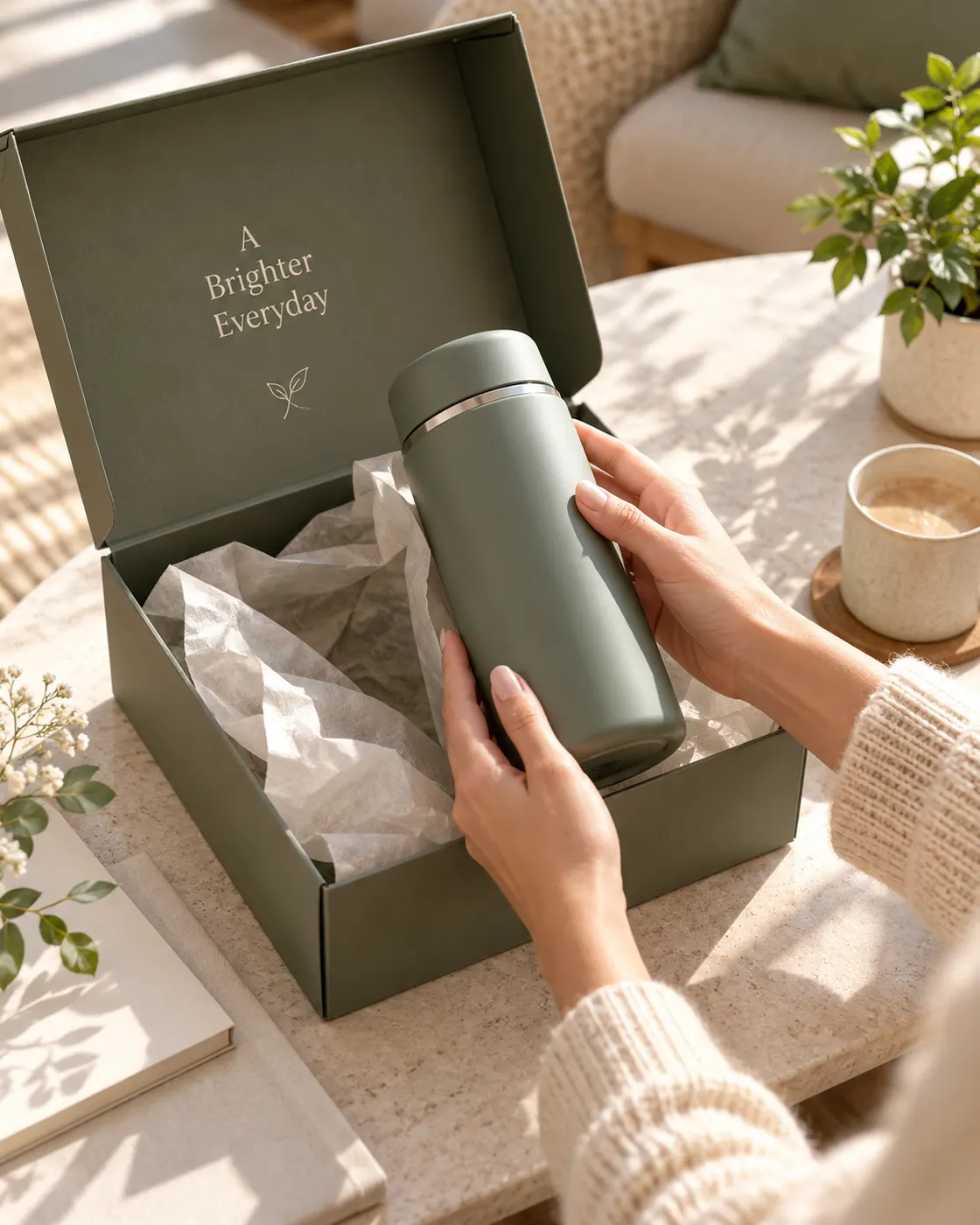
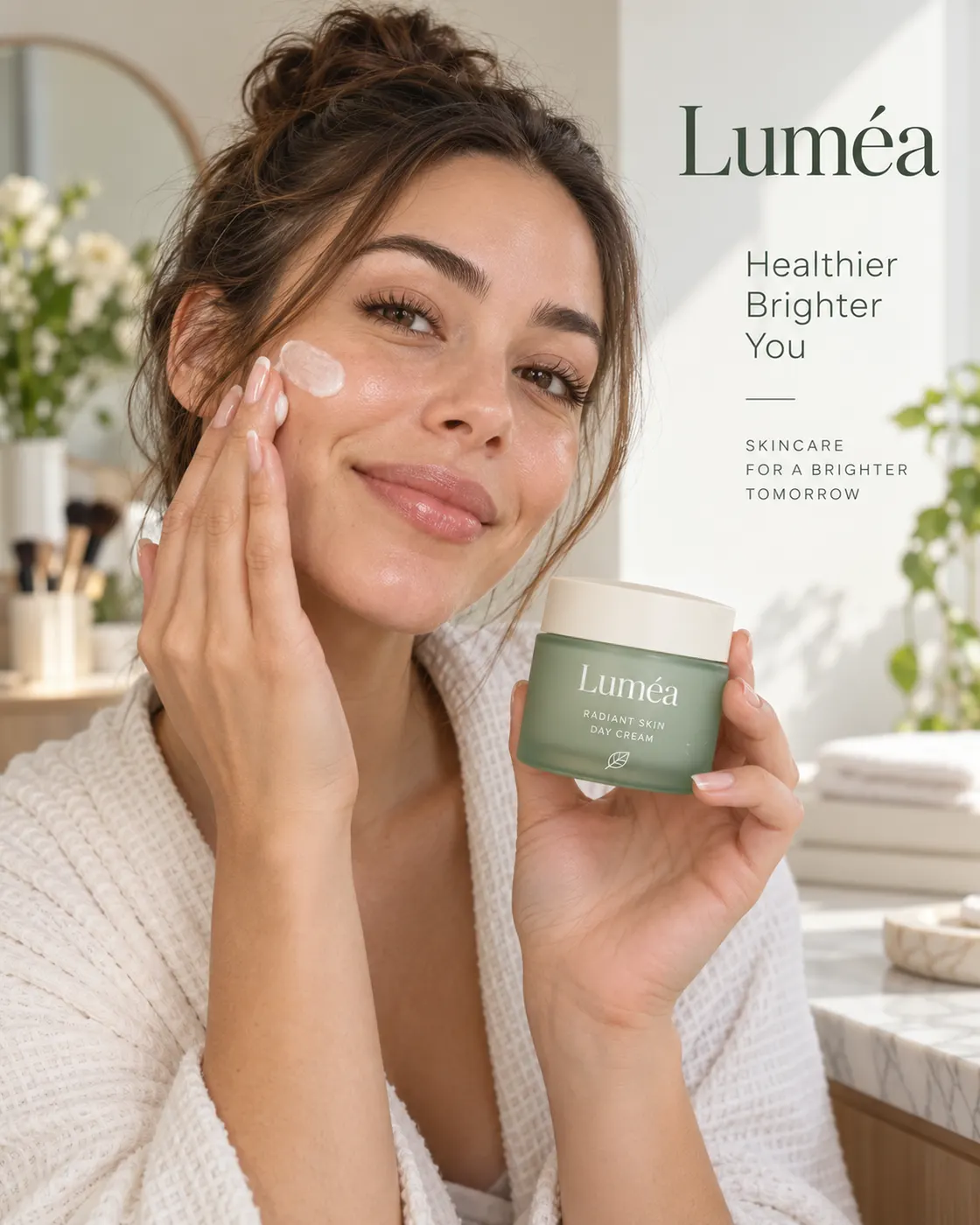
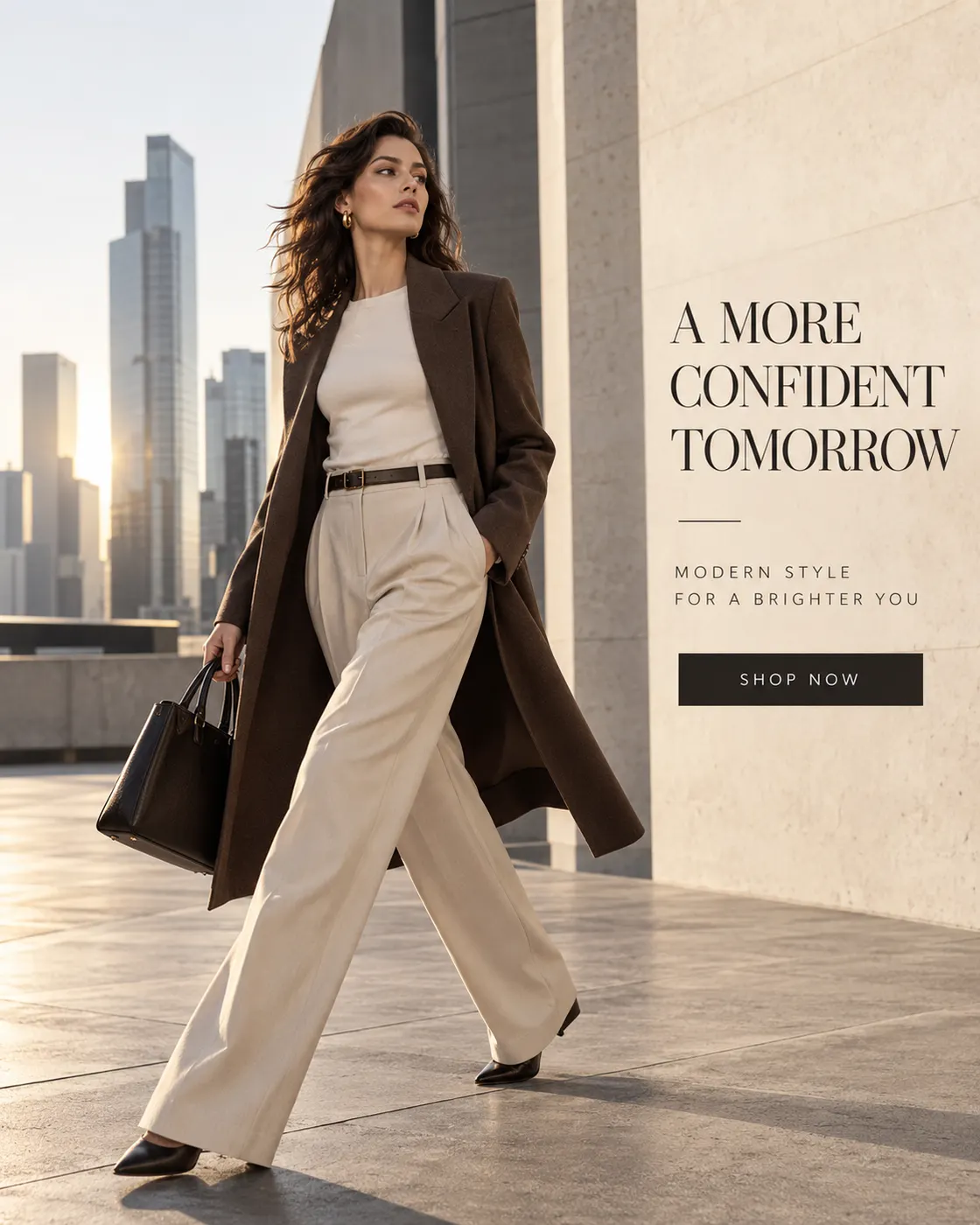
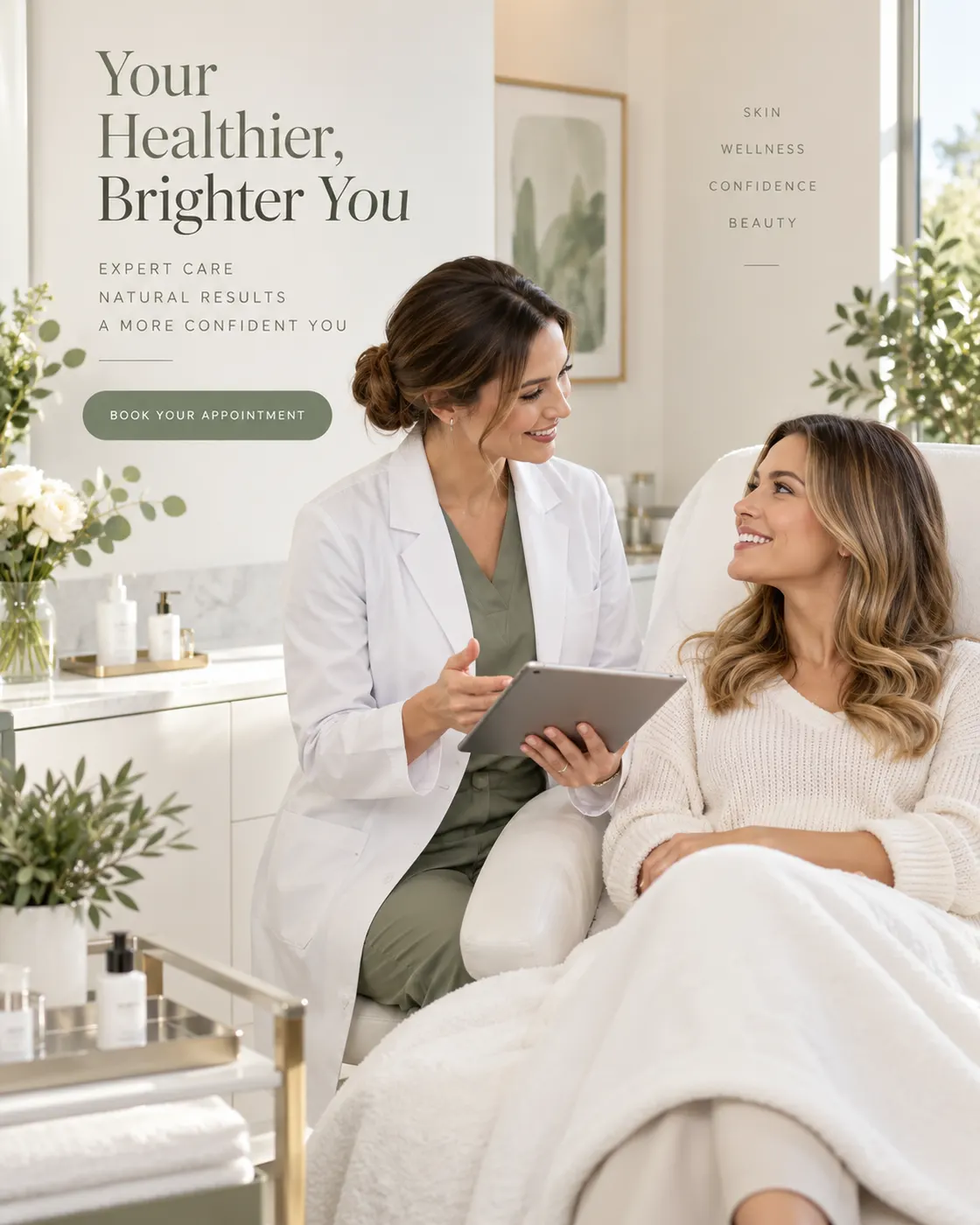
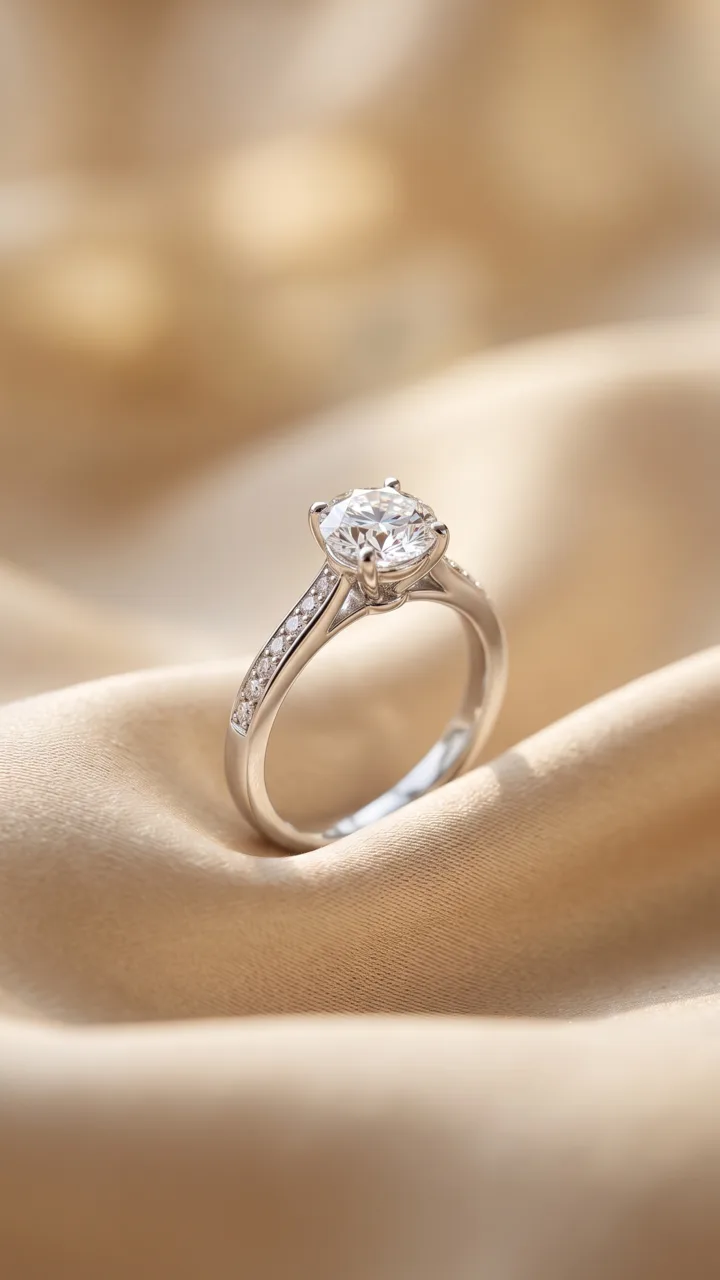
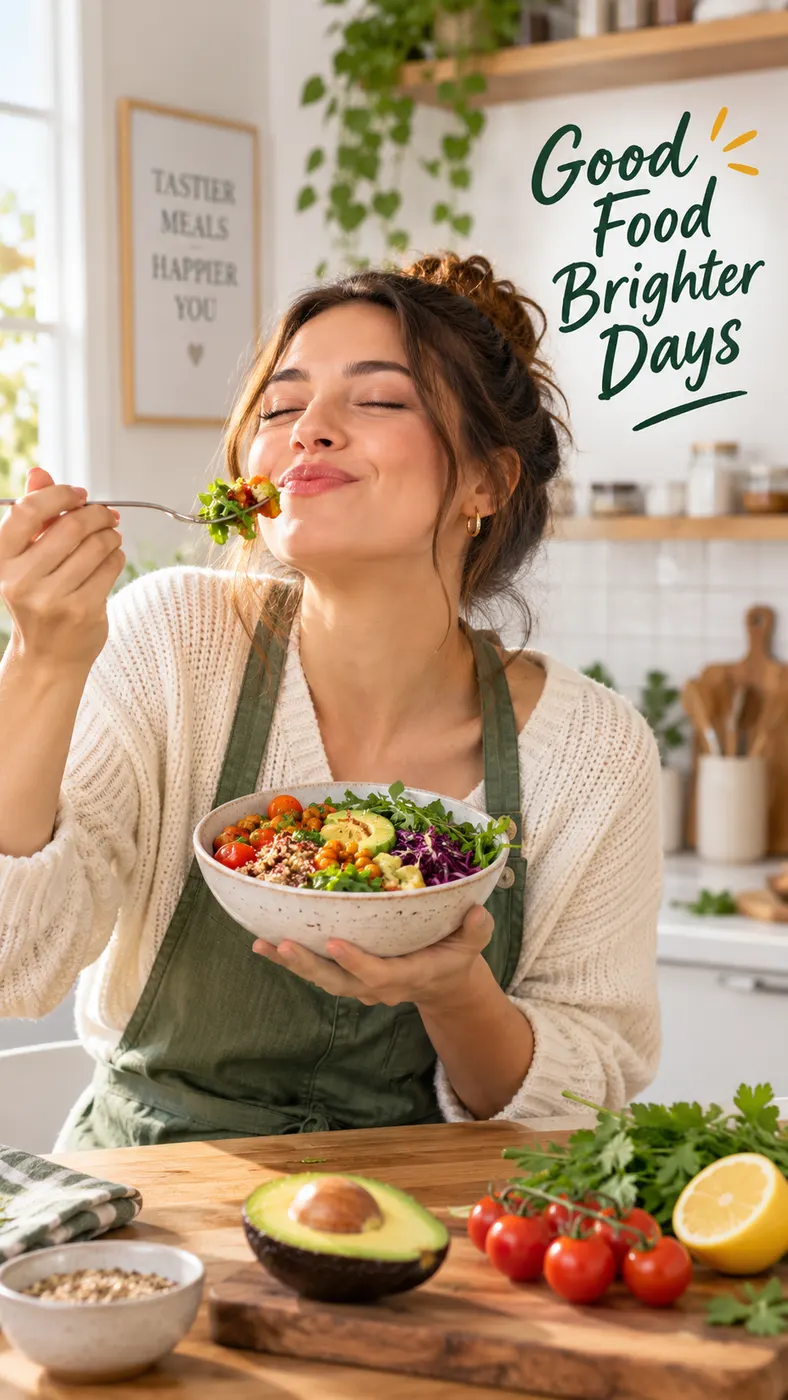
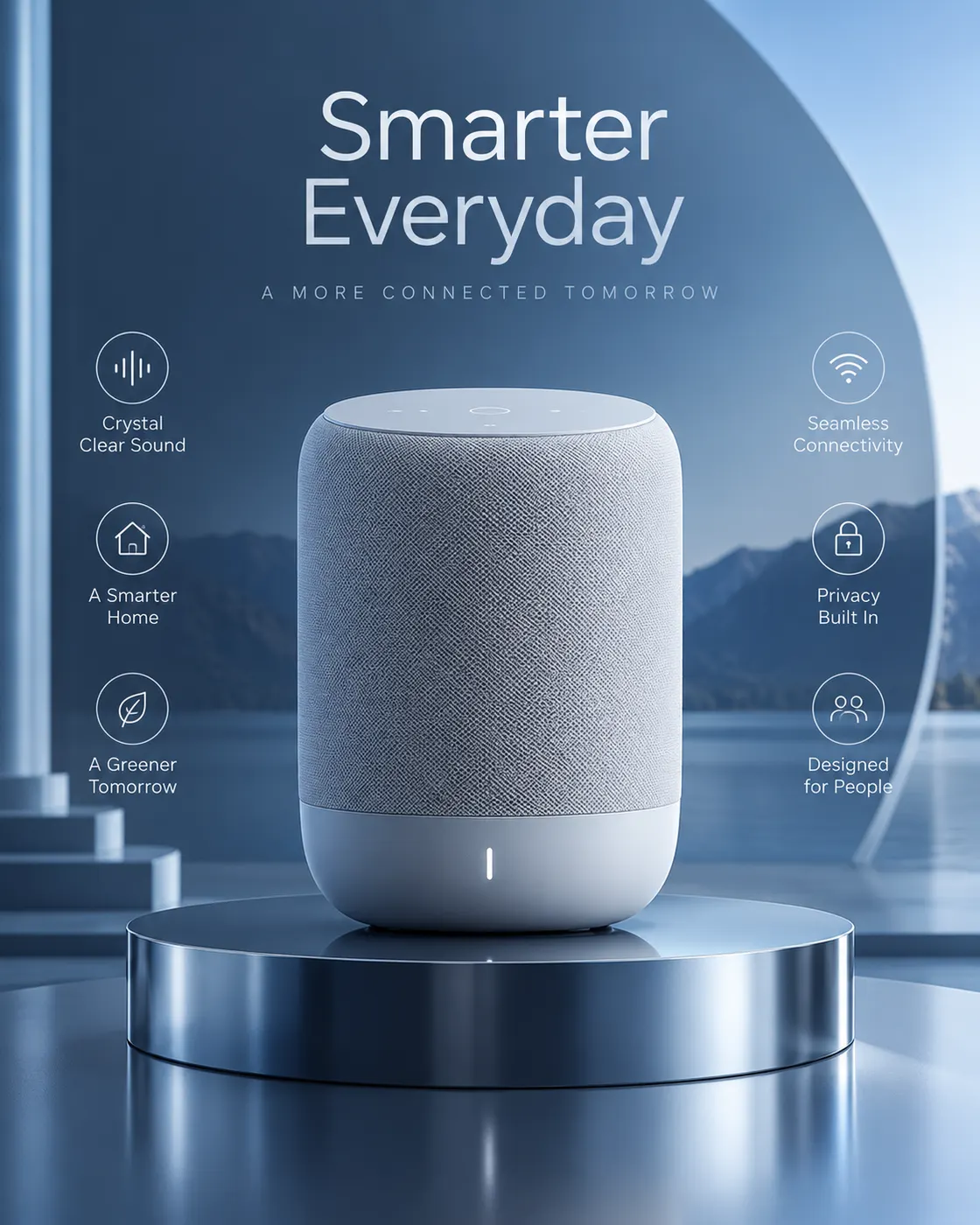
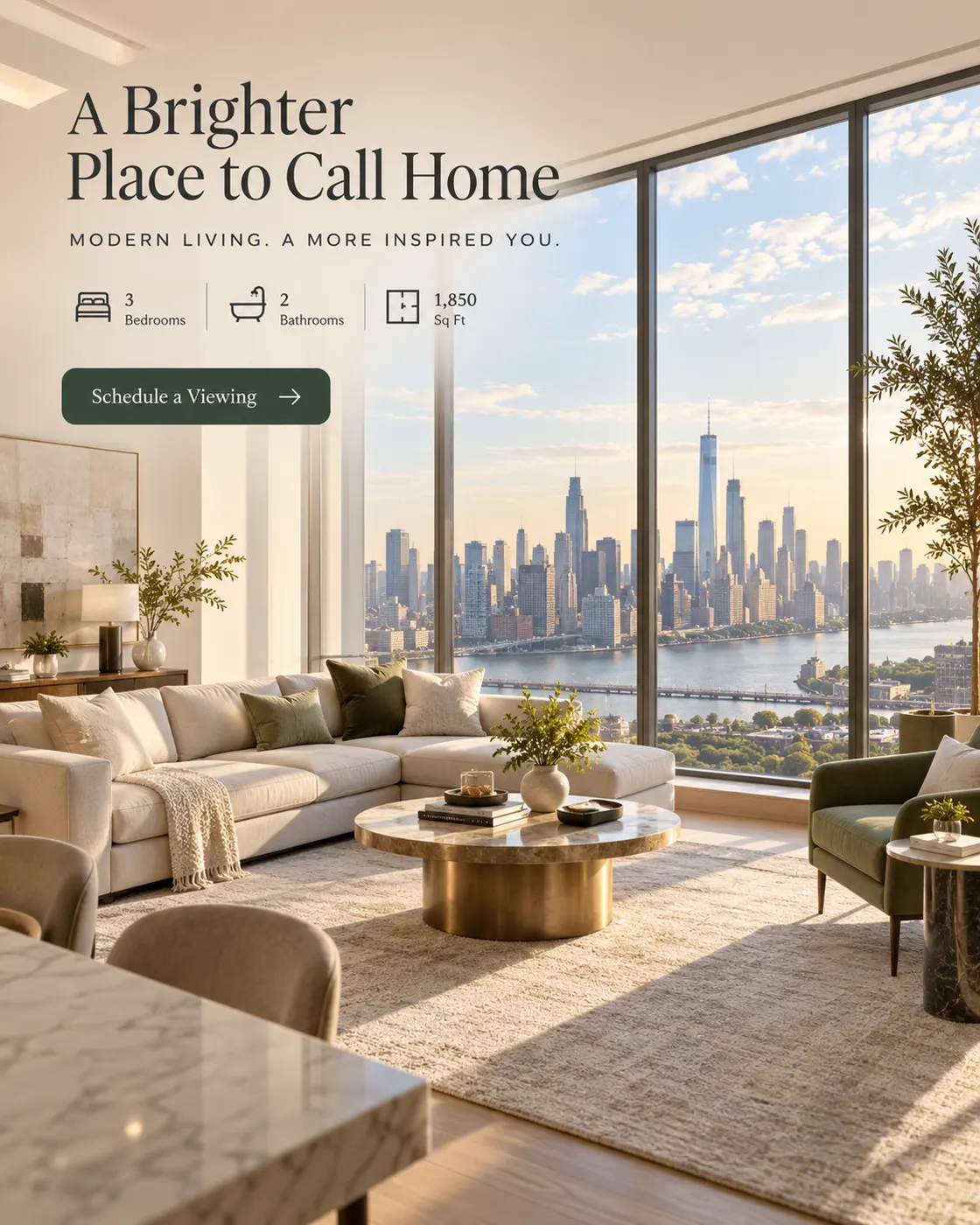
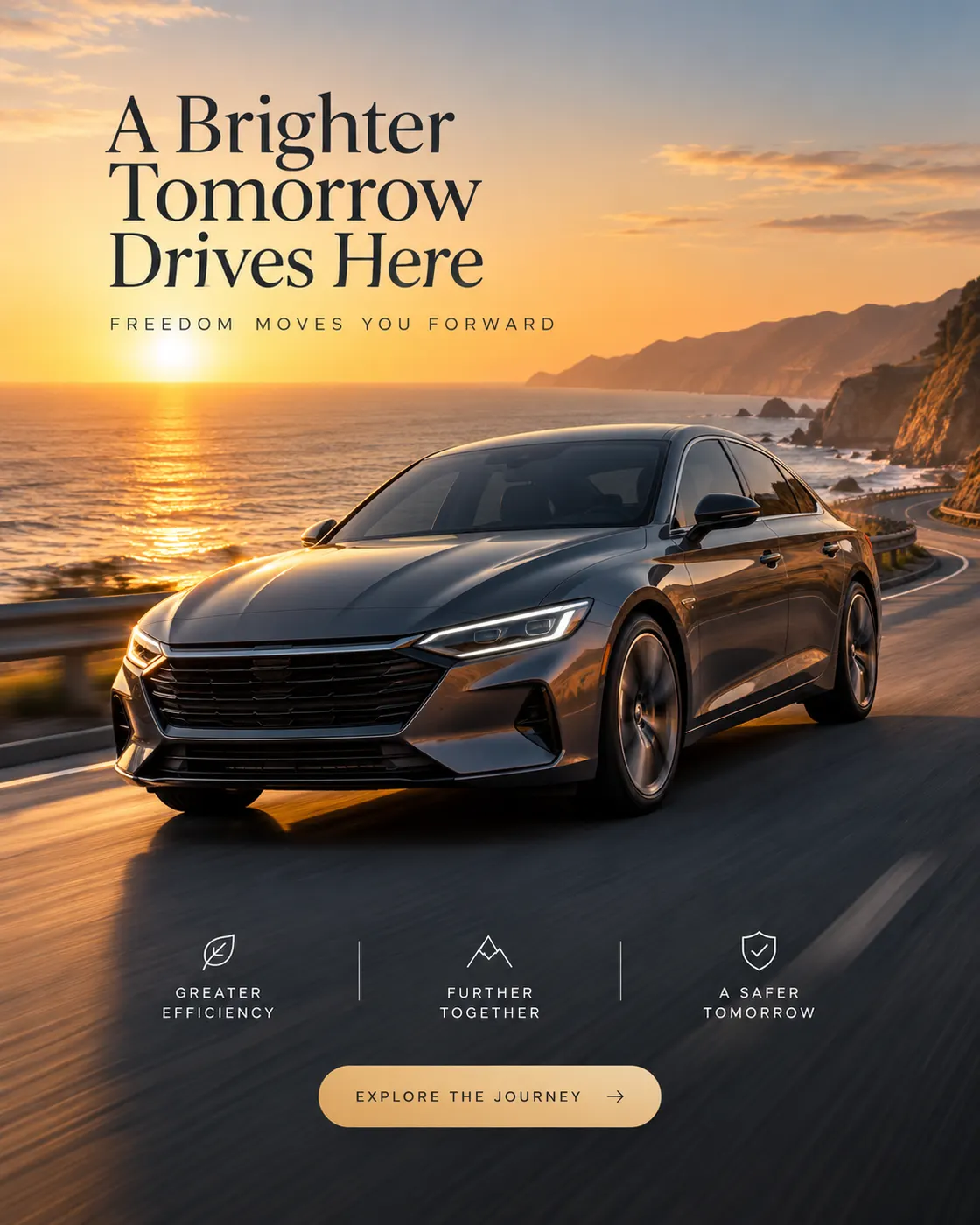
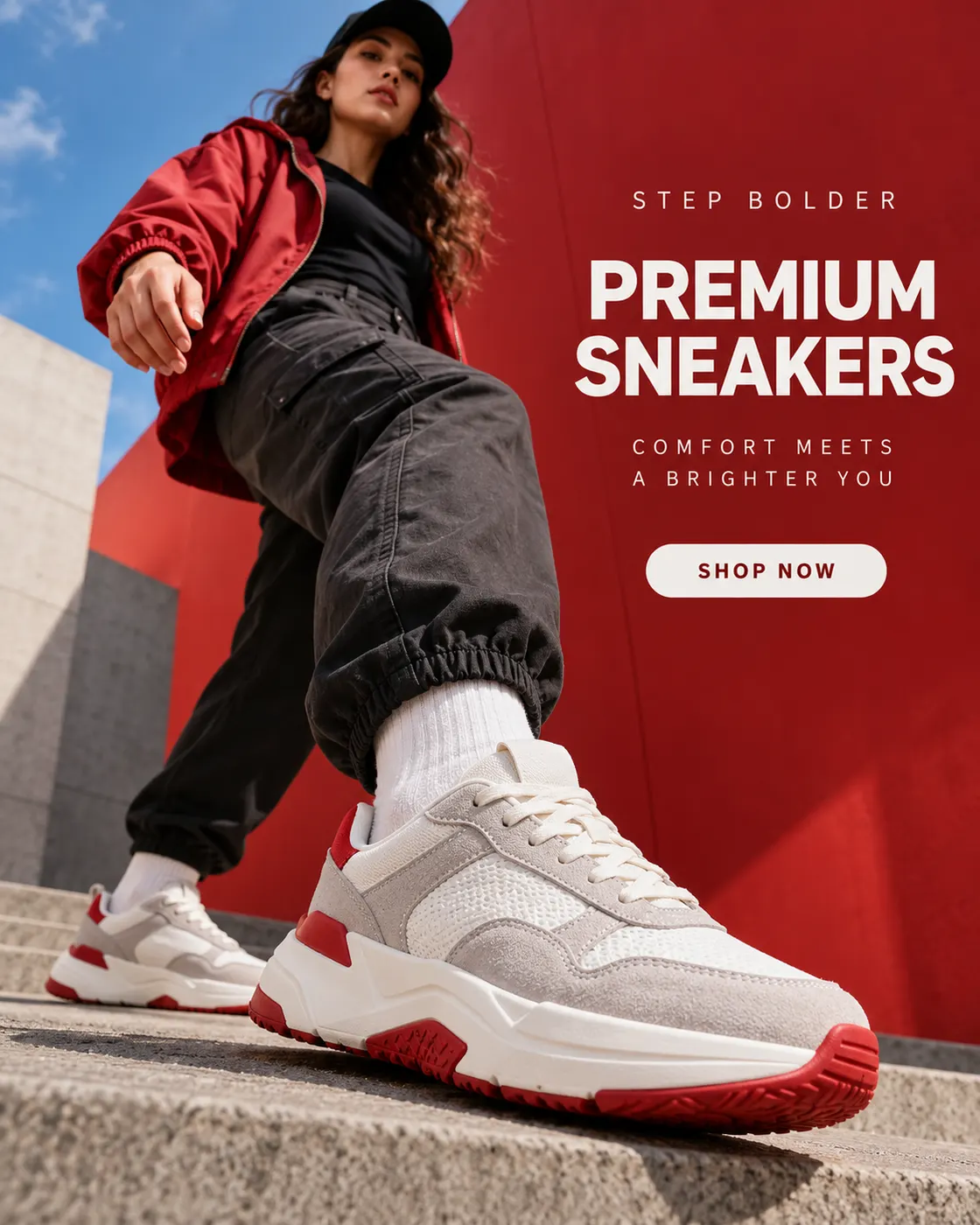
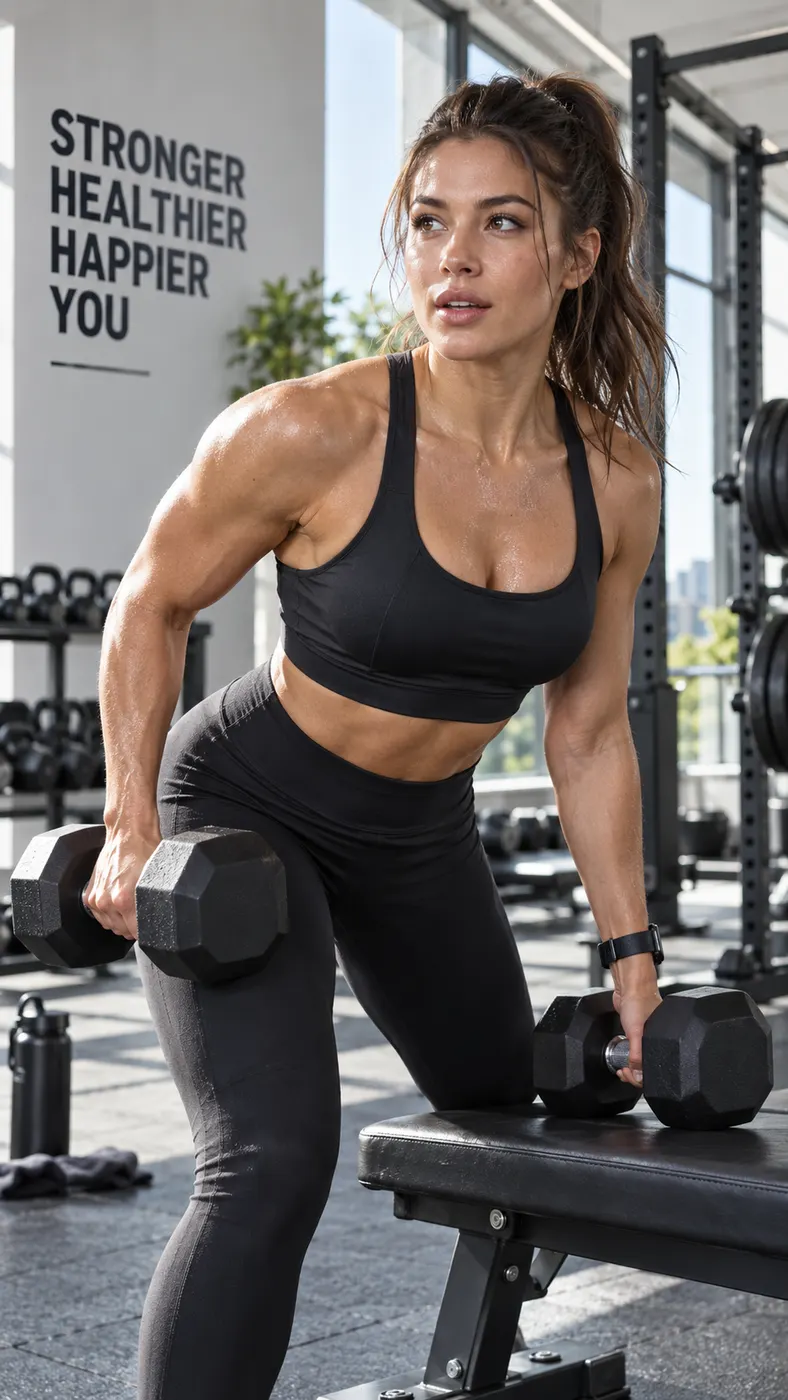
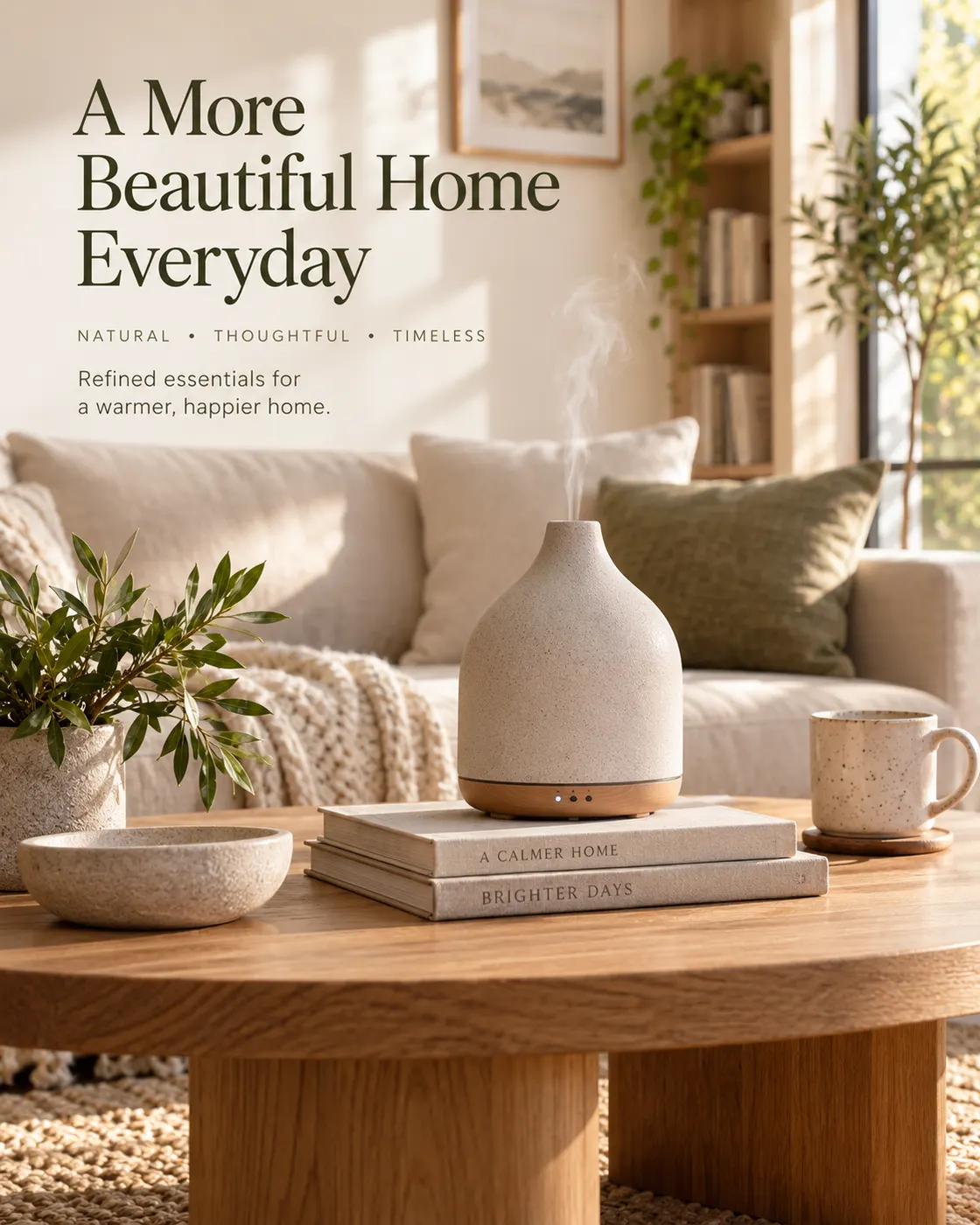
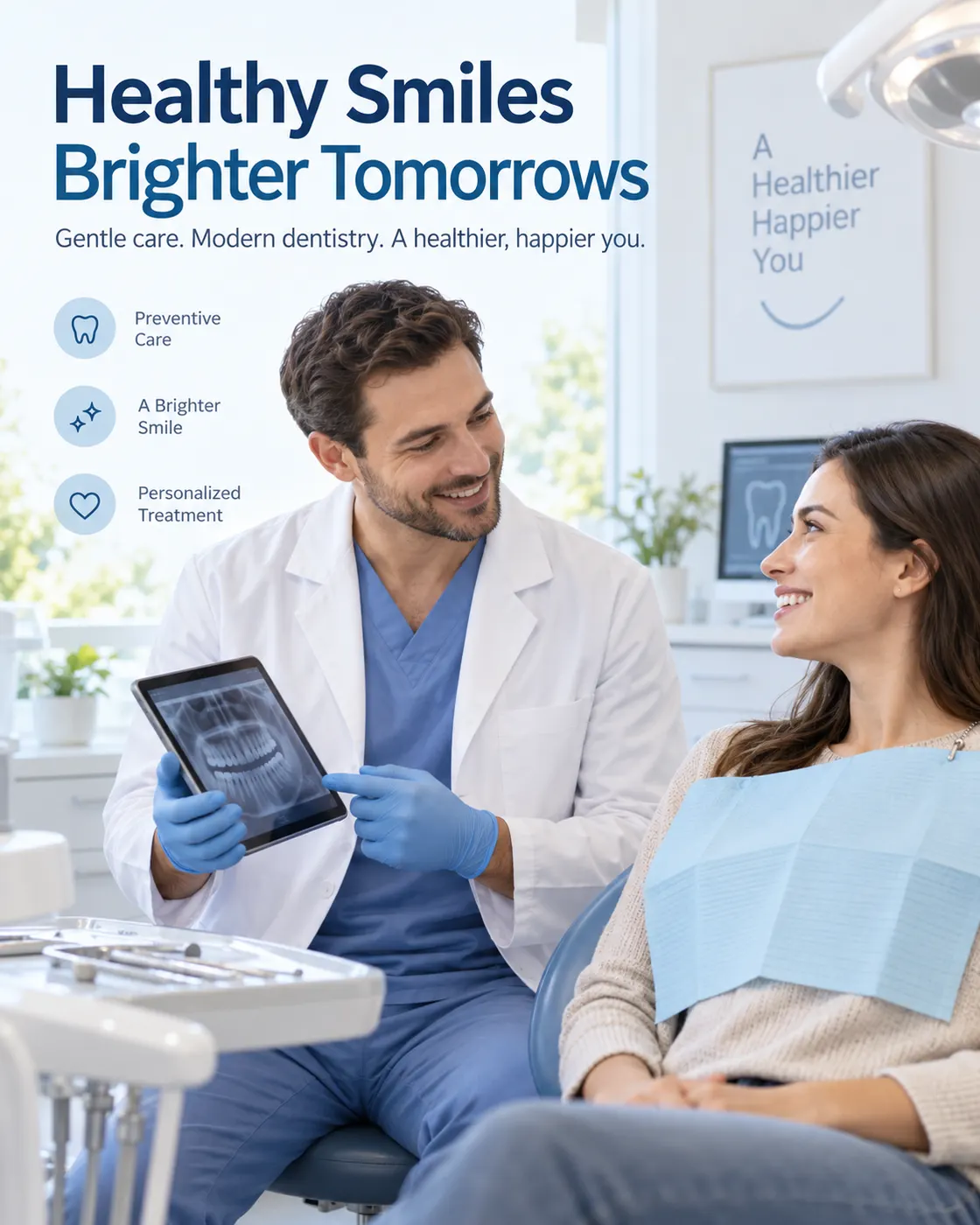
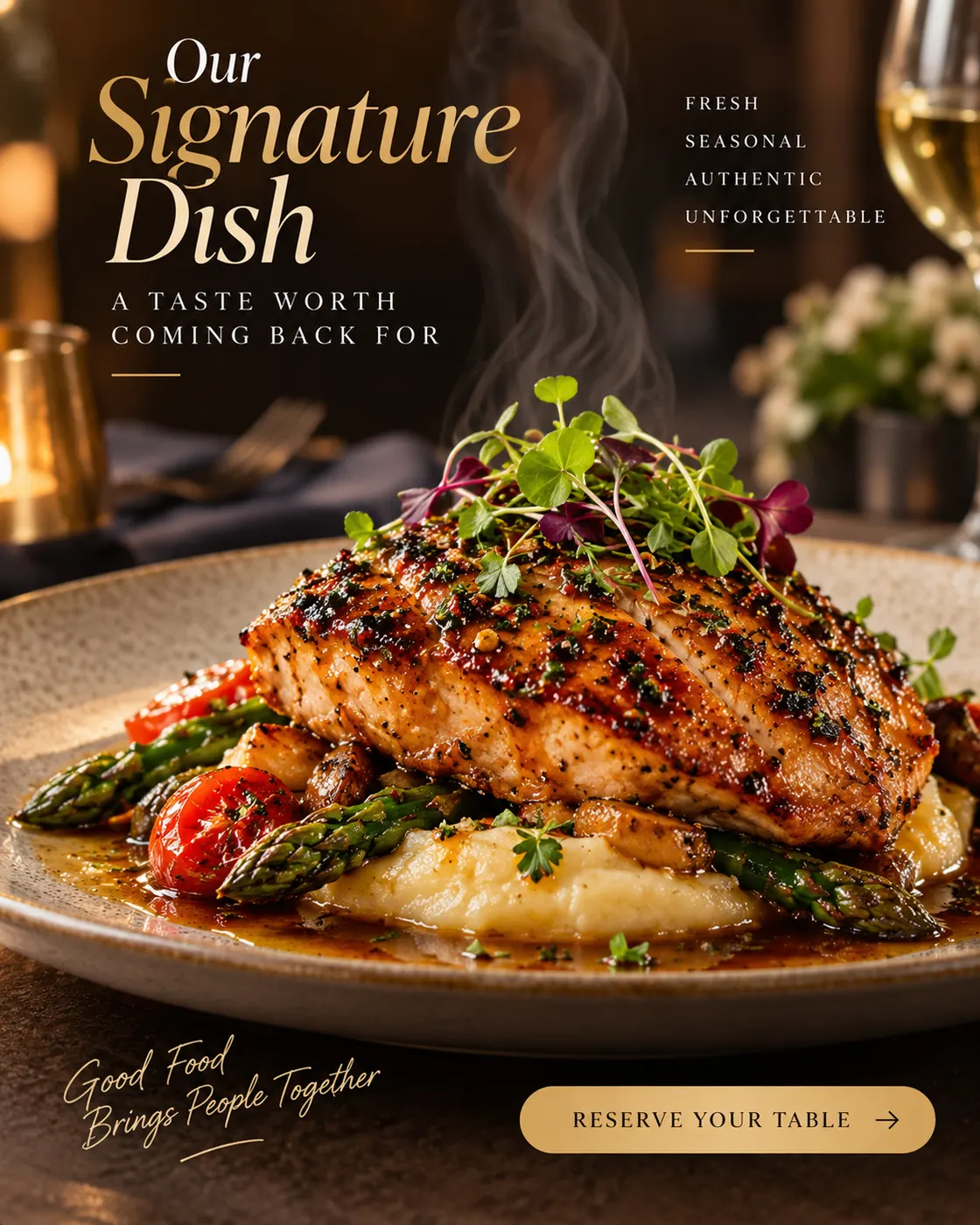
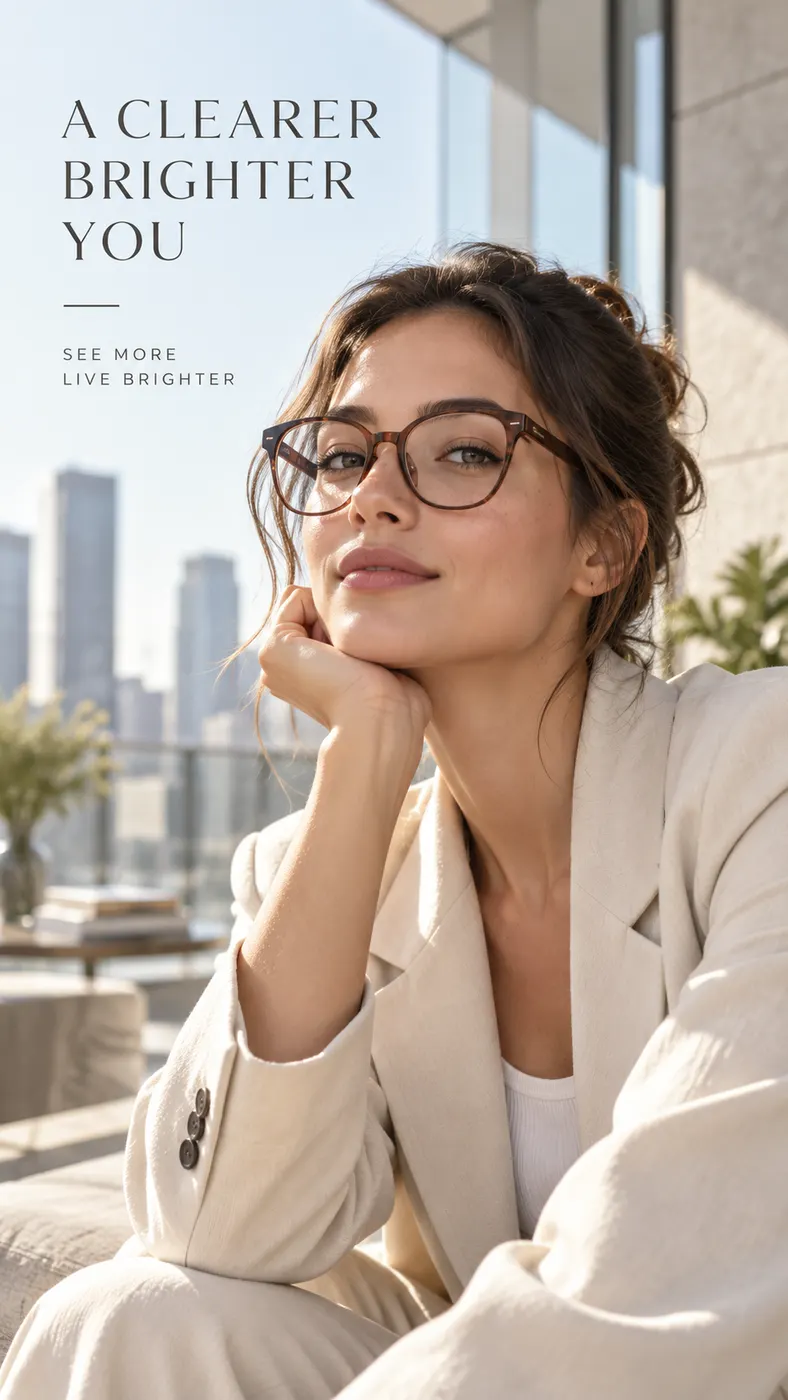
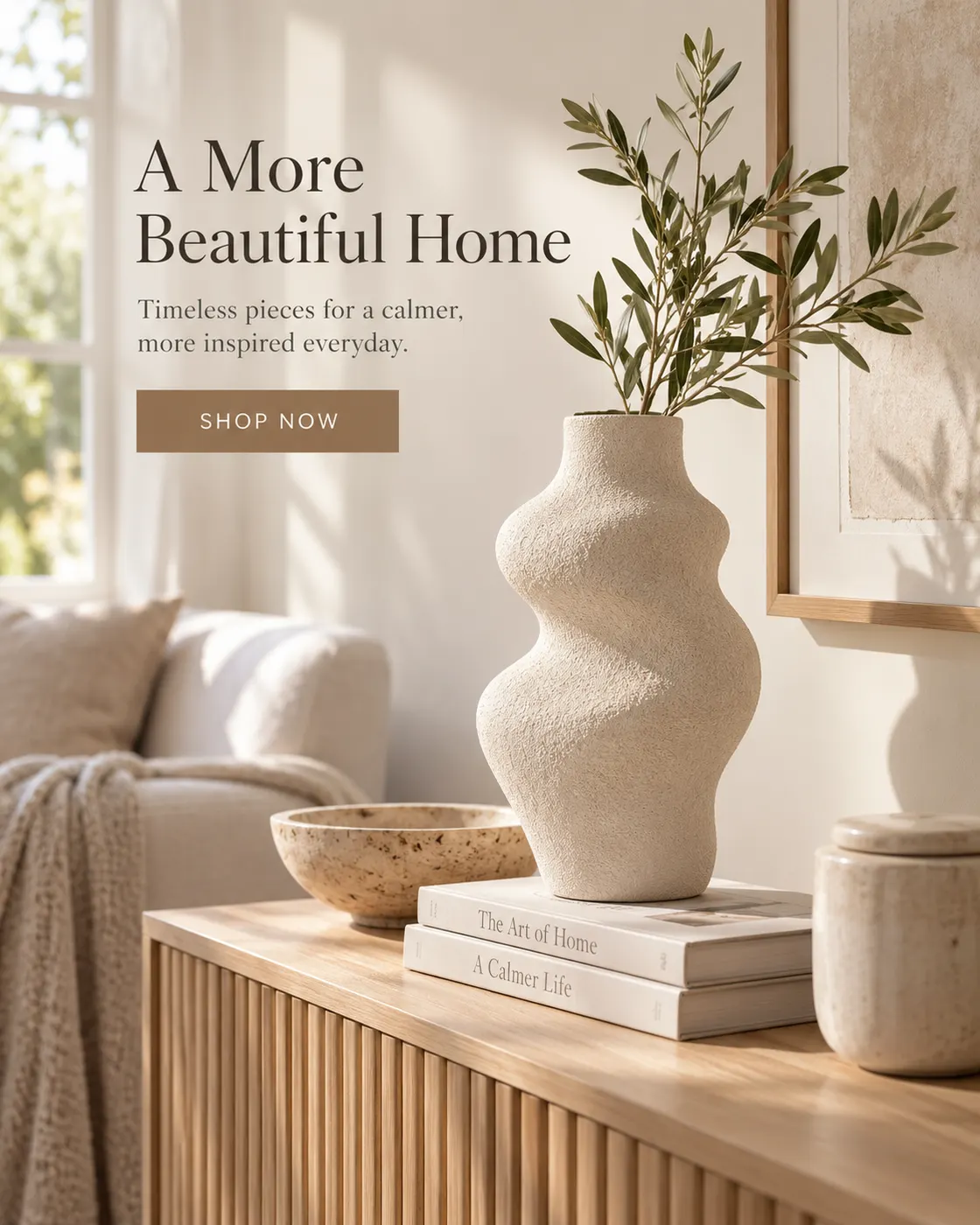
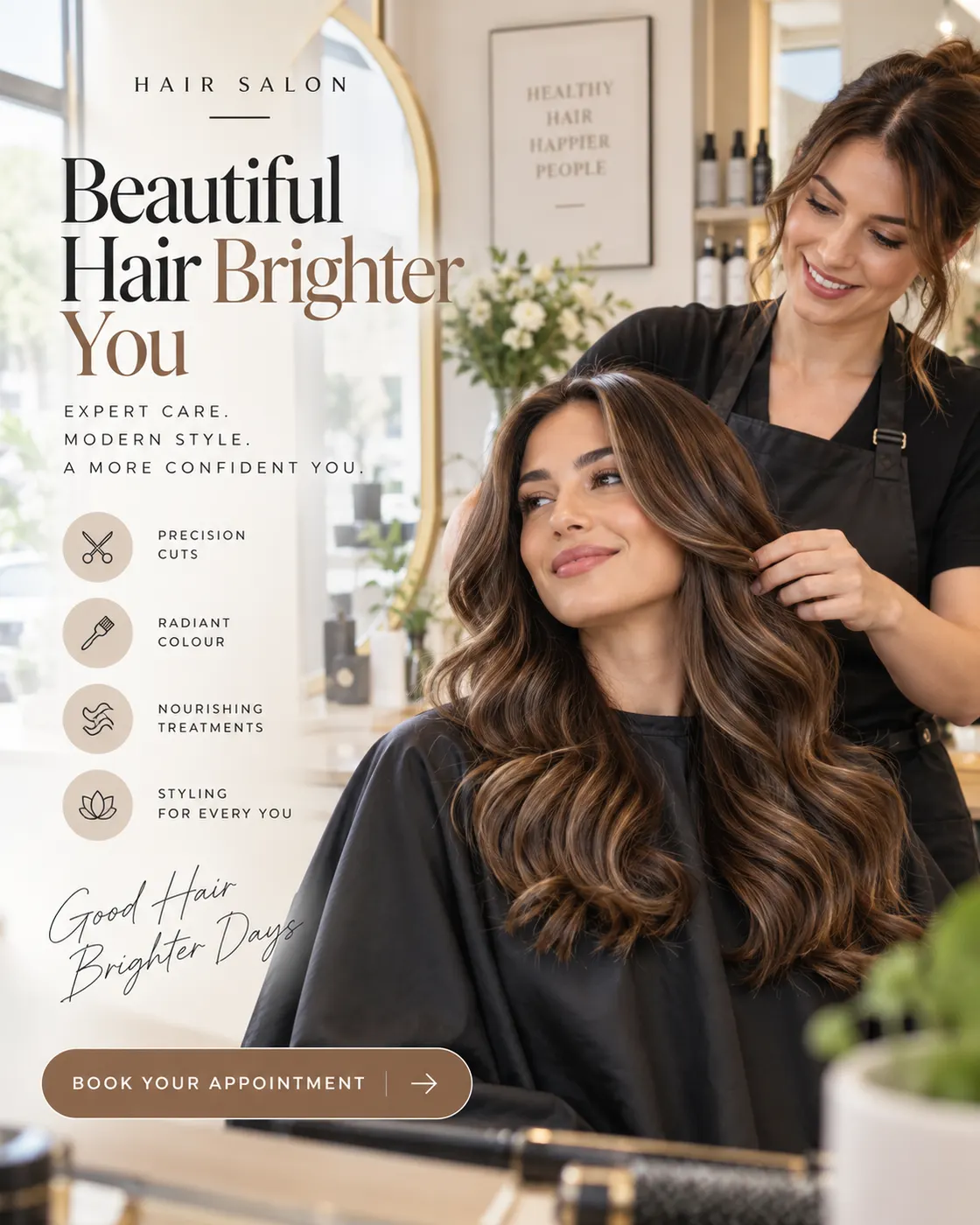
From e-commerce products to local services, the AI ad generator makes on-format ads for the businesses that need them most. Every ad below is a real Punchylime output.


Your Next Dental Ad Is One Practice Photo Away
Upload a photo, pick the service and the placement, and let the studio size the Facebook, Instagram, and Google ad for you. A draft costs 1 credit — keep the dental ads you decide to run, regenerate the rest.
Make a Dental AdHow Dental Advertising Works on Punchylime, and What It Will and Won't Do
A plain-English rundown of what the studio makes, which placements it composes for, and the honesty lines a dental practice needs to keep in mind.
What the studio makes, and who runs it
Dental advertising is how a practice reaches new patients through paid ads on Facebook, Instagram, Google, and beyond — a new-patient exam offer, a whitening promotion, a clear-aligner or implant campaign, an emergency same-day hook. Punchylime is the studio that makes the creative for all of it. Upload a photo of your practice or paste your website, pick a service angle, and it composes an ad with your real room in frame, sized for the placement you choose. What you get back is a finished dental ad you download and run yourself — the studio produces the marketing asset, and you launch it in Ads Manager where you control the campaign.
Native creative for every placement
Facebook and Instagram are where most local dental advertising runs, so the studio composes native creative for each surface rather than stretching one image to fit them all: a 1:1 Feed post, a 9:16 Reel, a full-bleed Story. Pick the placement and it sizes the offer, the practice, and the call-to-action for that exact canvas, so you are launching a ready ad instead of cropping a single photo until the phone number falls off the edge. It also builds the image creative Google display and Performance Max campaigns need — a 16:9 landscape ad with your practice and offer composed to the placement. Keyword bidding, budgets, and targeting still happen inside Google Ads, where you control the spend; Punchylime hands you the visual asset that slots into it, so you are not stuck with a plain text ad or a stock clinic photo.
The honesty lines it holds
You do not need patient before-and-after photos to make an ad. The studio builds creative from a photo of your practice — your operatory, your team, your front desk — plus the offer you type, and it will not invent clinical results or fabricate a patient outcome. If you want to feature a real before-and-after, upload one your practice produced and has written patient consent to use; treatment imagery and health claims are yours to verify against your local dental advertising rules. In the same spirit, no honest tool can promise appointments: how many patients you book depends on your offer, targeting, budget, and local market, all of which live inside your ad account. What Punchylime removes is the creative bottleneck — placement-ready dental ads in minutes, 1 credit per draft, with fresh angles cheap enough to test what actually converts instead of waiting weeks on one agency concept.
1-credit drafts, one credit wallet
A draft costs 1 credit, so you can dial in the look before committing. Rendering a final dental ad uses credits, priced per output and shown on the Generate button before you click, all drawn from one wallet shared with your video, image, and copy work — no separate subscription per format. The studio makes the creative; it does not log into your ad account or auto-publish on your behalf. You download the finished file and post it yourself, or upload it to Meta or Google Ads Manager to run as a paid ad. Because you can regenerate fresh service angles from a single upload, a solo practice can ship dental advertising that looks like a studio made it, then swap creative the moment an ad fatigues — without a retainer, a reshoot, or a designer in the loop. Ads you generate are yours to run.
More Punchylime tools
Every ad generator in the studio — swipe through, all on one login.
TikTok Ad Generator
The free TikTok ad generator that turns a product photo or URL into a scroll-stopping 9:16 TikTok video ad — no editor, no crew, no agency. Start free.
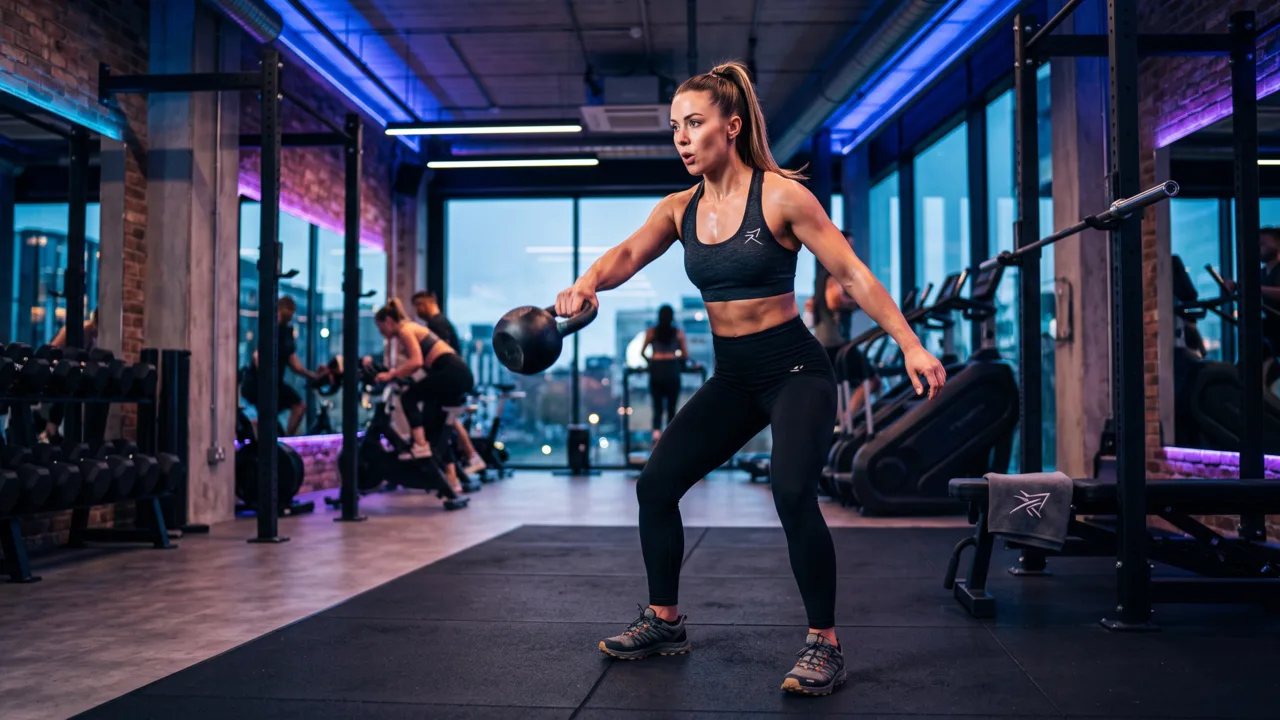
Instagram Ad Maker
The Instagram ad maker that turns a product photo or a URL into native Feed, Reels, and Story ads — sized for the placement, ready for Ads Manager. Start free.
UGC Prompt Generator
The free UGC prompt generator that turns one line about your product into several TikTok, Reels, and Shorts hooks with shot-by-shot directions. No signup.
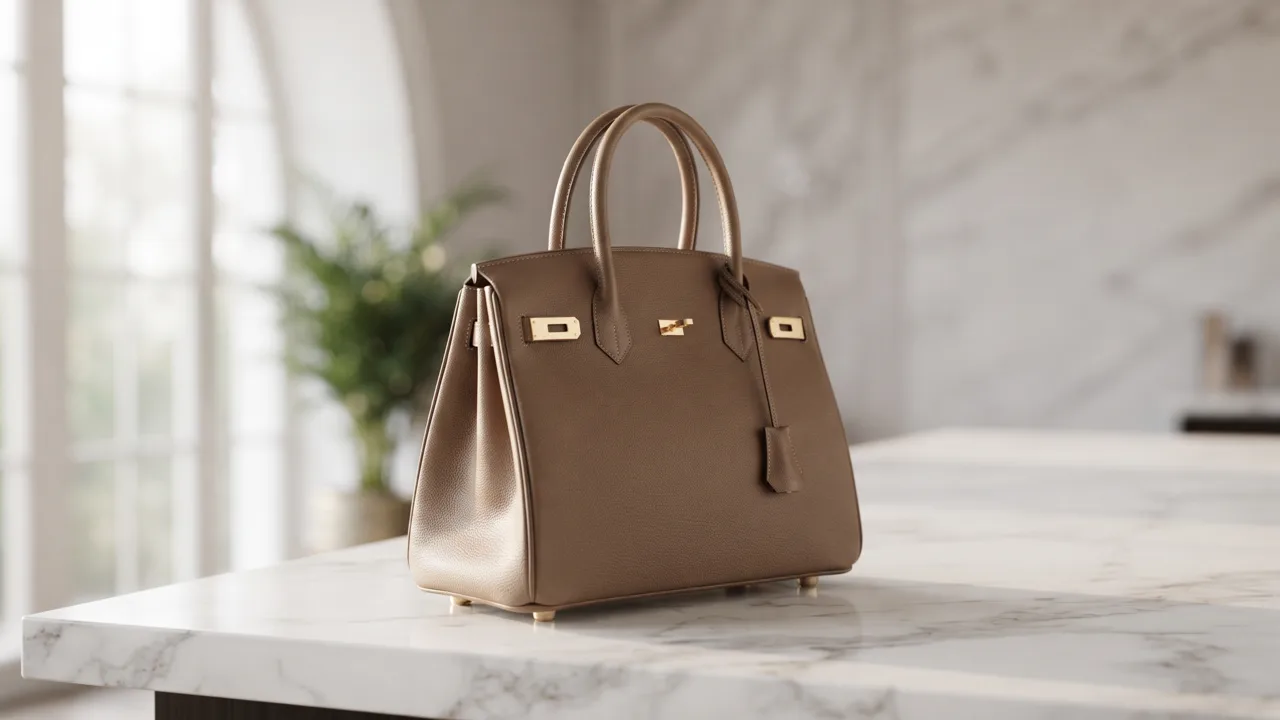
AI Product Photography
The AI product photography tool that turns one phone photo or URL into catalog-grade studio shots — no light tent, no photographer, no reshoot. Start free.
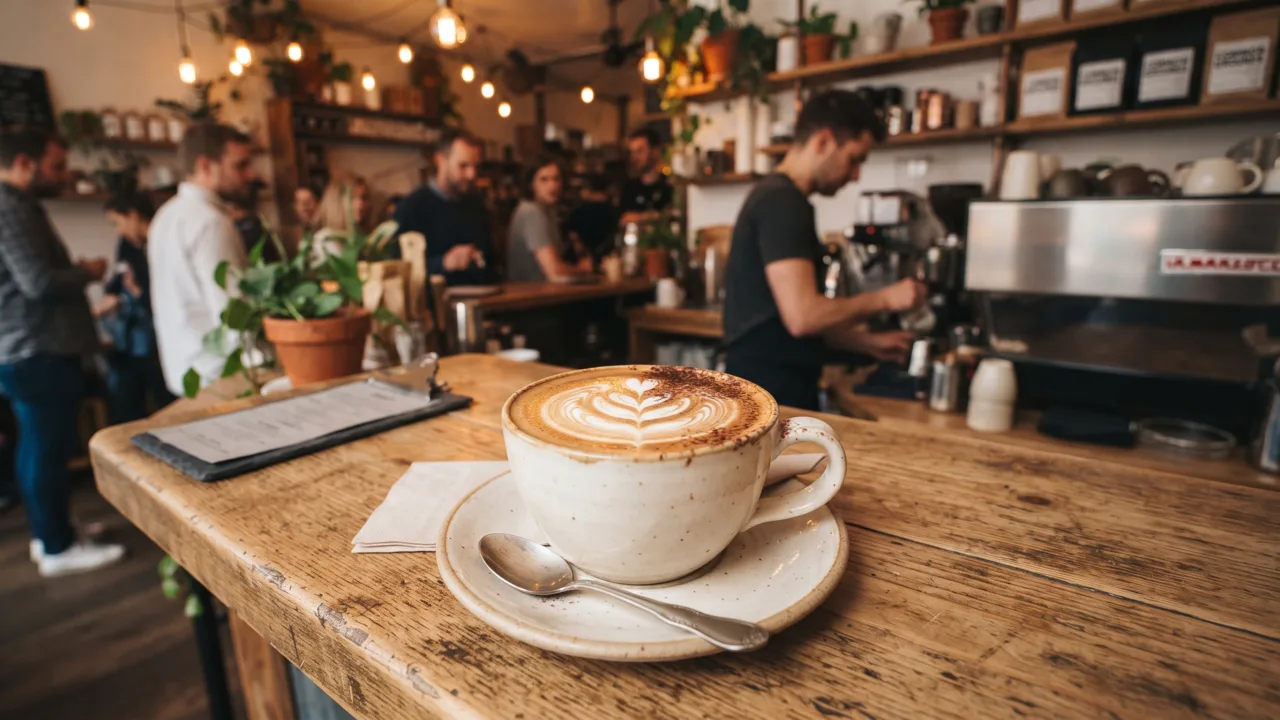
Video Ad Maker
Punchylime is the video ad maker that turns a product photo or URL into a scroll-stopping video ad in minutes — no editing software, no agency. Start free.
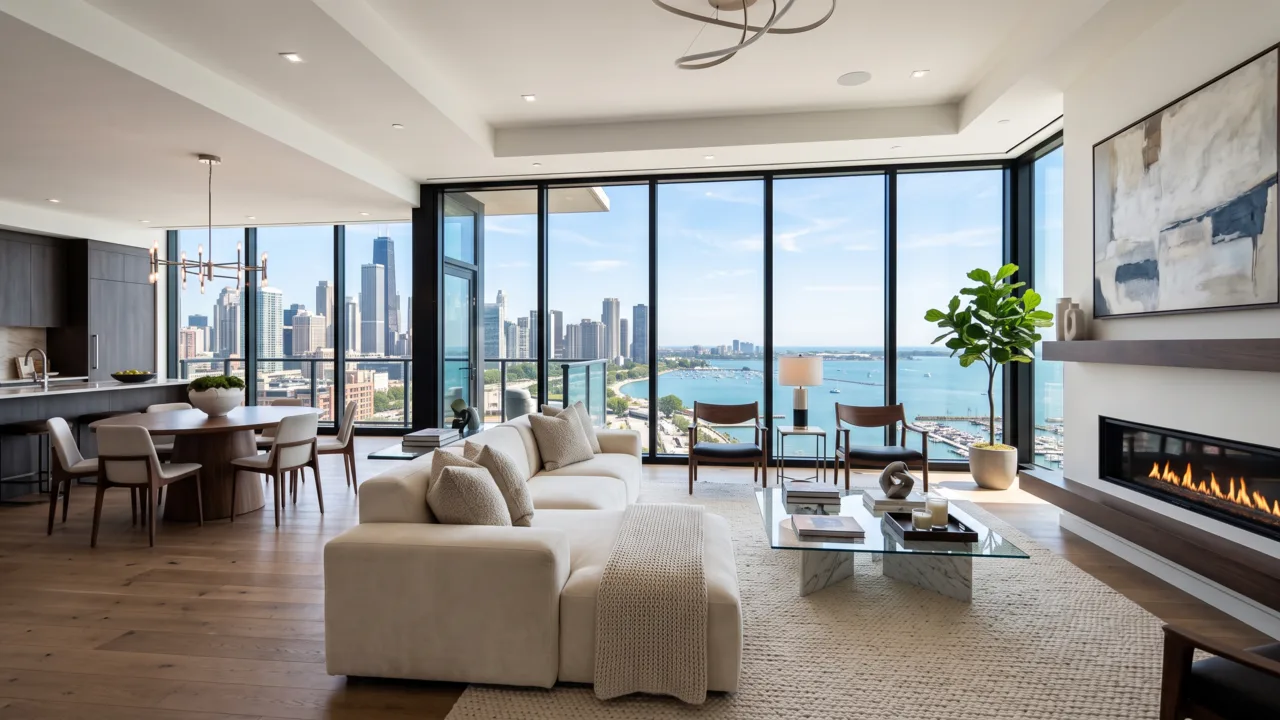
UGC Ad Maker
The AI UGC video generator that turns a product photo into creator-style UGC ads for TikTok and Reels in minutes — no creator to hire, no reshoots. Start free.

Ad Copy Generator
The free AI ad copy generator that turns one line about your product into ready-to-run Facebook, Instagram, Google, and TikTok ad copy — high-converting primary text, headlines, and hooks. Online, no signup.
AI Image Ad Generator
Make AI image ads from one product photo or a store URL — ads and banners in the ratio each placement needs, in minutes. No photoshoot, no designer. Free to start.
AI Video Ad Generator
The AI video ad generator that turns a product photo or URL into a scroll-stopping video ad in minutes — no crew, no editor, no agency. Start free.
Google Ads Generator
Turn one product photo into Google Ads creative — responsive display assets in the landscape and square ratios Google asks for, ready to upload. Free to start.
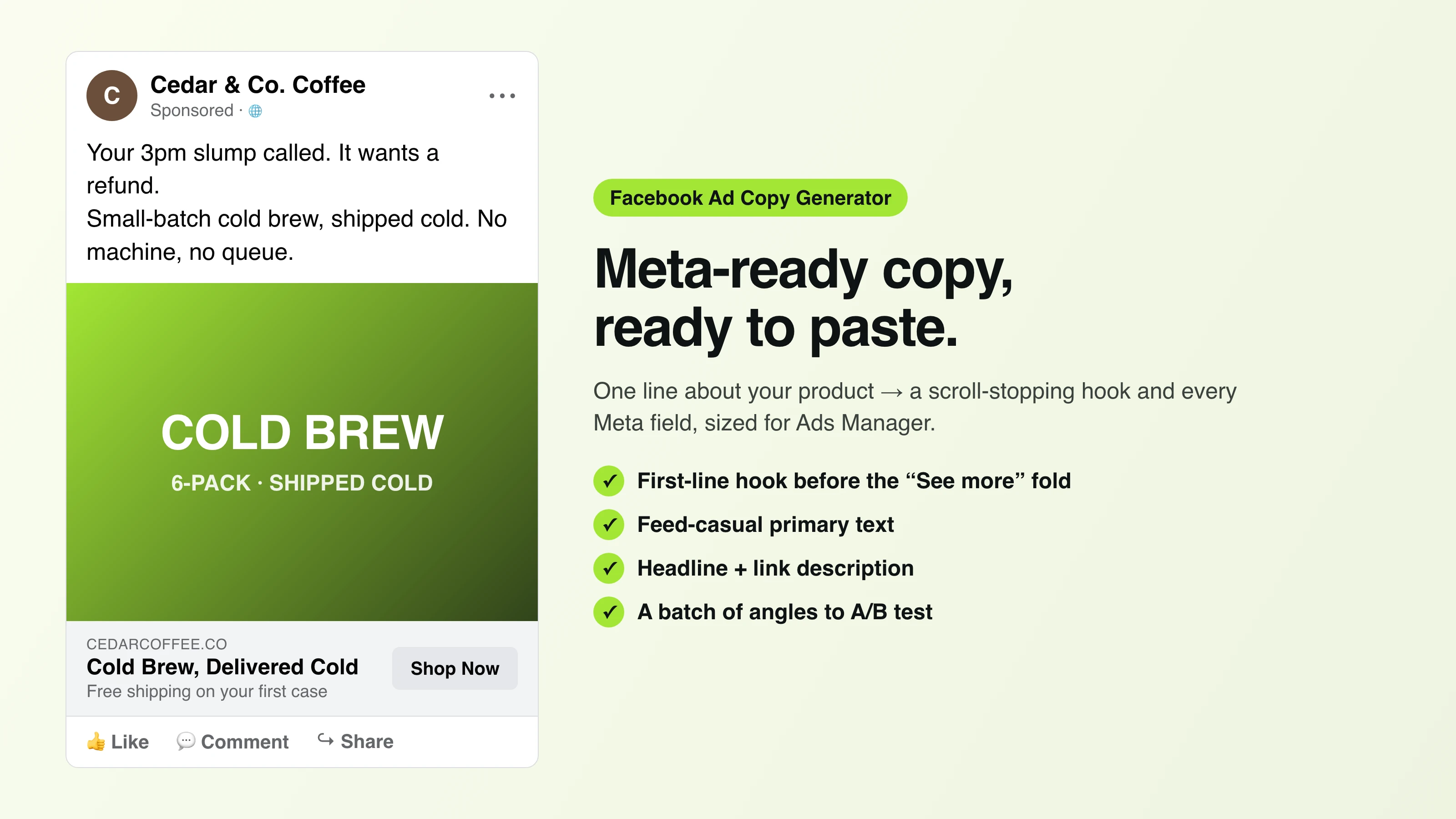
Facebook Ad Copy
The free Facebook ad copy generator that turns one line about your product into scroll-stopping Meta primary text, headlines, and link descriptions. No signup.
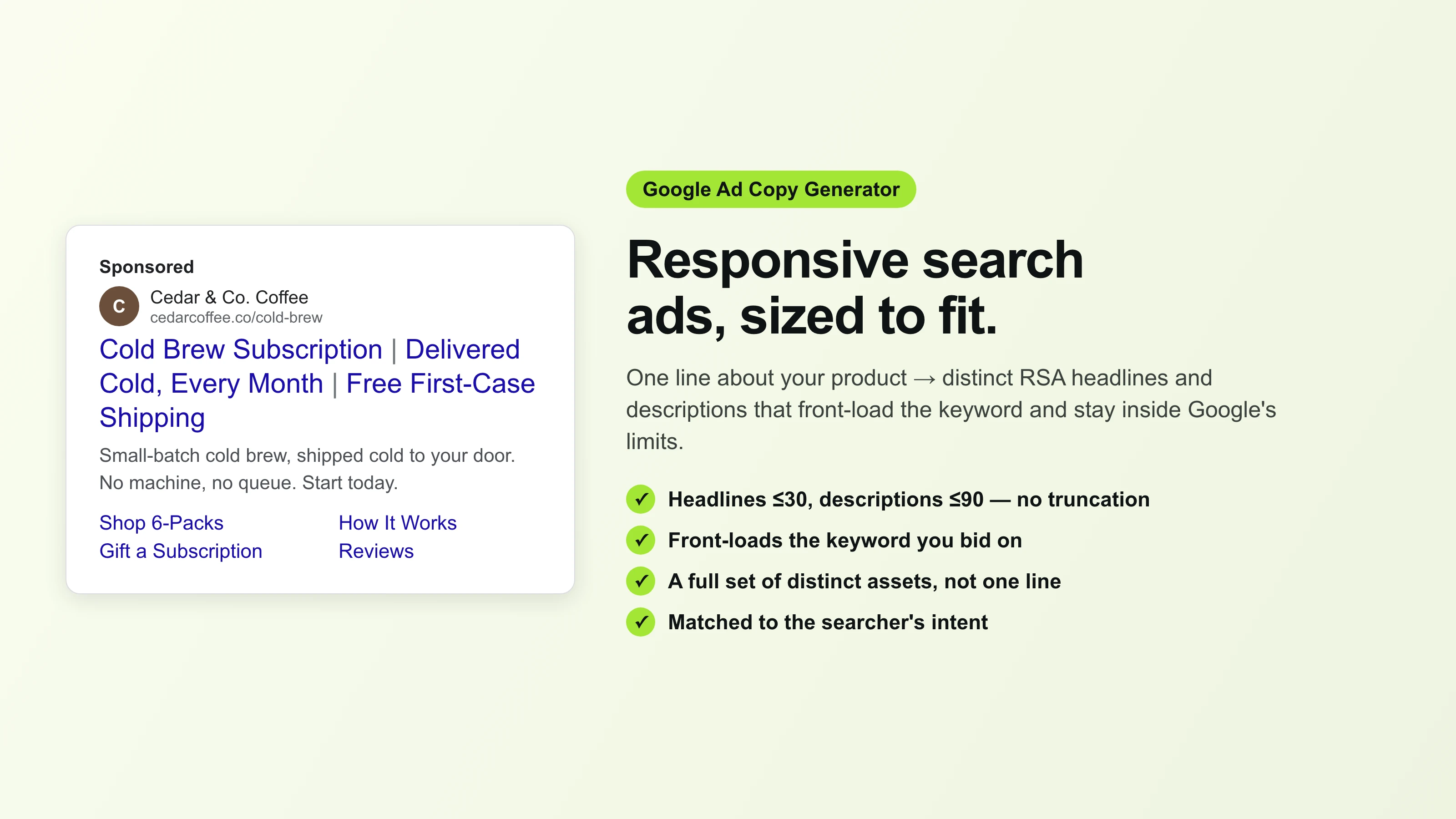
Google Ad Copy Generator
The free Google ad copy generator: turn one line about your product into responsive search ad headlines and descriptions that fit Google Ads’ limits. No signup.
Ad Script Generator
The free ad script generator that turns one line about your product into a shot-by-shot video ad script — hook, scene directions, voiceover, and CTA. No signup.
Advertising Copy Examples
Real advertising copy examples across industries and angles — plus a free generator that writes your own ad copy from one line about your product. No signup.
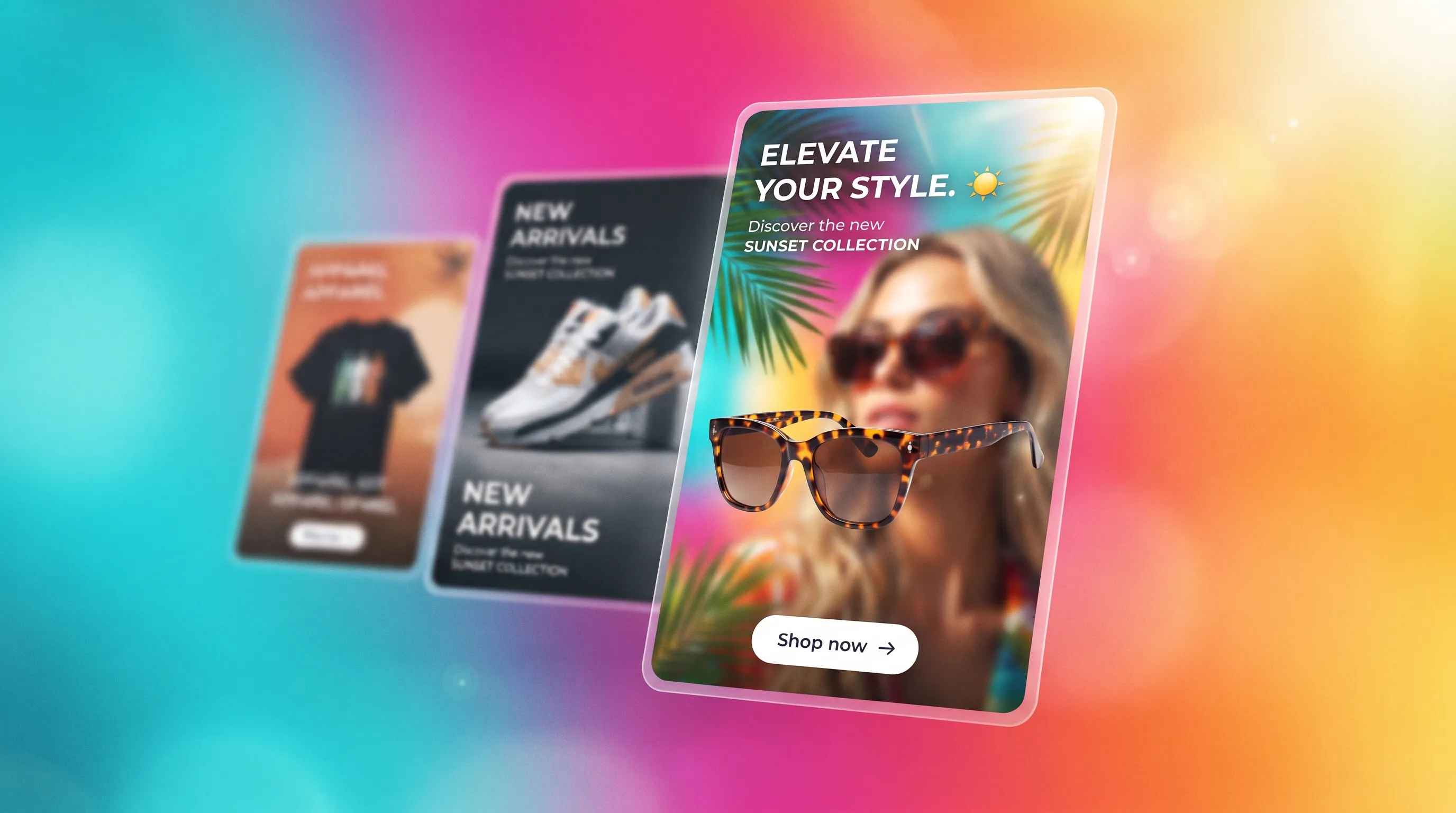
Social Media Ads Examples
Real social media ads examples by platform and type — Instagram, Facebook & TikTok — plus a free generator that makes your own ad from one product photo.
YouTube Ad Maker
The AI YouTube ad maker: turn a product photo into a native video ad for either YouTube size — 16:9 in-stream or a 9:16 Short. No editor, no crew, no agency.
AI Avatar Ads for Small Business
Affordable AI avatar generators for small businesses — put an AI avatar in a real scene and turn it into a vertical UGC video ad from $29, no crew. Start free.
HeyGen vs Arcads
HeyGen vs Arcads compared: AI avatars, actor library, pricing, and output for UGC video ads — plus a product-first way to make an ad without an actor.
AI Spokesperson Video
Create an AI spokesperson video from your business photo and script: generate a believable presenter ad for offers, explainers, and calls to action.
Explore by procedure & service
Focused playbooks for dental advertising — pick the one that matches your campaign.
- Facebook Ads for Dentists
- Dental Implant Facebook AdsSoon
- Creative Dental AdsSoon
More in Healthcare & Aesthetics
The same studio, preset for related practices in this category.