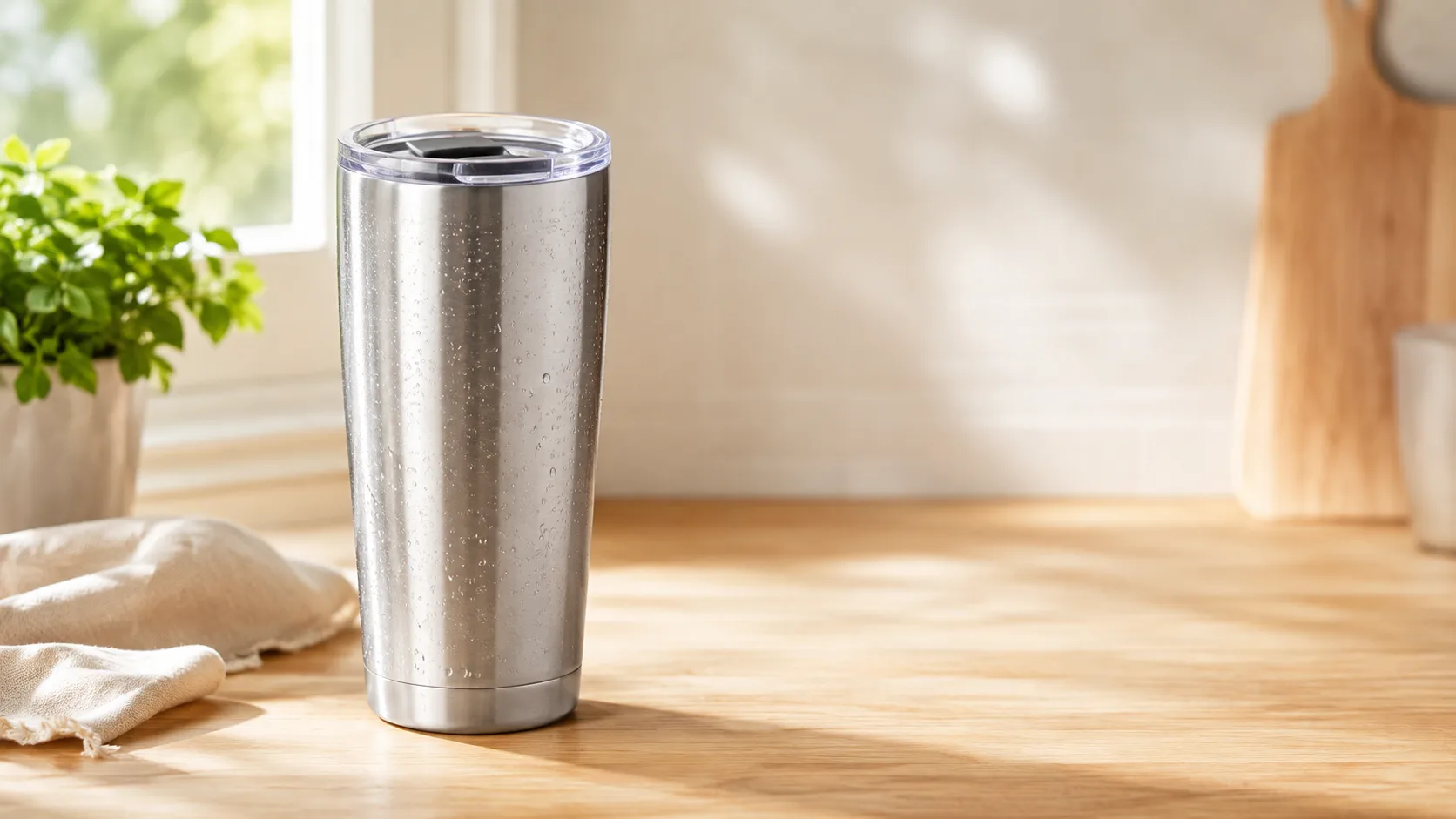
Portable blender · 16:9 in-streamCreate a polished portable blender · 16:9 in-stream ad with a clear subject, strong opening composition, natural lighting, believable detail, and platform-ready commercial pacing.
AI YouTube Ad Maker
Pick your product, choose a Style and size, then generate. A Brand Guide is optional — turn it on for a consistent look.
Ad subject (what the ad is about)
Optional — leave empty to generate from your prompt alone (text only).
What are you advertising?
A product or e-commerce item
Style (the kind of ad — sets the look)
A clean, versatile video ad — let the studio choose the angle
Sound
On
Brand Guide (optional)
Off by default — turn it on only when you want visual consistency across your ads.
Platform — where the ad runs
Placement
Generating at 16:9 for Thumbnail
Or any ratio the model supports
On-image text (optional — blank = no text)
Prompt (editable — the scene & styling that drives the image)
Also applied (not part of the editable box above):
Your product stays exactly as your photo (shape, label, colours) — styling only touches the scene & lighting.
No invented text, logos, watermarks, prices or hex codes rendered on the image.
On-image text = only the slogan you typed (blank = none).
This step uses 1 credit
AI YouTube Ad Maker
A product photo in, a native YouTube video ad out — compose a start frame for 1 credit, then animate it into a ready-to-run 16:9 in-stream ad or a 9:16 Short. No timeline, no editor.
YouTube Ad Maker
Turn a single product photo into a native YouTube video ad with our AI YouTube ad maker. Pick a style, review a 1-credit start frame, then animate it into the YouTube ad size you pick — a 16:9 in-stream ad with a hook that survives the skip button, or a 9:16 Short — the kind of YouTube ad creative that plays instantly in the player, no editing, no crew, no agency.
Make a YouTube adA YouTube ad maker built for both in-stream and Shorts
YouTube runs two canvases — a 16:9 in-stream player and a 9:16 Shorts feed — so this YouTube ad generator builds for either one from the same upload, one clip per generate. It frames the product for the 16:9 skippable in-stream slot and gives you a 9:16 Short of the same creative, each composed at its own ratio with the product clear of the YouTube player and Shorts UI.
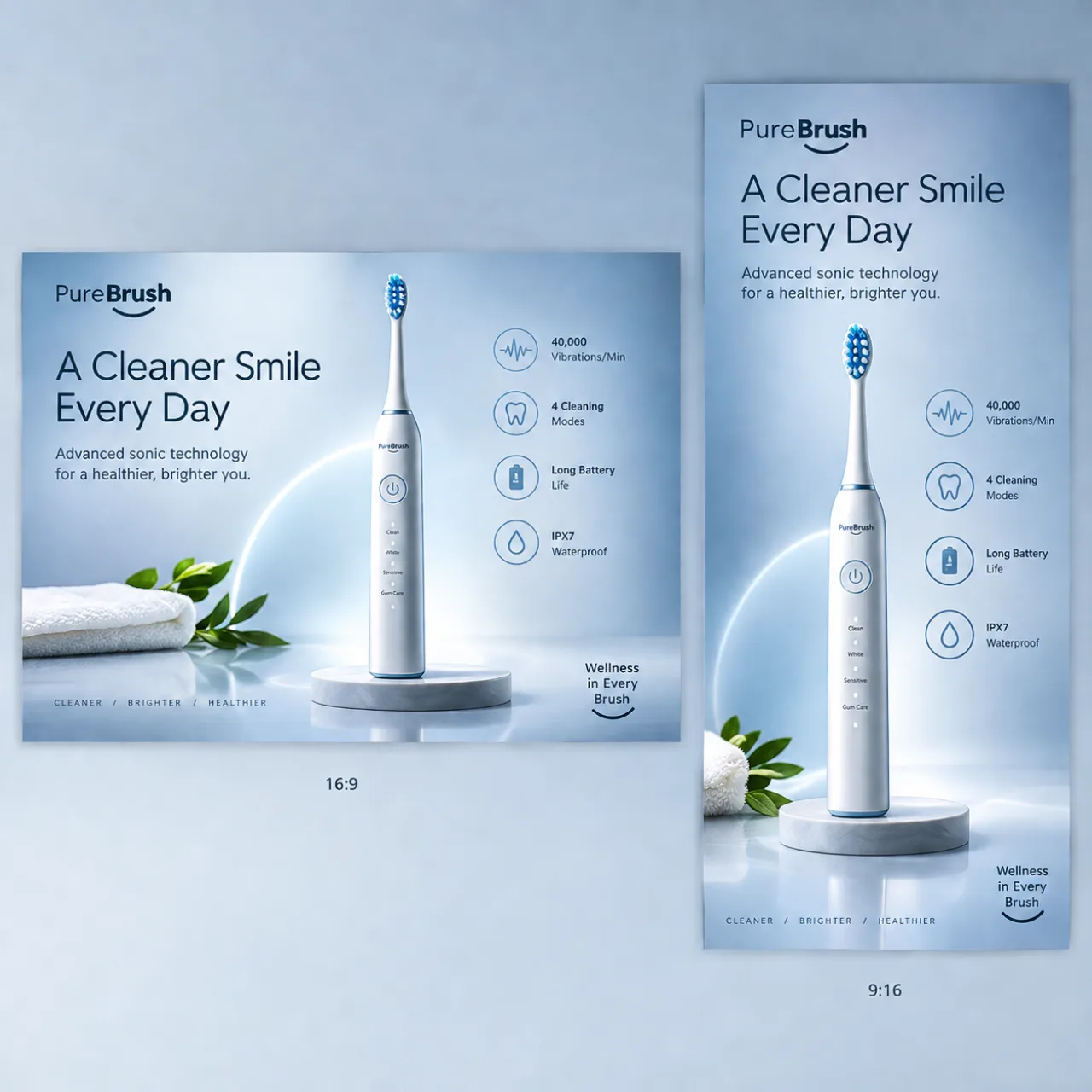
From product photo to YouTube video ad — no editor
Upload one photo (or paste a product URL) and the YouTube video ad maker composes a start frame you can review for 1 credit, then animates it into a finished clip with a duration paced for a skippable ad. There is no timeline to learn, no footage to shoot, and no editing software — this AI YouTube ad maker does the motion and the pacing for you.
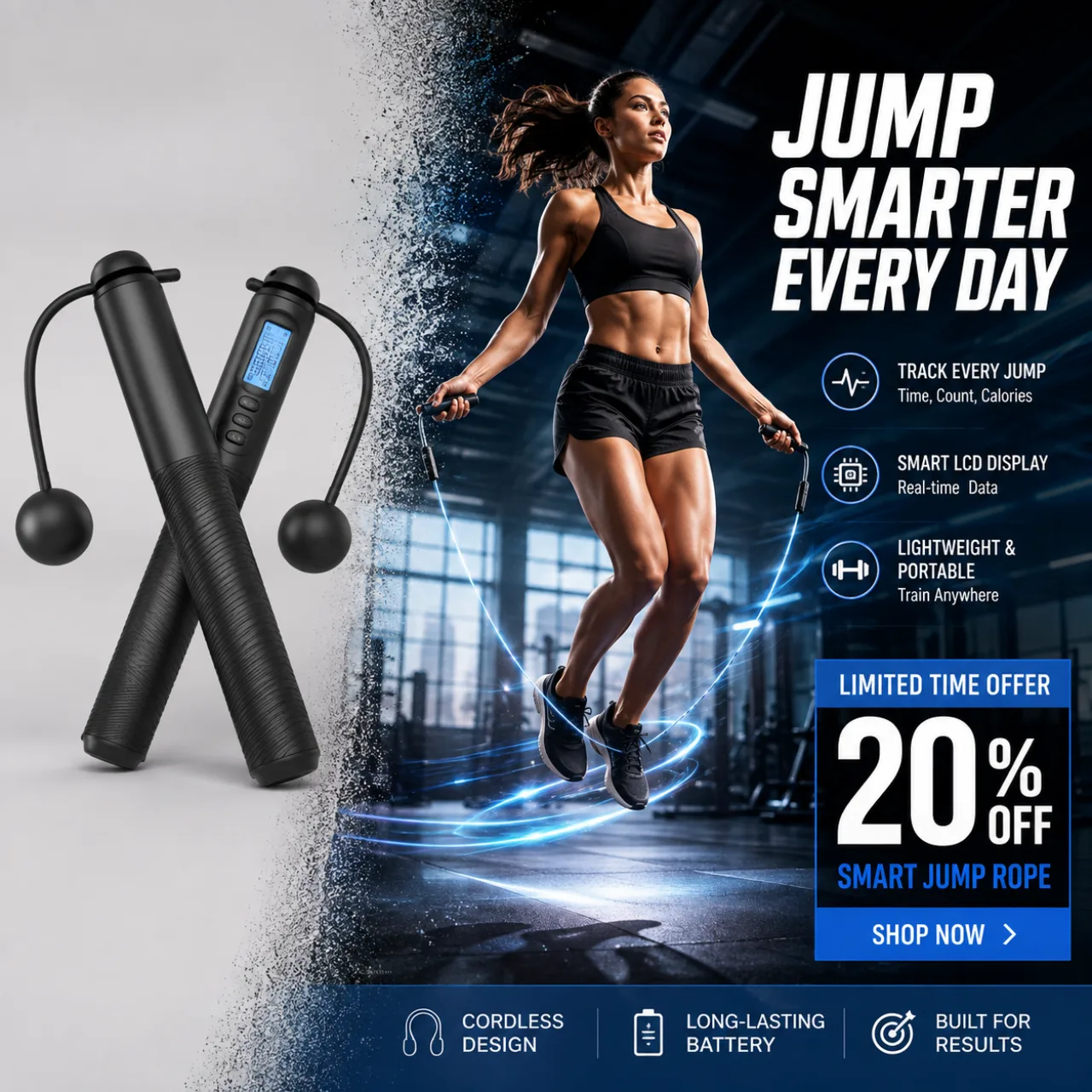
A skip-proof hook, the way a YouTube ad creator would cut it
On YouTube the first two seconds decide everything — that is when the skip button appears. Choose a product-in-motion or UGC-style look and the YouTube ad creator front-loads the hook, keeps the product and any on-screen text legible inside the player safe zone, and lands the offer before viewers reach for skip — YouTube ad creative that earns the watch instead of buying it.
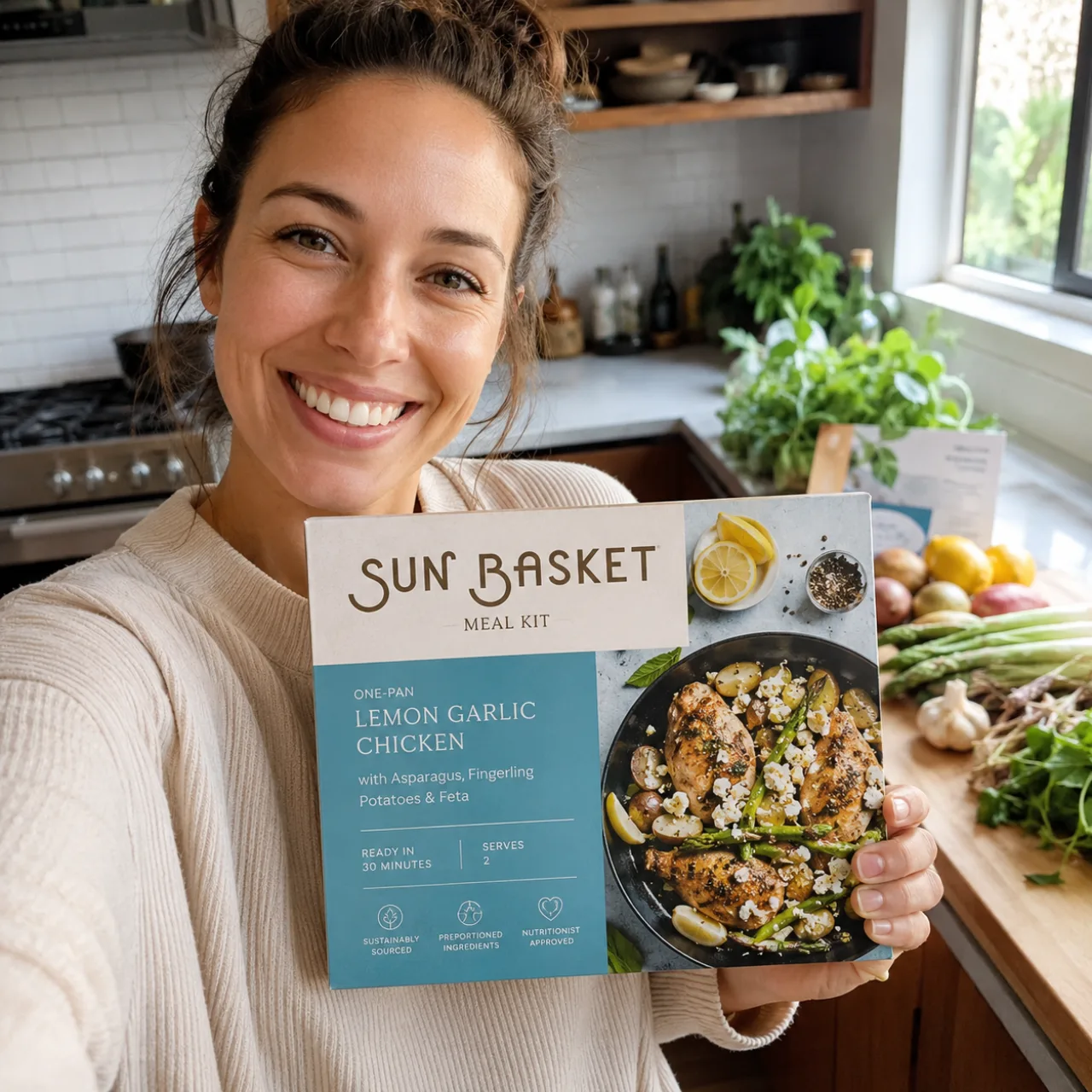
Why creators and small brands use this YouTube ad maker
One product photo, native YouTube ads in either size — the whole point is speed without a crew or an agency.
Native 16:9 and 9:16, from one upload
The YouTube ads maker renders a 16:9 in-stream ad and a 9:16 Short from the same product photo, each composed at its own ratio with the product kept inside the safe zone so the YouTube player, captions, and Shorts UI never cover it.
1-credit start frame
Compose and review a still start frame for just 1 credit before you spend on animation — see the YouTube ad creative first, then decide whether to animate it into a finished video ad.
Your product, kept true
The YouTube video ad generator stages your real product from your photo — it does not invent a different product or fake a result, so the ad matches what you actually sell.
How to make a YouTube ad
Three steps from a product photo to a ready-to-run in-stream ad and a matching Short.
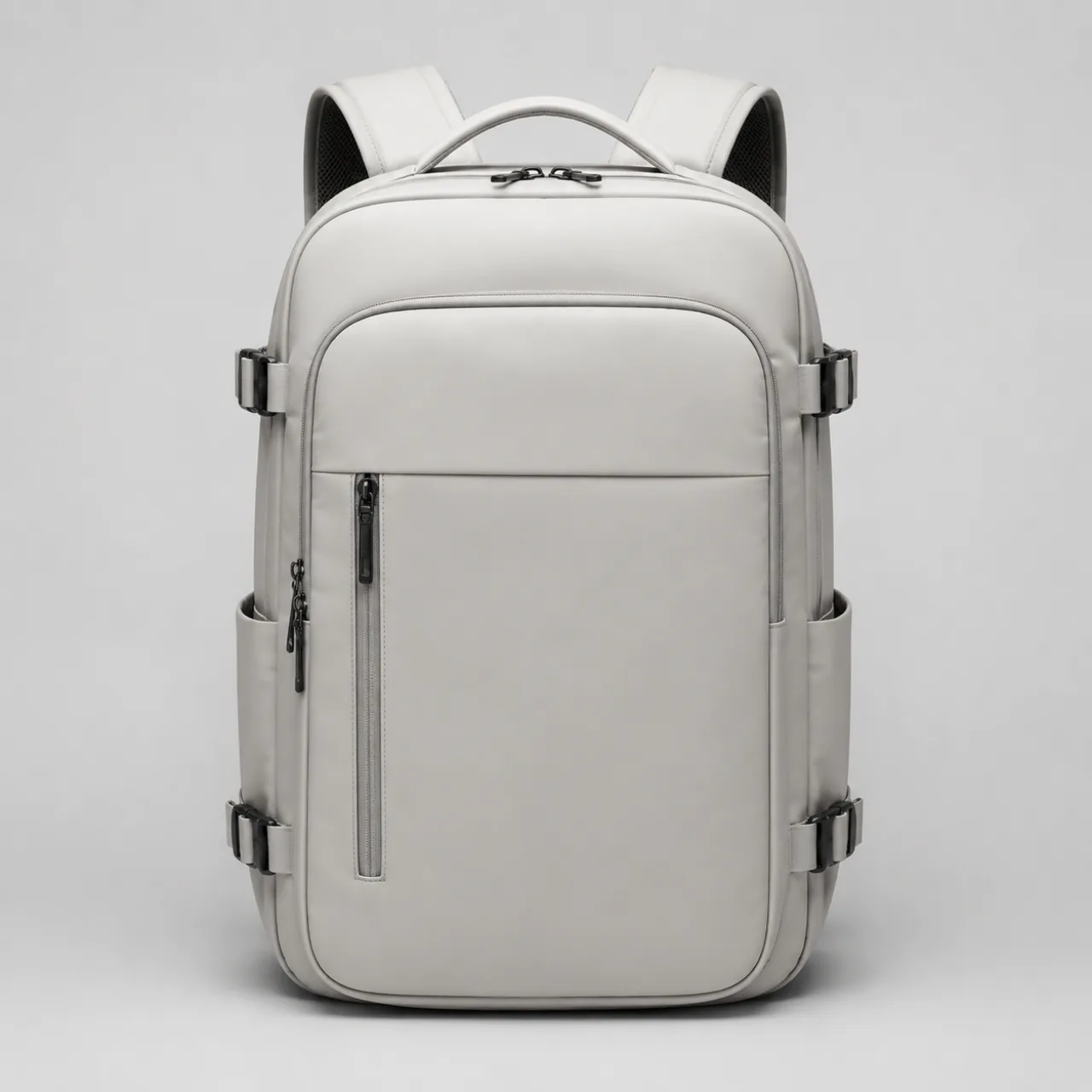
1. Add your product
Upload a product photo or paste a product URL. That single image is all the AI YouTube ad maker needs to start.
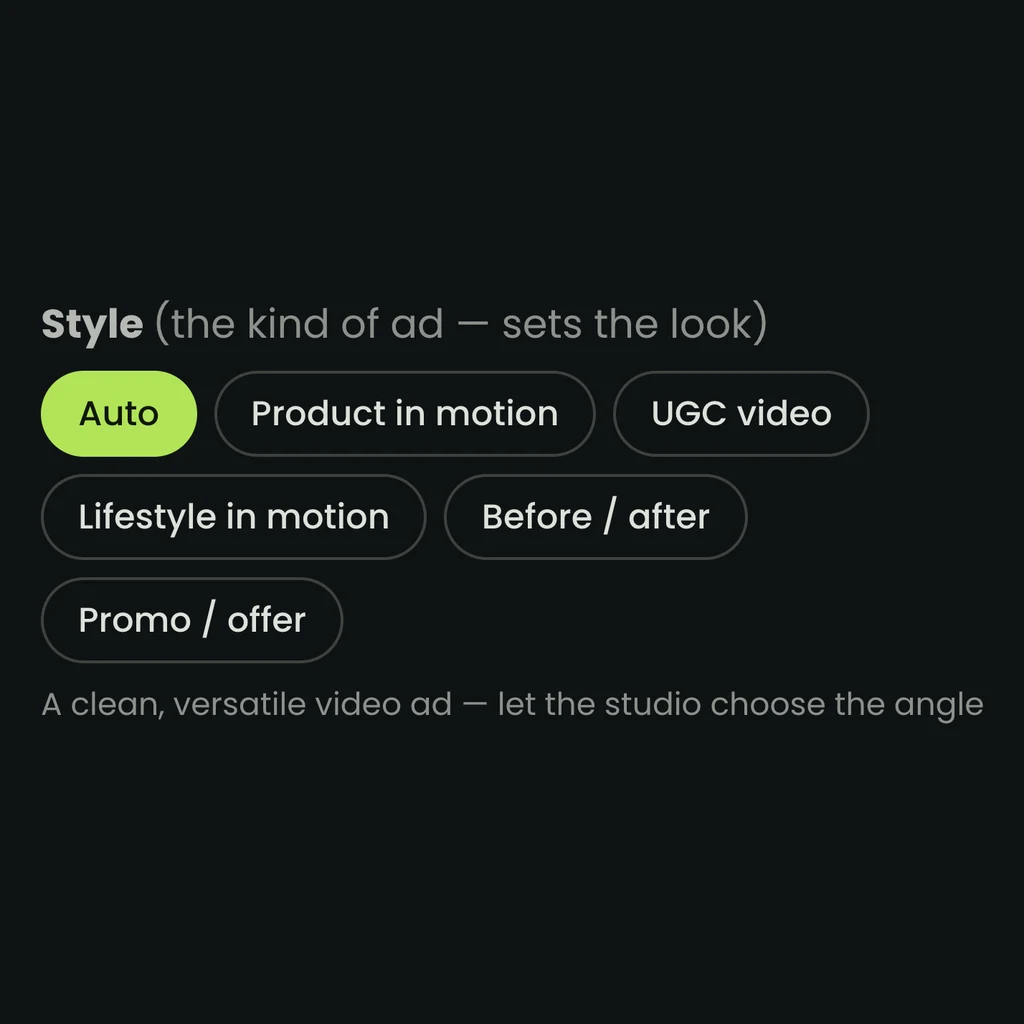
2. Pick a style, review the start frame
Choose a YouTube-native style — UGC or product-in-motion — and the YouTube ad generator composes a 16:9 in-stream start frame you can check for 1 credit, ready to also crop to a 9:16 Short.
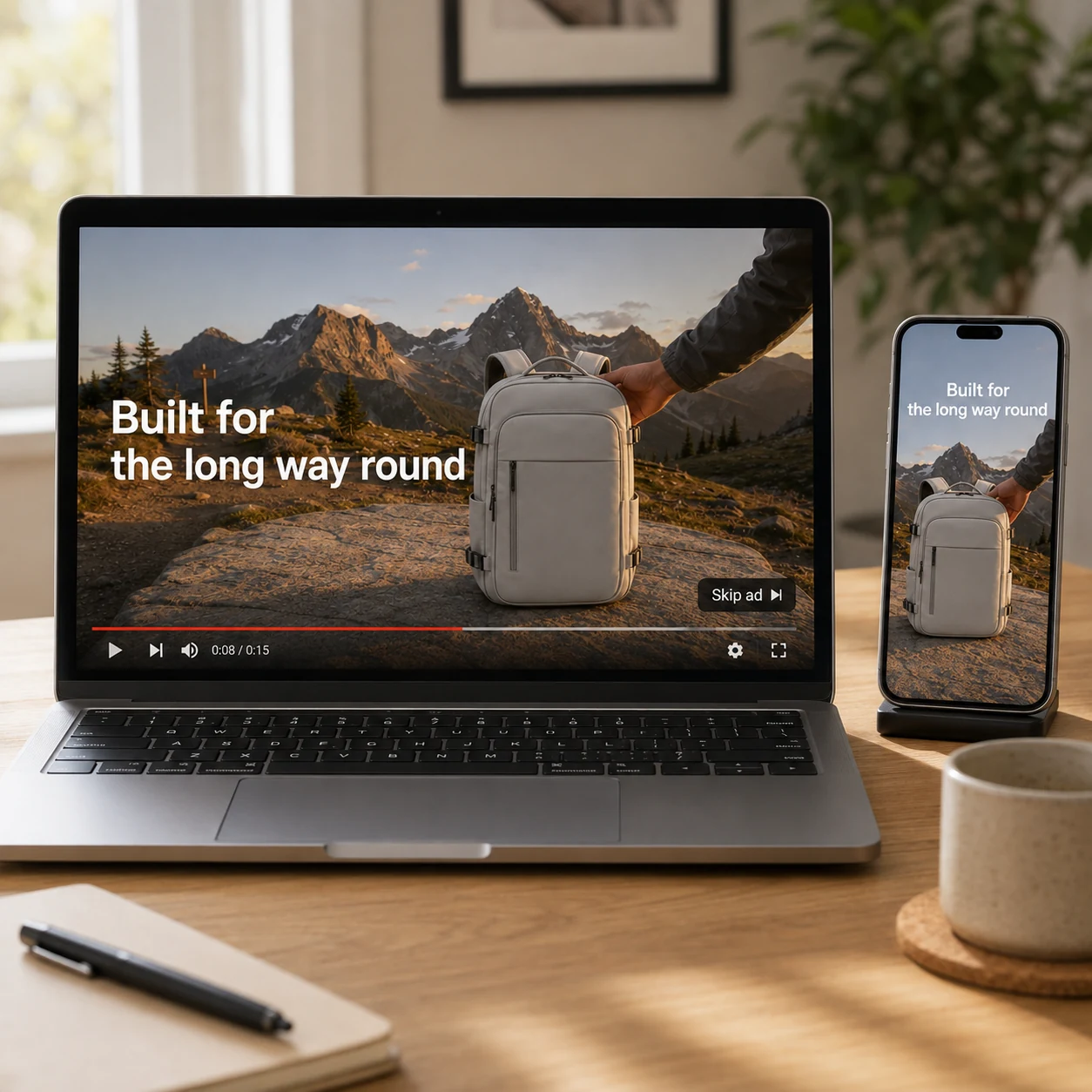
3. Animate and run
Animate the frame into a finished YouTube video ad, download the 16:9 in-stream cut and the 9:16 Short, and run them. No editor, no timeline, no reshoots.
YouTube ad examples made with the generator
Real ad creative from the pipeline — product, UGC, and service styles across industries, the same kinds of YouTube ads you can make from one photo in both in-stream and Shorts sizes.
Portable blender · 9:16 ShortCreate a polished portable blender · 9:16 short ad with a clear subject, strong opening composition, natural lighting, believable detail, and platform-ready commercial pacing.
Running shoes · 16:9 in-streamCreate a polished running shoes · 16:9 in-stream ad with a clear subject, strong opening composition, natural lighting, believable detail, and platform-ready commercial pacing.
Running shoes · 9:16 ShortCreate a polished running shoes · 9:16 short ad with a clear subject, strong opening composition, natural lighting, believable detail, and platform-ready commercial pacing.
Smart pet feeder · 16:9 in-streamCreate a polished smart pet feeder · 16:9 in-stream ad with a clear subject, strong opening composition, natural lighting, believable detail, and platform-ready commercial pacing.
Smart pet feeder · 9:16 ShortCreate a polished smart pet feeder · 9:16 short ad with a clear subject, strong opening composition, natural lighting, believable detail, and platform-ready commercial pacing.
Make your first YouTube ad
Start with a product photo and get a native YouTube ad in minutes — a 16:9 in-stream cut and a 9:16 Short. The start frame costs just 1 credit — see the creative before you commit.
Open the YouTube ad makerGood to know about the YouTube ad maker
A few practical answers before you make your first YouTube video ad.
What is an AI YouTube ad maker?
It is a tool that turns a product photo (or a URL) into a native YouTube video ad without a video editor. Instead of shooting footage and cutting a timeline, you pick a style, review a 1-credit start frame, and let the AI animate it into a finished clip — a YouTube ad generator that handles the framing, motion, and pacing and gives you a 16:9 in-stream ad or a 9:16 Short — generate again from the same photo for the other.
Does it make both in-stream and Shorts ads?
Yes. YouTube runs a 16:9 in-stream player and a 9:16 Shorts feed, and this YouTube ads maker builds either from the same upload, one clip per generate — a 16:9 skippable in-stream cut framed so its hook survives the skip button, plus a 9:16 Short of the same creative sized for the Shorts feed.
What does the YouTube ad maker cost?
Composing and reviewing the start frame costs just 1 credit, so you can see the YouTube ad creative before you spend on the video. Animating the frame into a finished video is where most of the credits go — you always preview the still first and only pay the video price when you decide to animate.
Do I need footage or a video crew?
No. A single product photo is enough — the YouTube video ad maker stages and animates it, so you do not need to film anything, hire a crew or an agency, or learn editing software. It keeps your real product true to the photo rather than fabricating a different result.
More Punchylime tools
Every ad generator in the studio — swipe through, all on one login.

TikTok Ad Generator
The TikTok ad generator that turns a product photo or URL into a scroll-stopping 9:16 TikTok video ad — no editor, no crew, no agency. Sign up free, preview a start frame for 1 credit.

Instagram Ad Maker
The Instagram ad maker that turns a product photo or a URL into native Feed, Reels, and Story ads — sized for the placement, ready for Ads Manager. Start free.
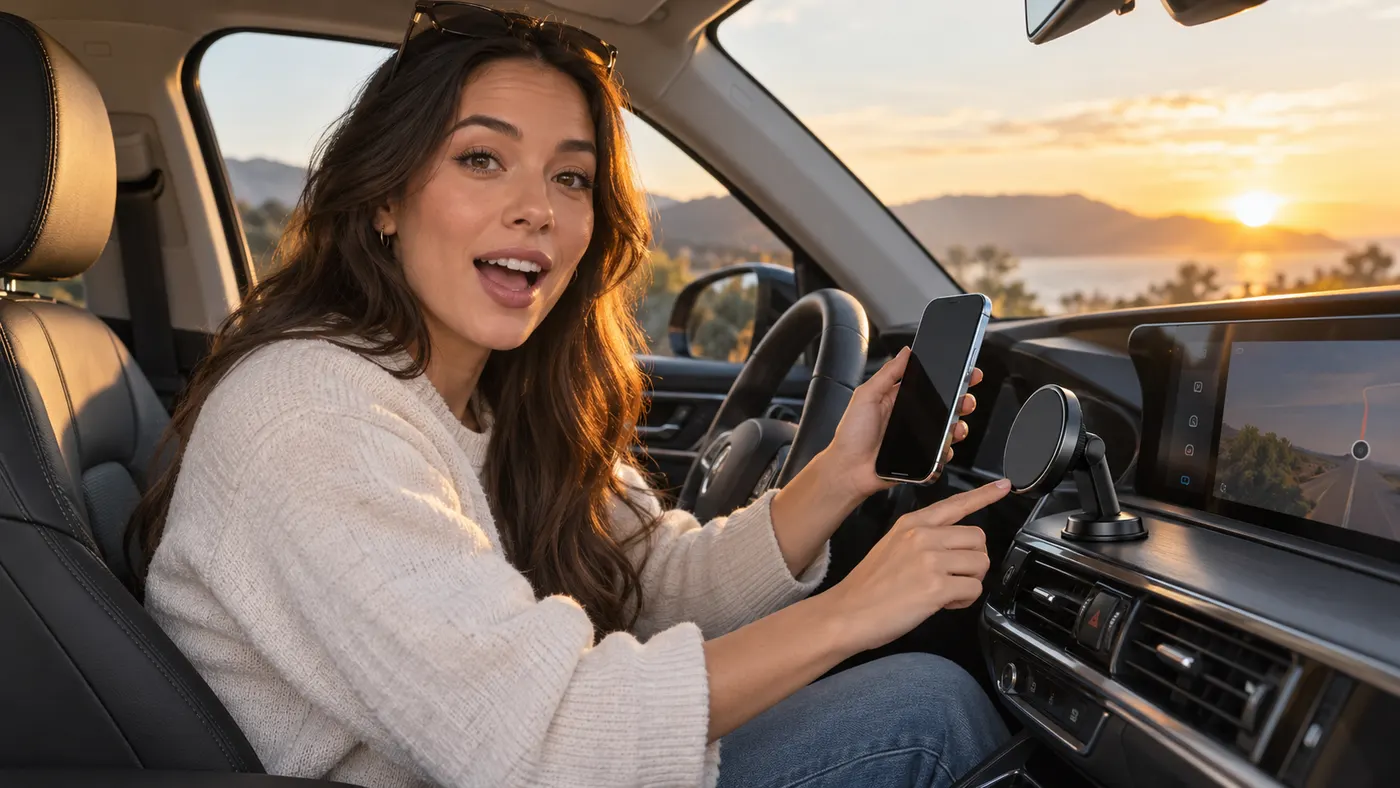
UGC Prompt Generator
The free UGC prompt generator that turns one line about your product into several TikTok, Reels, and Shorts hooks with shot-by-shot directions. No signup.
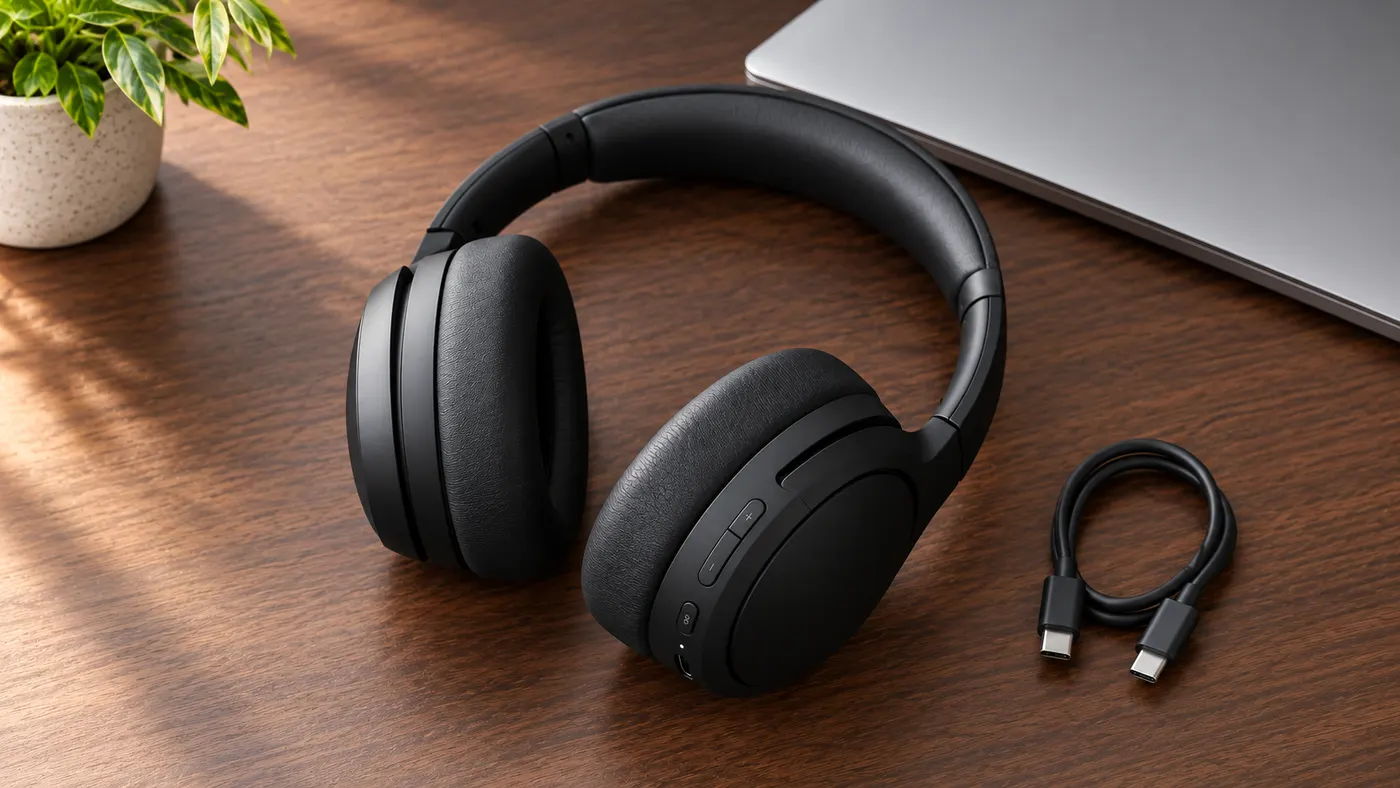
AI Product Photography
The AI product photography tool that turns one phone photo or URL into catalog-grade studio shots — no light tent, no photographer, no reshoot. Start free.
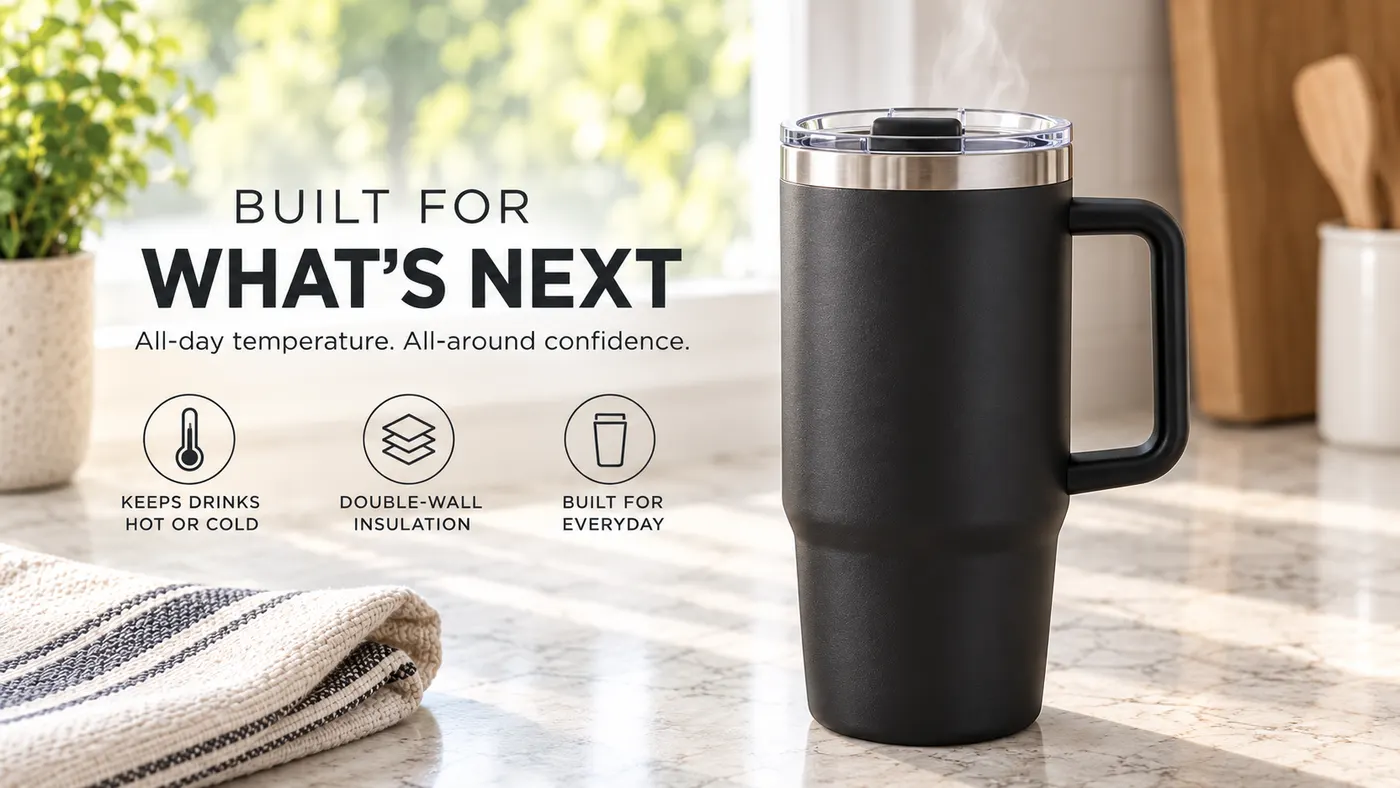
Video Ad Maker
Punchylime is the video ad maker that turns a product photo or URL into a scroll-stopping video ad in minutes — no editing software, no agency. Sign up free, preview a start frame for 1 credit.
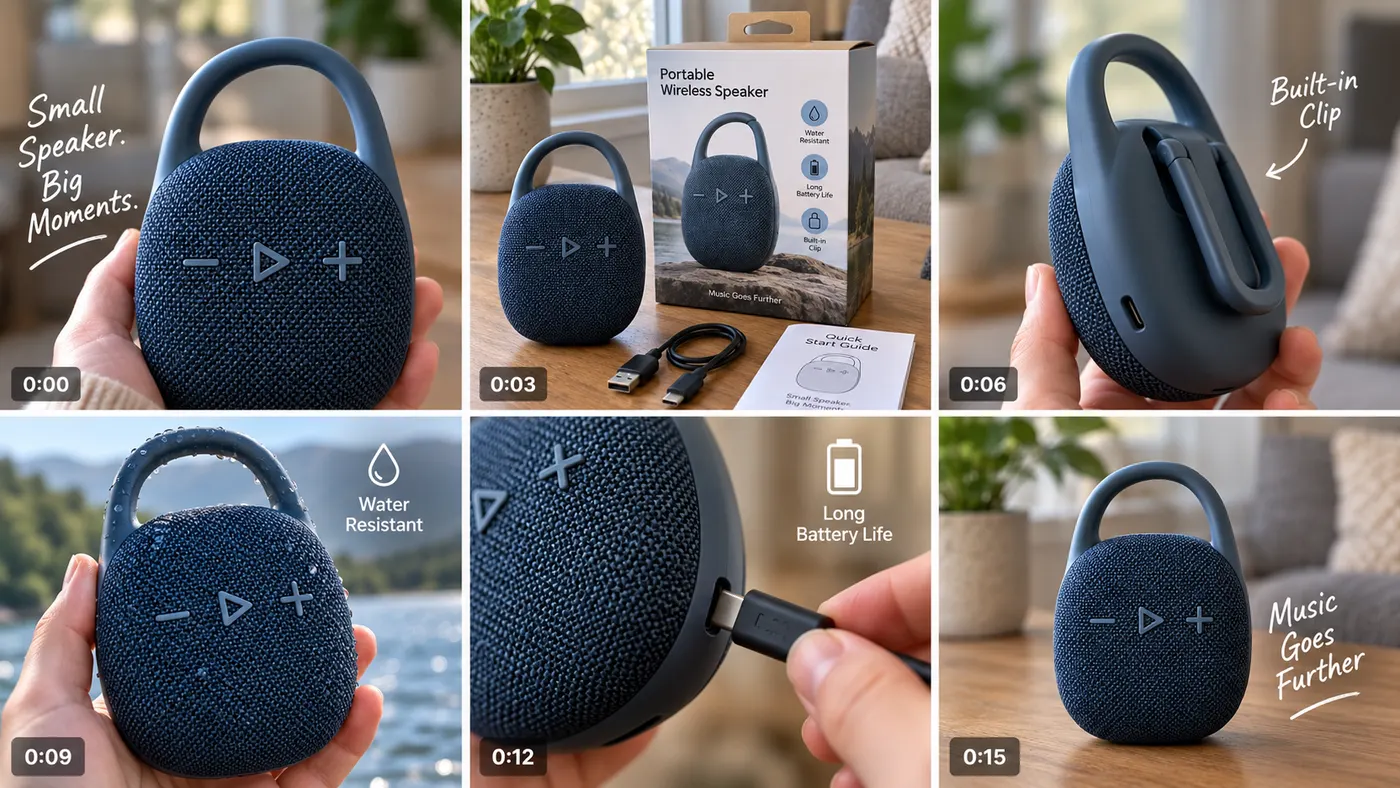
UGC Ad Maker
The AI UGC video generator that turns a product photo into creator-style UGC ads for TikTok and Reels in minutes — no creator to hire, no reshoots. Sign up free, preview a start frame for 1 credit.
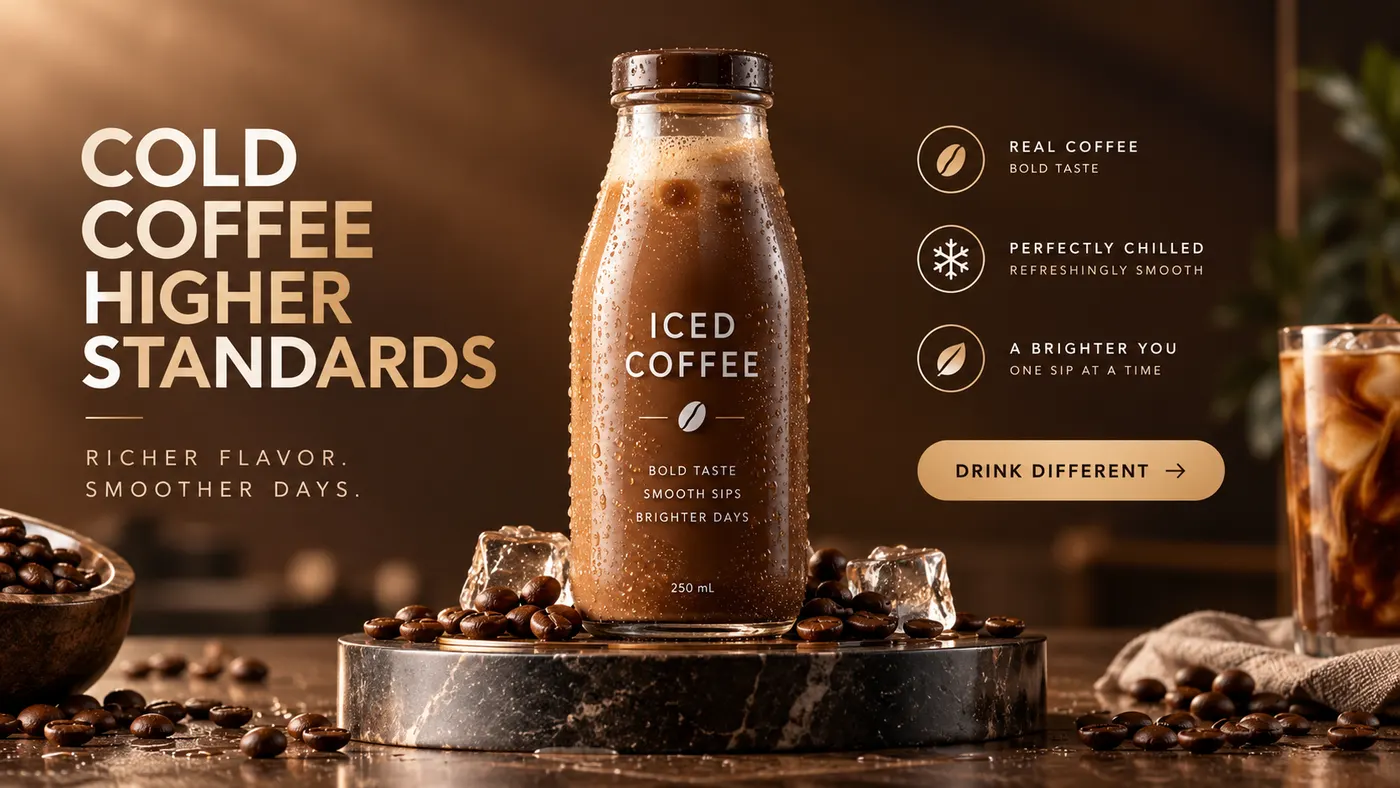
Ad Copy Generator
The free AI ad copy generator that turns one line about your product into ready-to-run Facebook, Instagram, Google, and TikTok ad copy — high-converting primary text, headlines, and hooks. Online, no signup.
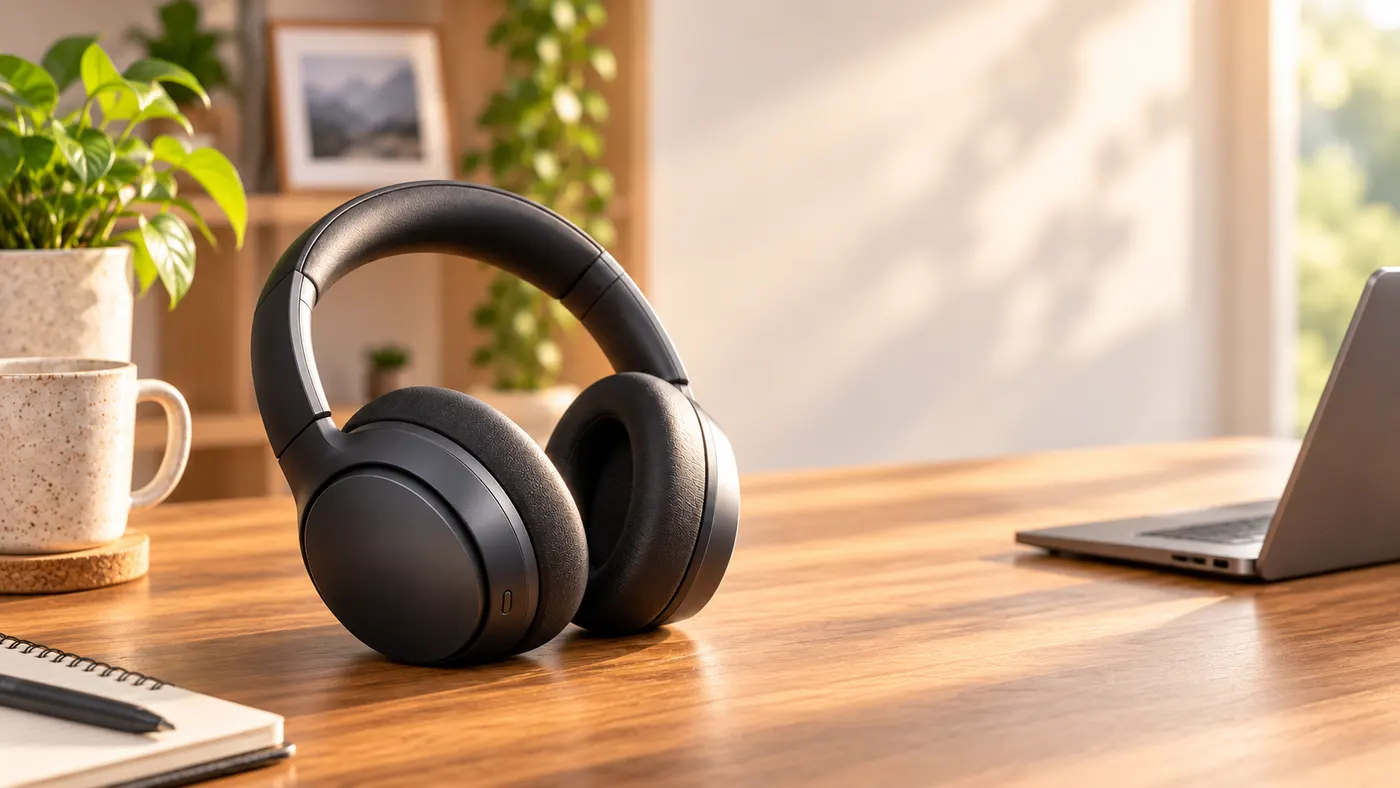
AI Image Ad Generator
Make AI image ads from one product photo or a store URL — ads and banners in the ratio each placement needs, in minutes. No photoshoot, no designer. Free to start.
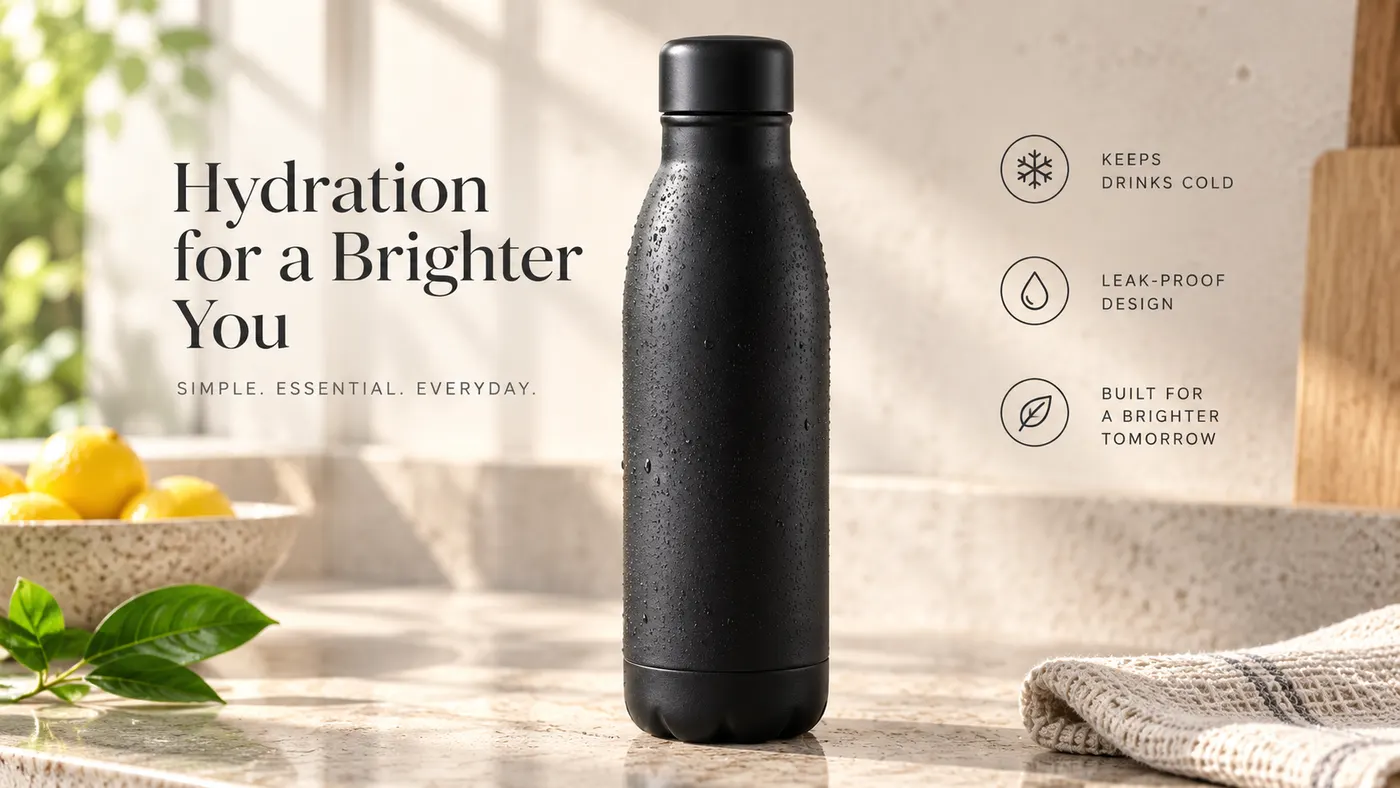
AI Video Ad Generator
The AI video ad generator that turns a product photo or URL into a scroll-stopping video ad in minutes — no crew, no editor, no agency. Sign up free, preview a start frame for 1 credit.
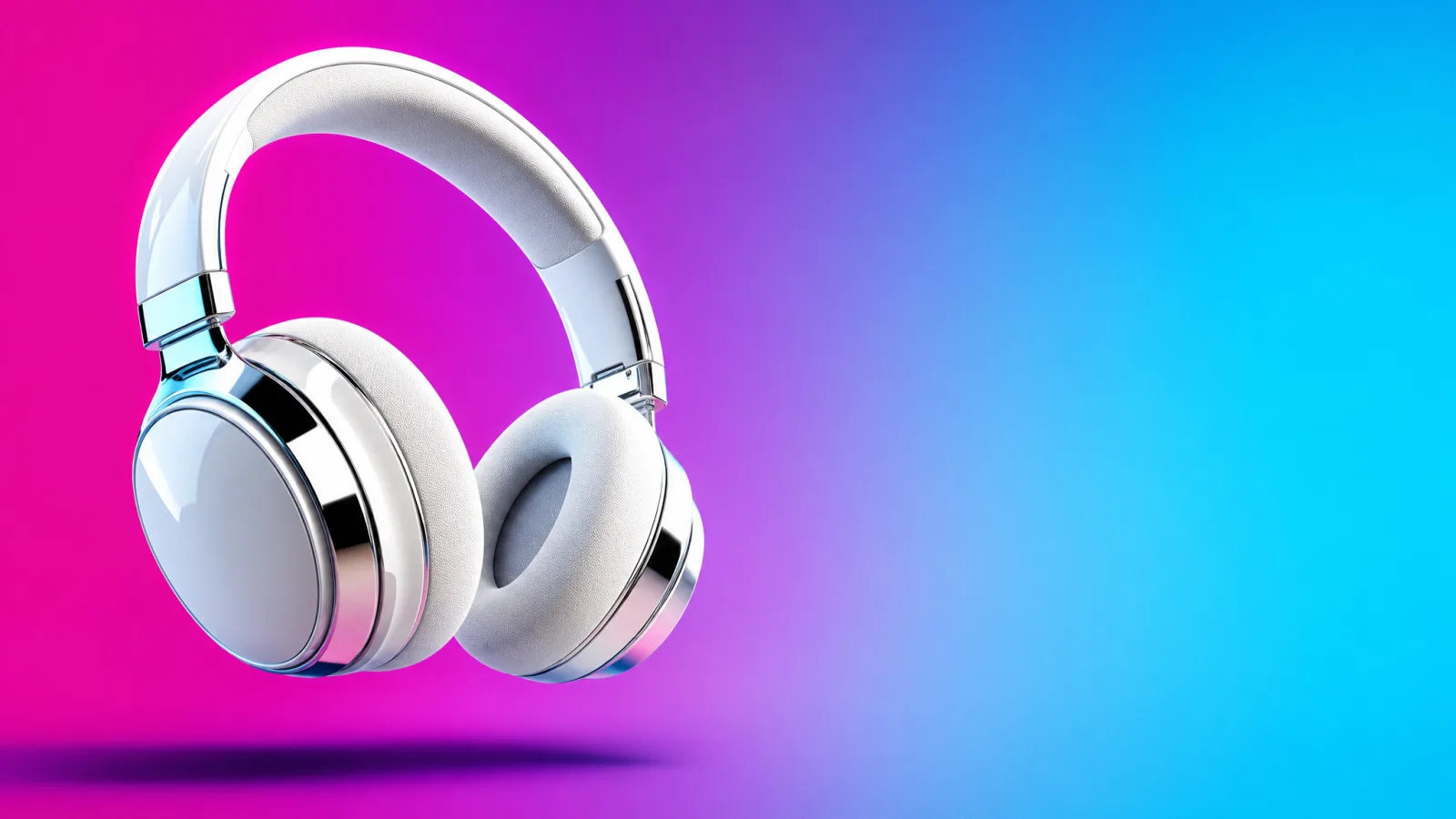
Google Ads Generator
Turn one product photo into Google Ads creative — responsive display assets in the landscape and square ratios Google asks for, ready to upload. Free to start.
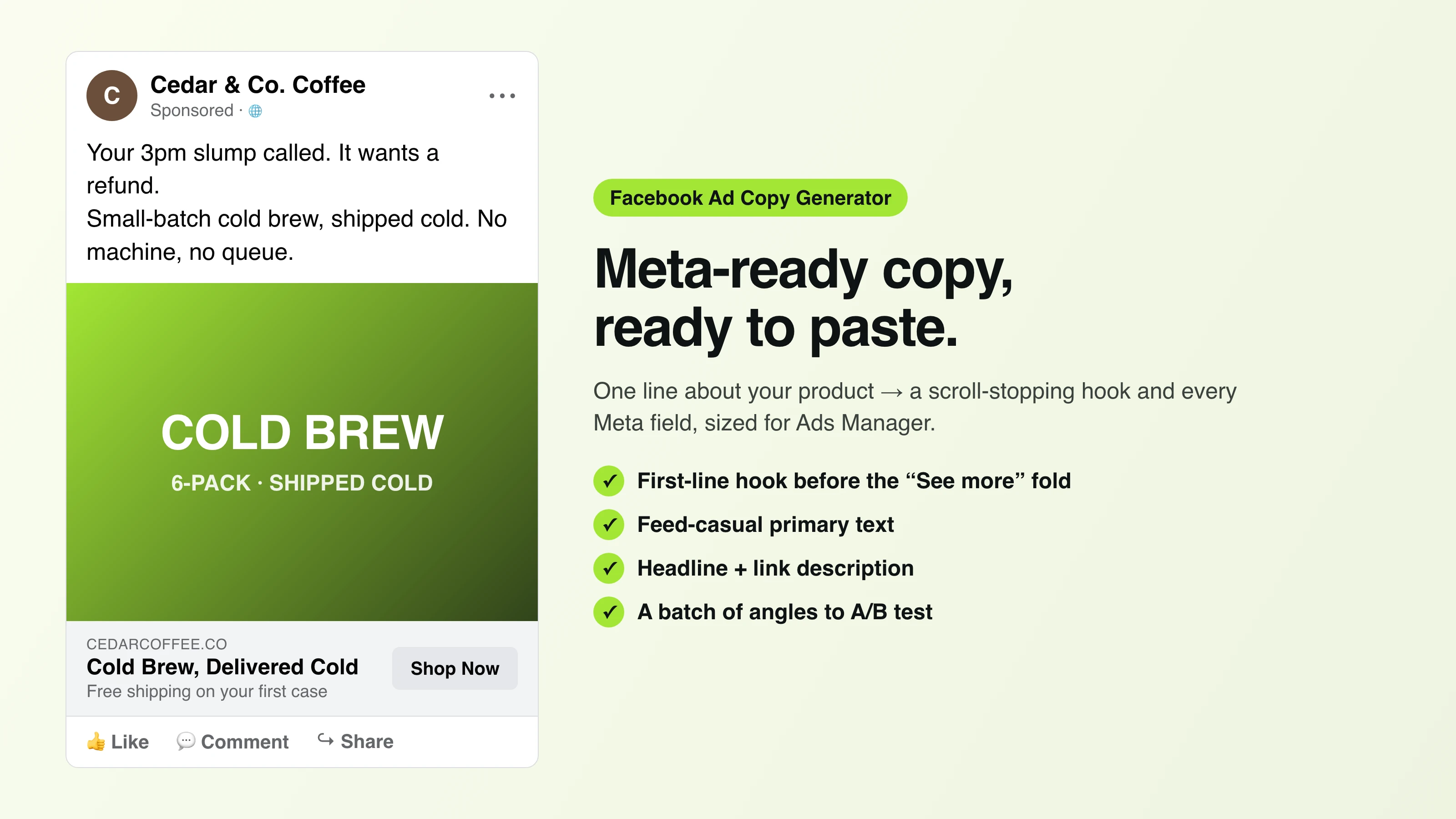
Facebook Ad Copy
The free Facebook ad copy generator that turns one line about your product into scroll-stopping Meta primary text, headlines, and link descriptions. No signup.
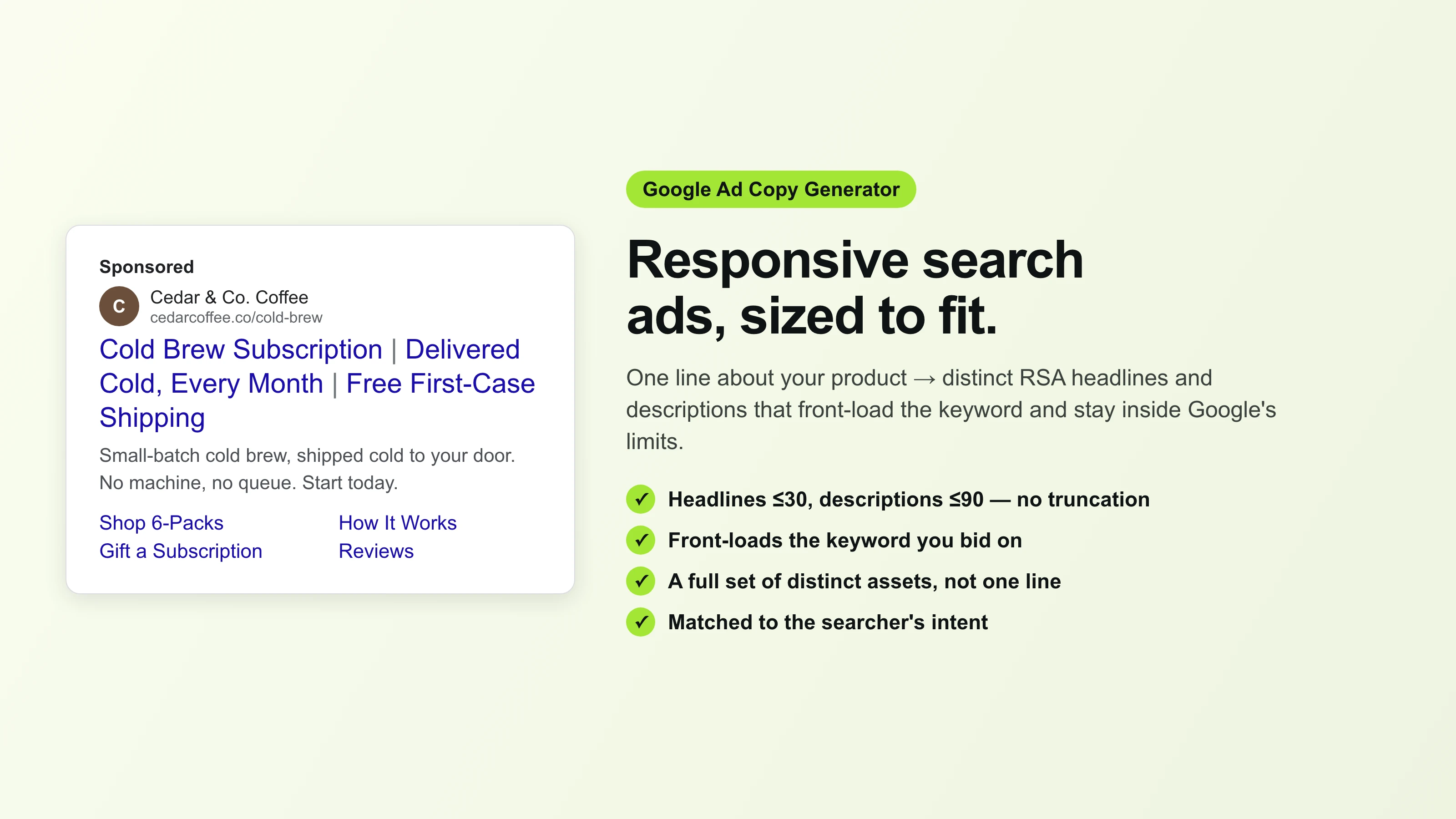
Google Ad Copy Generator
The free Google ad copy generator: turn one line about your product into responsive search ad headlines and descriptions that fit Google Ads’ limits. No signup.
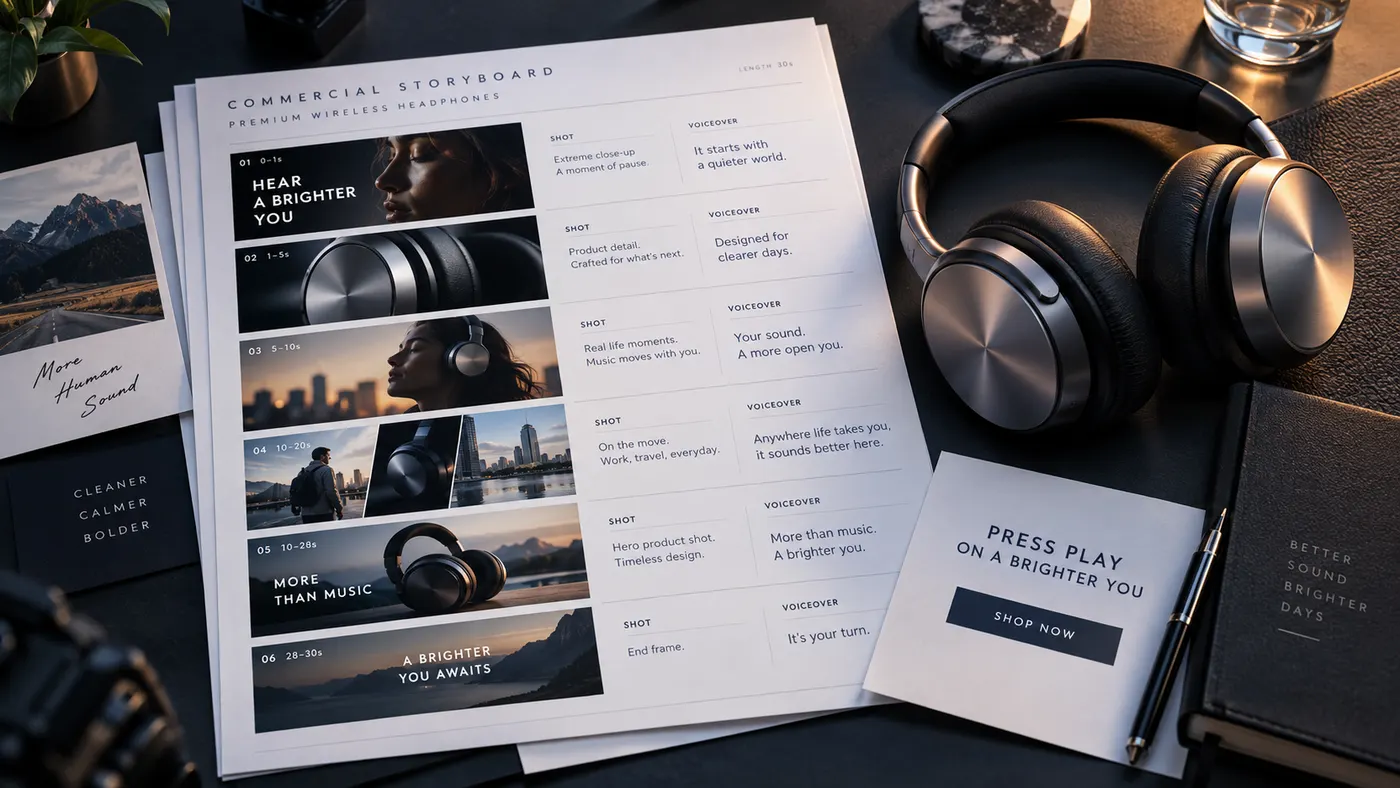
Ad Script Generator
The free ad script generator that turns one line about your product into a shot-by-shot video ad script — hook, scene directions, voiceover, and CTA. No signup.
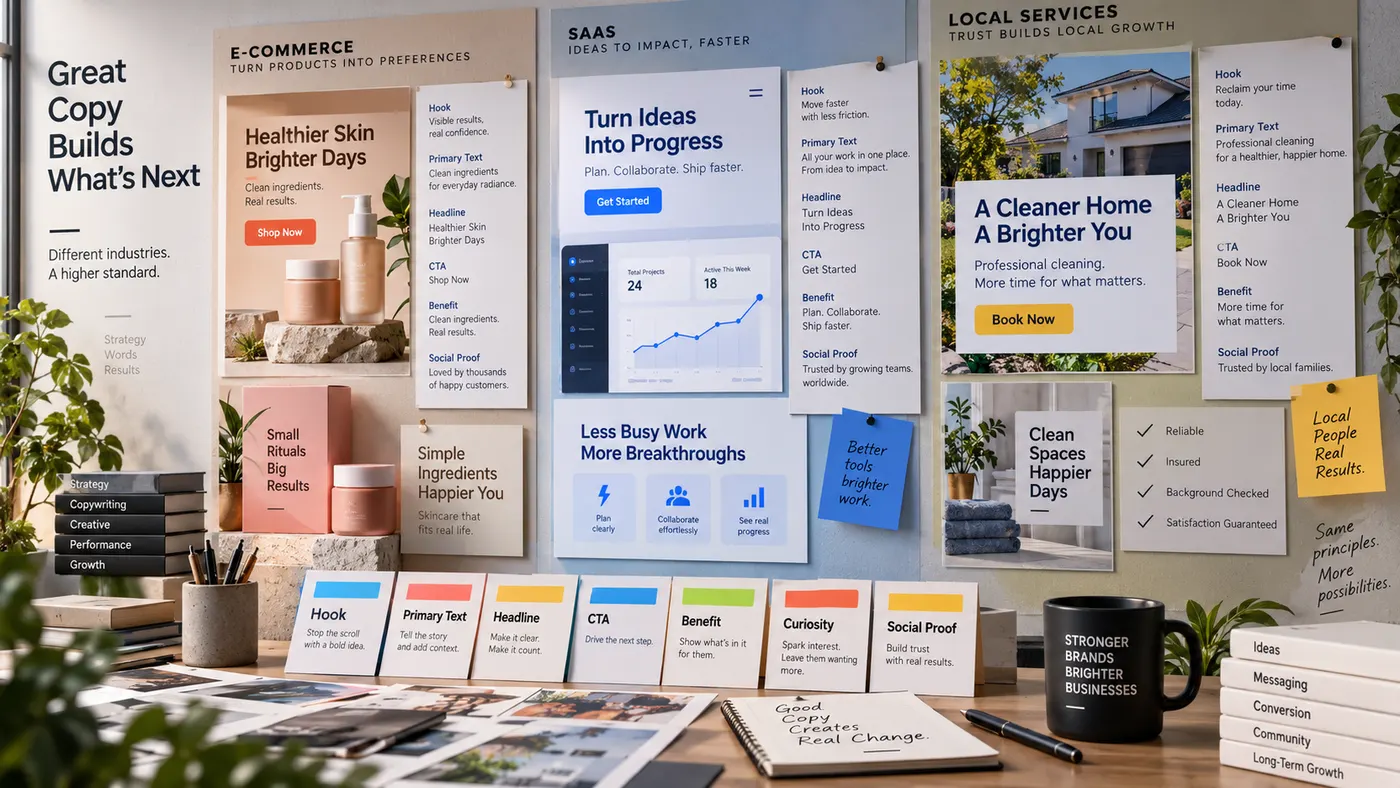
Advertising Copy Examples
Real advertising copy examples across industries and angles — plus a free generator that writes your own ad copy from one line about your product. No signup.
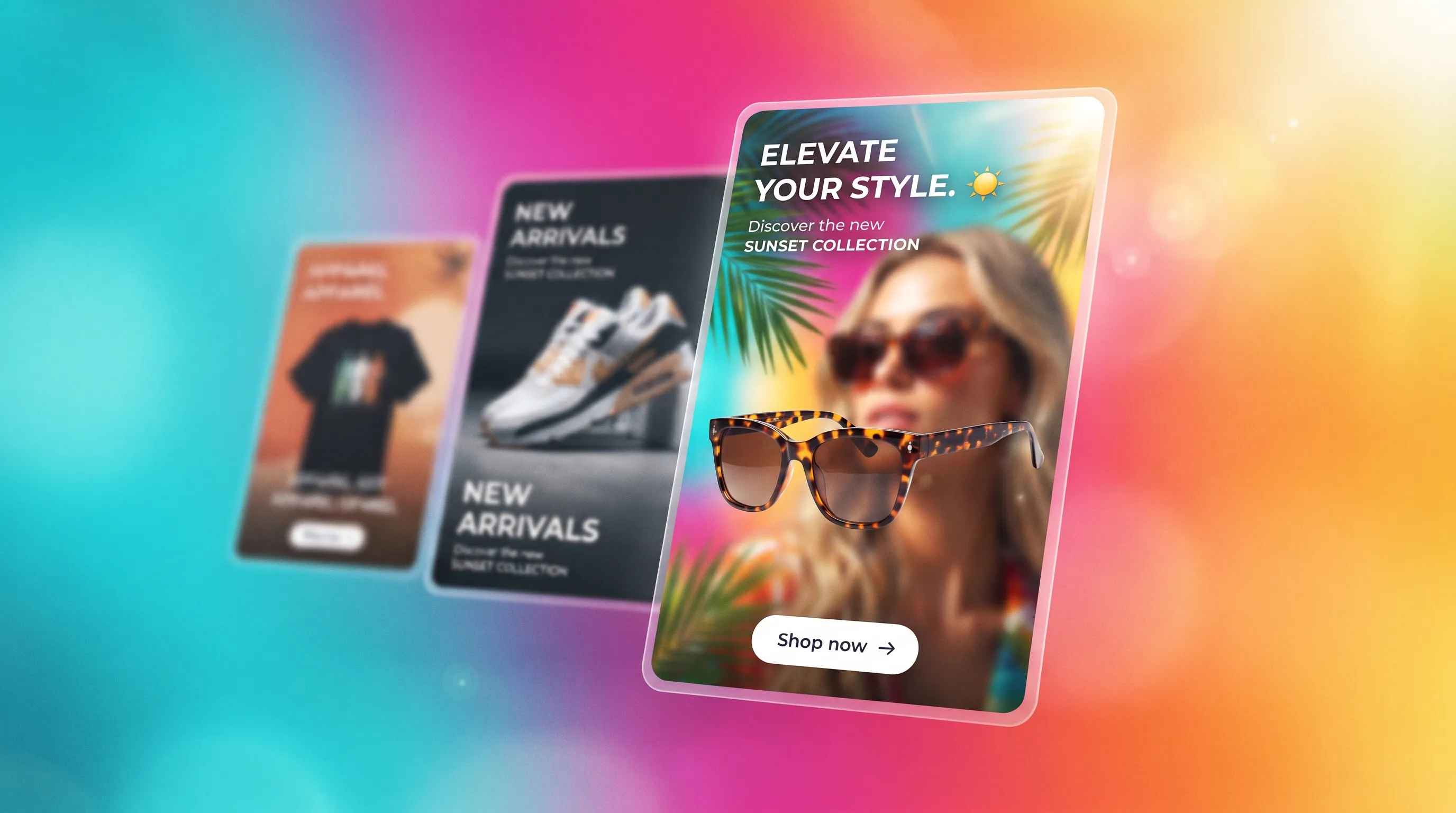
Social Media Ads Examples
Real social media ads examples by platform and type — Instagram, Facebook & TikTok — plus a free generator that makes your own ad from one product photo.
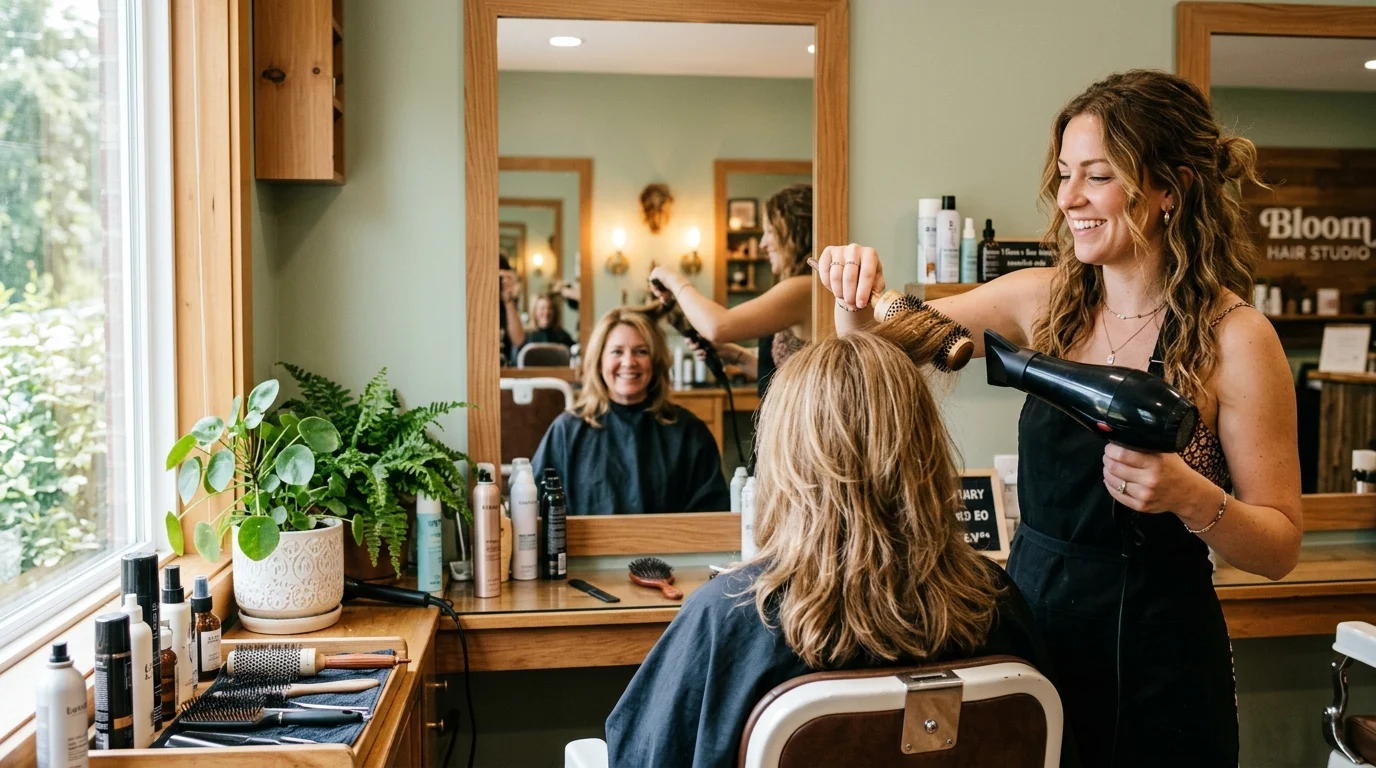
AI Avatar Ads for Small Business
Affordable AI avatar generators for small businesses — put an AI avatar in a real scene and turn it into a vertical UGC video ad from $29, no crew. Sign up free, preview a start frame for 1 credit.
HeyGen vs Arcads
HeyGen vs Arcads compared: AI avatars, actor library, pricing, and output for UGC video ads — plus a product-first way to make an ad without an actor.
AI Spokesperson Video
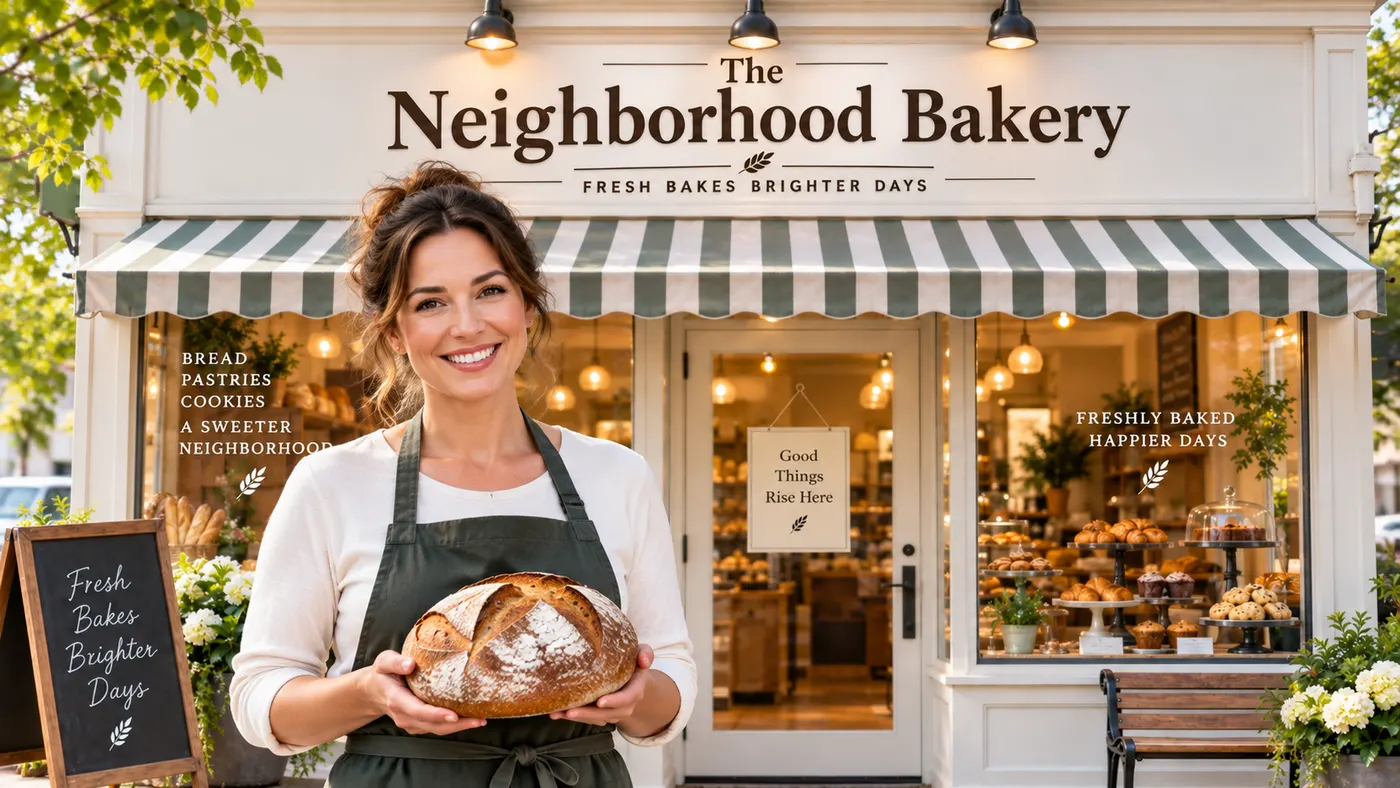
Create an AI spokesperson video from your business photo and script: generate a believable presenter ad for offers, explainers, and calls to action.