What each ad tool is for
The two studios are where you go when you are starting from a product and working out what the ad should be. These tools are the opposite: each one assumes you already know the job and want the shortest path to it. All of them run on the same pipeline and the same credit wallet, and the text tools are free.
You want the ad to look like a person filmed it, not like a brand shot it.
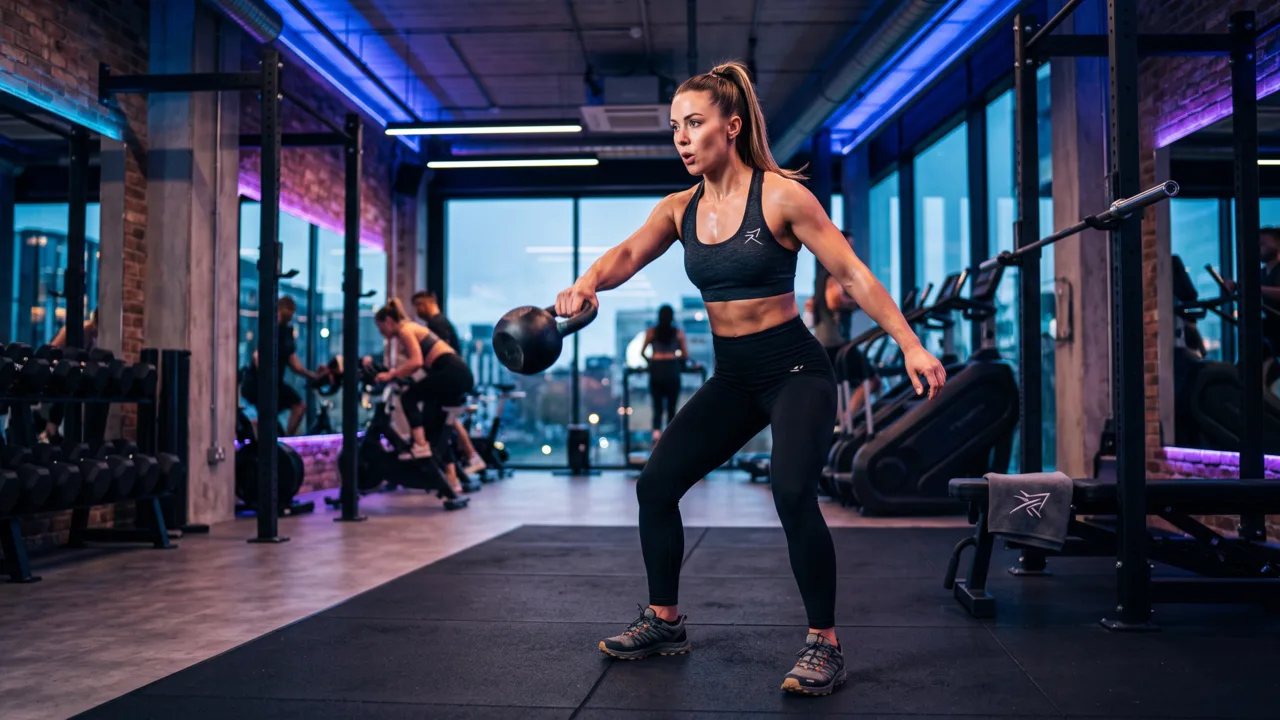
Creator-style clips for TikTok and Reels built from a product photo, so the product sits in a real setting rather than on a white sweep. Use it when polished studio work reads as an ad and gets scrolled past.
You have the visual and need the words — or you need the words first to know what to shoot.
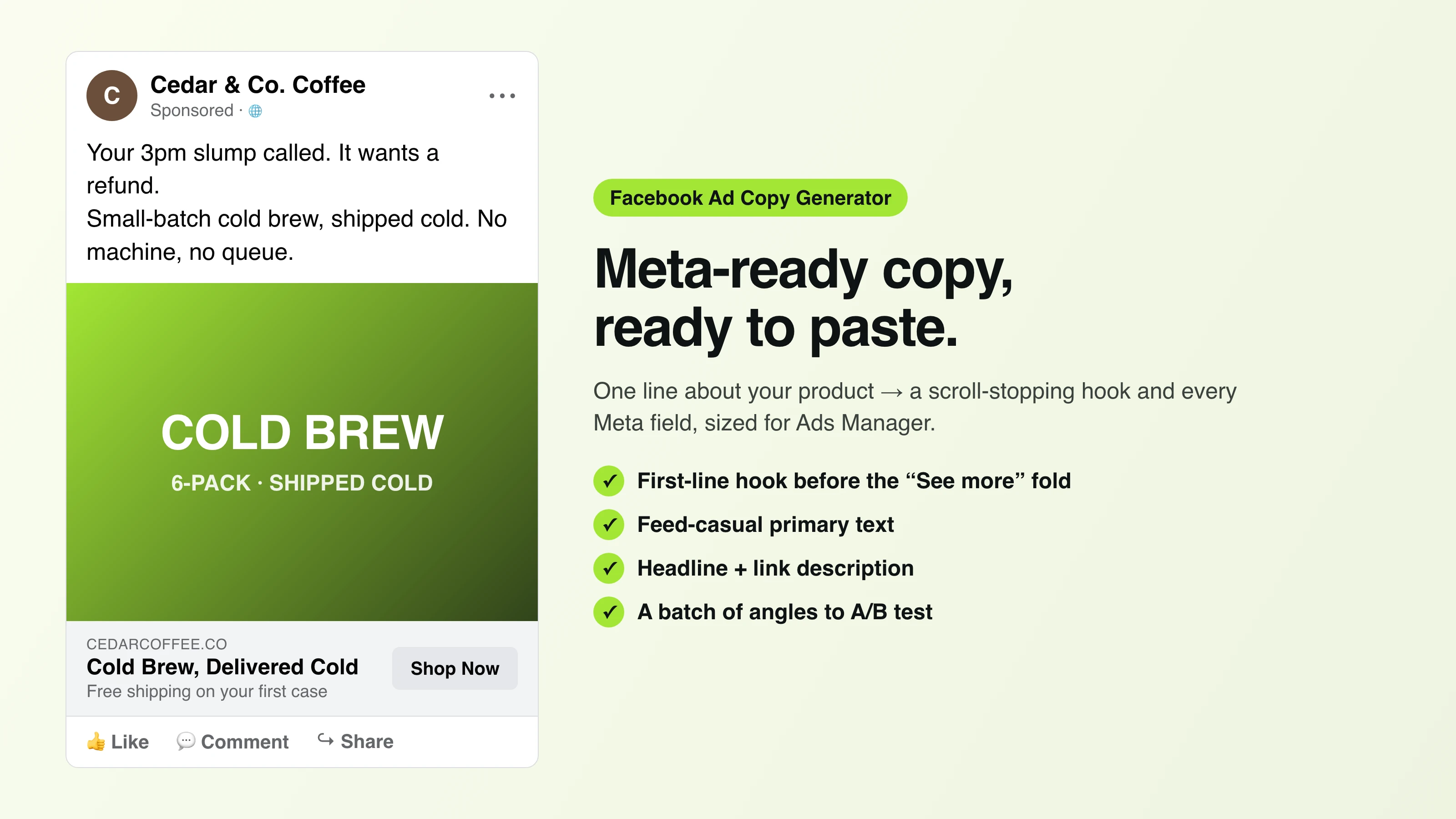
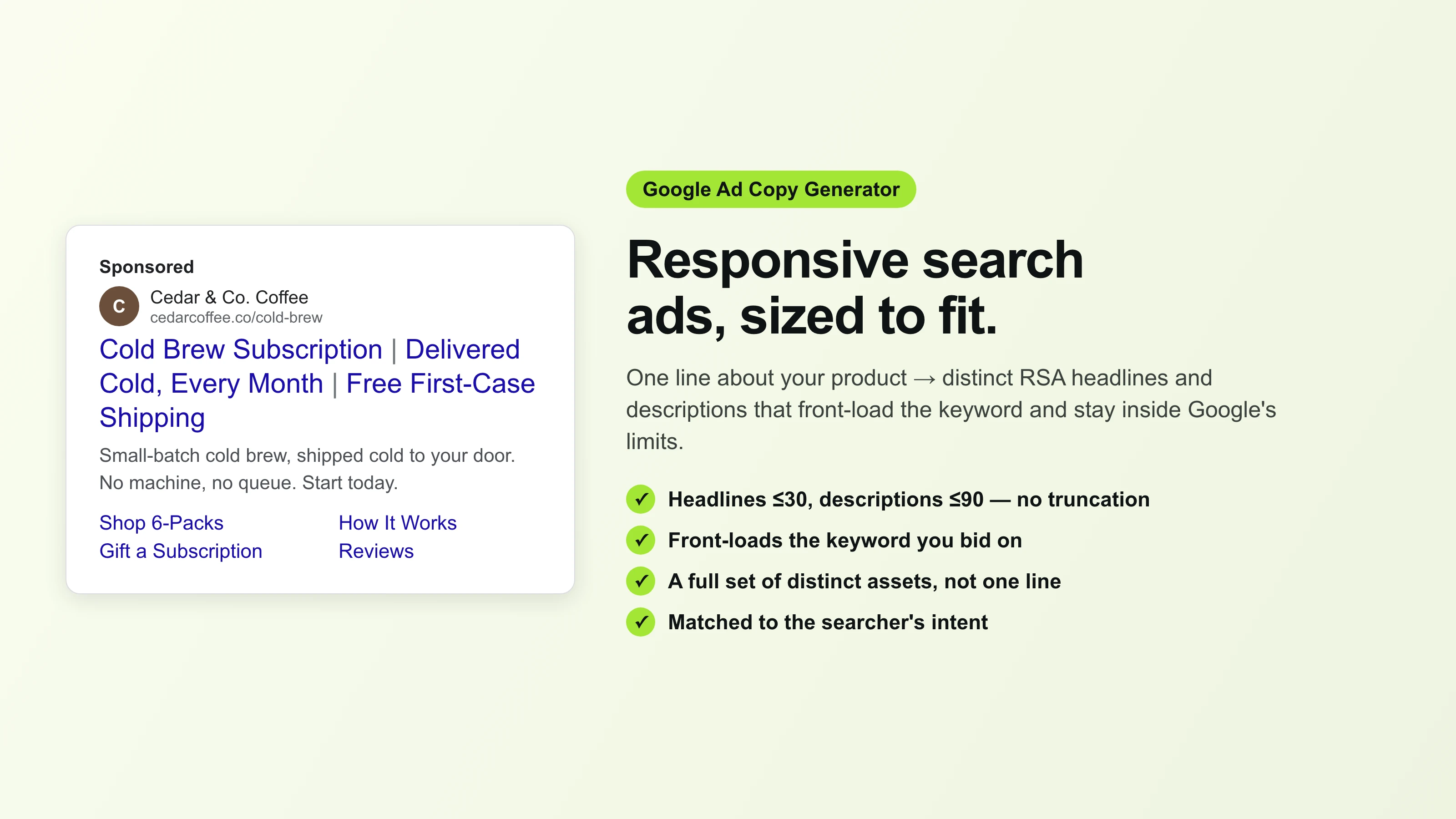
One line about the product becomes primary text, headlines, and hooks sized for Facebook, Google, TikTok, and email. It is a text tool, so it runs free: no upload, no credits, no sign-up to try it.
You know you want a video ad and want the format decisions made for you.
A narrower, preset-driven path into video: pick the ad format and duration, drop the product photo, and get the cut. Use it over the full video studio when you are producing volume and do not need to art-direct each one.
The asset you are missing is catalogue photography, not an ad.
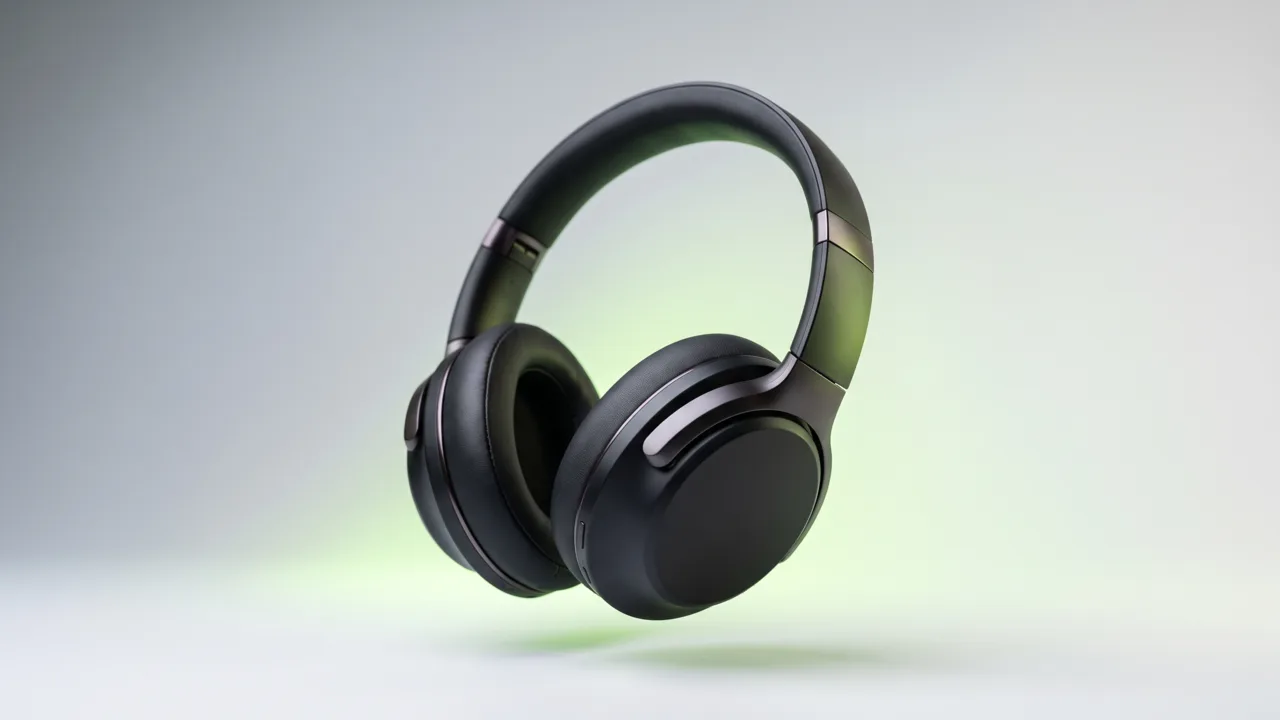
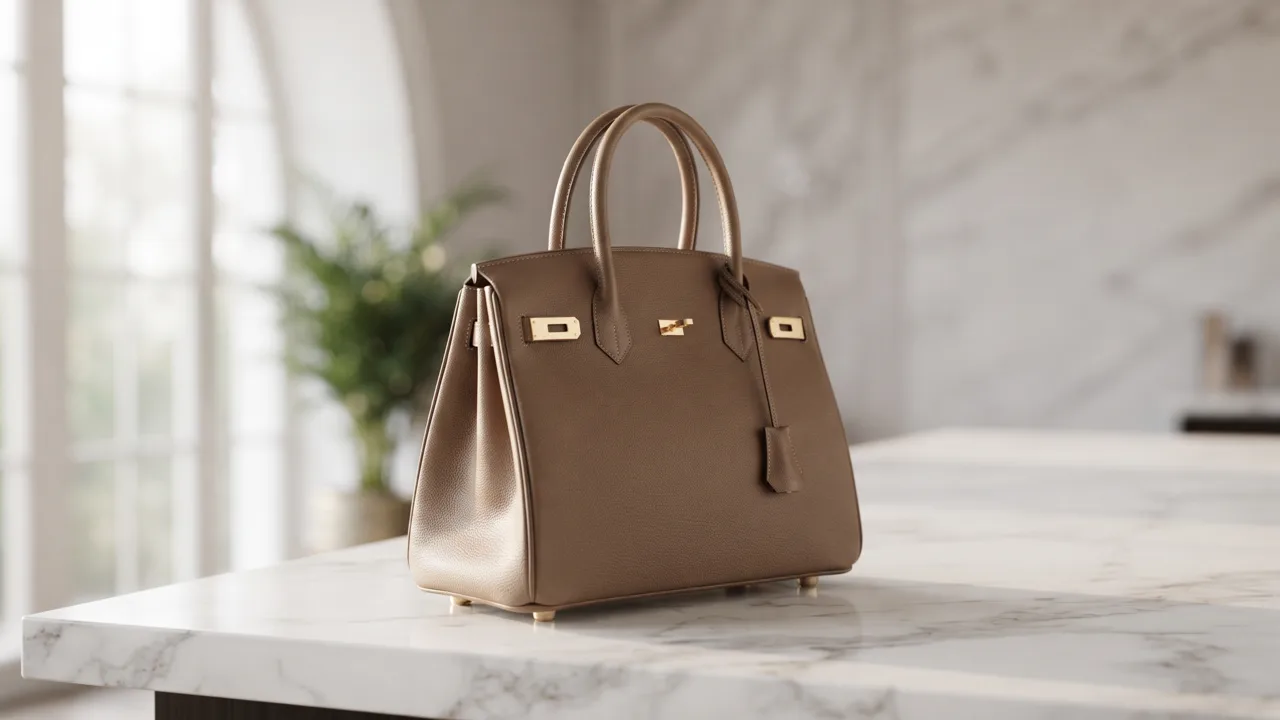
A phone snapshot becomes studio-grade product shots — set and shot-format controls, consistent lighting across a range. This is the listing-and-catalogue lane; the image ad studio is the lane where the same shot becomes a placed ad.
You are buying Instagram specifically and keep losing the crop.
Feed, Reels, and Story are three different frames, and an ad built for one loses its subject in the other two. This tool renders per placement so the product and the offer survive the crop. Export goes to Ads Manager — Punchylime does not publish to your account.
You are briefing a creator, or you want hooks before you commit render credits.
Turns one line about a product into a batch of TikTok, Reels, and Shorts hooks with shot-by-shot direction. Free and text-only. It pairs with the UGC Ad Maker: draft the hooks here, generate the winner there.
What costs credits and what does not
Anything that produces text — ad copy, scripts, UGC prompts — is free and stays free. Credits are spent on generation that costs real compute: video rendering, and image rendering past the free allowance. A draft or start frame costs just 1 credit, so the bigger spend goes to the outputs you actually keep rather than to the ones you discard. One balance covers every tool and both studios, which means a heavy video week does not lock you out of image work.
Nothing here publishes on your behalf. Every tool produces files you download and upload into Ads Manager, TikTok Ads, or Google Ads yourself — Punchylime does not connect to your ad accounts and does not buy media.
Picking between a tool and a studio
A useful rule: if you can already describe the deliverable in one sentence — “three Instagram Story variants of this product”, “ten hooks for this launch” — use the tool, because the tool has already made the format decisions for you. If the sentence you can say is closer to “I need something for this product and I am not sure what yet”, start in a studio, where the starting frame gives you something concrete to react to.
The tools also chain. The free copy and prompt tools are worth running before anything that costs credits: settle the hook and the headline in text, where iteration is free, and only then render the version that carries them. Teams that work in that order spend noticeably fewer credits per usable ad than teams that render first and rewrite after.
Fighting creative fatigue
The reason a small business needs a tool directory rather than one generator is that a winning ad stops winning. Frequency climbs, the audience has seen it, and the cost per result drifts up — usually within days on a small audience. The fix is a fresh angle on the same product, not a new product shoot: a different scene, a different hook, a creator-style cut of something that previously ran as a polished static. Producing that variant is cheap here, which is what makes running paid social sustainable without a retained studio.
If you are starting today and want the shortest useful path: run the free copy generator on your product to see which angle sounds strongest written down, take that angle into the image studio for a static you can ship this afternoon, and only then spend video credits on the version that earned it. That order costs the least and teaches you the most about what your audience responds to before the spend gets serious.