E-commerce unboxingCreate a polished e-commerce unboxing ad with a clear subject, strong opening composition, natural lighting, believable detail, and platform-ready commercial pacing.
Ad Script Generator
Pick an angle and write a short brief, then generate. A Brand Guide is optional — turn it on for your brand voice.
Ad subject (what the ad is about)
Optional — leave empty to generate from your prompt alone (text only).
What are you advertising?
A product or e-commerce item
Style (the kind of ad — sets the look)
A shot-by-shot ad script: hook, scenes, voiceover and CTA
Brand Guide (optional)
Off by default — turn it on only when you want visual consistency across your ads.
Brief (editable — what the copy should say)
Also applied (not part of the editable box above):
Written in your Brand Guide's voice when one is on — edit freely.
This step is free
Ad Script Generator
Add a short brief and pick an angle — get a shot-by-shot ad script: a scroll-stopping hook, scene directions, voiceover, and a closing CTA, in seconds.
Ad Script Generator: Turn One Product Line Into a Shot-by-Shot Video Ad Script
Punchylime is the free ad script generator that turns one line about your product into a ready-to-shoot video ad script — a scroll-stopping hook, scene-by-scene directions, the voiceover, and a closing CTA. As a video ad script generator built for paid social, it writes the way a creator films, so you brief a shoot or record it yourself instead of staring at a blank page. No credits, no watermark, no signup to try.
Write My Ad Script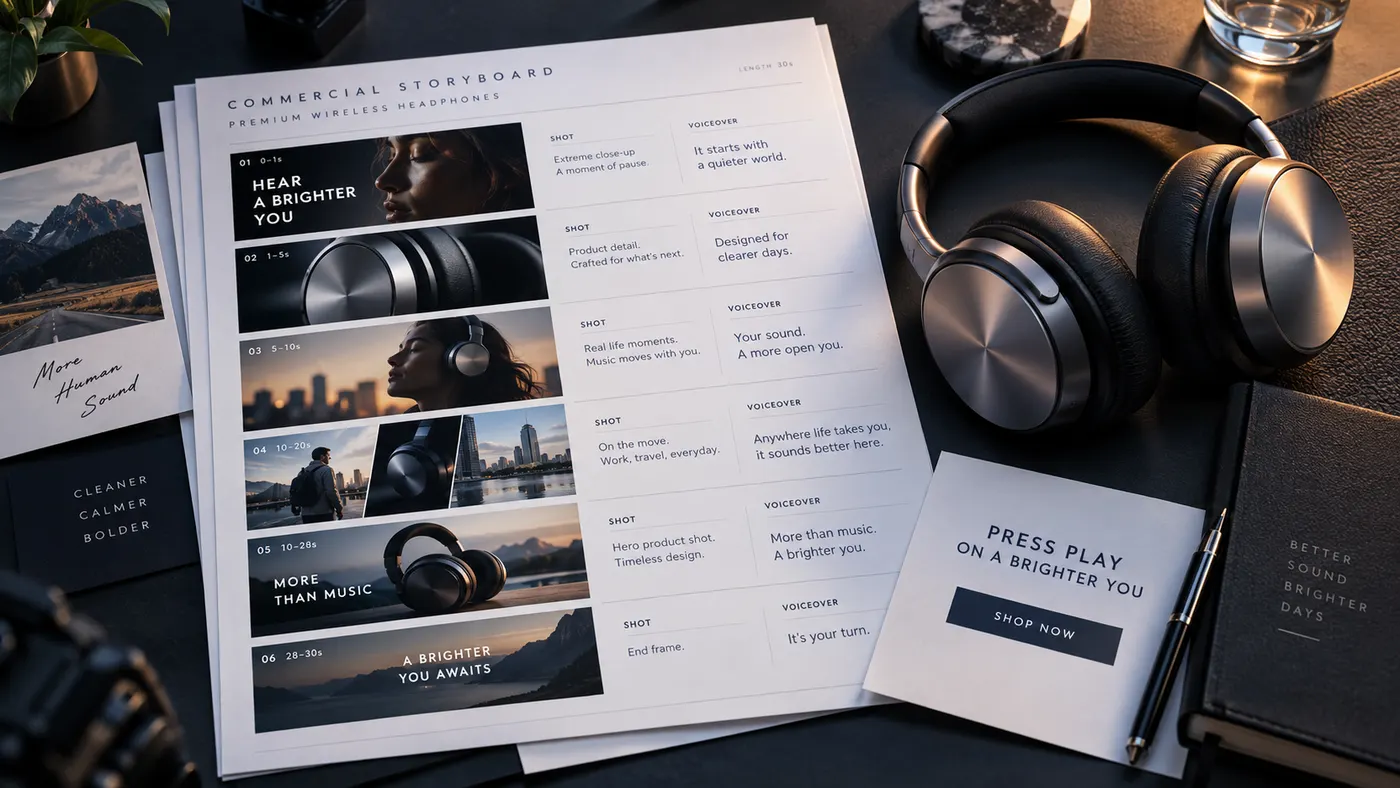
What an Ad Script Generator Actually Writes
A finished video ad needs more than a caption: a hook in the first second, the shots that carry the message, the lines the creator says, and a call to action that lands. Punchylime is the ad script generator for that whole structure — describe the product and it returns a shot-by-shot script with the hook, the scene directions, the voiceover or on-camera dialogue, and the CTA, formatted the way a shoot list reads. Unlike a generic AI writer that hands back one paragraph, this video ad script generator composes for the timeline, so what comes out is a script you can film, not copy you still have to break into shots.
Fresh Angles to Test
Paid social rewards testing, and a scriptwriter bills per draft. Describe the product once and Punchylime writes a script for free — regenerate for a different angle, or pick the hooks angle for several openers at once — so you have variants to shoot and split-test from day one. When a winning ad fatigues, regenerate for a fresh hook and a new opening scene instead of booking the writer again, and keep only the scripts that sound like your brand.

Done Paying for Every Script?
Traditional ad scripts mean a copywriter, a creative brief, and days of back-and-forth for each cut — and a new invoice every time you want a fresh angle. Punchylime removes the wait: this ad script writer turns a product photo, a URL, or a one-line brief into a shoot-ready script, the same input can be regenerated for a fresh version, and it all runs on one credit wallet shared with your image, video, and copy work — so a small team scripts like a studio.

What Makes This a Real Ad Script Generator, Not a Caption Writer
A generic writer hands you one line. An ad script generator writes the hook, the shots, the voiceover, and the CTA together — structured the way you actually film a video ad.
A Hook in the First Second
A scrolling feed gives you one second. The generator opens on the hook and the payoff, not a slow logo — the first line and first shot are written to stop the scroll, the pacing paid social rewards.
Shots, Voiceover, and CTA — Not Just Copy
Every script comes broken into shots with scene directions, the voiceover or dialogue, and a closing call to action. You get a shoot list, so the video script generator output goes straight to a creator or your phone, not back to an editor to restructure.
Free to Draft, Then It Feeds the Studio
No credits, no watermark, no card. Draft as many ad scripts as you like, then bring the winning script into a Punchylime video ad to actually produce the clip — script and creative on one account.
How to Write an Ad Script with Punchylime
From one line about your product to a shot-by-shot video ad script — three steps, no copywriter, no blank page.
Step 1: Describe what you sell
Type one line about your product or offer — who it is for and the angle you want to lead with — or paste a store URL. That is enough for the ad script generator to build a hook and a first scene from.

Step 2: Pick the angle and length
Choose the script angle — problem-solution, hook-led, or UGC testimonial — and the length for a 15, 30, or 60-second ad. The video ad script generator paces the shots and the voiceover to fit the runtime.

Step 3: Generate, then shoot it
Get a shot-by-shot script with the hook, scene directions, voiceover, and CTA you can copy in one click. Regenerate for a fresh angle as often as you like — it is free — then film it or drop it into a Punchylime video ad.
Scripts for Every Industry
From e-commerce products to local services, Punchylime writes shoot-ready ad scripts for the businesses that need them most. Every clip below was produced from a Punchylime script.
Beauty UGCCreate a polished beauty ugc ad with a clear subject, strong opening composition, natural lighting, believable detail, and platform-ready commercial pacing.
Fashion try-onCreate a polished fashion try-on ad with a clear subject, strong opening composition, natural lighting, believable detail, and platform-ready commercial pacing.
Fitness UGCCreate a polished fitness ugc ad with a clear subject, strong opening composition, natural lighting, believable detail, and platform-ready commercial pacing.
Food UGCCreate a polished food ugc ad with a clear subject, strong opening composition, natural lighting, believable detail, and platform-ready commercial pacing.
Apparel UGCCreate a polished apparel ugc ad with a clear subject, strong opening composition, natural lighting, believable detail, and platform-ready commercial pacing.
Jewelry productCreate a polished jewelry product ad with a clear subject, strong opening composition, natural lighting, believable detail, and platform-ready commercial pacing.
Food productCreate a polished food product ad with a clear subject, strong opening composition, natural lighting, believable detail, and platform-ready commercial pacing.
Automotive productCreate a polished automotive product ad with a clear subject, strong opening composition, natural lighting, believable detail, and platform-ready commercial pacing.
Home before / afterCreate a polished home before / after ad with a clear subject, strong opening composition, natural lighting, believable detail, and platform-ready commercial pacing.
Home & livingCreate a polished home & living ad with a clear subject, strong opening composition, natural lighting, believable detail, and platform-ready commercial pacing.
Decor productCreate a polished decor product ad with a clear subject, strong opening composition, natural lighting, believable detail, and platform-ready commercial pacing.
Your Next Video Ad Starts With the Right Script
Describe your product, pick an angle, and let the free ad script generator write the hook, the shots, the voiceover, and the CTA. No credits, no watermark — then film it or produce it in a Punchylime video ad.
Write My Ad ScriptWhat the Ad Script Generator Does, and How You Use It
A plain-English rundown of what the tool writes, what it costs, and how the scripts fit the way you actually make video ads.
What it writes for a video ad
An ad script generator turns a short description of what you sell into the full structure a video ad runs on — a hook, the shots and scene directions, the voiceover or on-camera lines, and a closing CTA. Punchylime leads with the hook because the first second decides whether the ad is watched, then lays out the scenes in order so the script reads like a shoot list. The output is ready to film or hand to a creator, not a blog paragraph you still have to break into shots, and it is written for the way a short vertical ad actually plays rather than a generic caption.
Free to draft, free to rewrite
Writing an ad script on Punchylime costs no credits, carries no watermark, and needs no card to start. You can generate scripts and regenerate for a fresh hook or a new opening scene as often as you like. It is the free lead-in to the studio: when a script wins, you bring it into a Punchylime video ad to produce the clip, and only those paid renders spend credits — so this video ad script generator can be your first draft on every campaign while you reserve spending for the finished video.
Built to be A/B tested
Paid social rewards testing several creatives, so regenerate from the same brief for a fresh angle, or pick the hooks angle to get several openers at once. You shoot a few, let the platform find the winner, and regenerate for a fresh hook the moment an ad fatigues. Because the same product brief drives every variant, the offer stays consistent across the set while the openings differ — exactly what an ad script writer needs for a test.
It writes the script, not the footage
This tool writes the words and the shot plan — the hook, the scene directions, the voiceover, and the CTA — so it is a script tool by design, not a camera. When you want the video, the script drops into a Punchylime video ad, which turns a product photo into a finished clip, or you hand the script to a creator to film. Keeping the two steps separate is deliberate: lock the ad script for free, then spend only to produce the footage you already know reads well, all on one account.
More Punchylime tools
Every ad generator in the studio — swipe through, all on one login.
TikTok Ad Generator
The TikTok ad generator that turns a product photo or URL into a scroll-stopping 9:16 TikTok video ad — no editor, no crew, no agency. Sign up free, preview a start frame for 1 credit.

Instagram Ad Maker
The Instagram ad maker that turns a product photo or a URL into native Feed, Reels, and Story ads — sized for the placement, ready for Ads Manager. Start free.

UGC Prompt Generator
The free UGC prompt generator that turns one line about your product into several TikTok, Reels, and Shorts hooks with shot-by-shot directions. No signup.
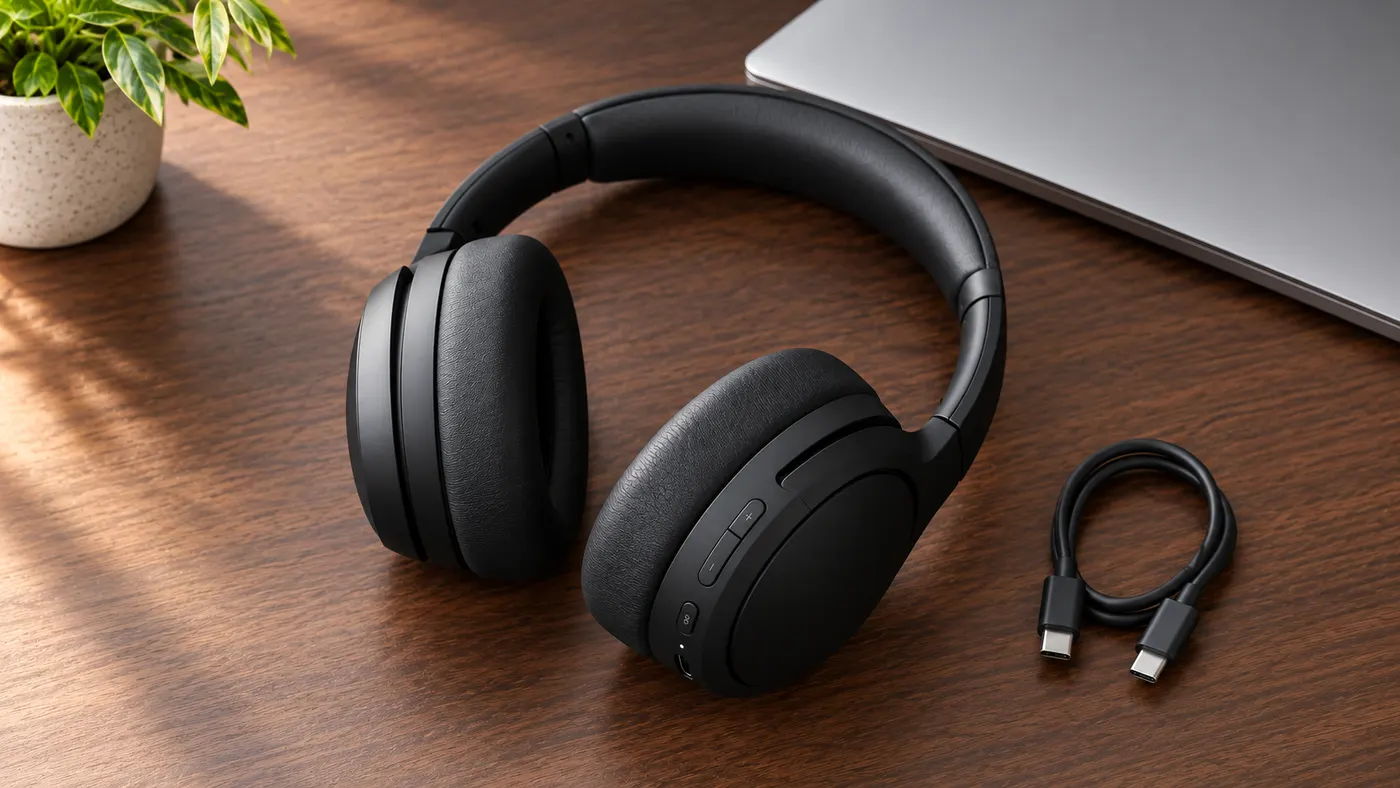
AI Product Photography
The AI product photography tool that turns one phone photo or URL into catalog-grade studio shots — no light tent, no photographer, no reshoot. Start free.
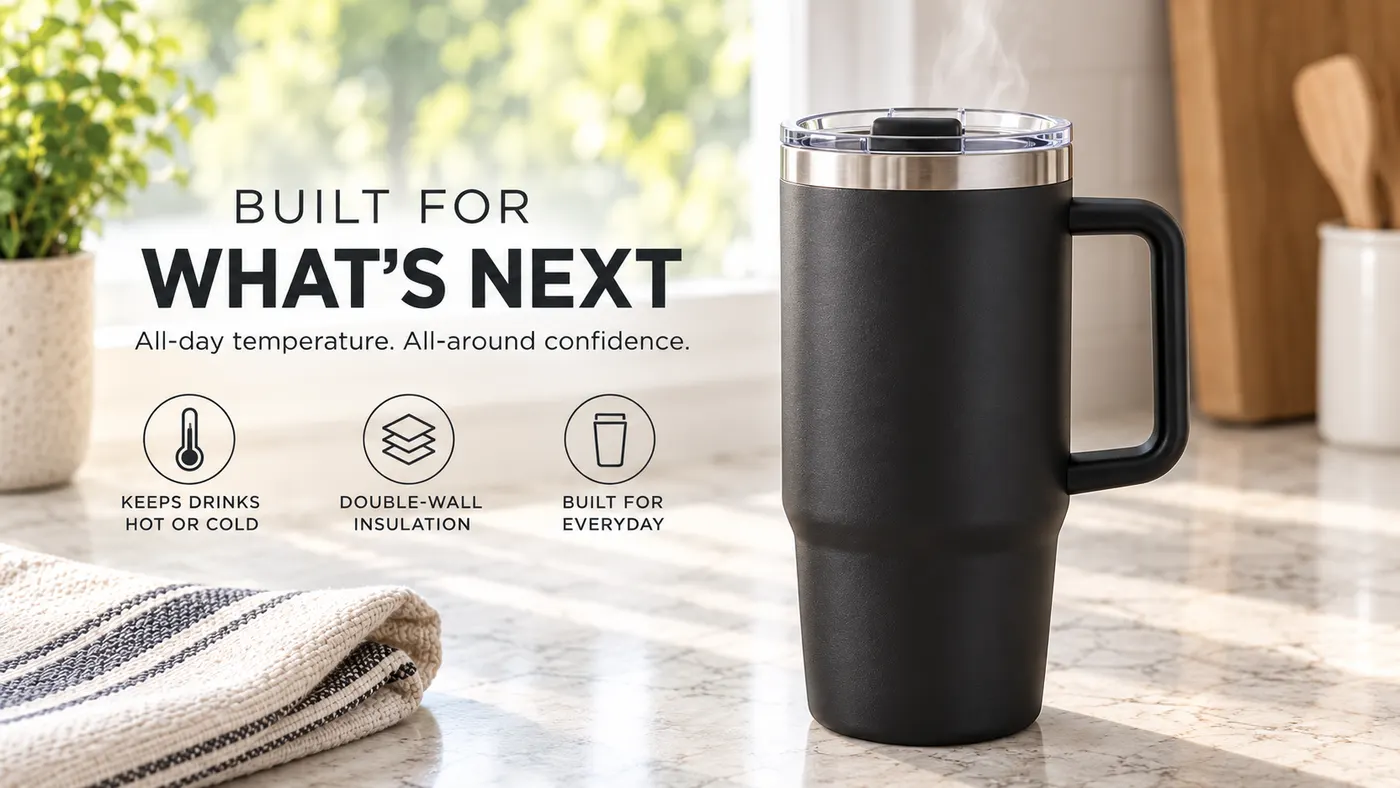
Video Ad Maker
Punchylime is the video ad maker that turns a product photo or URL into a scroll-stopping video ad in minutes — no editing software, no agency. Sign up free, preview a start frame for 1 credit.
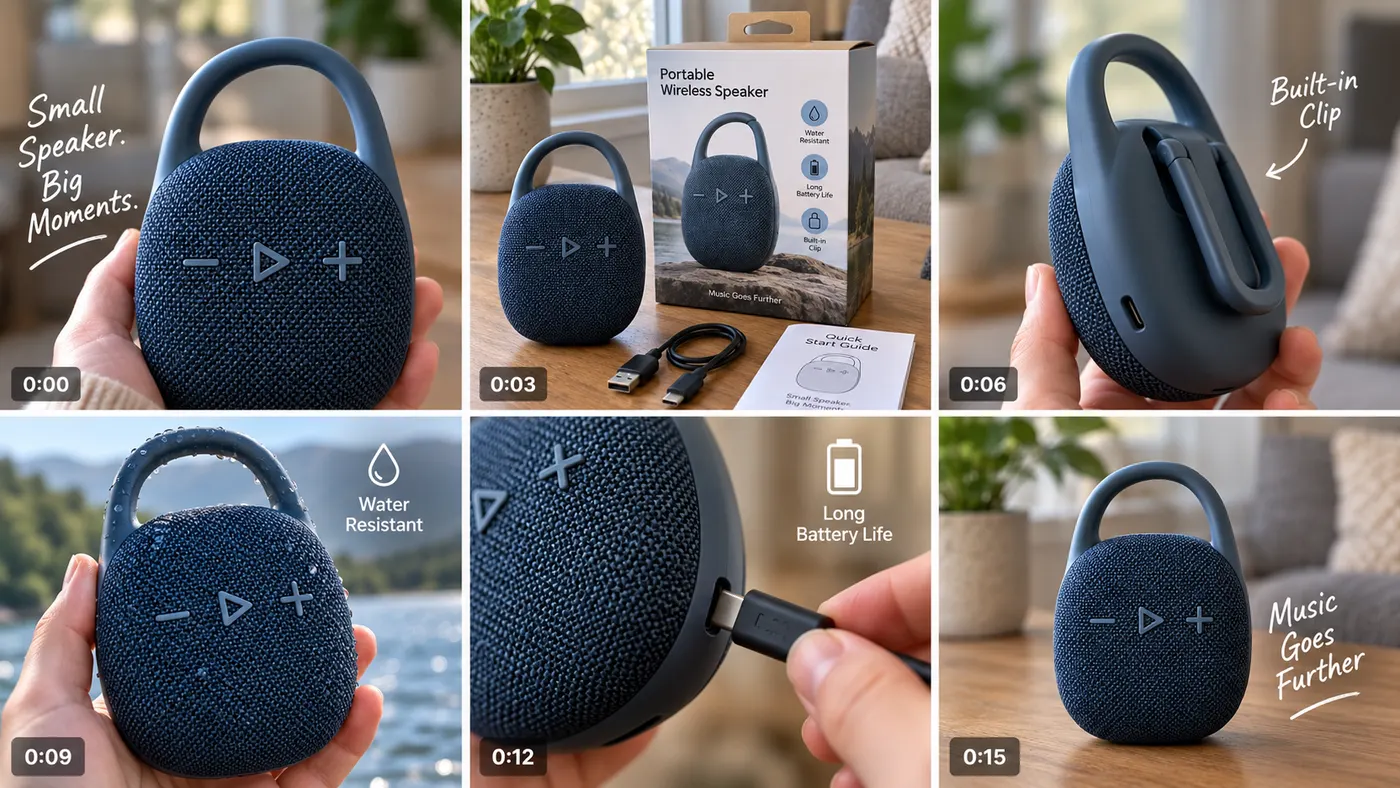
UGC Ad Maker
The AI UGC video generator that turns a product photo into creator-style UGC ads for TikTok and Reels in minutes — no creator to hire, no reshoots. Sign up free, preview a start frame for 1 credit.
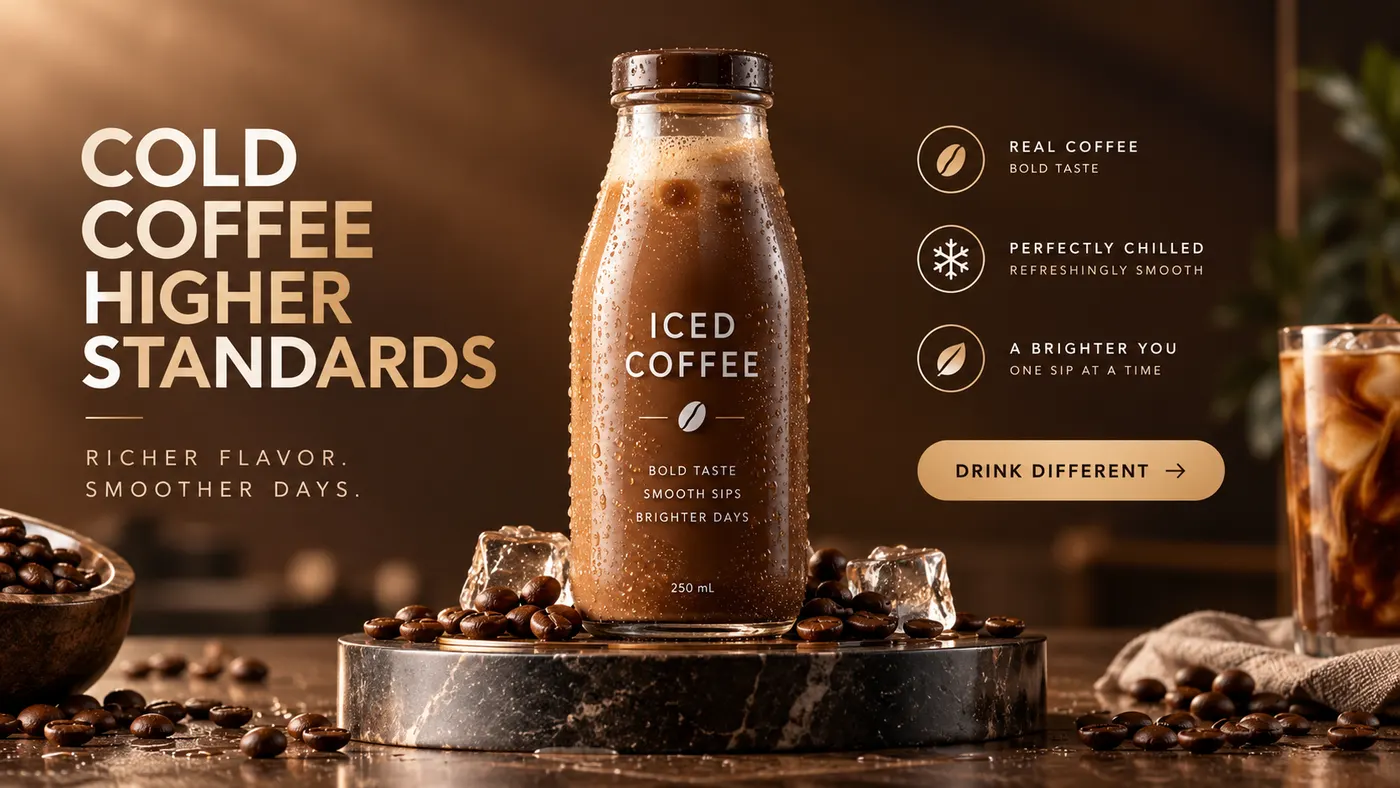
Ad Copy Generator
The free AI ad copy generator that turns one line about your product into ready-to-run Facebook, Instagram, Google, and TikTok ad copy — high-converting primary text, headlines, and hooks. Online, no signup.
AI Image Ad Generator
Make AI image ads from one product photo or a store URL — ads and banners in the ratio each placement needs, in minutes. No photoshoot, no designer. Free to start.
AI Video Ad Generator
The AI video ad generator that turns a product photo or URL into a scroll-stopping video ad in minutes — no crew, no editor, no agency. Sign up free, preview a start frame for 1 credit.

Google Ads Generator
Turn one product photo into Google Ads creative — responsive display assets in the landscape and square ratios Google asks for, ready to upload. Free to start.
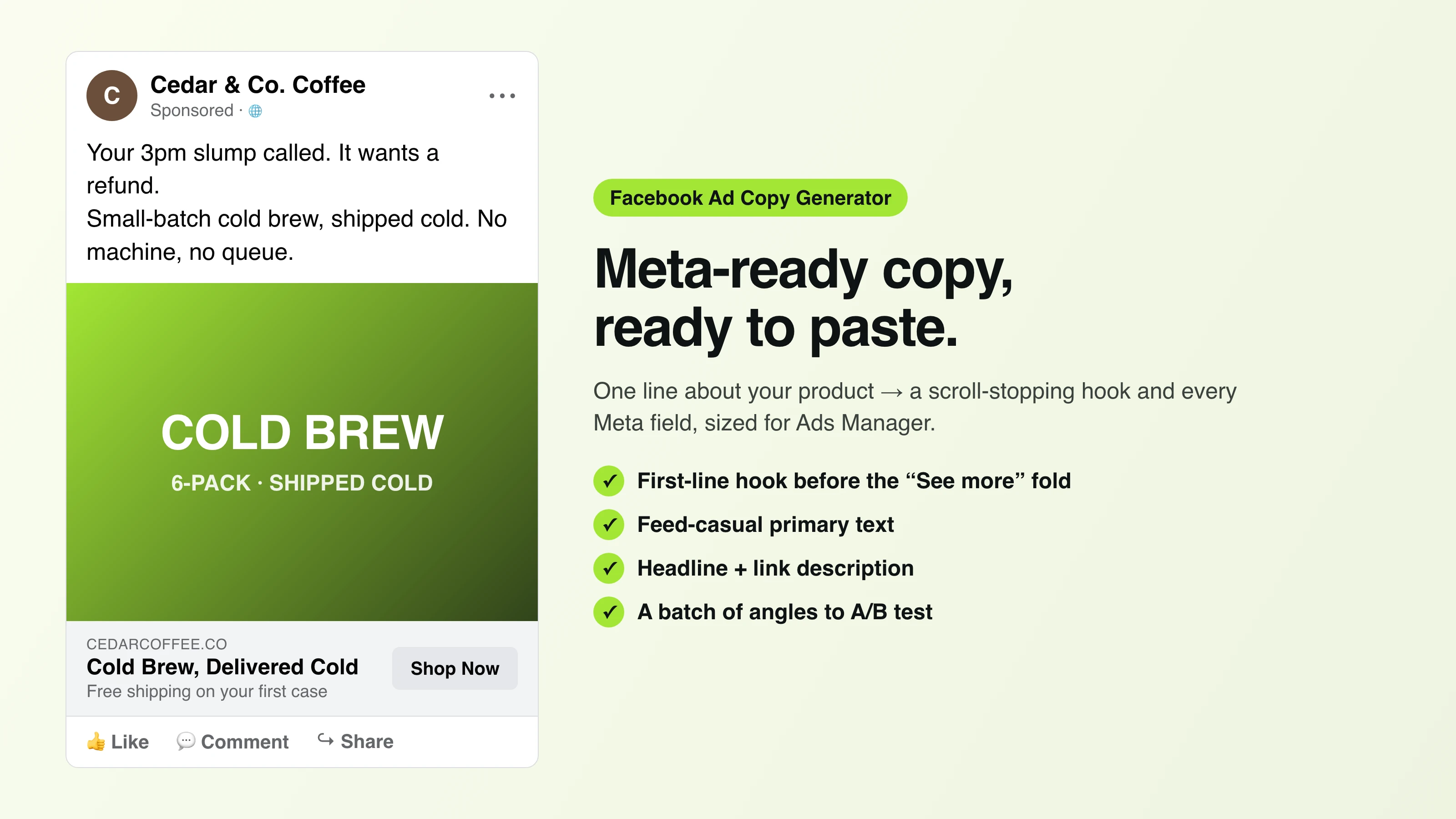
Facebook Ad Copy
The free Facebook ad copy generator that turns one line about your product into scroll-stopping Meta primary text, headlines, and link descriptions. No signup.
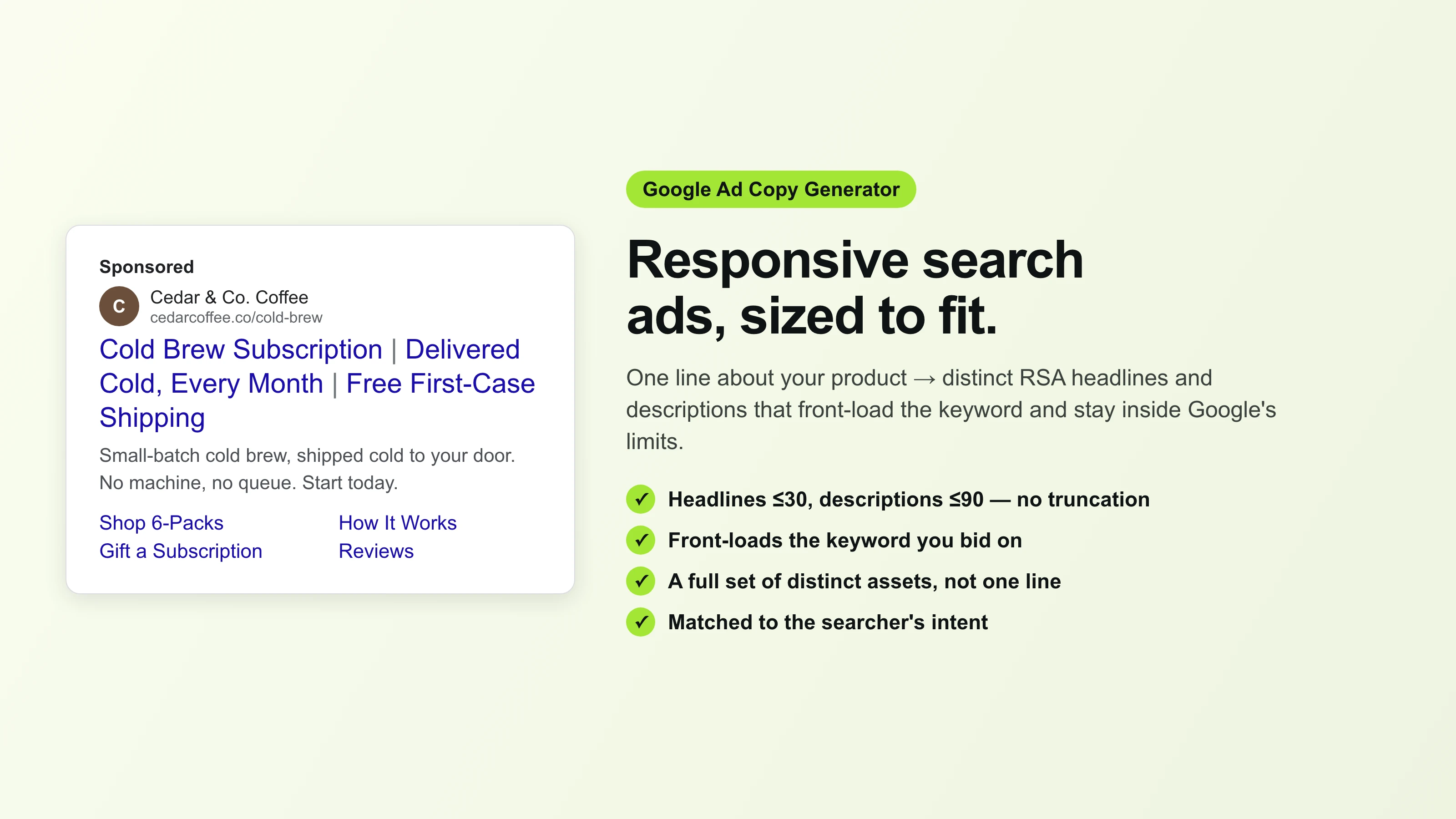
Google Ad Copy Generator
The free Google ad copy generator: turn one line about your product into responsive search ad headlines and descriptions that fit Google Ads’ limits. No signup.
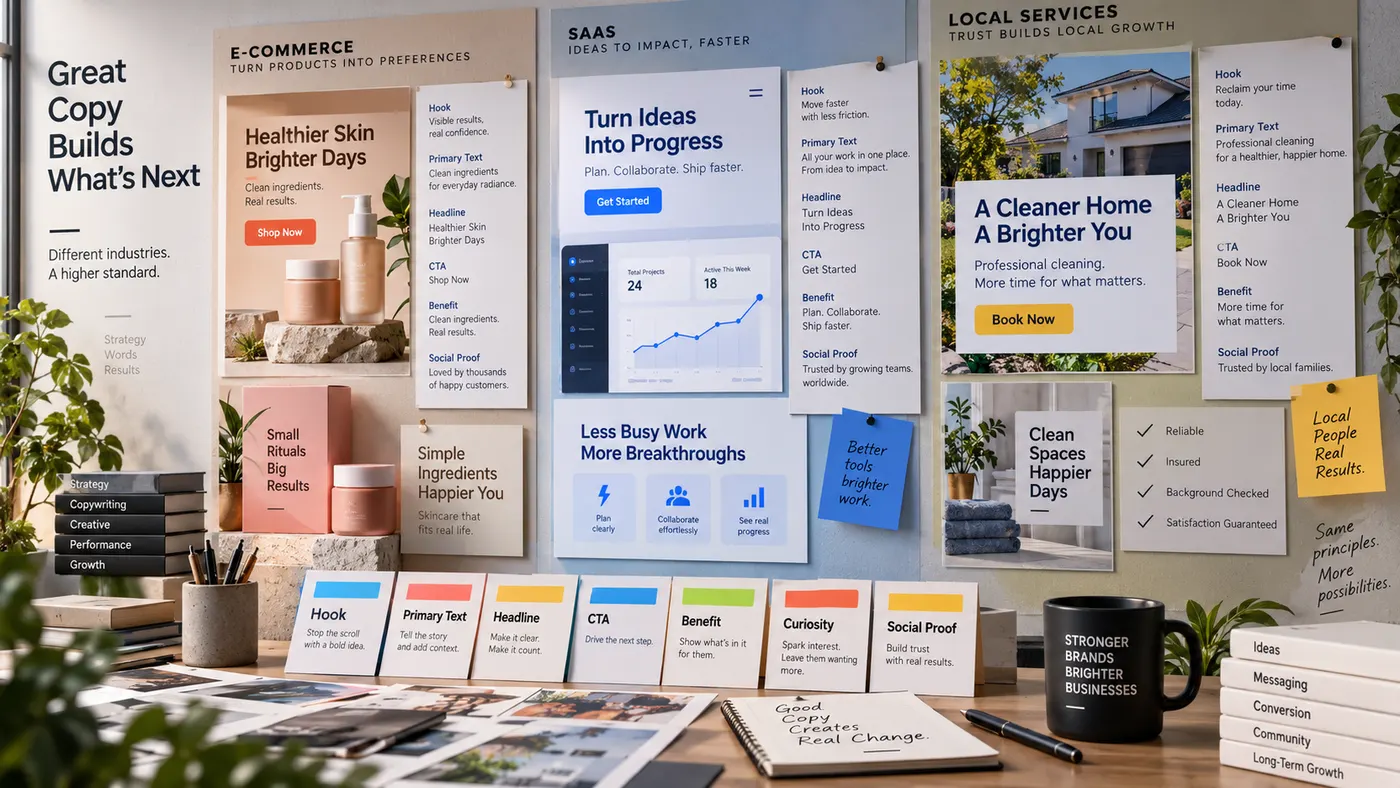
Advertising Copy Examples
Real advertising copy examples across industries and angles — plus a free generator that writes your own ad copy from one line about your product. No signup.
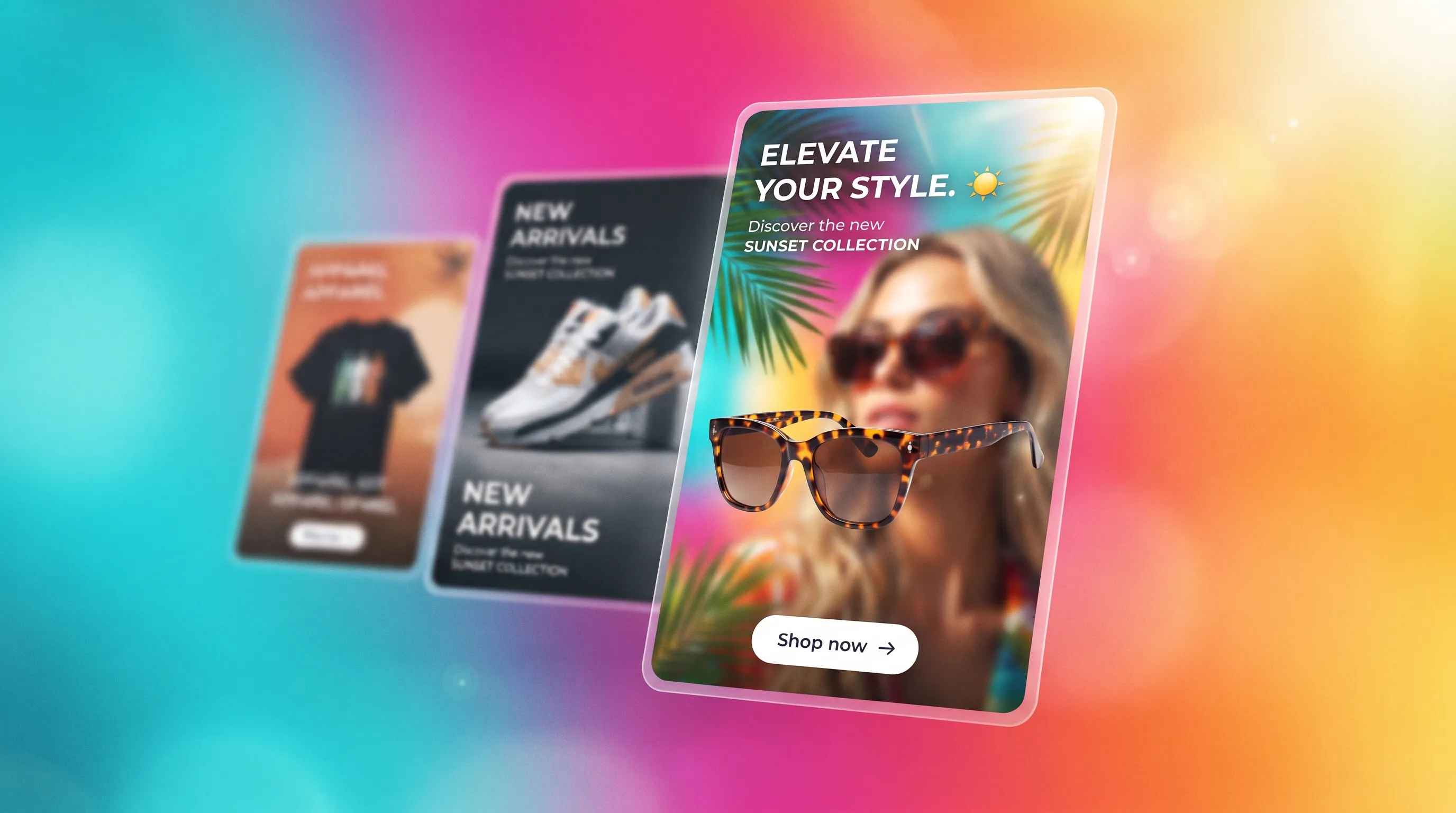
Social Media Ads Examples
Real social media ads examples by platform and type — Instagram, Facebook & TikTok — plus a free generator that makes your own ad from one product photo.
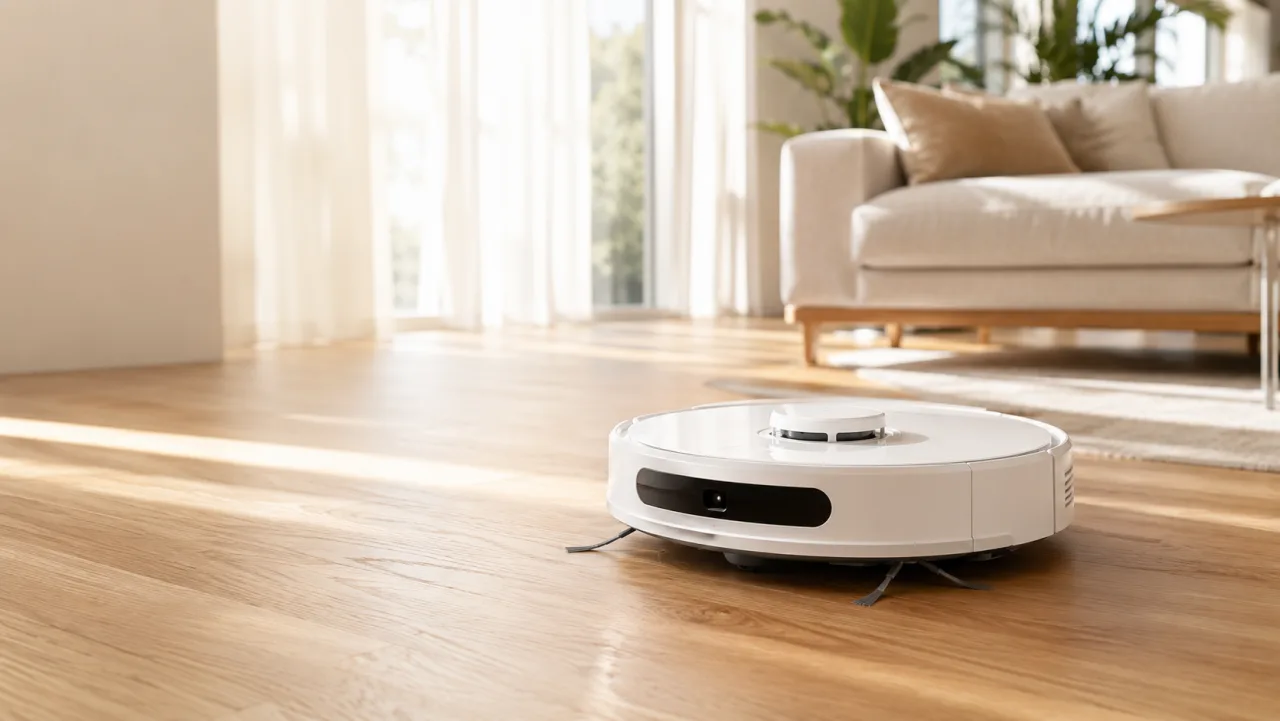
YouTube Ad Maker
The AI YouTube ad maker: turn a product photo into a native video ad for either YouTube size — 16:9 in-stream or a 9:16 Short. No editor, no crew, no agency.
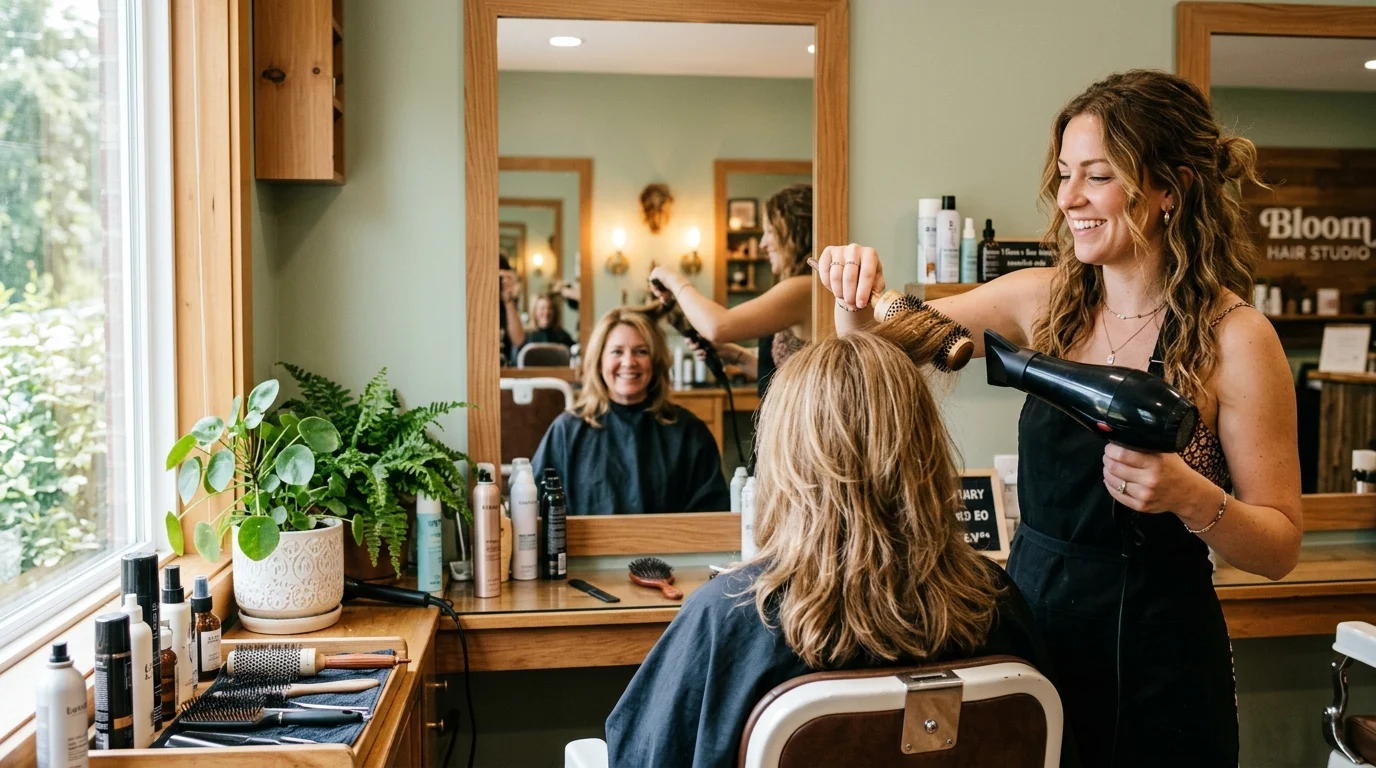
AI Avatar Ads for Small Business
Affordable AI avatar generators for small businesses — put an AI avatar in a real scene and turn it into a vertical UGC video ad from $29, no crew. Sign up free, preview a start frame for 1 credit.

HeyGen vs Arcads
HeyGen vs Arcads compared: AI avatars, actor library, pricing, and output for UGC video ads — plus a product-first way to make an ad without an actor.
AI Spokesperson Video
Create an AI spokesperson video from your business photo and script: generate a believable presenter ad for offers, explainers, and calls to action.