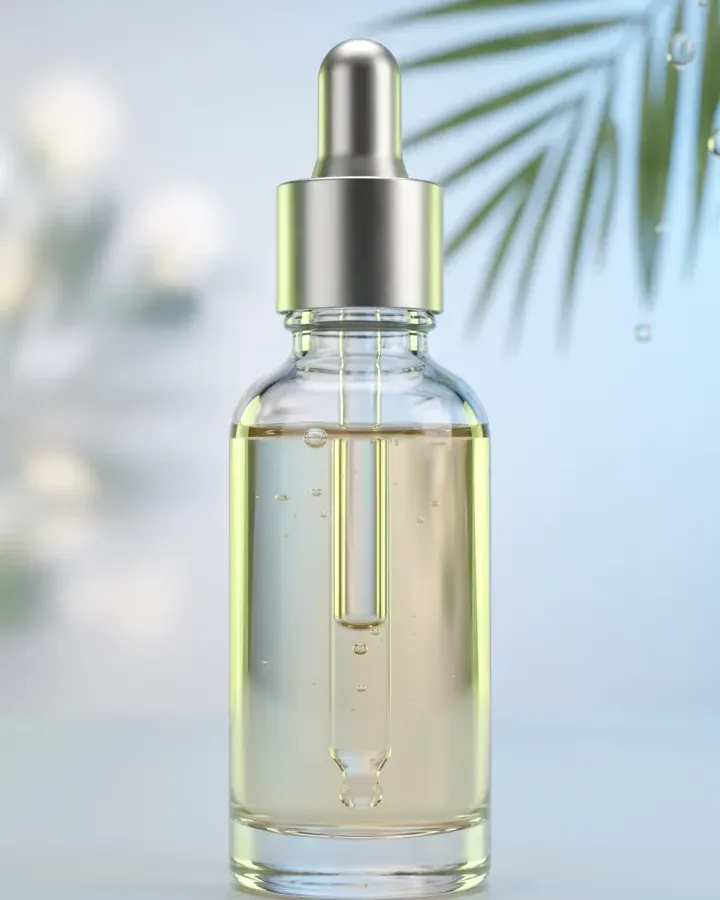
E-commerce unboxingCreate a polished e-commerce unboxing ad with a clear subject, strong opening composition, natural lighting, believable detail, and platform-ready commercial pacing.
AI Spokesperson Video Generator
Pick your business, choose a Style and size, then generate. A Brand Guide is optional — turn it on for a consistent look.
Ad subject (what the ad is about)
Optional — leave empty to generate from your prompt alone (text only).
What are you advertising?
A service you provide
Style (the kind of ad — sets the look)
A presenter delivering a direct-to-camera message
Brand Guide (optional)
Off by default — turn it on only when you want visual consistency across your ads.
Platform — where the ad runs
Placement
Generating at 9:16 for Story / Reel
Or any ratio the model supports
On-image text (optional — blank = no text)
Prompt (editable — the scene & styling that drives the image)
Also applied (not part of the editable box above):
Your service stays exactly as your photo (shape, label, colours) — styling only touches the scene & lighting.
No invented text, logos, watermarks, prices or hex codes rendered on the image.
On-image text = only the slogan you typed (blank = none).
This step is free
AI Spokesperson Video Generator
Turn a business photo and your script into a believable presenter video, framed for vertical ads and delivered straight to camera.
AI Spokesperson: Create a Presenter Video From Your Script
Punchylime is an AI spokesperson video generator that turns your business photo and message into a believable person-speaking-to-camera ad. Create an ai spokesperson video for a product offer, local service, or quick explainer without hiring an actor, filming yourself, or arranging another shoot. You can try ai spokesperson free, then choose a direct-to-camera talking head, creator-style delivery, or testimonial story and let the presenter speak your script with natural lip movement in a vertical 9:16 frame.
Create an AI Spokesperson Video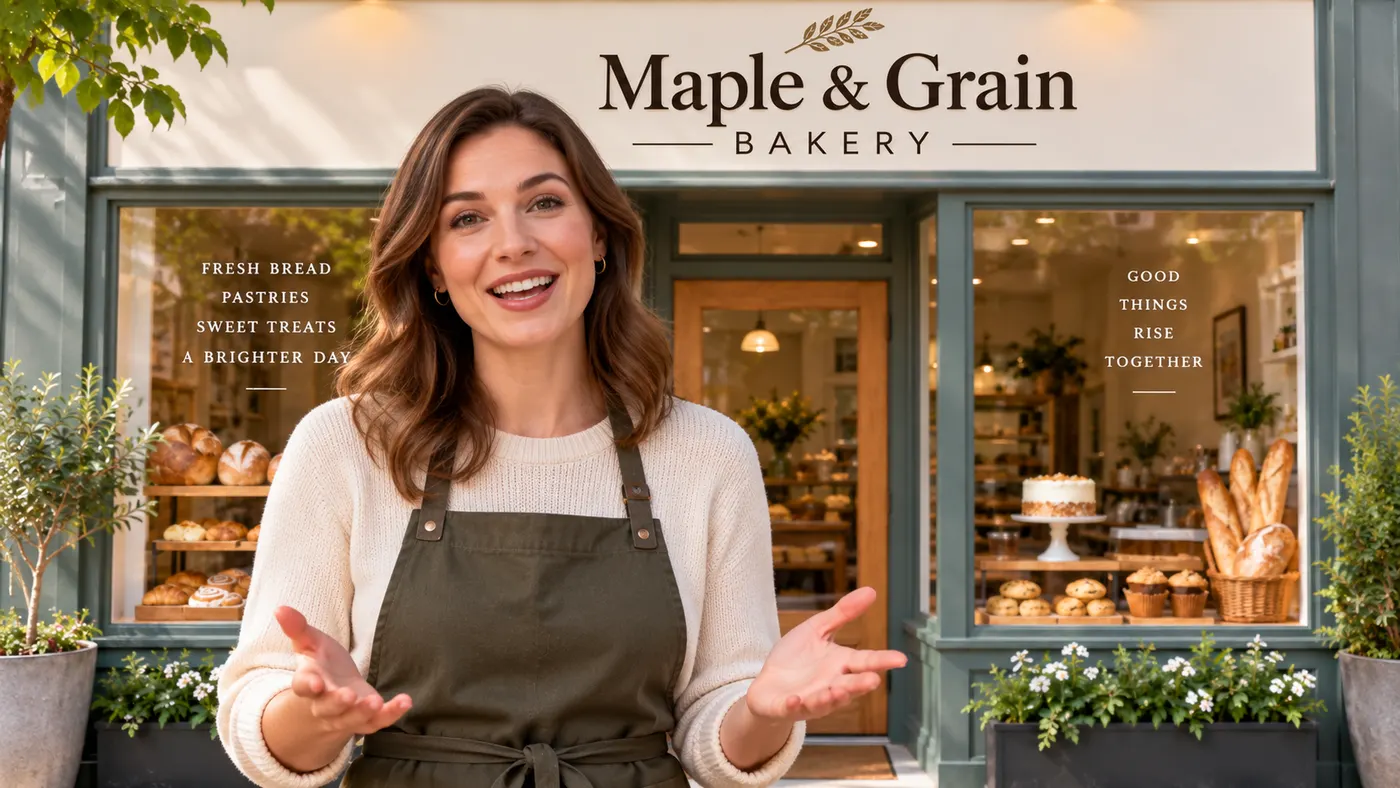
What Is an AI Video Spokesperson?
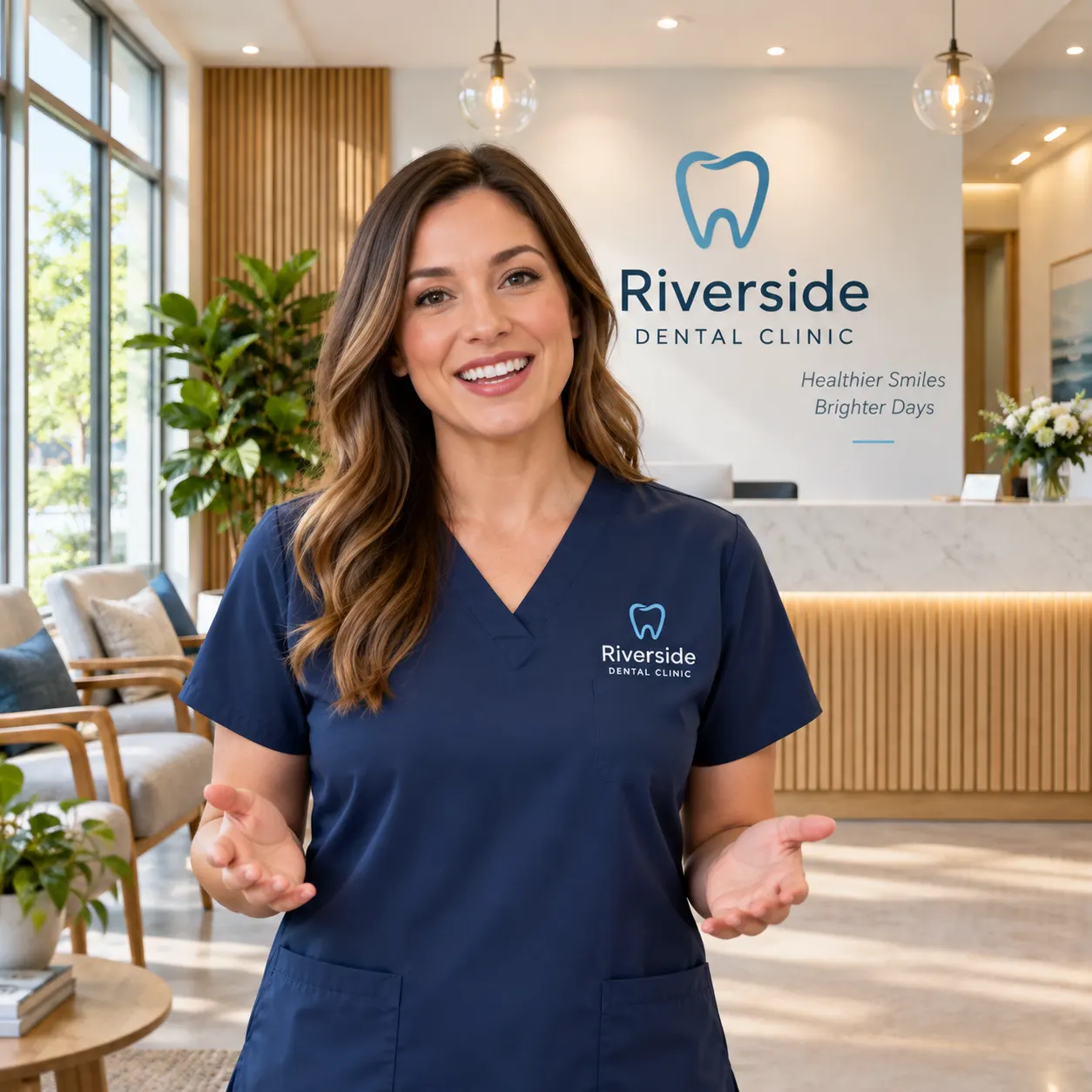
An ai video spokesperson is a generated presenter who delivers your written message directly to the viewer. Punchylime uses your business photo as the starting point, creates a presenter-style frame, and animates it into a short video with spoken dialogue and matched lip movement. It is built for a clear offer, product explanation, or service introduction—not a generic floating talking head with nothing specific to say.
Give Every Offer a Person to Explain It
Hiring an actor for every promotion is expensive, and filming yourself can make a simple ad feel like a production. With an ai spokesperson video creator, you can write a new script for each offer and generate a fresh presenter video from your business photo. The same workflow works for a launch, a seasonal promotion, a service overview, or a short call to action.
A Presenter Video Without Another Shoot
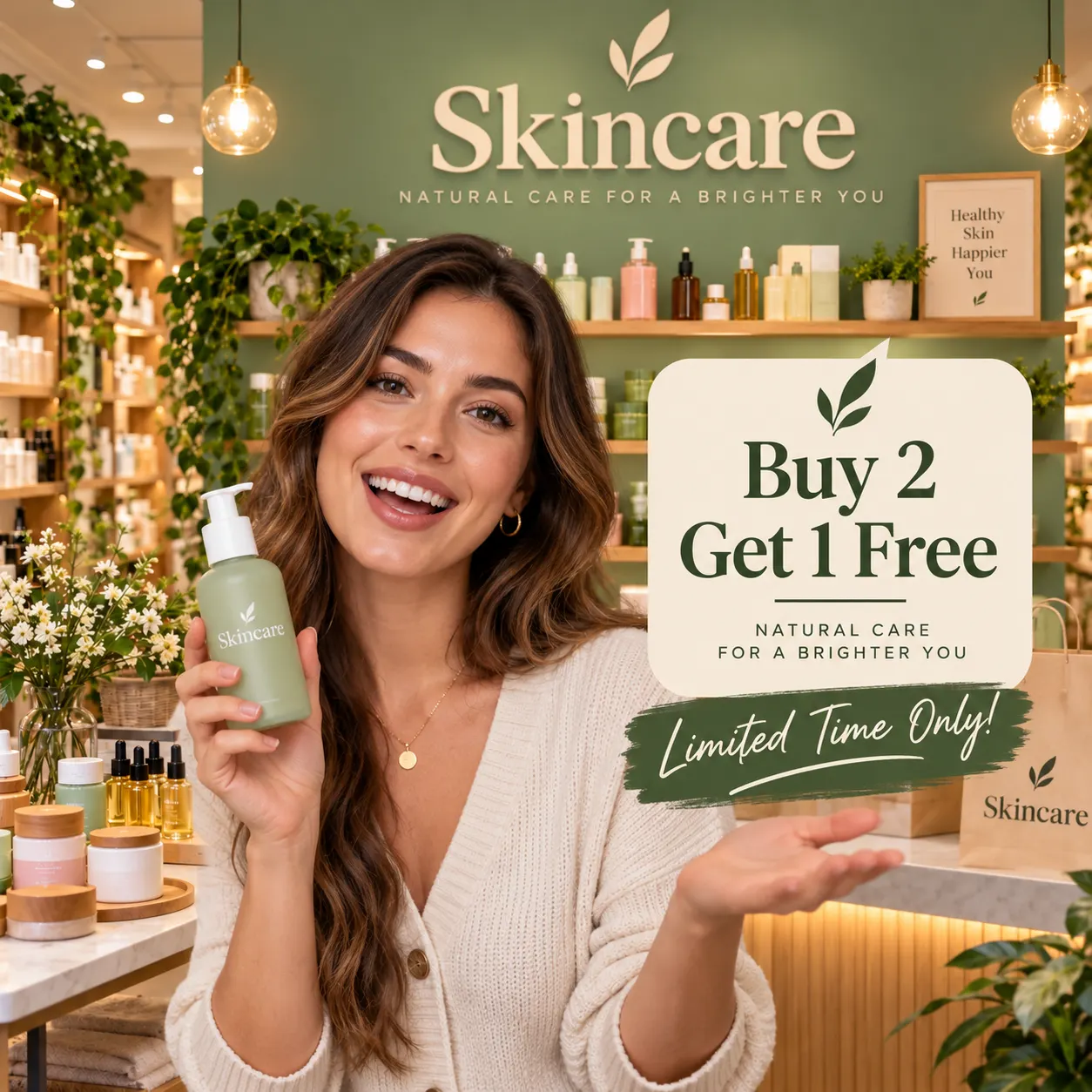
A new platform, language, or promotion should not require another camera day. The ai spokesperson video workflow lets you upload your business photo, choose a direction, and provide the words the presenter should say. Generate ai spokesperson videos in a consistent vertical format, then create another version when your message changes.
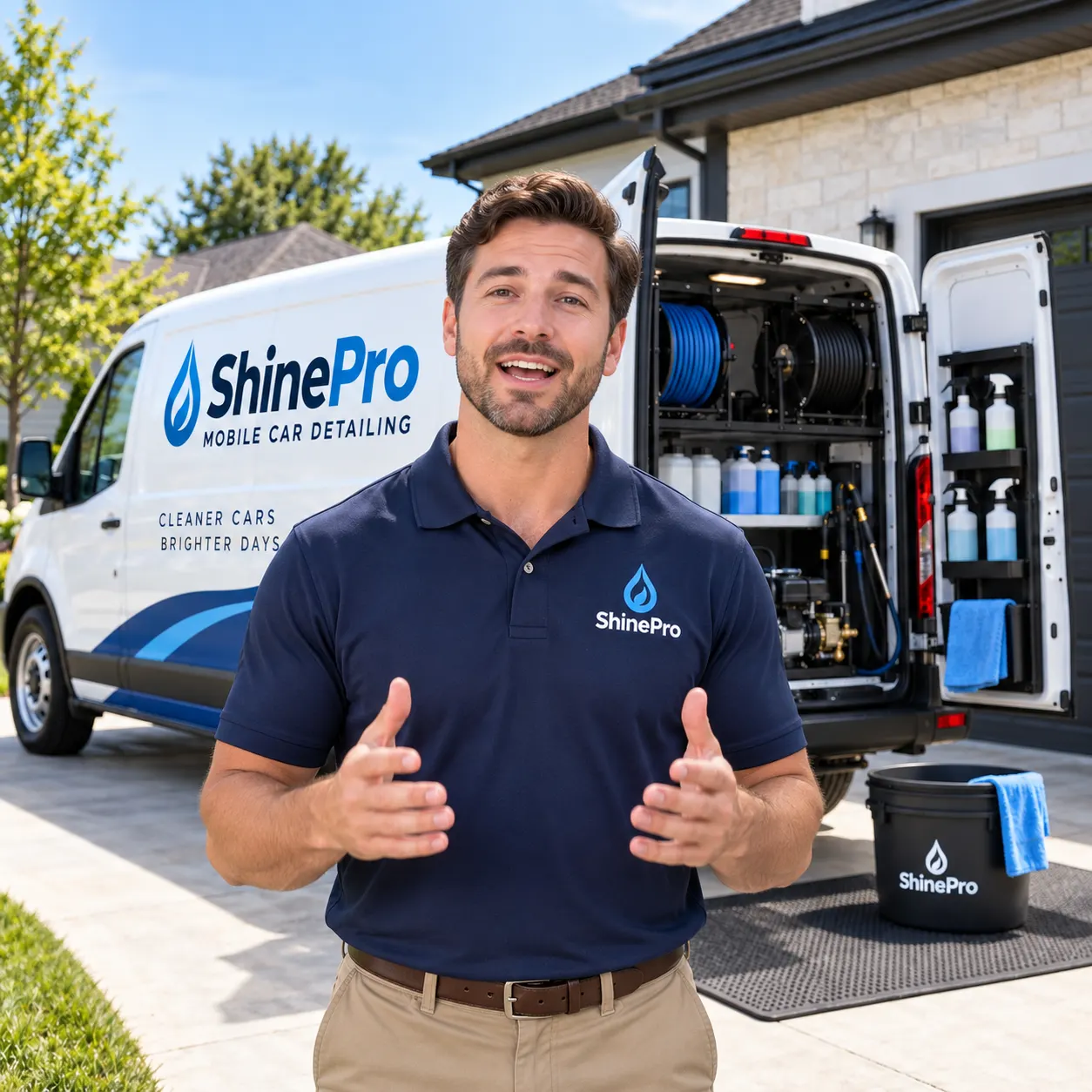
What Makes Punchylime an AI Spokesperson Generator for Ads
A useful ai spokesperson generator needs to deliver more than a talking face. Punchylime combines your business image, your script, and a presenter-focused direction into a short vertical video made for a clear business message.
Your Business Photo Anchors the Presenter
Start with one required business photo so the generated video has a specific visual foundation. The presenter is created for that video and placed in an ad-ready frame instead of selected from a fixed catalog of named avatars.
Your Script Becomes the Spoken Dialogue
Write the message you want the presenter to deliver, and the video generator passes that script into the scene as dialogue. The presenter speaks directly to camera with natural lip movement and a confident delivery.
Three Presenter Directions for Different Messages
Choose a direct-to-camera talking head for a clear offer, a creator-style UGC spokesperson for a more casual delivery, or a testimonial-style story for a customer-focused opening. Each direction keeps the person speaking to the viewer.
How to Make an AI Spokesperson Video
Create a short presenter ad from one business photo and your own script in three simple steps.
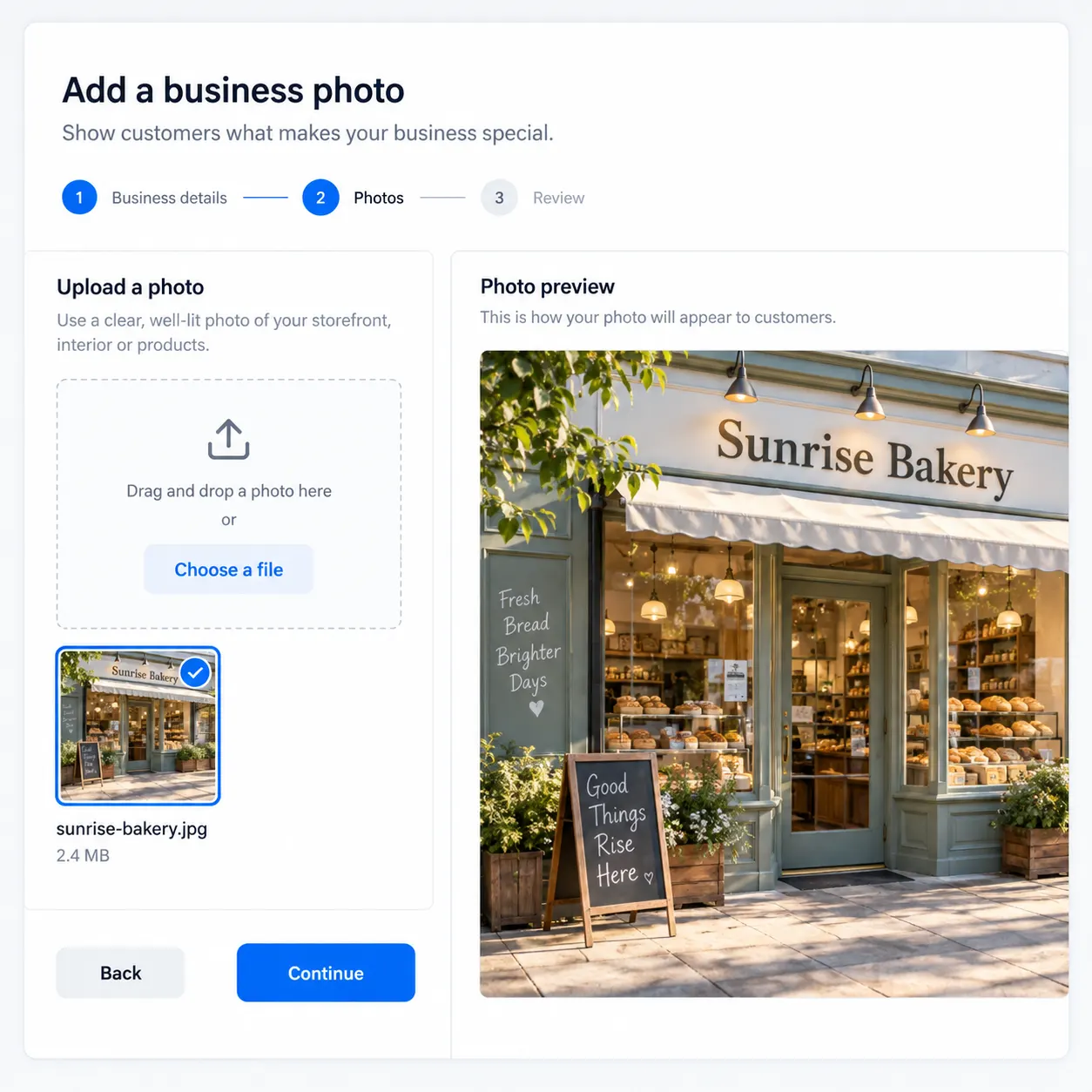
Step 1: Upload your business photo
Add the business photo that should anchor the video. Use an image that clearly represents your business, service, location, or offer so the generated presenter scene has a specific visual starting point.
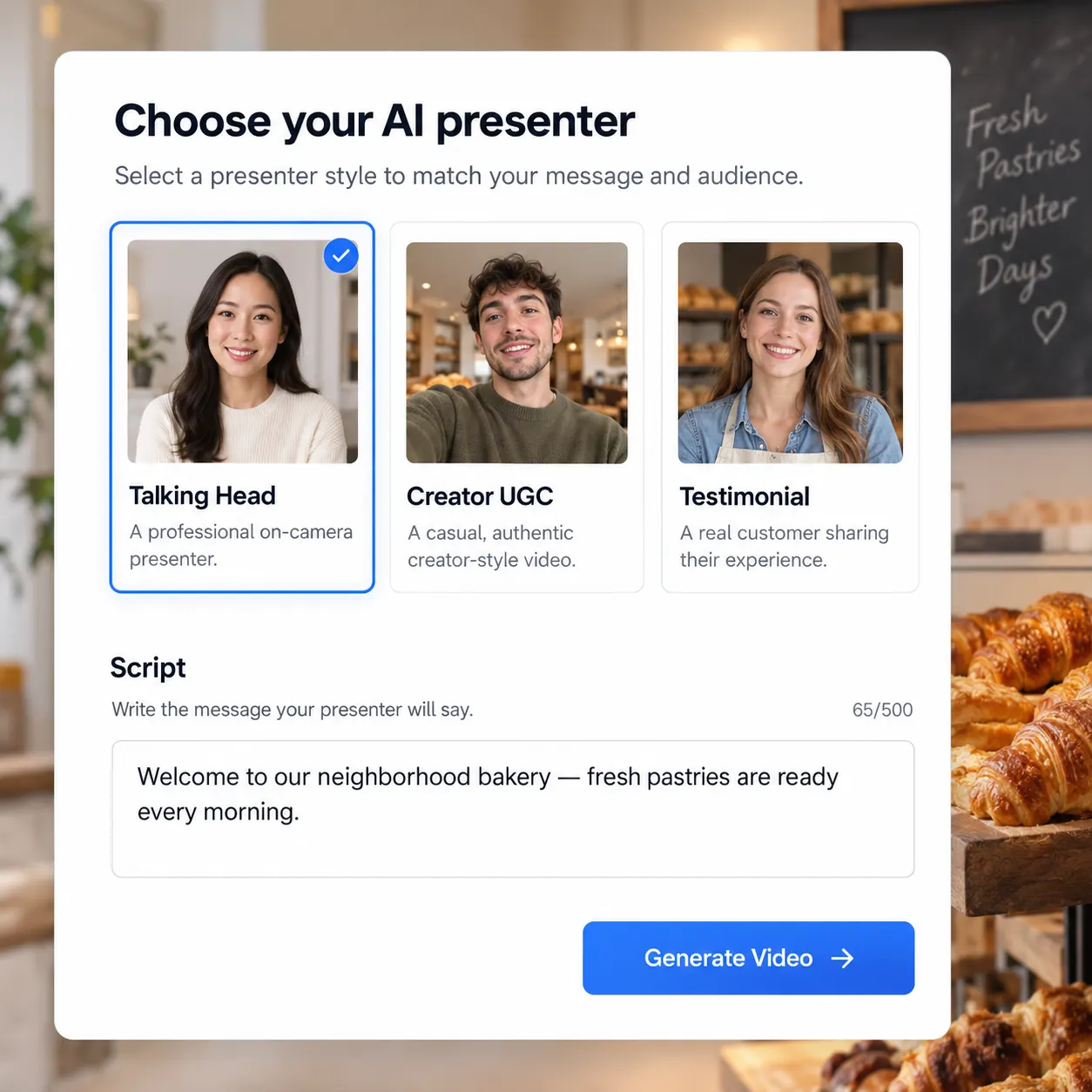
Step 2: Choose the presenter direction and write the script
Select a direct-to-camera talking head, creator-style UGC spokesperson, or testimonial-style story. Then write the words you want the presenter to say, including the offer, key benefit, and next step for the viewer.
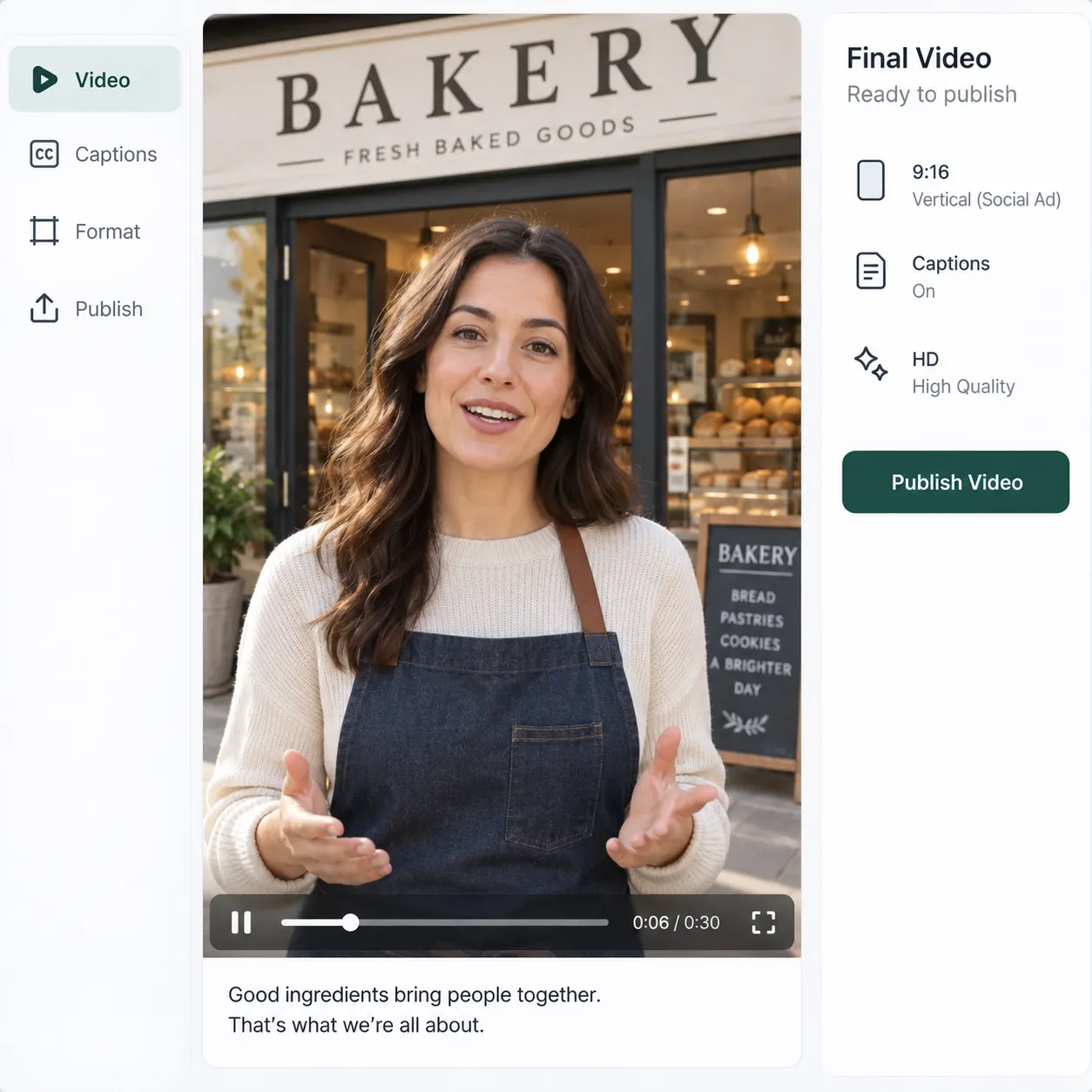
Step 3: Generate your spokesperson video
Generate a 15-second vertical 9:16 spokesperson video with the presenter speaking your script to camera. Review the result, then create another version when you want to test a different message or presenter direction.
Ads for Every Industry
From e-commerce products to local services, Punchylime generates on-format ads for the businesses that need them most. Every ad below is a real Punchylime output.
Beauty UGCCreate a polished beauty ugc ad with a clear subject, strong opening composition, natural lighting, believable detail, and platform-ready commercial pacing.
Fashion try-onCreate a polished fashion try-on ad with a clear subject, strong opening composition, natural lighting, believable detail, and platform-ready commercial pacing.
Fitness UGCCreate a polished fitness ugc ad with a clear subject, strong opening composition, natural lighting, believable detail, and platform-ready commercial pacing.
Food UGCCreate a polished food ugc ad with a clear subject, strong opening composition, natural lighting, believable detail, and platform-ready commercial pacing.
Apparel UGCCreate a polished apparel ugc ad with a clear subject, strong opening composition, natural lighting, believable detail, and platform-ready commercial pacing.
Jewelry productCreate a polished jewelry product ad with a clear subject, strong opening composition, natural lighting, believable detail, and platform-ready commercial pacing.
Food productCreate a polished food product ad with a clear subject, strong opening composition, natural lighting, believable detail, and platform-ready commercial pacing.
Automotive productCreate a polished automotive product ad with a clear subject, strong opening composition, natural lighting, believable detail, and platform-ready commercial pacing.
Home before / afterCreate a polished home before / after ad with a clear subject, strong opening composition, natural lighting, believable detail, and platform-ready commercial pacing.
Home & livingCreate a polished home & living ad with a clear subject, strong opening composition, natural lighting, believable detail, and platform-ready commercial pacing.
Decor productCreate a polished decor product ad with a clear subject, strong opening composition, natural lighting, believable detail, and platform-ready commercial pacing.
Your Next Presenter Ad Starts With a Script
Upload a business photo, write the message you want delivered, and let Punchylime create a believable spokesperson video in an ad-ready vertical format. No actor, camera crew, or on-camera performance required.
Create a Spokesperson VideoWhat the AI Spokesperson Generator Does
A clear guide to the inputs, presenter styles, and output behind Punchylime's ai spokesperson video workflow.
Built for a specific business message
The generator creates a presenter video around your business photo and the script you provide. That makes it useful for service introductions, product offers, local-business promotions, explainers, and direct calls to action. It does not rely on a generic stock presenter clip that cannot say your own words.
The presenter speaks your script
Your script becomes the dialogue for the generated person. The motion direction asks the presenter to speak directly to camera with matched lip movement and confident delivery, so the result is designed to feel like a person addressing the viewer rather than product-only motion.
Choose the style that fits the ad
Use the talking-head direction when clarity matters, the creator-style UGC spokesperson for a more informal ad, or the testimonial-style story when the message should open with a customer-story feeling. These are presenter directions for the same video generator, not a library of fixed avatars.
A focused vertical output
Each generated spokesperson video is designed as a 15-second 9:16 clip. That makes the output a natural fit for vertical social placements, short offers, service introductions, and other ads where the presenter needs to speak clearly in the first few seconds.
More Punchylime tools
Every ad generator in the studio — swipe through, all on one login.
TikTok Ad Generator
The free TikTok ad generator that turns a product photo or URL into a scroll-stopping 9:16 TikTok video ad — no editor, no crew, no agency. Start free.
Instagram Ad Maker
The Instagram ad maker that turns a product photo or a URL into native Feed, Reels, and Story ads — sized for the placement, ready for Ads Manager. Start free.
UGC Prompt Generator
The free UGC prompt generator that turns one line about your product into a batch of TikTok, Reels, and Shorts hooks with shot-by-shot directions. No signup.
AI Product Photography
The AI product photography tool that turns one phone photo or URL into catalog-grade studio shots — no light tent, no photographer, no reshoot. Start free.

Video Ad Maker
Punchylime is the video ad maker that turns a product photo or URL into a scroll-stopping video ad in minutes — no editing software, no agency. Start free.
UGC Ad Maker
The AI UGC video generator that turns a product photo into creator-style UGC ads for TikTok and Reels in minutes — no creator to hire, no reshoots. Start free.
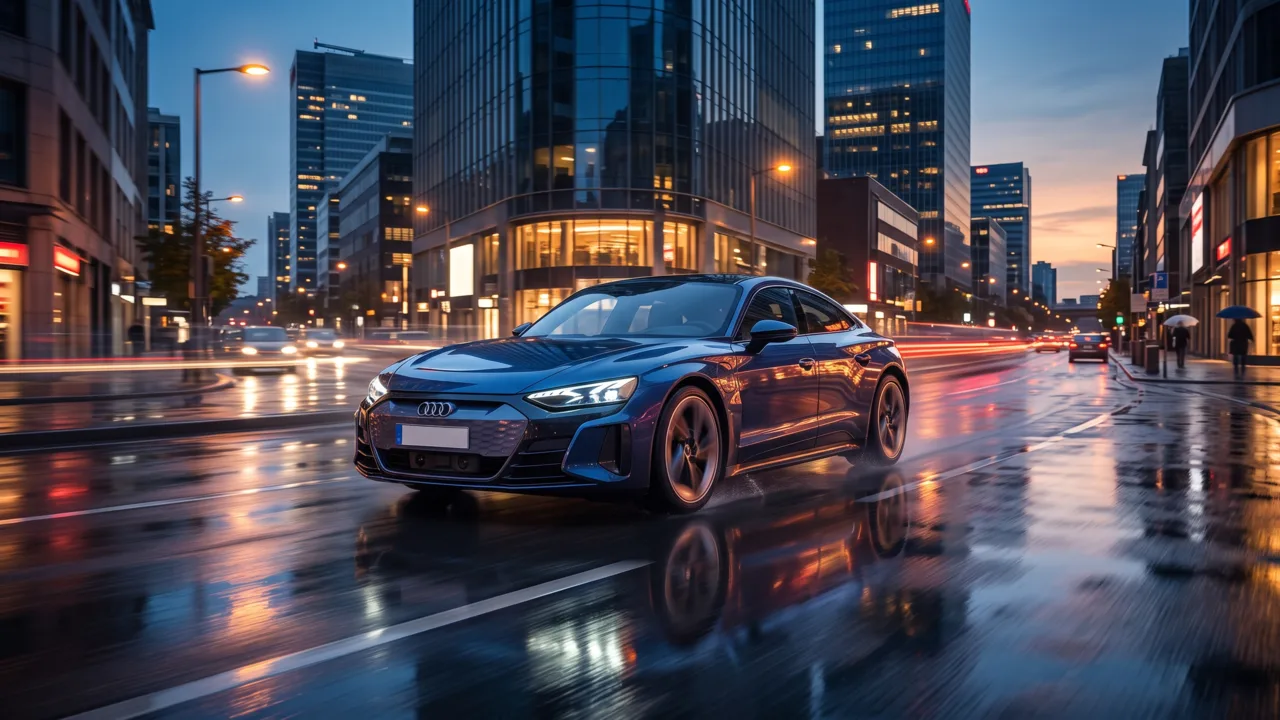
Ad Copy Generator
The free AI ad copy generator that turns one line about your product into ready-to-run Facebook, Google, TikTok, and email ad copy — high-converting primary text, headlines, and hooks. Online, no signup.
AI Image Ad Generator
Make AI image ads from one product photo or a store URL — ads and banners sized for every placement, in minutes. No photoshoot, no designer. Free to start.
AI Video Ad Generator
The AI video ad generator that turns a product photo or URL into a scroll-stopping video ad in minutes — no crew, no editor, no agency. Start free.
Google Ads Generator
Turn one product photo into Google Ads creative — responsive display assets and Display Network banner sizes, sized natively, ready to upload. Free to start.
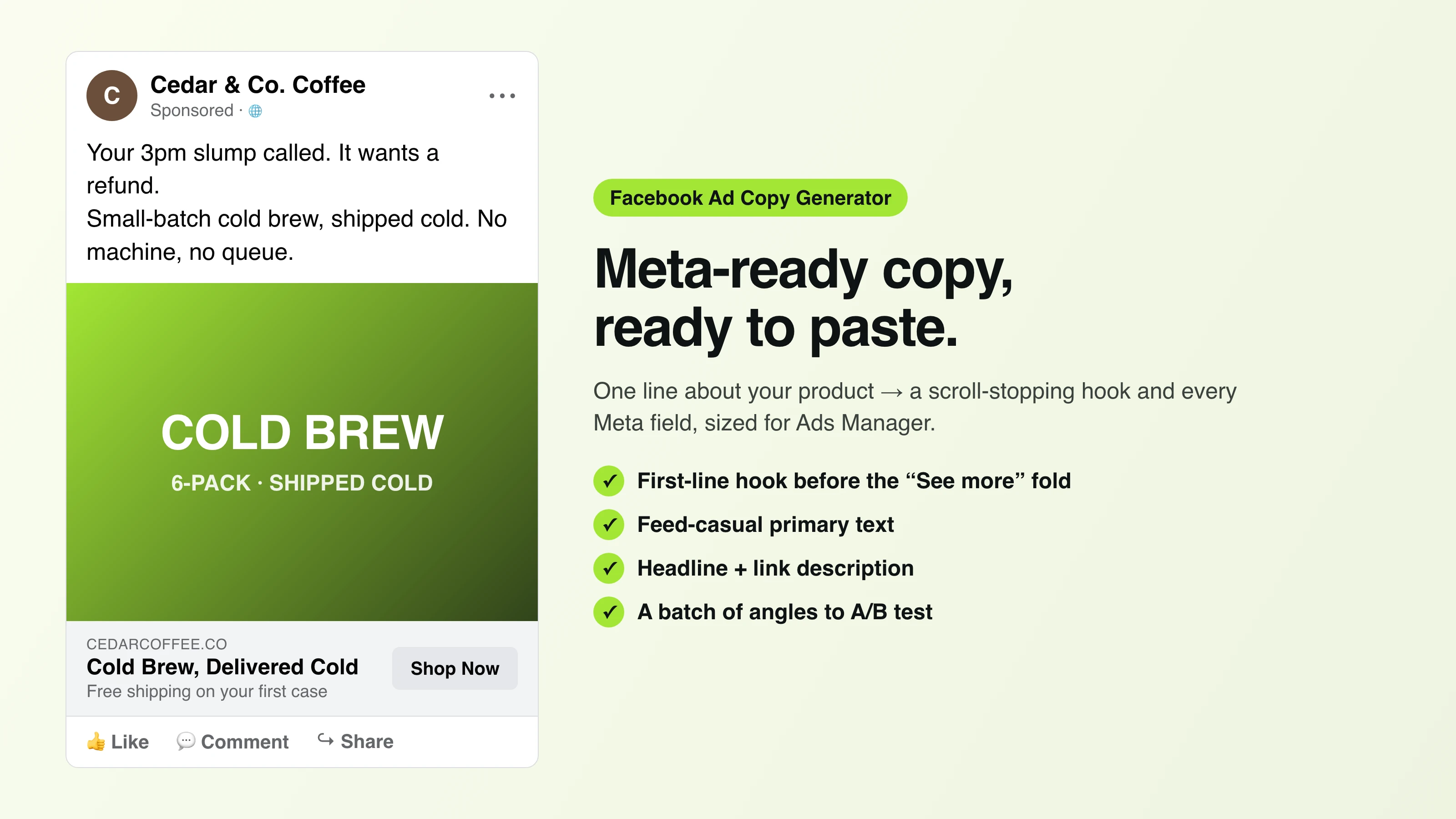
Facebook Ad Copy
The free Facebook ad copy generator that turns one line about your product into scroll-stopping Meta primary text, headlines, and link descriptions. No signup.
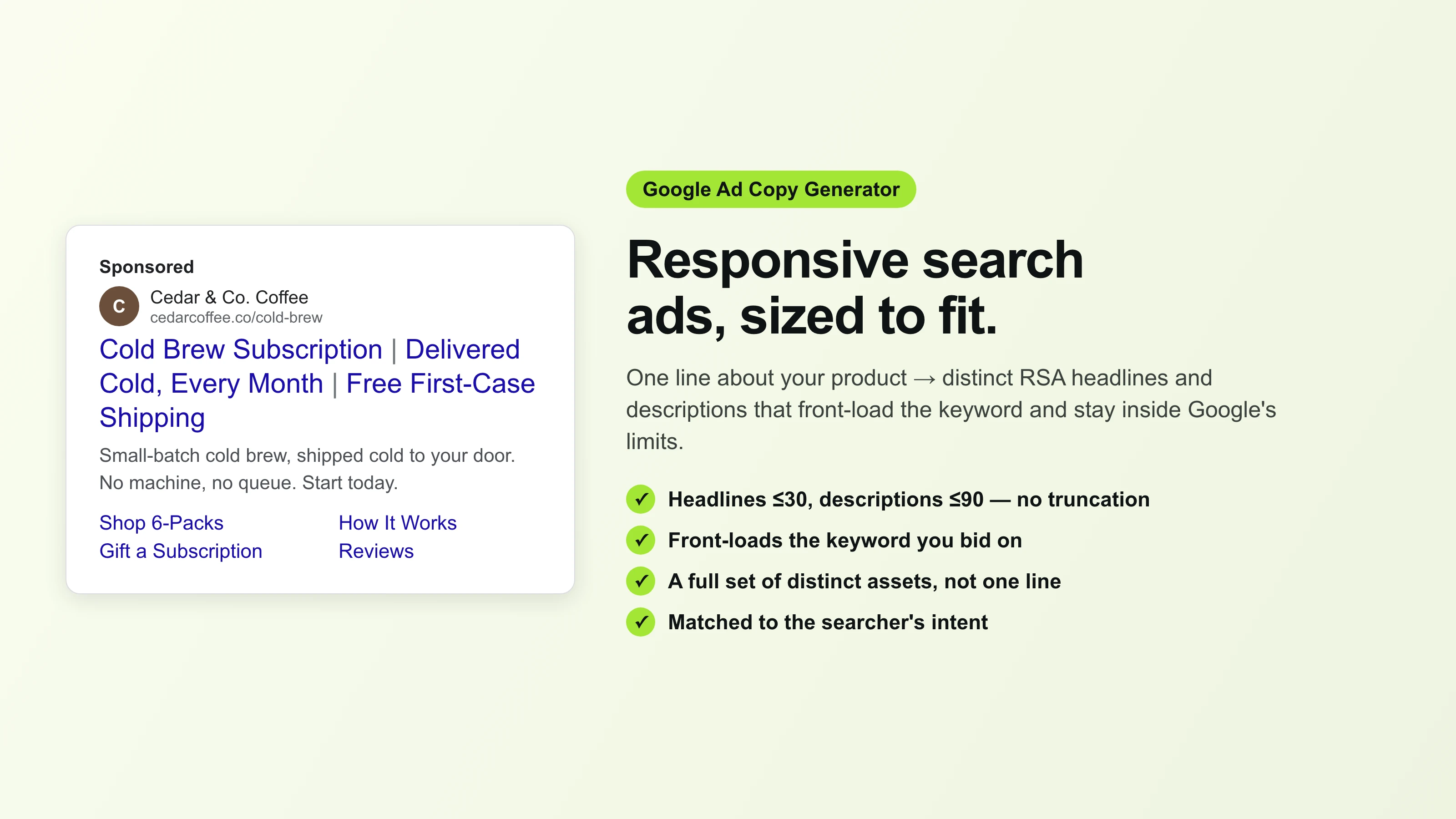
Google Ad Copy Generator
The free Google ad copy generator: turn one line about your product into responsive search ad headlines and descriptions that fit Google Ads’ limits. No signup.
Ad Script Generator
The free ad script generator that turns one line about your product into a shot-by-shot video ad script — hook, scene directions, voiceover, and CTA. No signup.
Advertising Copy Examples
Real advertising copy examples across industries and angles — plus a free generator that writes your own ad copy from one line about your product. No signup.
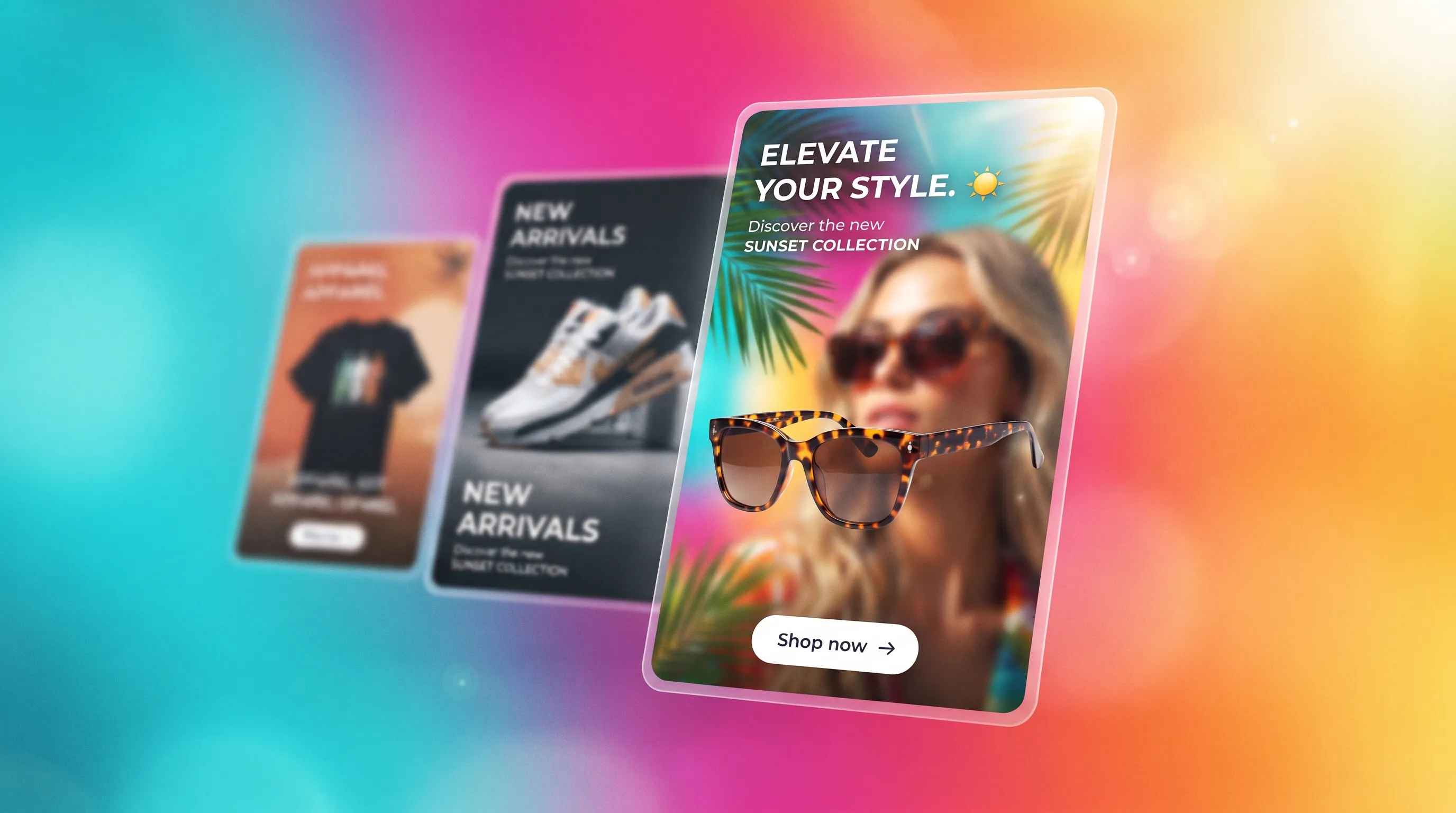
Social Media Ads Examples
Real social media ads examples by platform and type — Instagram, Facebook & TikTok — plus a free generator that makes your own ad from one product photo.
YouTube Ad Maker
The AI YouTube ad maker: turn a product photo into a native video ad in both YouTube sizes — 16:9 in-stream and a 9:16 Short. No editor, no crew, no agency.
AI Avatar Ads for Small Business
Affordable AI avatar generators for small businesses — put an AI avatar in a real scene and turn it into a vertical UGC video ad from $29, no crew. Start free.
HeyGen vs Arcads
HeyGen vs Arcads compared: AI avatars, actor library, pricing, and output for UGC video ads — plus a product-first way to make an ad without an actor.