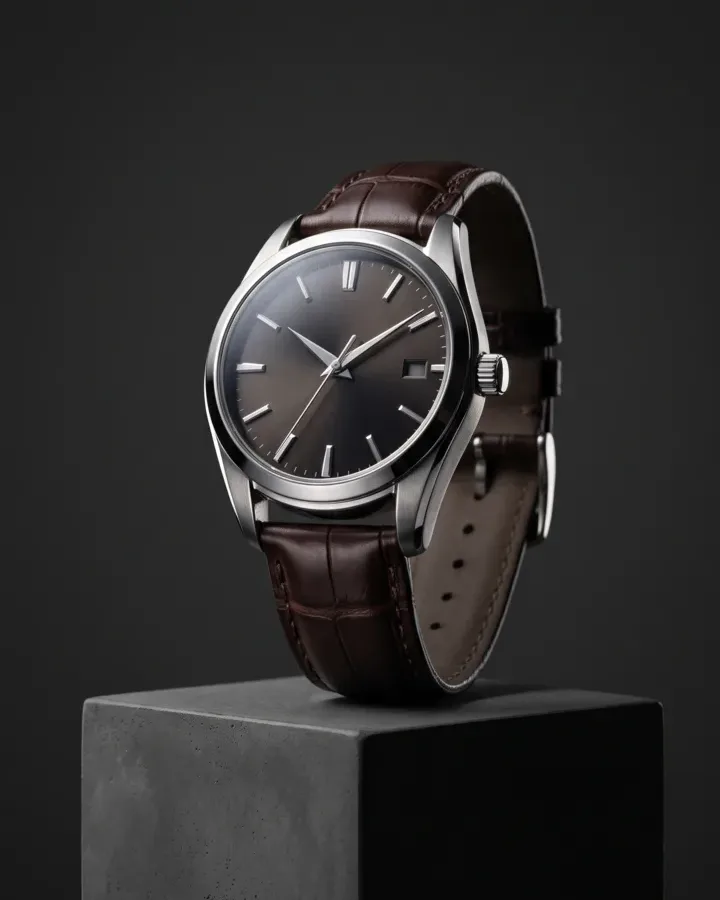
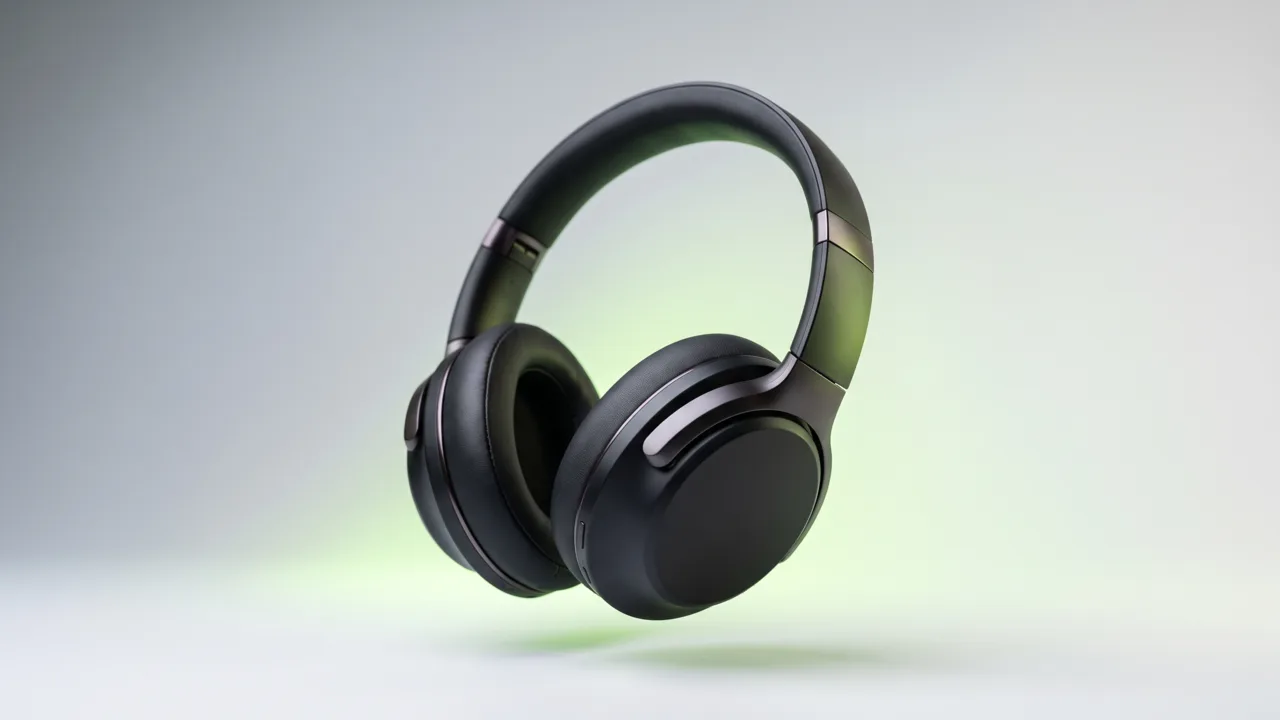
E-commerce unboxingCreate a polished e-commerce unboxing ad with a clear subject, strong opening composition, natural lighting, believable detail, and platform-ready commercial pacing.
AI Image Ad Generator
Pick your product, choose a Style and size, then generate. A Brand Guide is optional — turn it on for a consistent look.
Ad subject (what the ad is about)
Optional — leave empty to generate from your prompt alone (text only).
What are you advertising?
A product or e-commerce item
Style (the kind of ad — sets the look)
A clean, versatile ad — let the studio choose the angle
Brand Guide (optional)
Off by default — turn it on only when you want visual consistency across your ads.
Platform — where the ad runs
Placement
Generating at 1:1 for Feed Square
Or any ratio the model supports
On-image text (optional — blank = no text)
Prompt (editable — the scene & styling that drives the image)
Also applied (not part of the editable box above):
Your product stays exactly as your photo (shape, label, colours) — styling only touches the scene & lighting.
No invented text, logos, watermarks, prices or hex codes rendered on the image.
On-image text = only the slogan you typed (blank = none).
This step uses 1 credit
AI Image Ad Generator
A product photo in, a ready-to-run image ad out — sized for the feed, the story, and the banner slot, with your product still looking like your product.
AI Image Ads: One Product Photo Into Ads for Every Placement
Punchylime is the AI image ad generator that turns a product photo — or a store URL — into scroll-stopping image ads and banners. Working as a product-true image ad maker, it restages it in a clean studio or lifestyle scene, keeps the label and shape true, and renders the feed square, the story, and the ad-network banner from the same upload. No photoshoot, no designer, no agency.
Make an Image Ad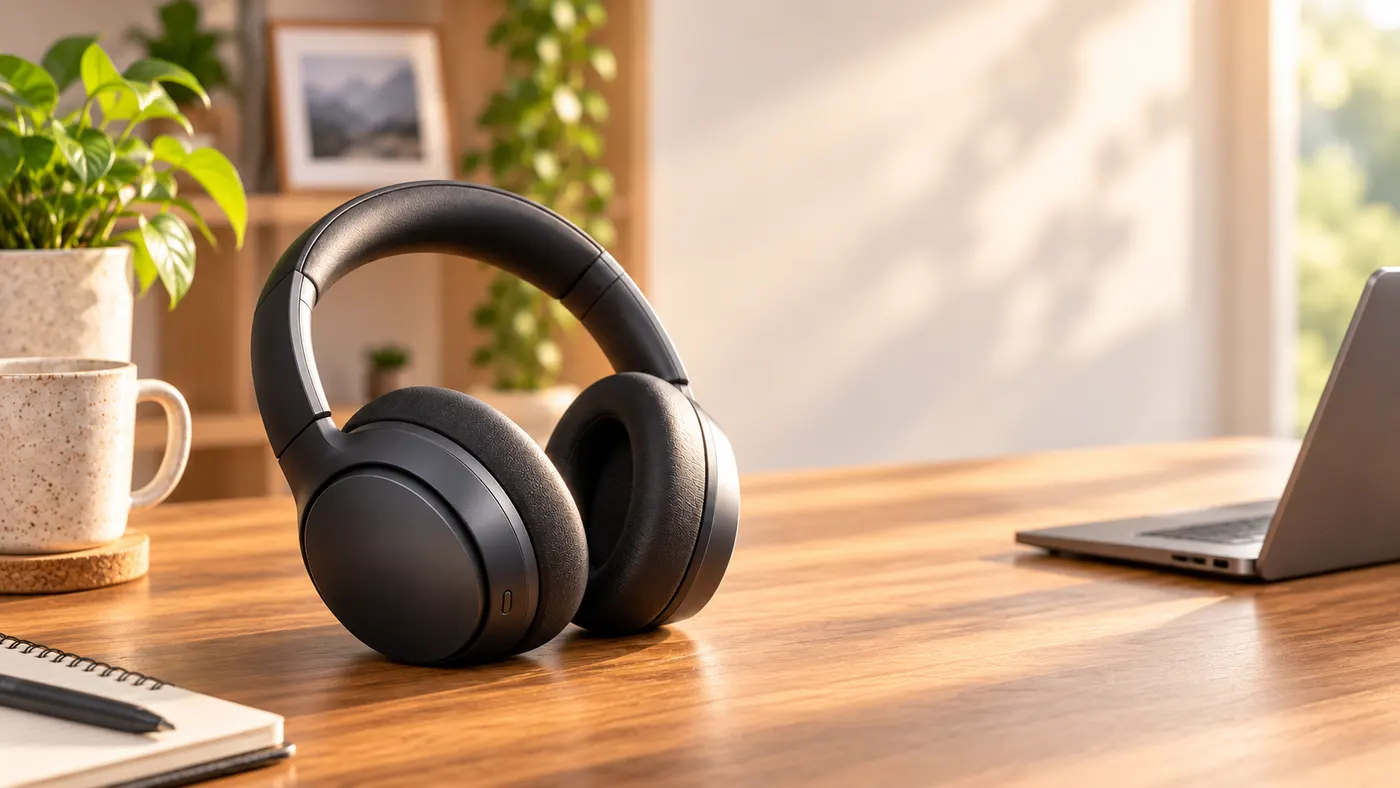
What Are AI Image Ads?
An AI image ad generator turns a still product photo into a finished ad without a camera or an editing suite. Punchylime takes a product photo, a URL, or a description and restages it in a clean studio or lifestyle scene — holding the label, colour, and shape true — then renders the ad at the ratio you pick for your placement. Unlike a generic image generator, it composes for the ad slot, so what comes out is a feed post, a story, or a banner you can run, not a square you still have to crop, caption, and fix.
Why Build Your Product Images Here?
A single product shoot burns a day and a budget before you see one usable frame, and a designer still has to cut every banner size by hand. Punchylime collapses that into minutes: upload once, and this AI image ad generator handles the staging, the lighting, and the resizing. Preview each size as a 1-credit draft, keep the ads worth running — and regenerate with a fresh scene or headline to fight ad fatigue instead of booking a reshoot each time a winner tires out.
Done Paying for Every Photoshoot and Banner Resize?
Traditional product images mean a table-top set, a photographer, and a designer on retainer — days of turnaround per asset and a fresh invoice every time you need a new size or season. Punchylime removes the crew and the wait. A phone snapshot becomes an ad-ready image, a full set of placement sizes comes from the same upload, and the whole thing runs on one credit wallet shared with your video, UGC, and copy work — so a small team can ship like a studio.
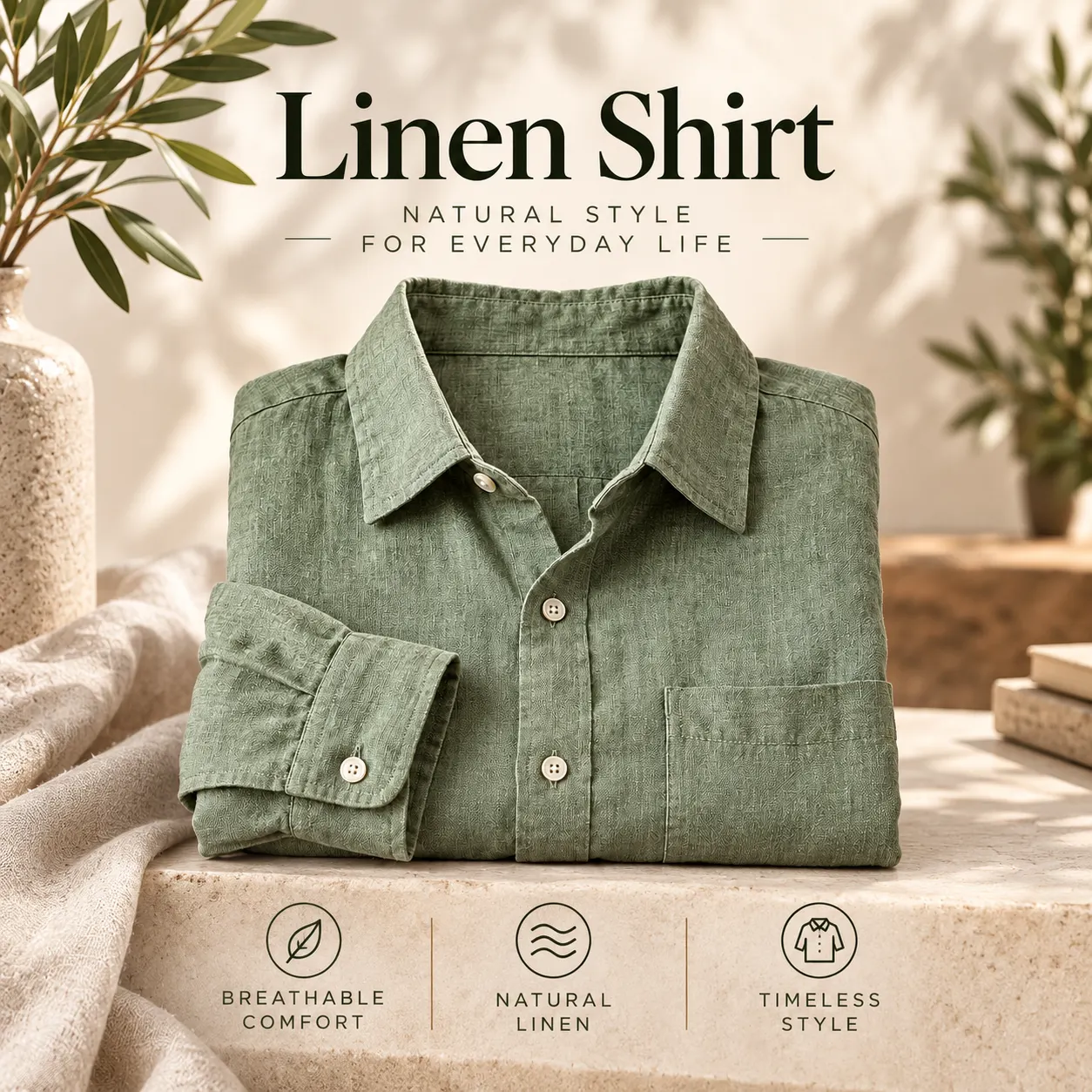
What Makes Punchylime a Real Ad Tool, Not an Image Filter
A generic image generator makes pictures. An AI image ad generator makes ads — the difference is product fidelity, ad-ready aspect ratios, and scenes built to sell.
Your Product, Not a Look-Alike
Text-to-image tools redraw your product and get the logo wrong. Punchylime restages the exact photo you upload, so the bottle, the box, or the device in the ad is the one you actually sell — label legible, proportions intact.
One Upload, Every Ad Size
Feed square, portrait, story, link image, wide banner — pick the aspect ratio (1:1, 4:5, 9:16, 16:9 and more). The image ad generator generates at the ratio you pick instead of cropping one master and clipping your headline — so nothing is stretched and nothing is cut off.
Studio Scenes Without the Studio
Swap a kitchen-counter snapshot for clean on-white, a lifestyle set, or a gradient pop. You get product-photography lighting and staging without booking a table-top shoot or masking anything by hand.
How to Make an Image Ad with Punchylime
From a single product photo to an ad in the ratio your placement needs — three steps, no photoshoot, no designer, no agency.
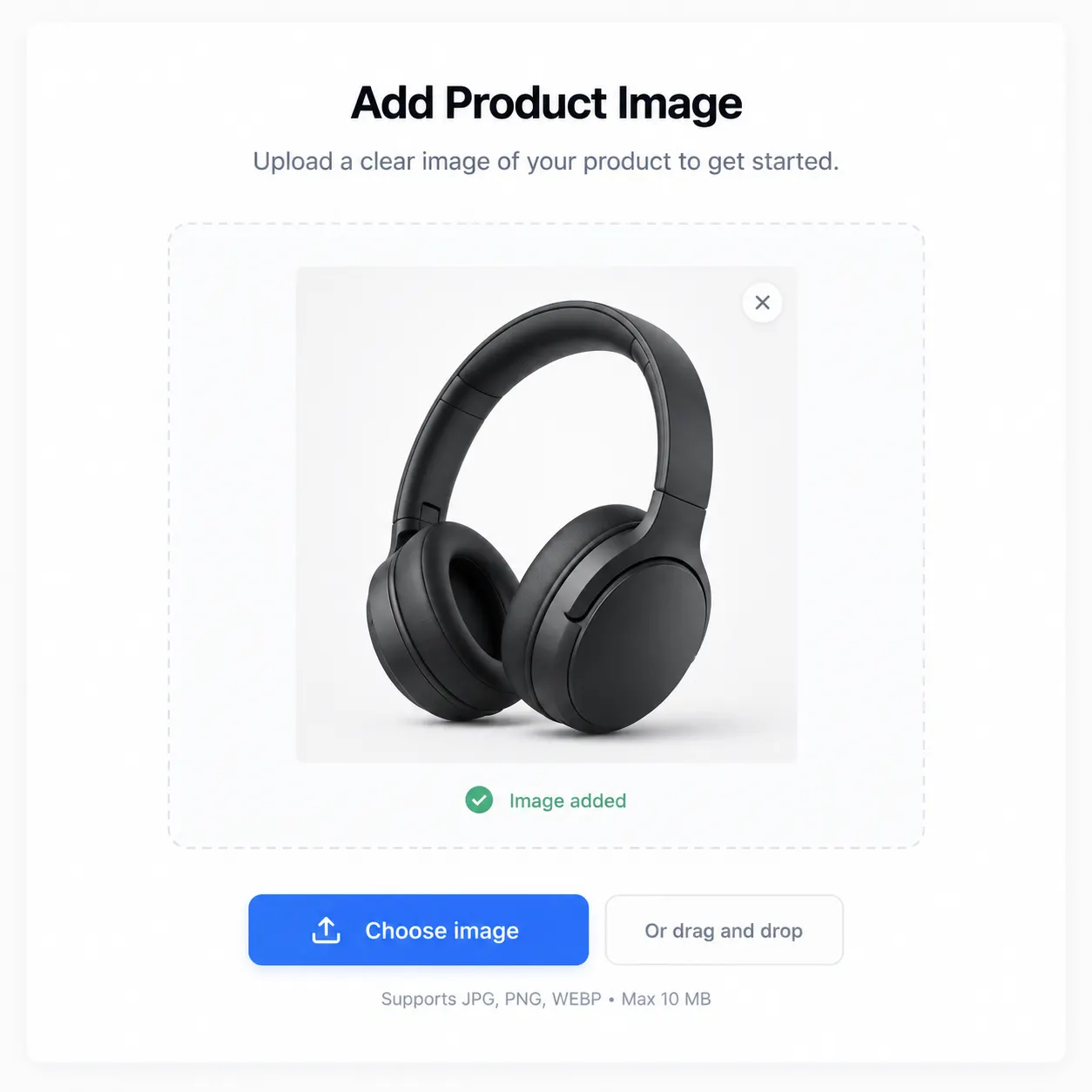
Step 1: Add your product photo or URL
Upload one product photo — a phone snapshot works — or paste a store URL and Punchylime pulls the product for you. It reads the shape, colour, and label so the ad keeps your product on-brand, no cut-out or reference sheet needed.
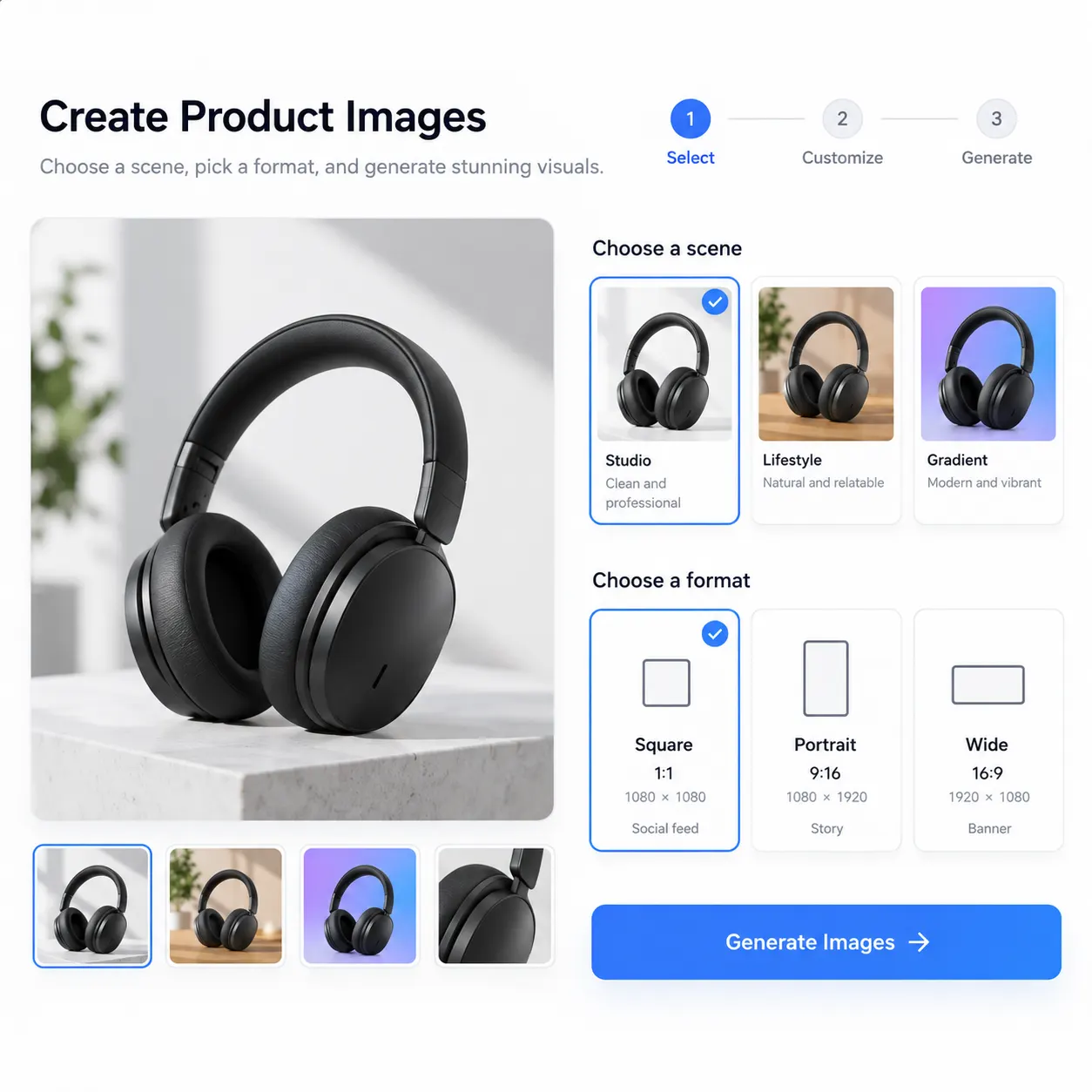
Step 2: Pick the scene and the ad size
Choose on-white studio, lifestyle, gradient, or seasonal, then pick the aspect ratio you run — 1:1 feed square, 4:5 portrait, 9:16 story, 16:9 wide, and more. Write the headline you want on the ad, or leave it clean for your ad manager.
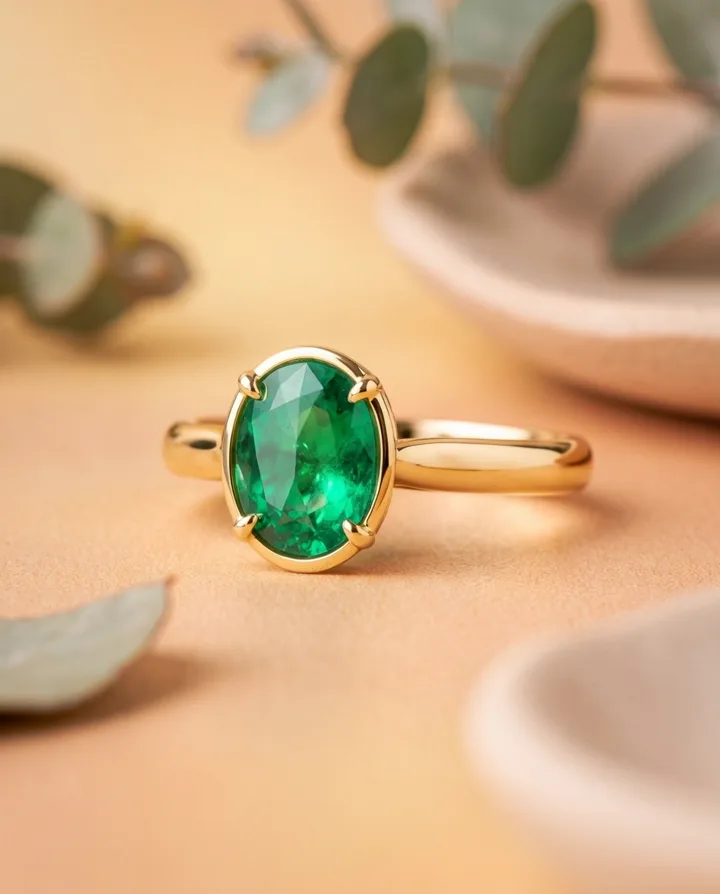
Step 3: Generate, then run it
The image ad generator renders your ad at the ratio you picked. Preview it, regenerate for a fresh version if you want to push further, download as JPG or PNG, and upload straight to Meta, Google, or your storefront.
Ads for Every Industry
From e-commerce products to local services, Punchylime generates on-format ads for the businesses that need them most. Every ad below is a real Punchylime output.
Beauty UGCCreate a polished beauty ugc ad with a clear subject, strong opening composition, natural lighting, believable detail, and platform-ready commercial pacing.
Fashion try-onCreate a polished fashion try-on ad with a clear subject, strong opening composition, natural lighting, believable detail, and platform-ready commercial pacing.
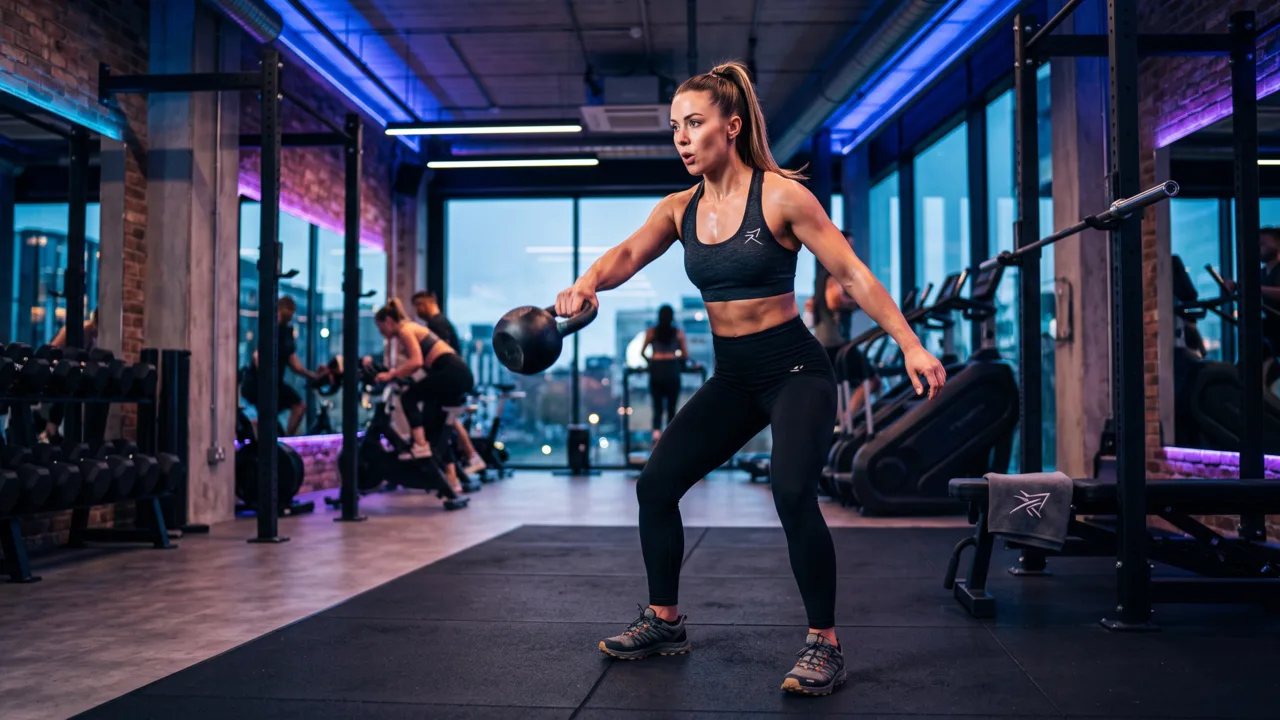
Fitness UGCCreate a polished fitness ugc ad with a clear subject, strong opening composition, natural lighting, believable detail, and platform-ready commercial pacing.
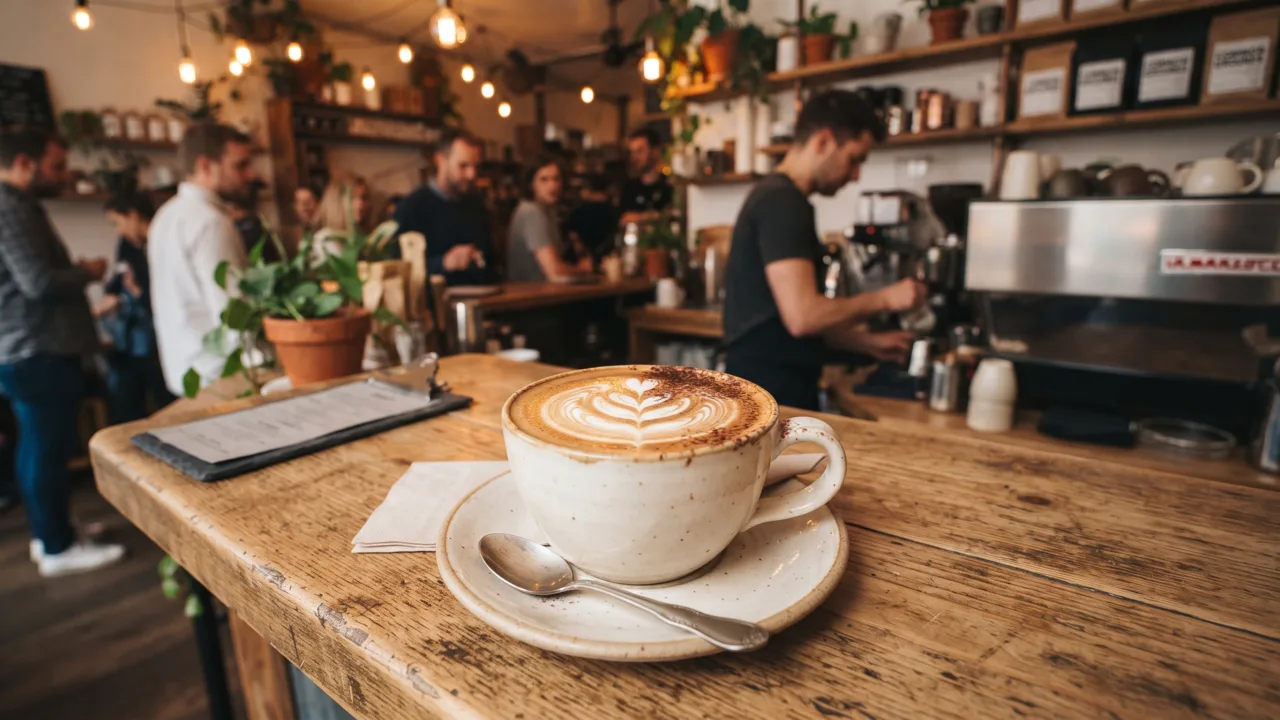
Food UGCCreate a polished food ugc ad with a clear subject, strong opening composition, natural lighting, believable detail, and platform-ready commercial pacing.
Apparel UGCCreate a polished apparel ugc ad with a clear subject, strong opening composition, natural lighting, believable detail, and platform-ready commercial pacing.
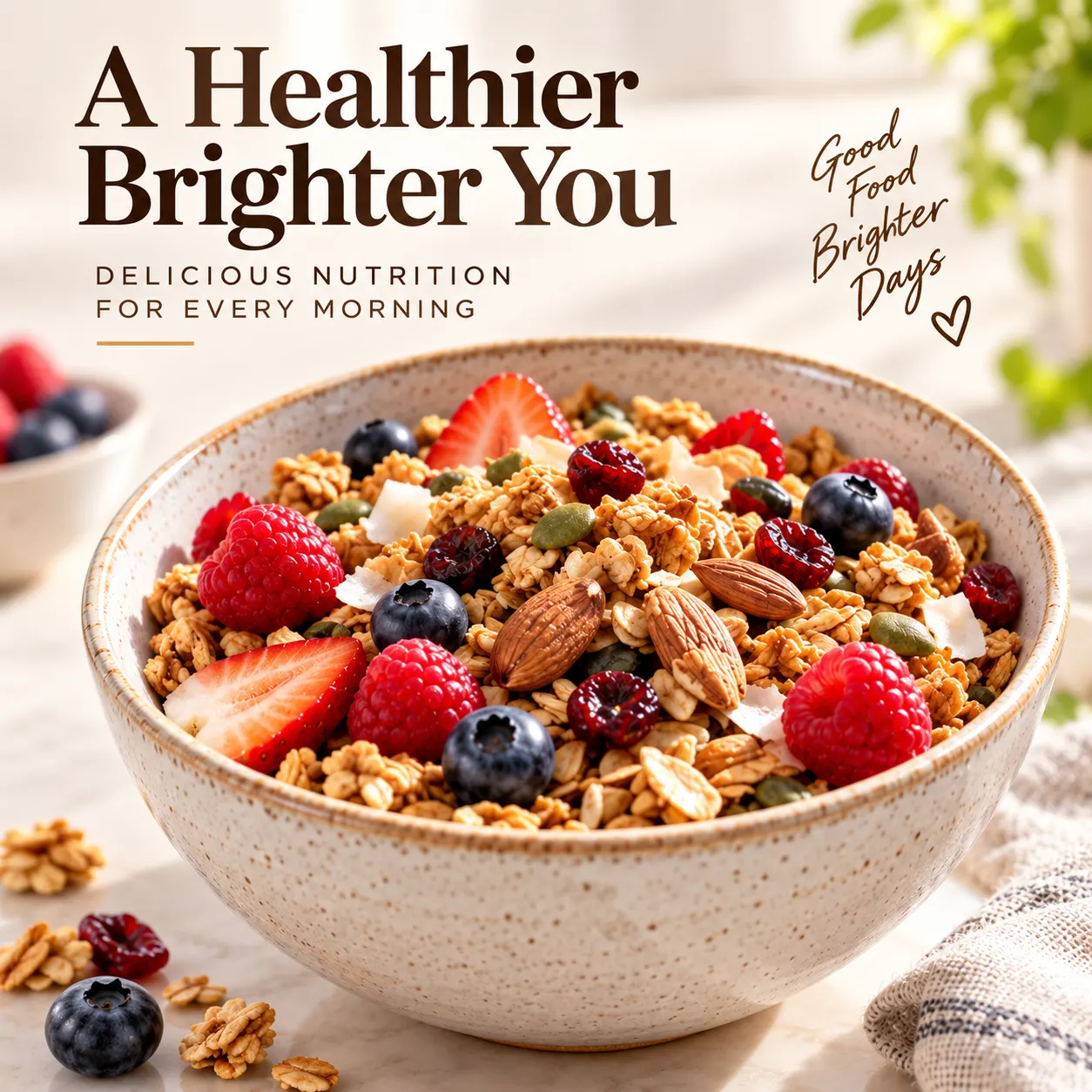
Food productCreate a polished food product ad with a clear subject, strong opening composition, natural lighting, believable detail, and platform-ready commercial pacing.
Automotive productCreate a polished automotive product ad with a clear subject, strong opening composition, natural lighting, believable detail, and platform-ready commercial pacing.
Home before / afterCreate a polished home before / after ad with a clear subject, strong opening composition, natural lighting, believable detail, and platform-ready commercial pacing.
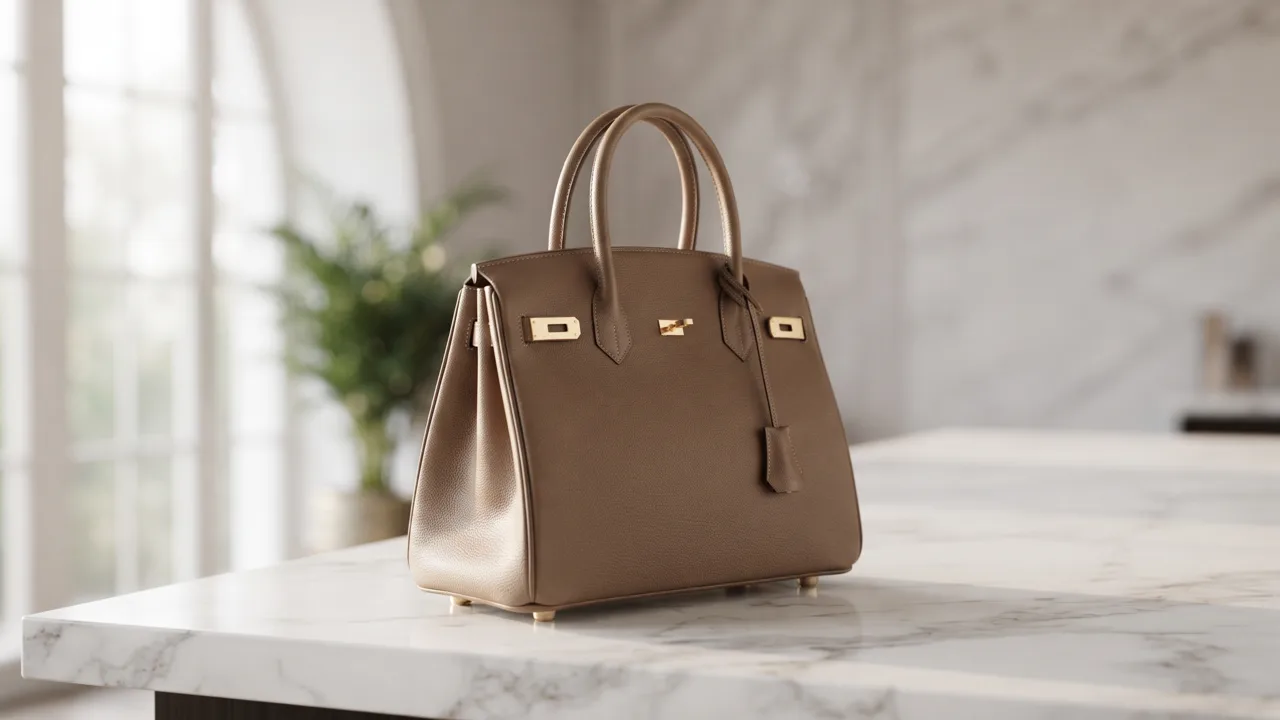
Home & livingCreate a polished home & living ad with a clear subject, strong opening composition, natural lighting, believable detail, and platform-ready commercial pacing.
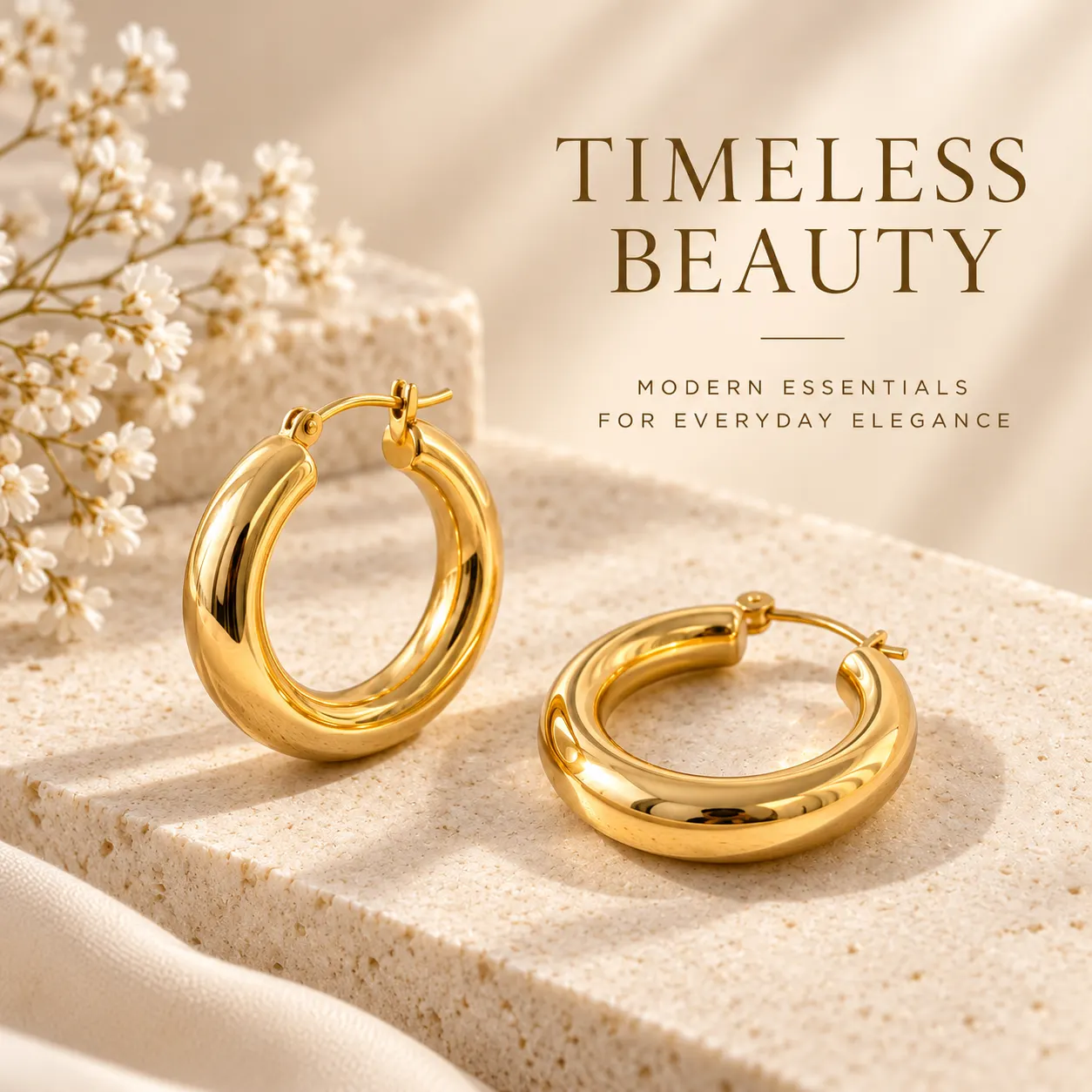
Decor productCreate a polished decor product ad with a clear subject, strong opening composition, natural lighting, believable detail, and platform-ready commercial pacing.
Product featureCreate a polished product feature ad with a clear subject, strong opening composition, natural lighting, believable detail, and platform-ready commercial pacing.
Your Next Image Ad Is One Product Photo Away
Upload a photo, pick the scene and the sizes, and let the AI image ad generator handle the shoot, the staging, and the resizing. A draft costs 1 credit — keep the ads you decide to run, regenerate the rest.
Make an Image AdWhat the AI Image Ad Generator Does, and What You Feed It
A plain-English rundown of how the tool works, what you can start from, and how the ads fit the way you actually run paid social and display.
How the image ad generator keeps your product true
An AI image ad generator turns a still input — a product photo, a store URL, or a description — into finished image ads without a camera or a designer. Punchylime restages your product in a clean studio or lifestyle scene, holds the label, colour, and shape true, and renders the ad at the ratio you pick for your placement. That fidelity is the whole point: generic text-to-image often warps labels, logos, and proportions because it invents the product from scratch, but anchoring the ad to the real photo you upload means the bottle, box, or device still reads as your product once it lands in a new scene. The output is an ad you can upload straight to Meta, Google, or your storefront, not a generic stock picture you still have to crop and caption — and you can preview each size as a 1-credit draft and regenerate any that miss.
What you feed it, and every ad size
You never need a studio shoot, a 3D model, or a cut-out PNG to begin. Upload one product photo — a phone snapshot on a plain surface is enough — and Punchylime uses it as the anchor for the ad, or paste a store or product-page URL and it pulls the product image and details for you. If all you have is a description, the image ad generator can compose the scene from that too. From that single input it renders the ratios advertisers actually run: 1:1 feed square, 4:5 portrait, 9:16 story, 16:9 wide, and more. Because it generates at the ratio you pick rather than cropping a master, you are not stretching one image into every slot and clipping the headline — the product image builder composes for the placement from the start, so a wide banner and a story both look intentional.
1 credit per draft, no sign-up to start
A draft costs 1 credit, so you can dial in the scene and the sizes before committing. Rendering the finished ads uses credits, priced per image and shown on the Generate button before you click. There is no separate subscription per format — the same credit wallet covers image, banner, video, UGC, and copy — and a draft that misses costs 1 credit to redo, not a reshoot.
Your ads, ready to run and to test
Ads you generate on Punchylime are yours to run on Meta, Google, TikTok, and your own site. Because you can regenerate from the same photo or URL for a fresh scene or ratio, you can test backgrounds, headlines, and ratios against each other and swap in fresh creative the moment an ad starts to fatigue — the workflow paid-social and display advertisers need, without a designer resizing every asset by hand.
More Punchylime tools
Every ad generator in the studio — swipe through, all on one login.
TikTok Ad Generator
The free TikTok ad generator that turns a product photo or URL into a scroll-stopping 9:16 TikTok video ad — no editor, no crew, no agency. Start free.
Instagram Ad Maker
The Instagram ad maker that turns a product photo or a URL into native Feed, Reels, and Story ads — sized for the placement, ready for Ads Manager. Start free.
UGC Prompt Generator
The free UGC prompt generator that turns one line about your product into several TikTok, Reels, and Shorts hooks with shot-by-shot directions. No signup.
AI Product Photography
The AI product photography tool that turns one phone photo or URL into catalog-grade studio shots — no light tent, no photographer, no reshoot. Start free.
Video Ad Maker
Punchylime is the video ad maker that turns a product photo or URL into a scroll-stopping video ad in minutes — no editing software, no agency. Start free.
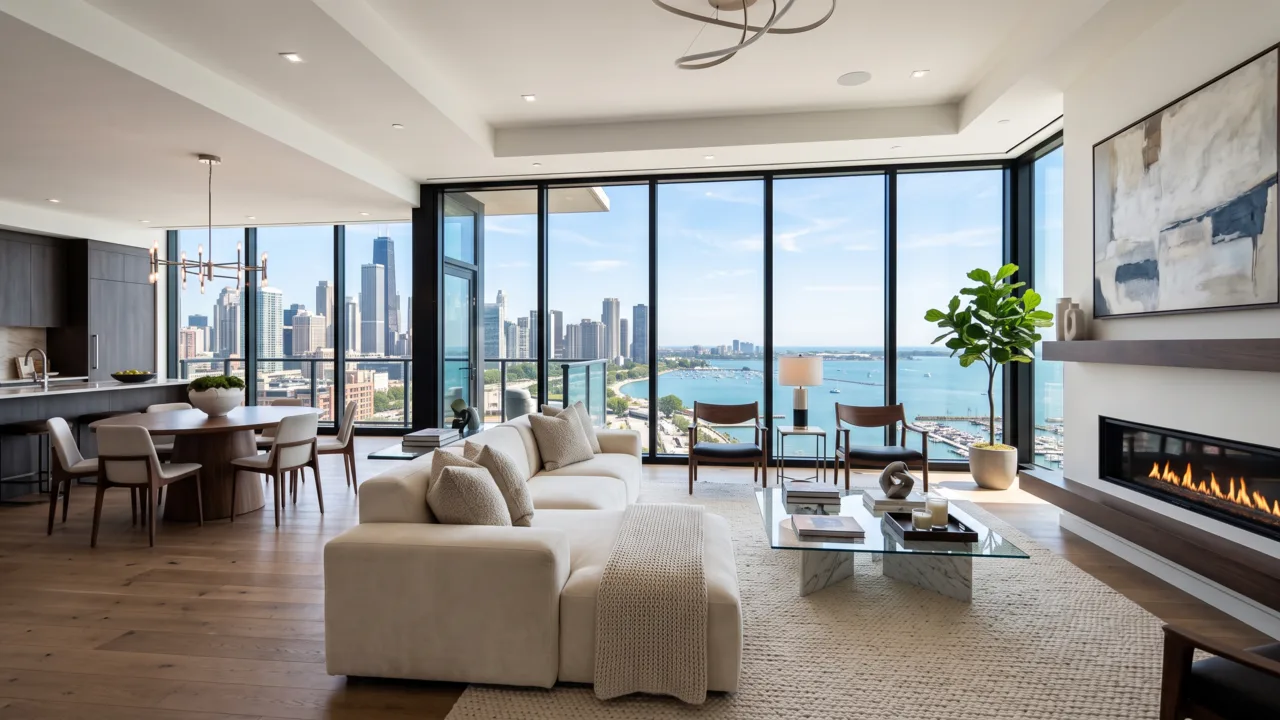
UGC Ad Maker
The AI UGC video generator that turns a product photo into creator-style UGC ads for TikTok and Reels in minutes — no creator to hire, no reshoots. Start free.
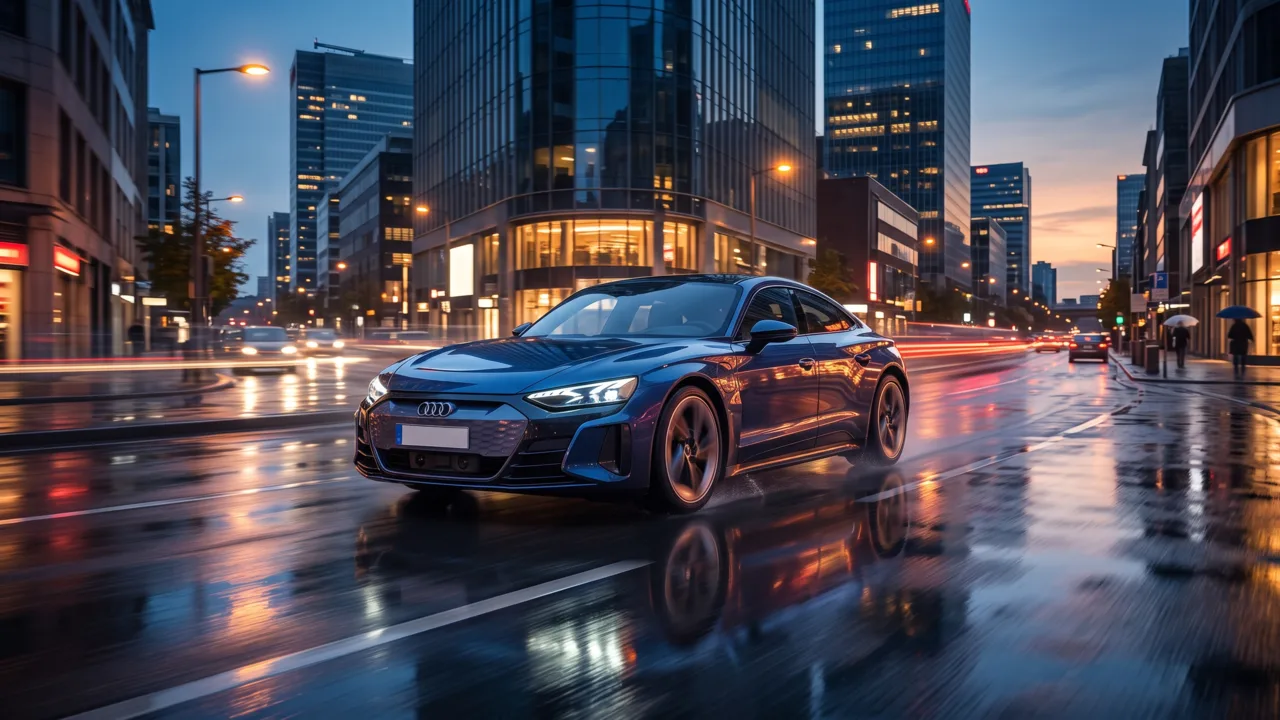
Ad Copy Generator
The free AI ad copy generator that turns one line about your product into ready-to-run Facebook, Instagram, Google, and TikTok ad copy — high-converting primary text, headlines, and hooks. Online, no signup.
AI Video Ad Generator
The AI video ad generator that turns a product photo or URL into a scroll-stopping video ad in minutes — no crew, no editor, no agency. Start free.
Google Ads Generator
Turn one product photo into Google Ads creative — responsive display assets in the landscape and square ratios Google asks for, ready to upload. Free to start.
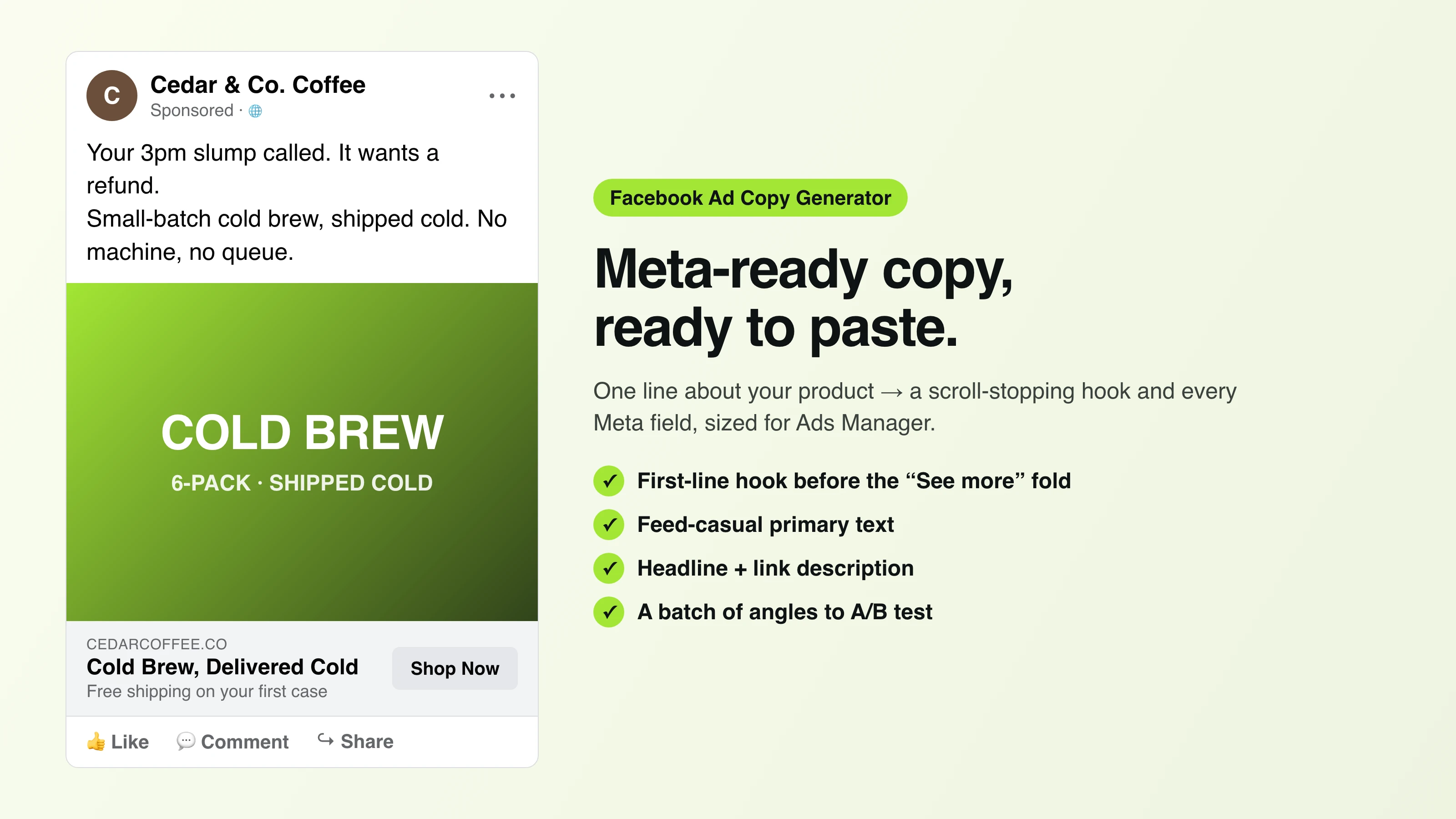
Facebook Ad Copy
The free Facebook ad copy generator that turns one line about your product into scroll-stopping Meta primary text, headlines, and link descriptions. No signup.
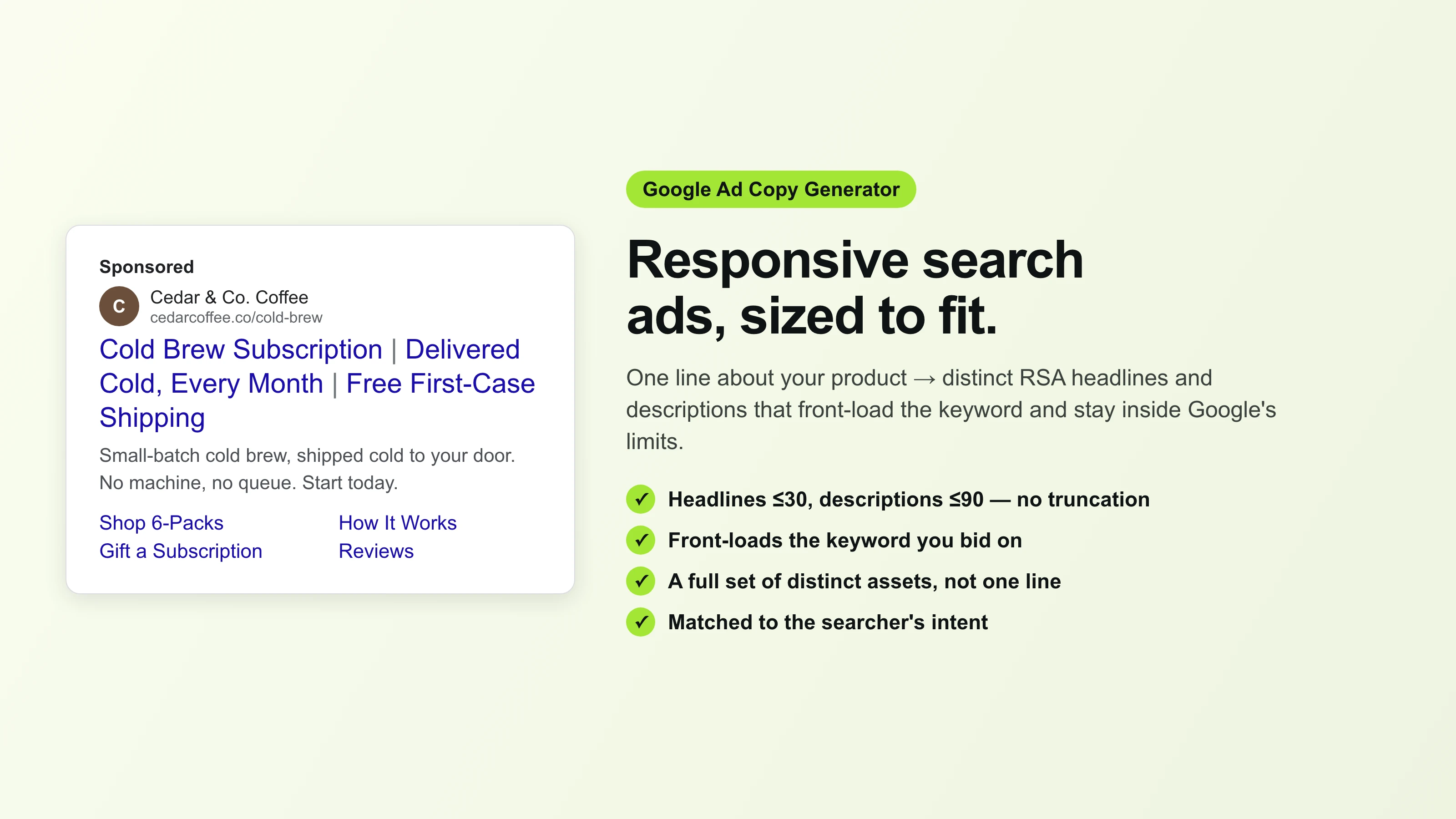
Google Ad Copy Generator
The free Google ad copy generator: turn one line about your product into responsive search ad headlines and descriptions that fit Google Ads’ limits. No signup.
Ad Script Generator
The free ad script generator that turns one line about your product into a shot-by-shot video ad script — hook, scene directions, voiceover, and CTA. No signup.
Advertising Copy Examples
Real advertising copy examples across industries and angles — plus a free generator that writes your own ad copy from one line about your product. No signup.
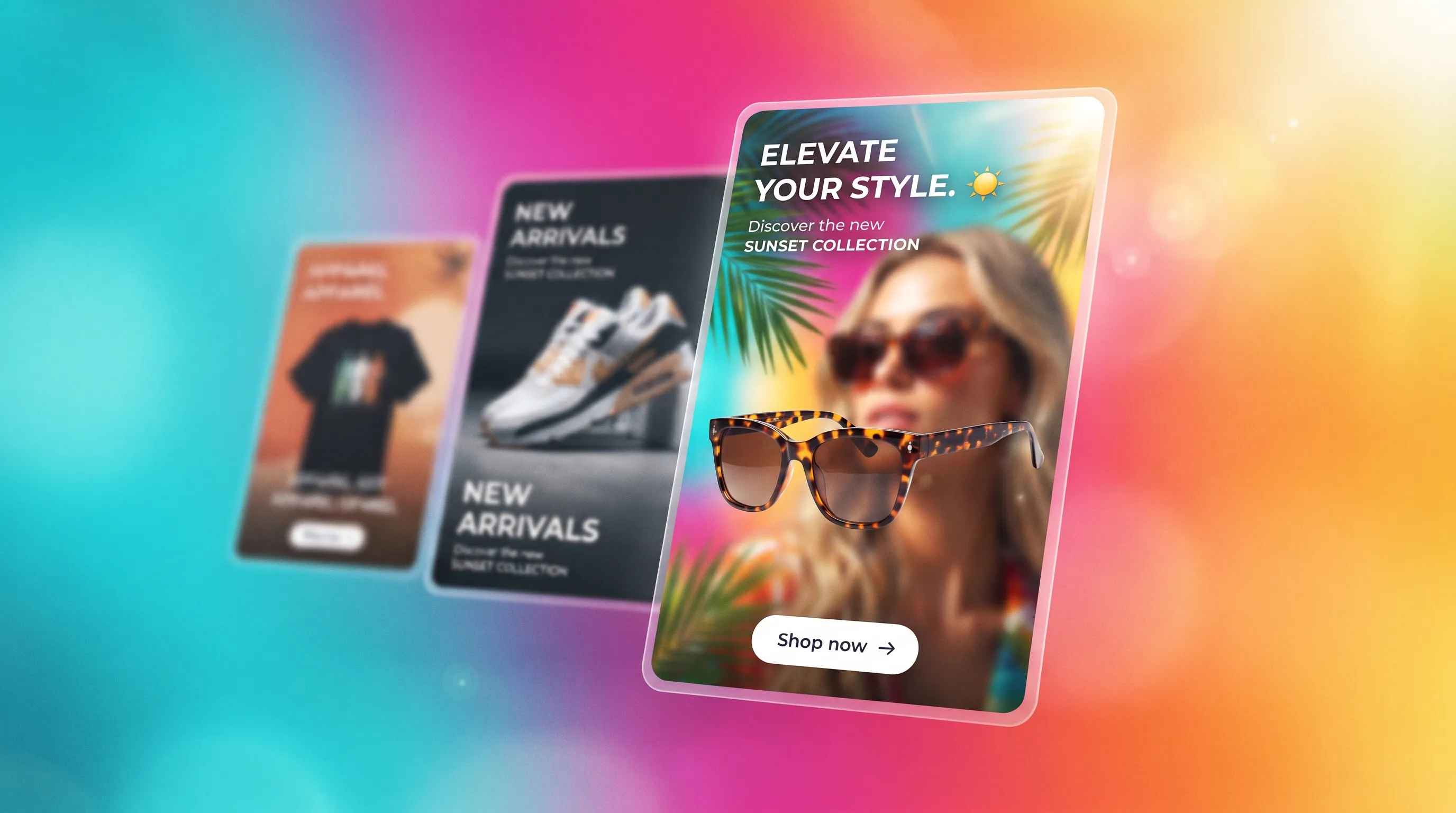
Social Media Ads Examples
Real social media ads examples by platform and type — Instagram, Facebook & TikTok — plus a free generator that makes your own ad from one product photo.
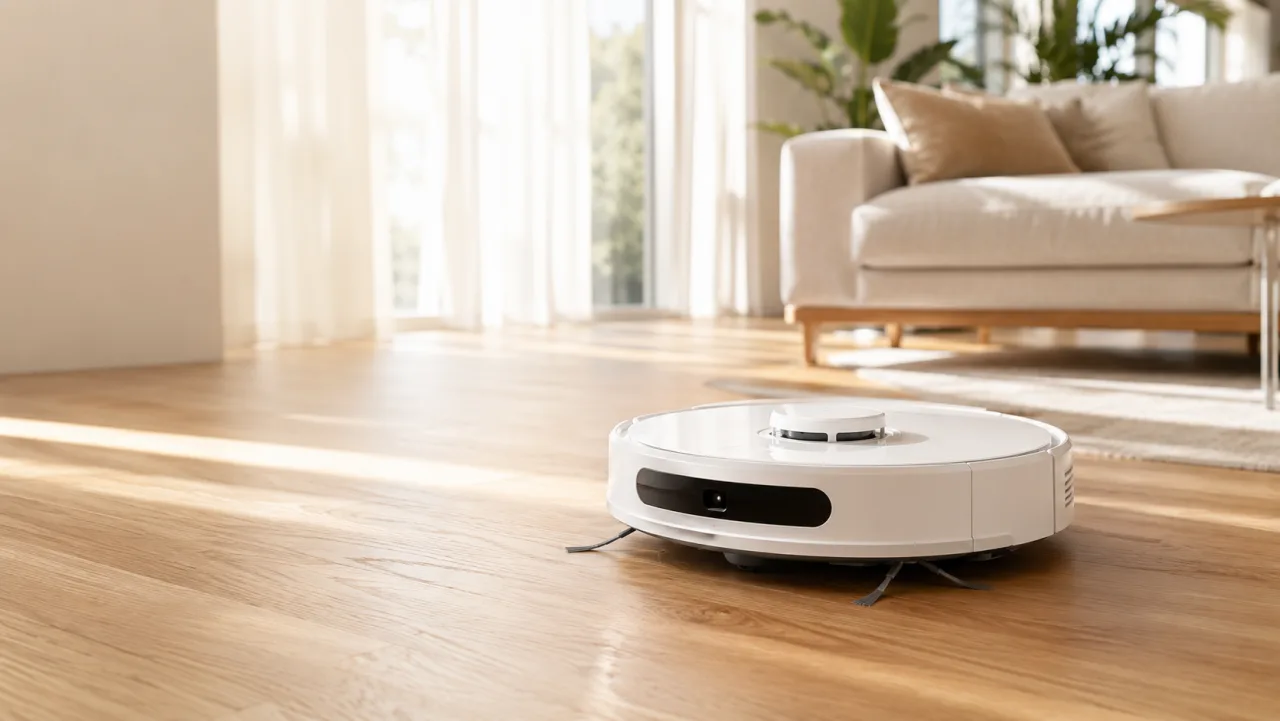
YouTube Ad Maker
The AI YouTube ad maker: turn a product photo into a native video ad for either YouTube size — 16:9 in-stream or a 9:16 Short. No editor, no crew, no agency.
AI Avatar Ads for Small Business
Affordable AI avatar generators for small businesses — put an AI avatar in a real scene and turn it into a vertical UGC video ad from $29, no crew. Start free.
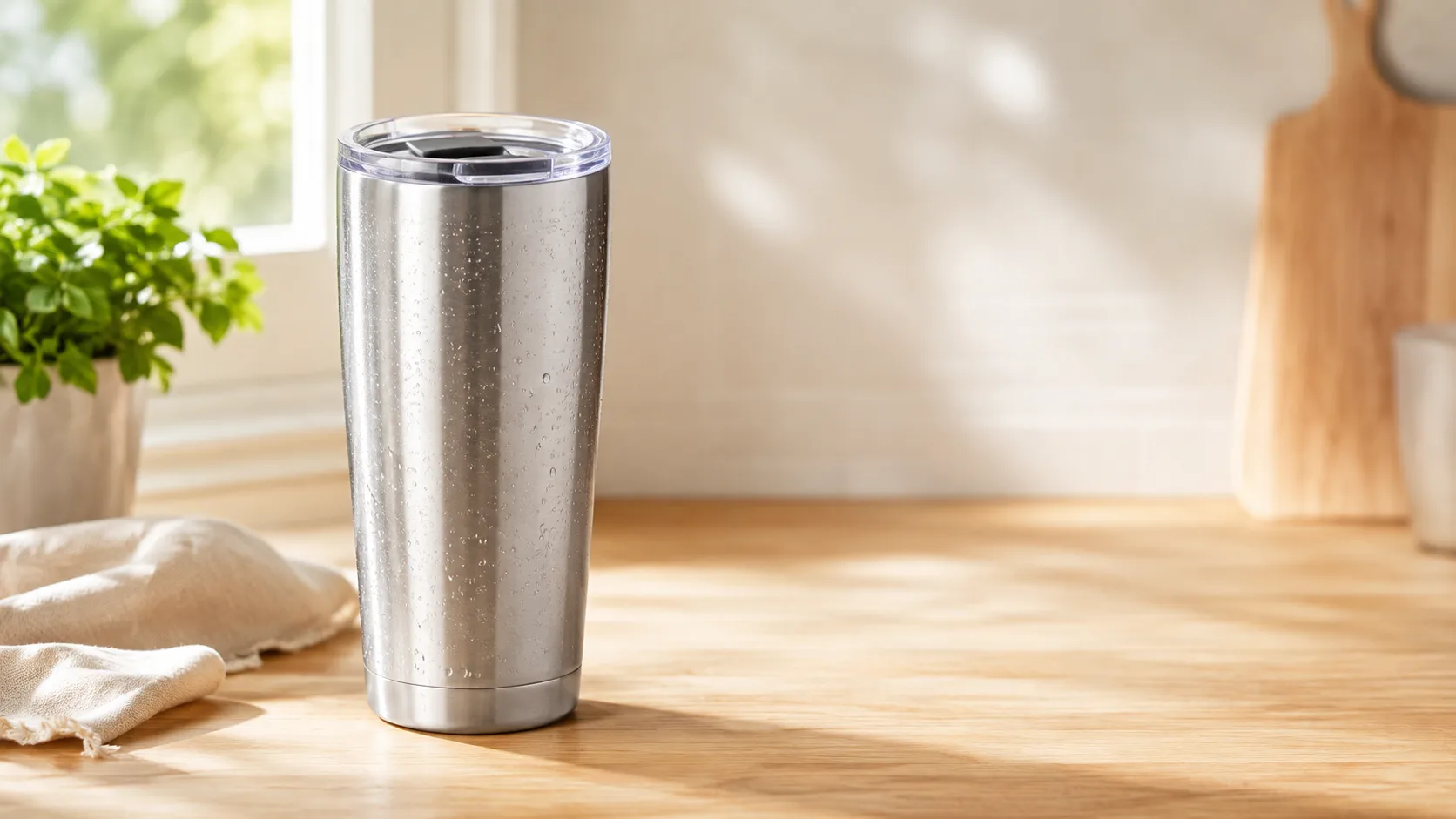
HeyGen vs Arcads
HeyGen vs Arcads compared: AI avatars, actor library, pricing, and output for UGC video ads — plus a product-first way to make an ad without an actor.
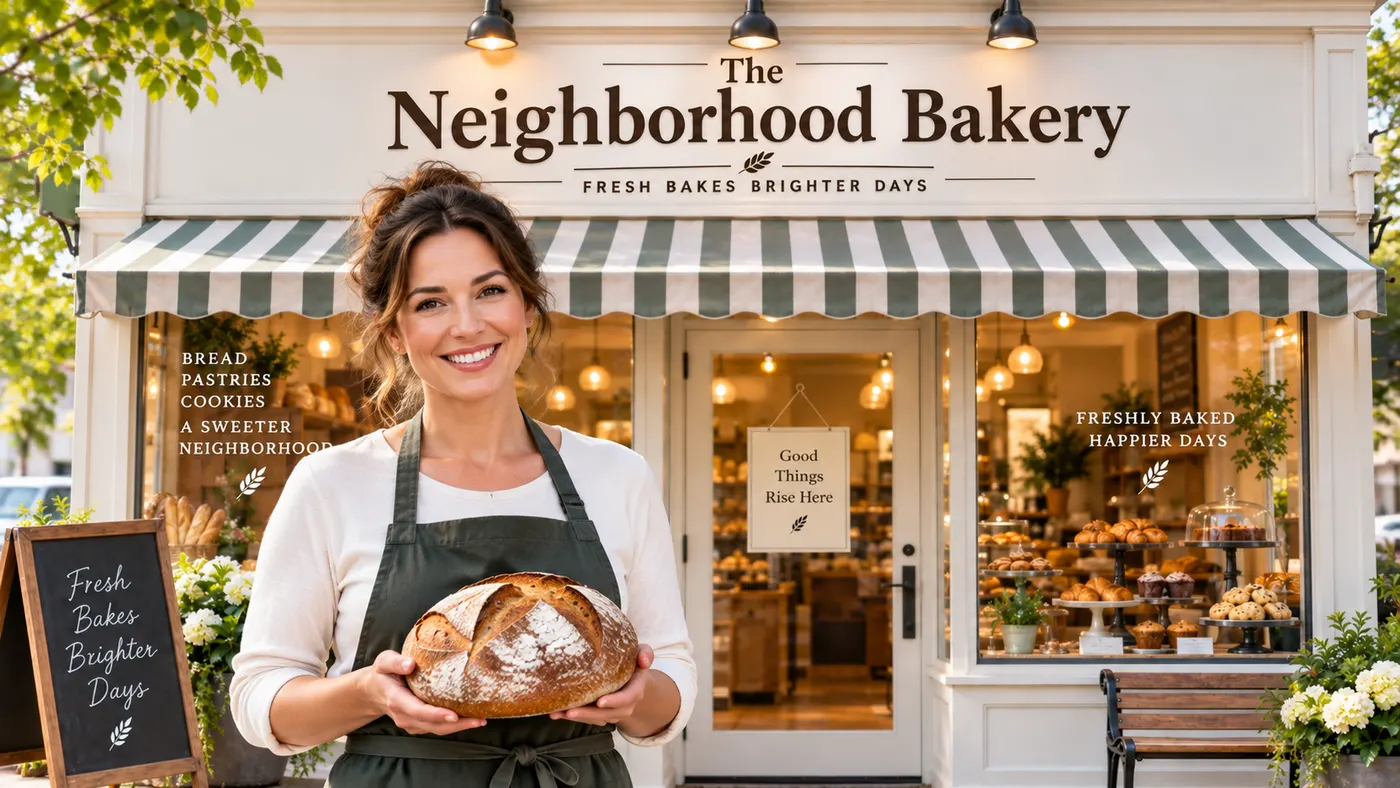
AI Spokesperson Video
Create an AI spokesperson video from your business photo and script: generate a believable presenter ad for offers, explainers, and calls to action.