“cold brew subscription” · coffeeCreate a polished “cold brew subscription” · coffee ad with a clear subject, strong opening composition, natural lighting, believable detail, and platform-ready commercial pacing.
Google Ad Copy Generator
Pick an angle and write a short brief, then generate. A Brand Guide is optional — turn it on for your brand voice.
Ad subject (what the ad is about)
Optional — leave empty to generate from your prompt alone (text only).
What are you advertising?
A product or e-commerce item
Style (the kind of ad — sets the look)
Clean, versatile ad copy — let the studio choose the angle
Brand Guide (optional)
Off by default — turn it on only when you want visual consistency across your ads.
Brief (editable — what the copy should say)
Also applied (not part of the editable box above):
Written in your Brand Guide's voice when one is on — edit freely.
This step is free
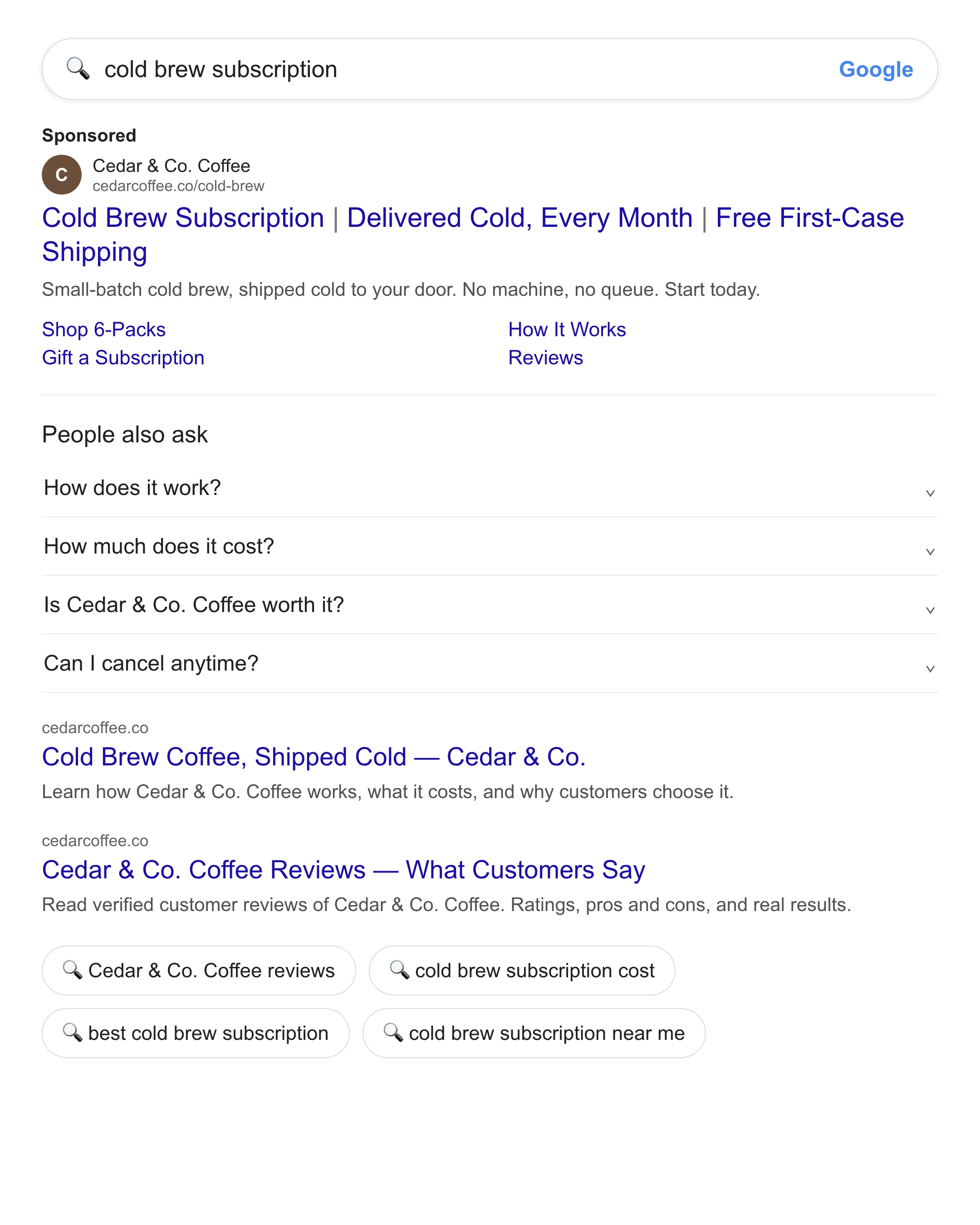
Sample output
Google Ad Copy Generator
Add a short brief and pick an angle — get responsive-search-ad headlines and descriptions that front-load the keyword and fit Google’s character limits.
Google Ad Copy Generator: Responsive Search Ad Headlines That Fit — Free
Punchylime is the free Google ad copy generator that turns one line about your product into responsive search ad copy — distinct headlines and descriptions that front-load the keyword, match what the searcher typed, and land inside Google Ads’ character limits. Instead of counting characters by hand across a dozen headlines, you paste copy that already fits the RSA asset slots. No credits, no watermark, no signup to try.
Write My Google Ad Copy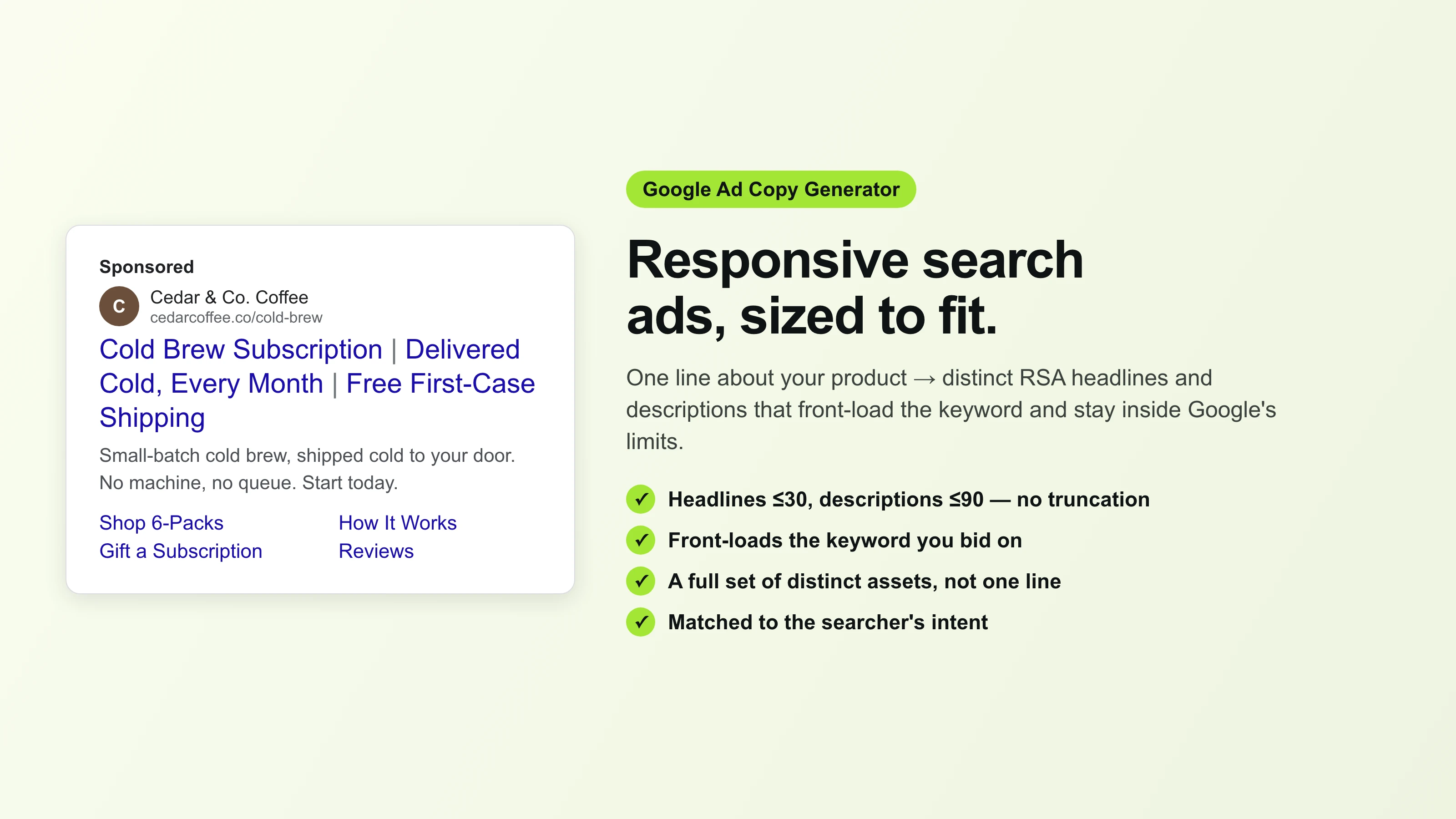
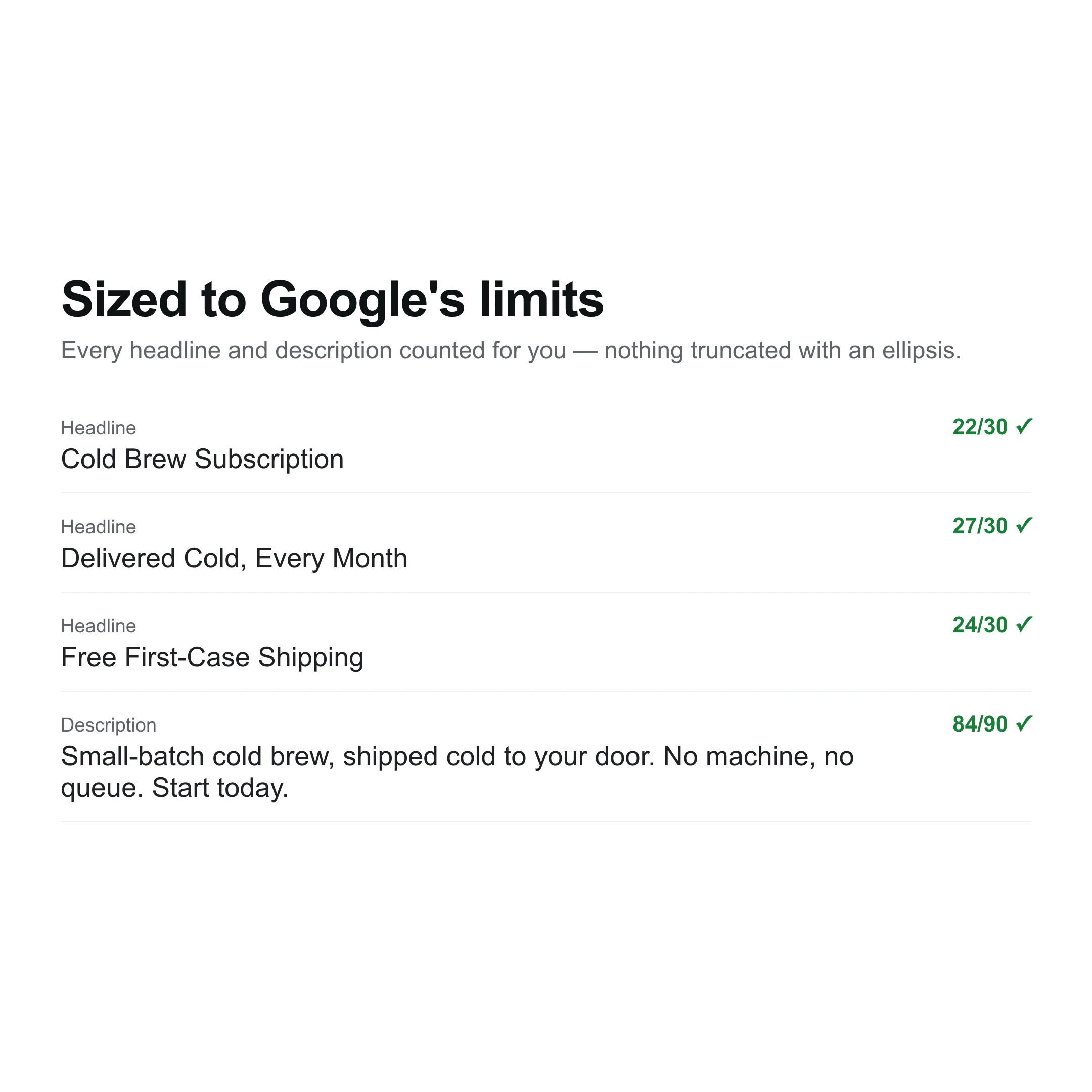
Written to the RSA Character Limits
A Google responsive search ad wants short headlines and tight descriptions, and every asset has a hard character cap. Punchylime writes headlines near the 30-character limit and descriptions near 90, so each one fits the slot instead of getting truncated with an ellipsis. This Google ad copy generator counts the characters for you and front-loads the keyword, so the assets read as intended in the search results rather than being cut off mid-phrase.
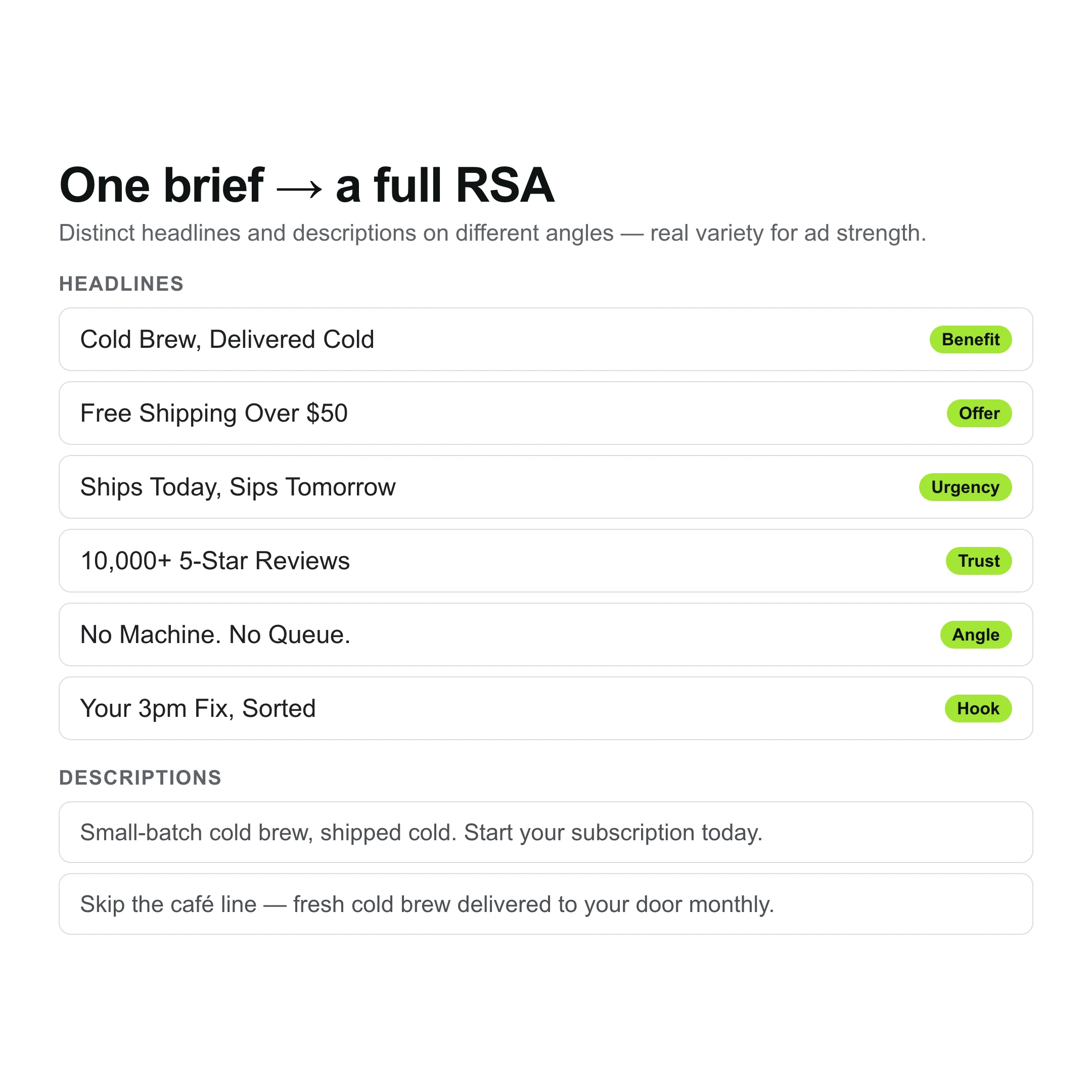
Distinct Assets, Not One Line Repeated
A responsive search ad asks for many headlines and several descriptions so Google can mix and match. Punchylime returns a batch of distinct assets — different angles, benefits, and calls to action — rather than one line reworded, so the RSA has real variety to test and the ad strength score has something to work with. Every asset stays on the same offer while the wording differs, which is exactly what Google’s RSA input expects.
Matched to the Search Intent
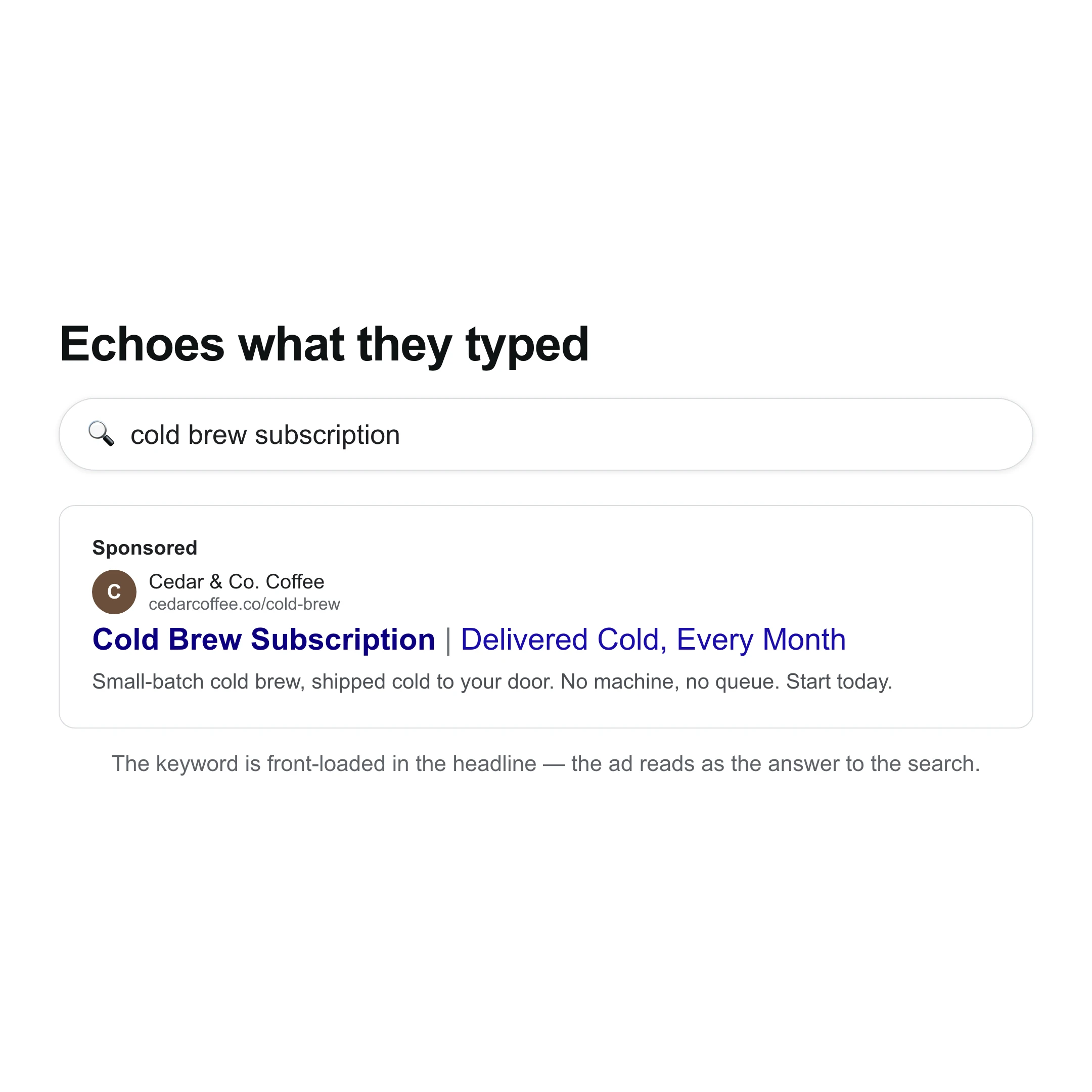
Search ad copy converts when it echoes what the person typed. Describe the product and the search theme, and this Google ads copy generator writes headlines that mirror the query and lead with the keyword, so the ad feels like the answer to the search rather than a generic slogan. Because it runs on one Punchylime account, the same offer can flow into your image and video ads for the rest of the funnel.
What Makes This a Real Google Ad Copy Generator
Generic writers ignore the character caps. A Google ad copy generator writes distinct RSA headlines and descriptions that fit the limits and match the search.
Fits the Character Caps
Headlines near 30 characters, descriptions near 90 — written to Google’s responsive search ad limits so nothing gets truncated with an ellipsis in the results.
A Full Set of Distinct Assets
Google’s RSA mixes many headlines and descriptions. Punchylime returns a varied batch — different angles and CTAs on the same offer — so the ad has real assets to test, not one line reworded.
Free, and It Front-Loads the Keyword
No credits, no watermark, no card. Draft keyword-forward Google ad copy as often as you like, then bring the offer into a Punchylime image or video ad for the rest of the funnel.
How to Write Google Ad Copy with Punchylime
From one line about your product to responsive-search-ad assets — three steps, no character-counting by hand.
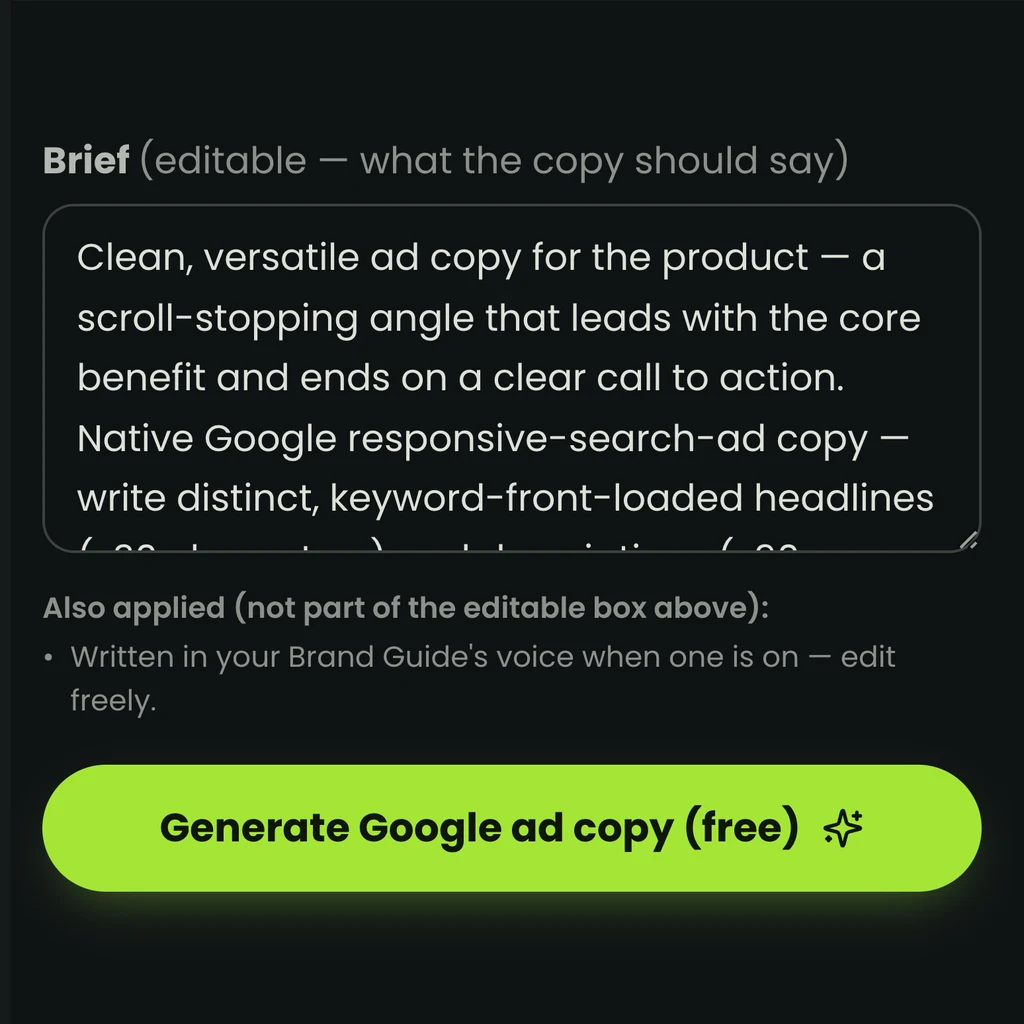
Step 1: Describe what you sell
Type one line about your product or service and the search theme you are bidding on. That is enough for the Google ad copy generator to write assets that mirror the query.
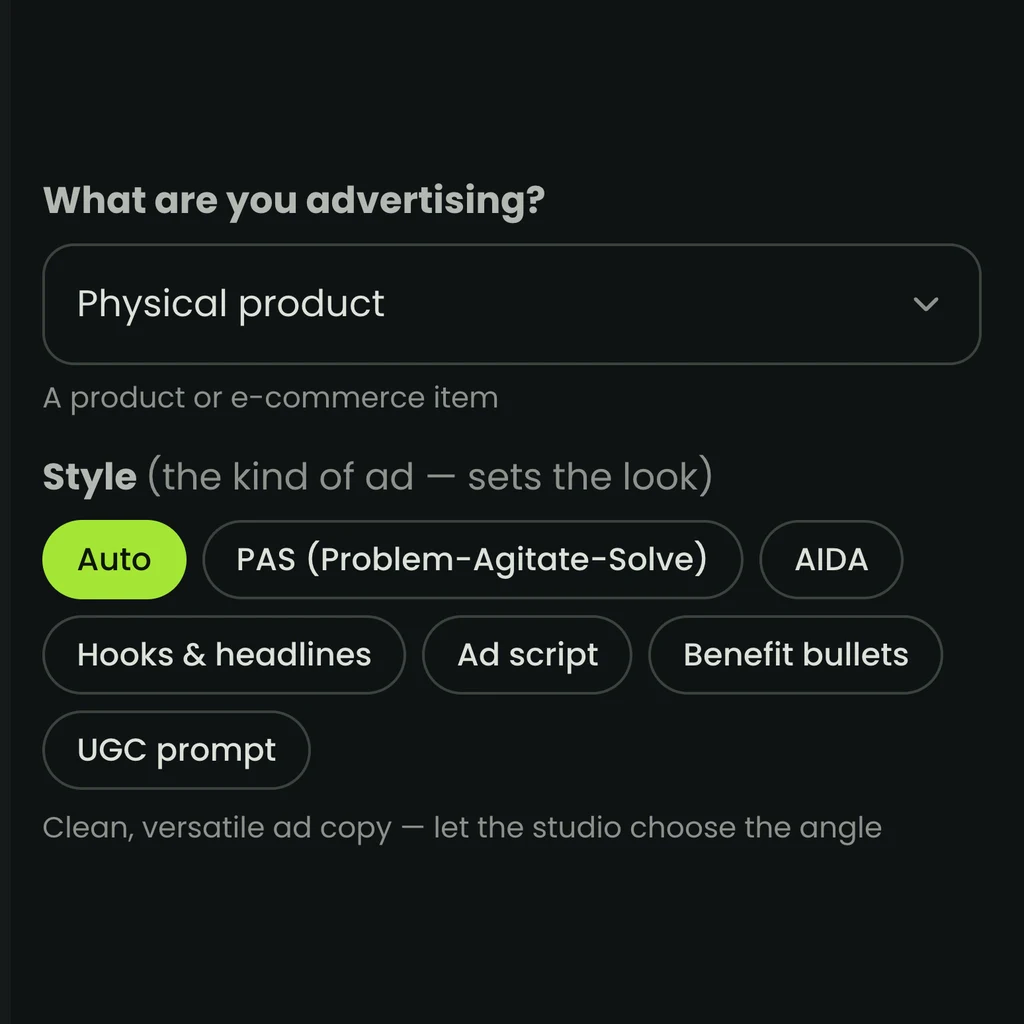
Step 2: Pick the angle and tone
Choose the angle — benefit, offer, urgency, or trust — and the tone. Punchylime front-loads the keyword and writes each headline and description to Google’s character limits.
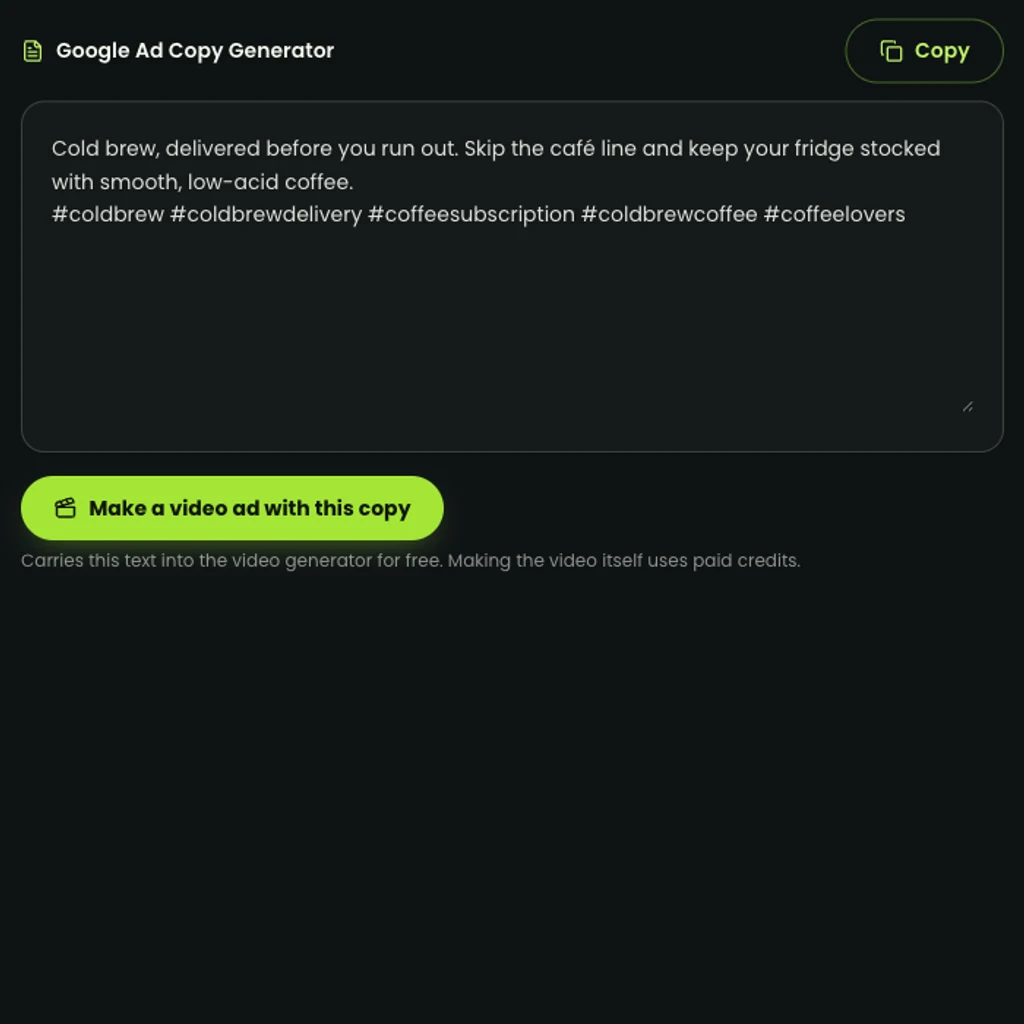
Step 3: Generate, then paste into Google Ads
Get a set of distinct headlines and descriptions you can copy straight into the responsive search ad builder. Regenerate for fresh assets as often as you like — it is free.
Search ads that fit, across queries
See the responsive-search-ad copy the generator writes — keyword-front-loaded headlines and descriptions that stay inside Google's limits, across search themes.
“20 minute workout app” · fitnessCreate a polished “20 minute workout app” · fitness ad with a clear subject, strong opening composition, natural lighting, believable detail, and platform-ready commercial pacing.
“teeth whitening near me” · localCreate a polished “teeth whitening near me” · local ad with a clear subject, strong opening composition, natural lighting, believable detail, and platform-ready commercial pacing.
“invoicing software” · SaaSCreate a polished “invoicing software” · saas ad with a clear subject, strong opening composition, natural lighting, believable detail, and platform-ready commercial pacing.
“kitchen drawer organizer” · homeCreate a polished “kitchen drawer organizer” · home ad with a clear subject, strong opening composition, natural lighting, believable detail, and platform-ready commercial pacing.
“fresh dog food delivery” · petCreate a polished “fresh dog food delivery” · pet ad with a clear subject, strong opening composition, natural lighting, believable detail, and platform-ready commercial pacing.
Your Next Search Ad Starts With the Right Headline
Describe your product, pick an angle, and let the free Google ad copy generator draft responsive-search-ad headlines and descriptions that fit the limits. No credits, no watermark — then run them in Google Ads.
Write My Google Ad CopyWhat the Google Ad Copy Generator Does, and How You Use It
A plain-English rundown of what the tool writes for Google Ads, what it costs, and how the assets slot into a responsive search ad.
What it writes for Google Ads
A Google ad copy generator turns a short description of what you sell into responsive search ad assets — the headlines and descriptions a search ad runs on. Punchylime writes headlines near the 30-character cap and descriptions near 90, front-loads the keyword so the ad echoes the query, and returns a batch of distinct assets rather than one line reworded. The output is ready to paste into the responsive search ad builder, already sized to the slots, instead of a paragraph you still have to trim and split by hand.
Free to draft, free to rewrite
Writing Google ad copy on Punchylime costs no credits, carries no watermark, and needs no card to start. Generate headlines and descriptions as often as you like and regenerate for fresh assets whenever ad strength stalls. It is the free lead-in to the studio: when the search campaign is set, the same offer can flow into a Punchylime image or video ad for the rest of the funnel, and only those paid renders spend credits — so the copy stage stays free while you reserve spending for finished creative.
Built for the RSA format
A responsive search ad mixes many headlines and several descriptions, and Google scores its strength partly on how varied and distinct those assets are. Punchylime writes to that format directly — a set of headlines with different angles and calls to action, all on the same offer — so you fill the RSA asset slots with real variety instead of near-duplicates. Each asset front-loads the keyword and fits the character cap, which is what the builder’s ad-strength meter is checking for.
It writes copy, not the creative
This tool writes the text assets for a search ad — it is a copy tool, not a display-banner or video maker. Search ads are text by design, so that is exactly the output you need here. When your funnel calls for image or video creative — for Performance Max, Display, or YouTube — the same offer drops into a Punchylime image or video ad, which stages your real product rather than inventing one. You lock the search copy for free, then spend only on the visual creative you decide to run, all on one account.
More Punchylime tools
Every ad generator in the studio — swipe through, all on one login.
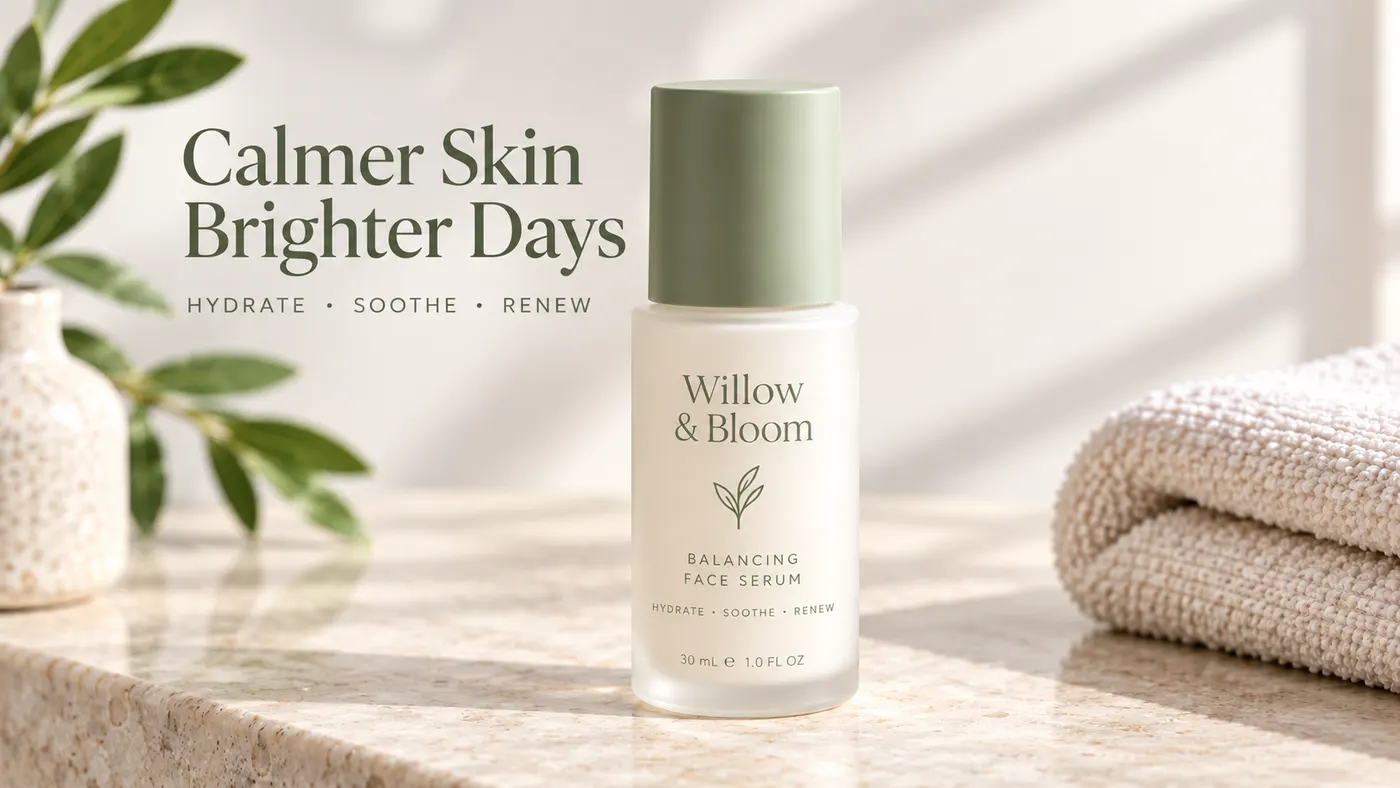
TikTok Ad Generator
The TikTok ad generator that turns a product photo or URL into a scroll-stopping 9:16 TikTok video ad — no editor, no crew, no agency. Sign up free, preview a start frame for 1 credit.
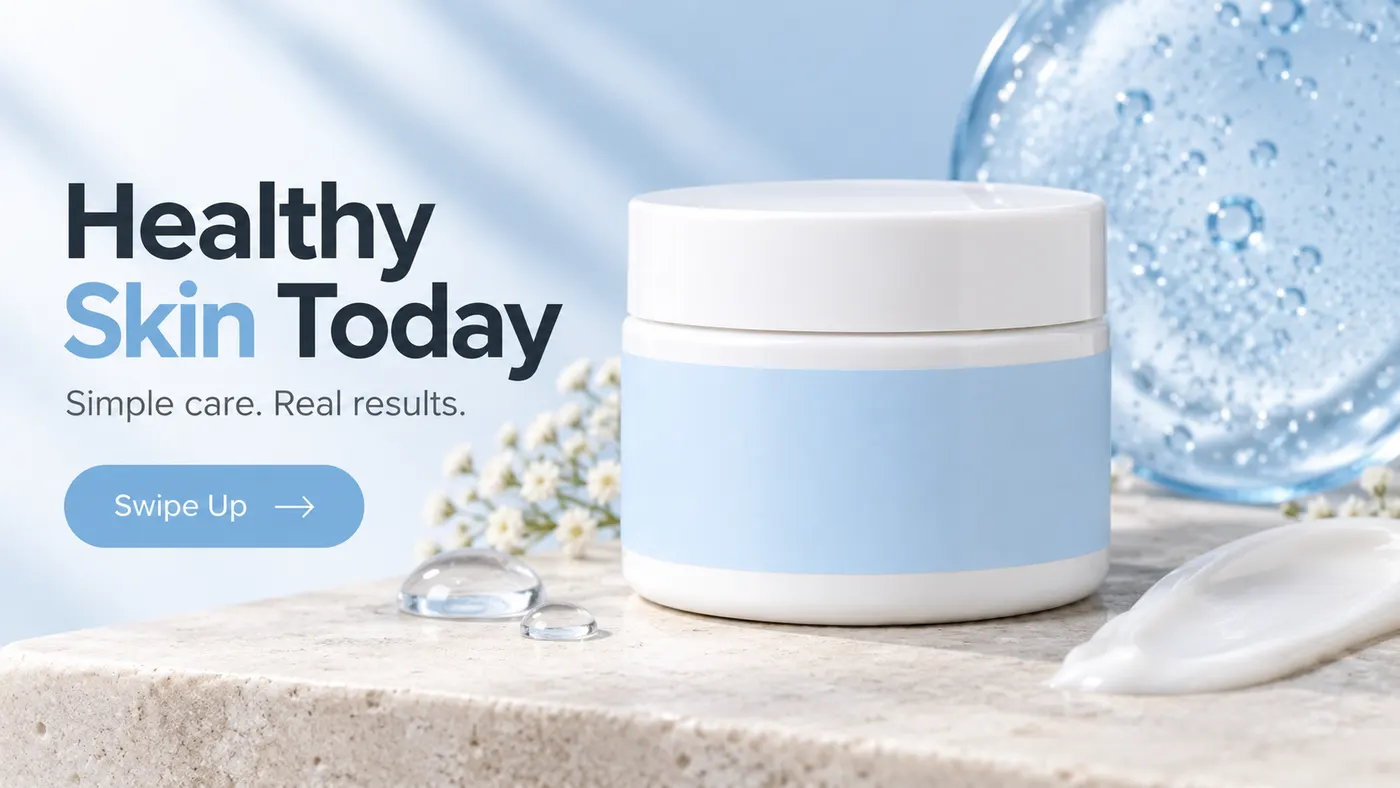
Instagram Ad Maker
The Instagram ad maker that turns a product photo or a URL into native Feed, Reels, and Story ads — sized for the placement, ready for Ads Manager. Start free.
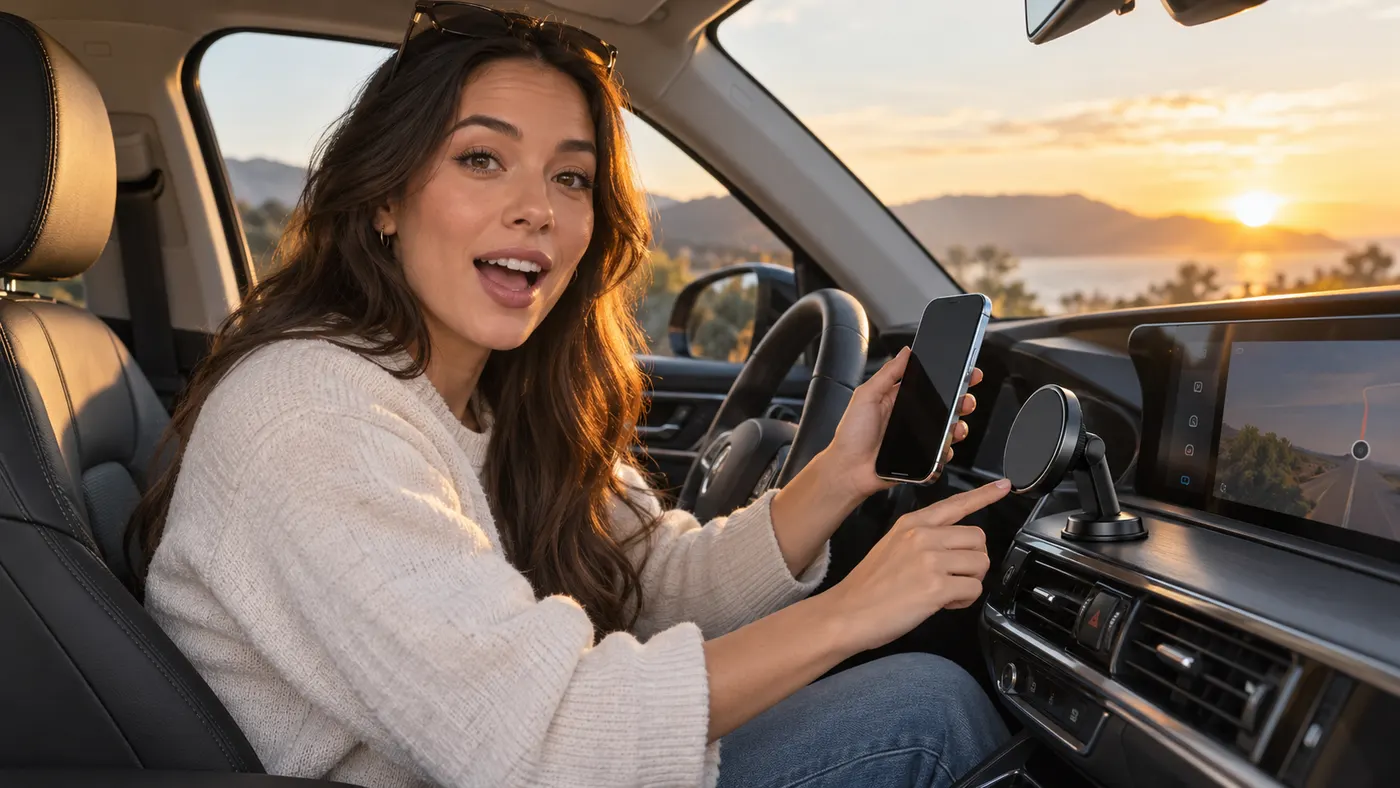
UGC Prompt Generator
The free UGC prompt generator that turns one line about your product into several TikTok, Reels, and Shorts hooks with shot-by-shot directions. No signup.
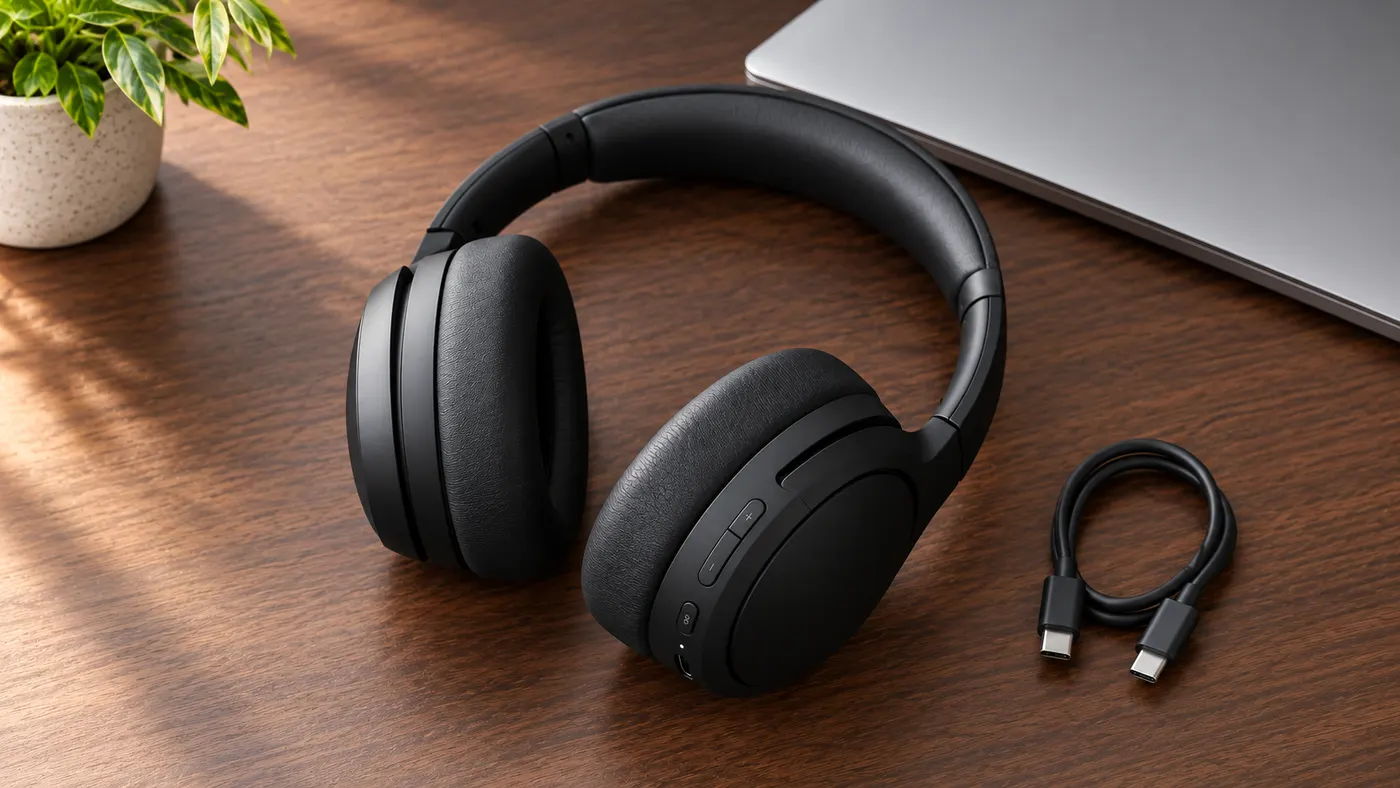
AI Product Photography
The AI product photography tool that turns one phone photo or URL into catalog-grade studio shots — no light tent, no photographer, no reshoot. Start free.
Video Ad Maker
Punchylime is the video ad maker that turns a product photo or URL into a scroll-stopping video ad in minutes — no editing software, no agency. Sign up free, preview a start frame for 1 credit.
UGC Ad Maker
The AI UGC video generator that turns a product photo into creator-style UGC ads for TikTok and Reels in minutes — no creator to hire, no reshoots. Sign up free, preview a start frame for 1 credit.
Ad Copy Generator
The free AI ad copy generator that turns one line about your product into ready-to-run Facebook, Instagram, Google, and TikTok ad copy — high-converting primary text, headlines, and hooks. Online, no signup.
AI Image Ad Generator
Make AI image ads from one product photo or a store URL — ads and banners in the ratio each placement needs, in minutes. No photoshoot, no designer. Free to start.
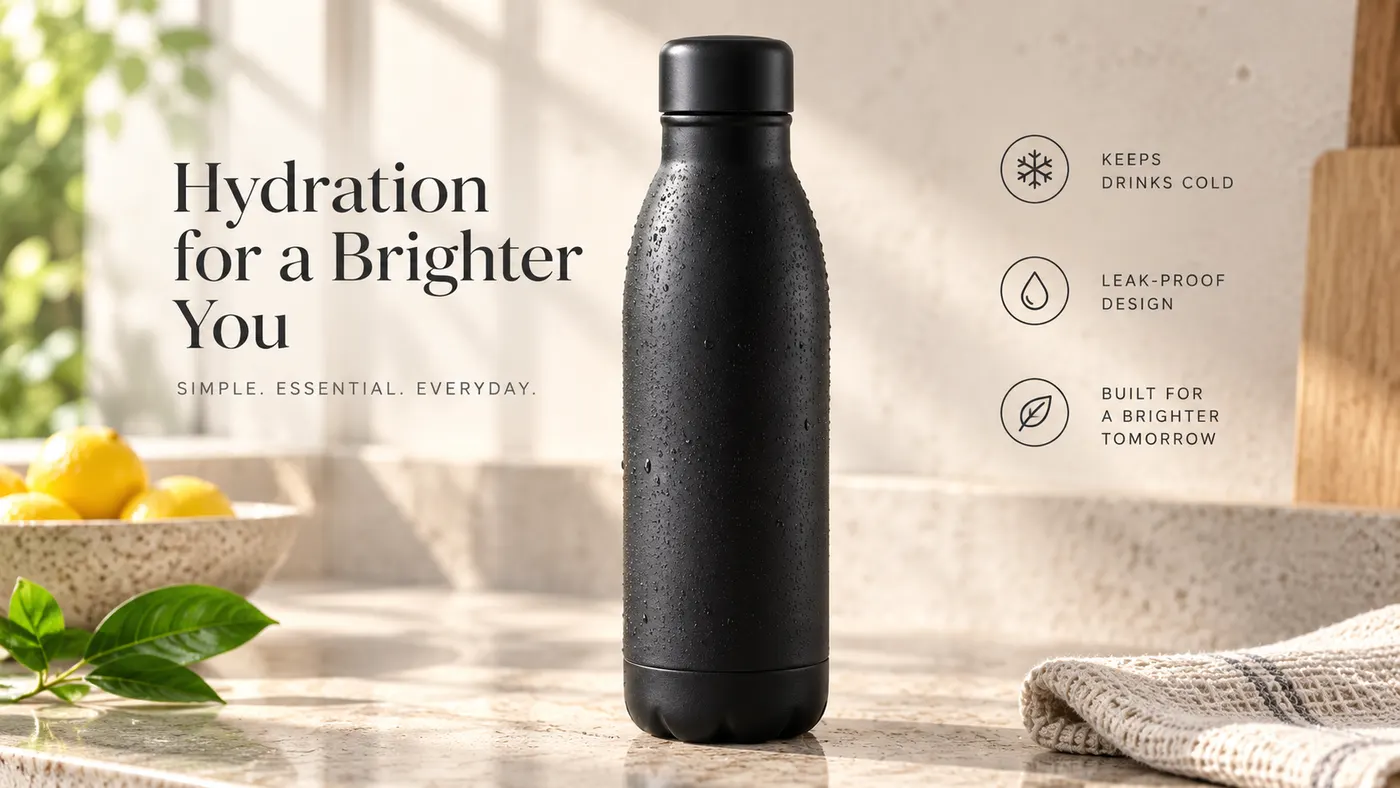
AI Video Ad Generator
The AI video ad generator that turns a product photo or URL into a scroll-stopping video ad in minutes — no crew, no editor, no agency. Sign up free, preview a start frame for 1 credit.
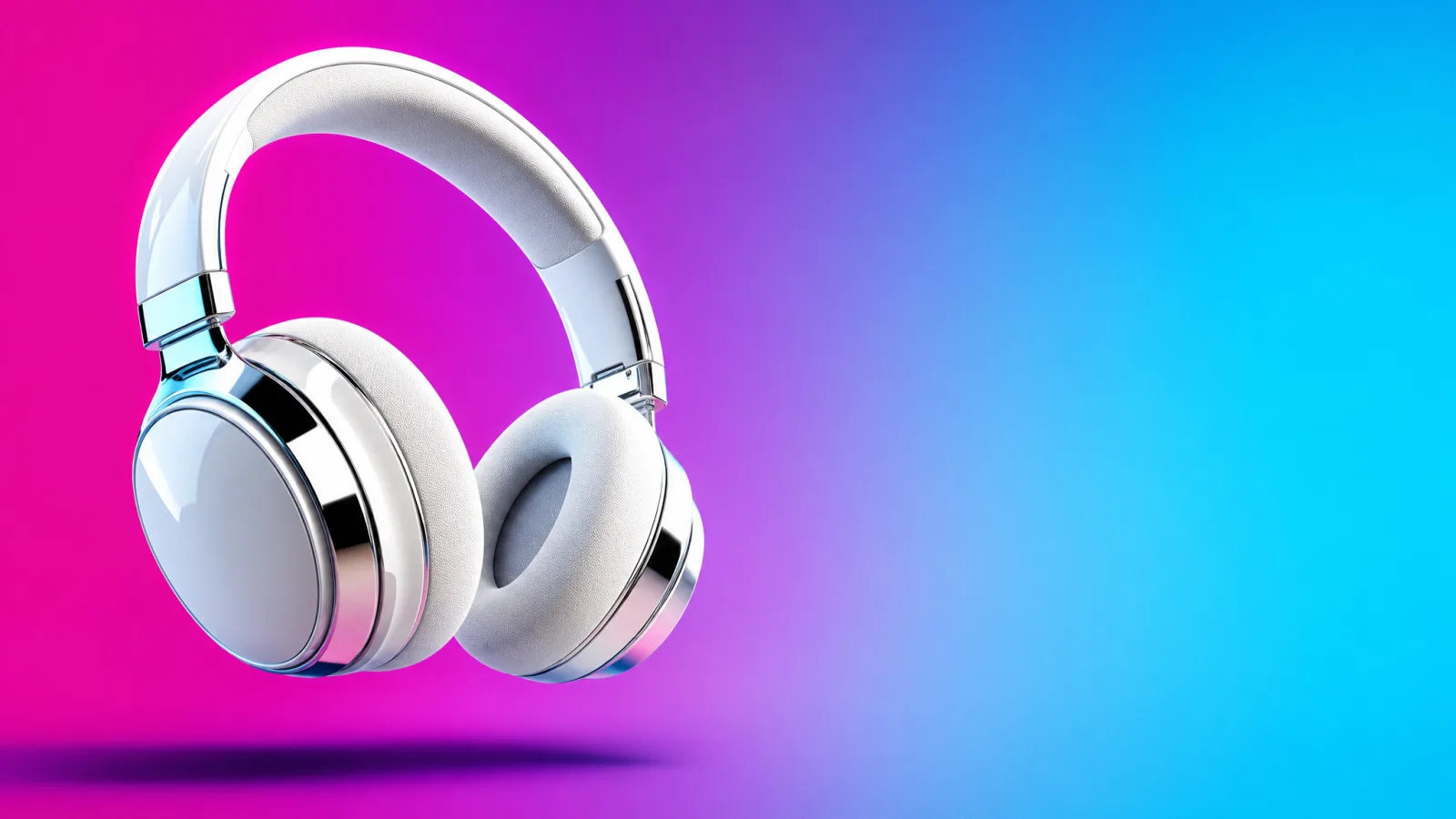
Google Ads Generator
Turn one product photo into Google Ads creative — responsive display assets in the landscape and square ratios Google asks for, ready to upload. Free to start.
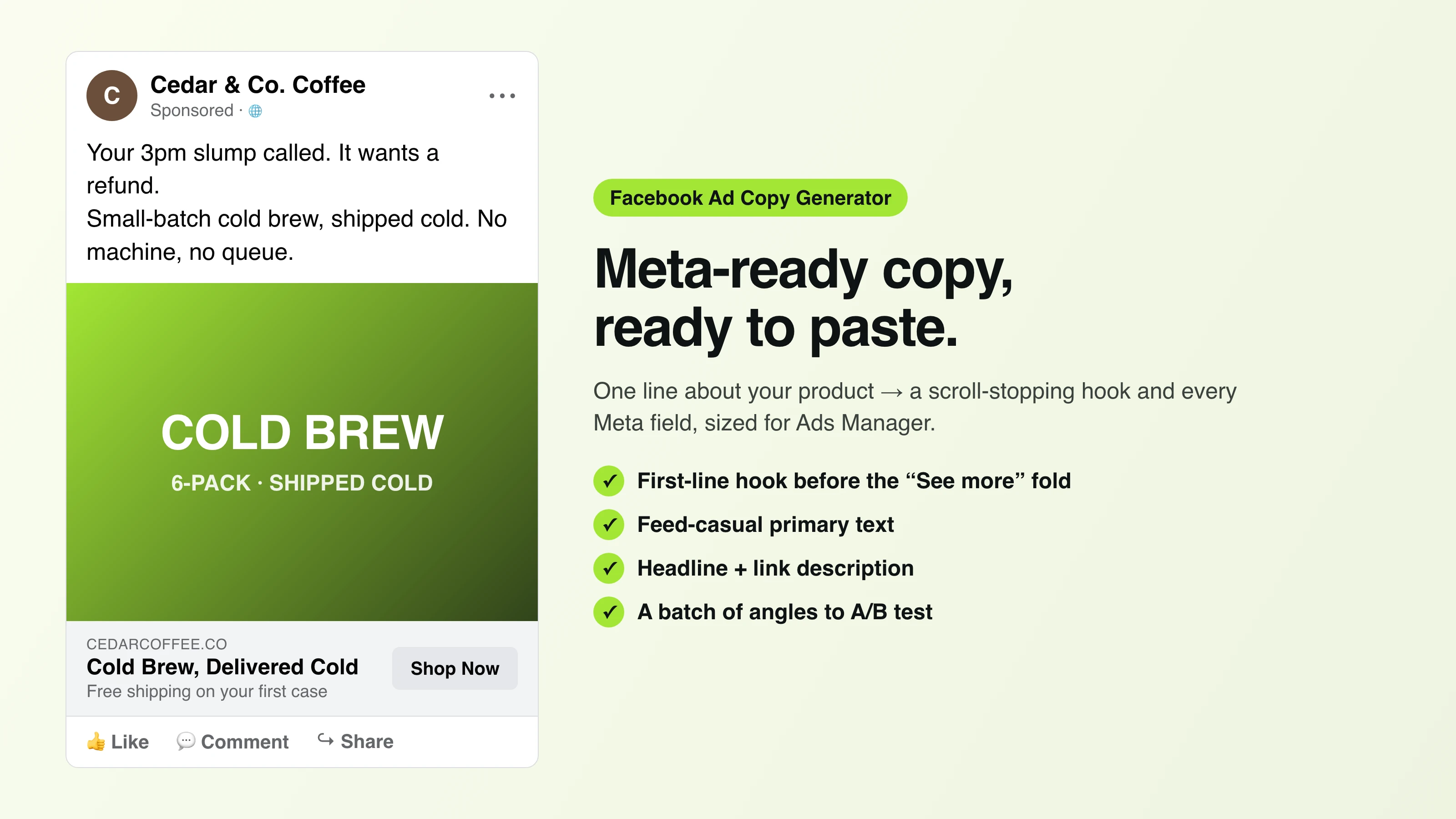
Facebook Ad Copy
The free Facebook ad copy generator that turns one line about your product into scroll-stopping Meta primary text, headlines, and link descriptions. No signup.
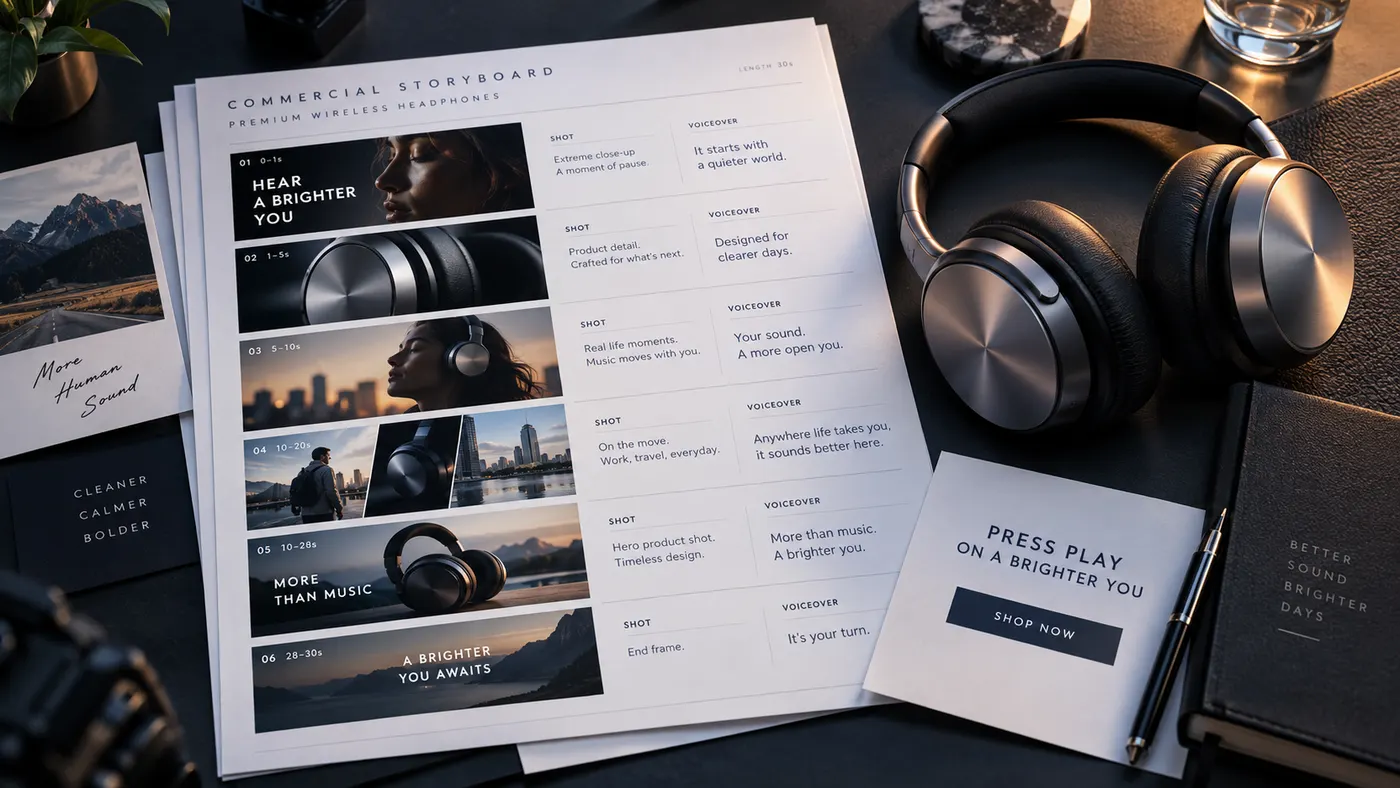
Ad Script Generator
The free ad script generator that turns one line about your product into a shot-by-shot video ad script — hook, scene directions, voiceover, and CTA. No signup.
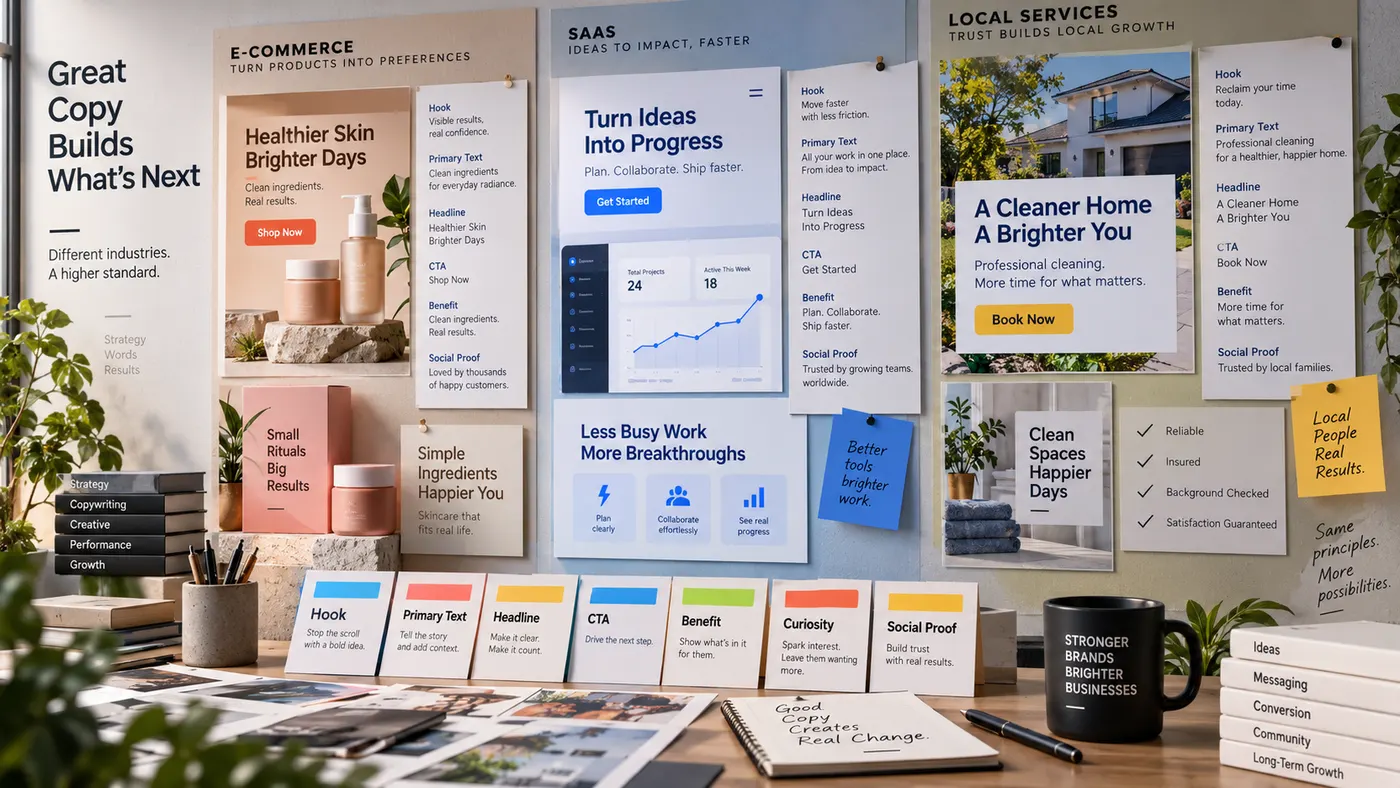
Advertising Copy Examples
Real advertising copy examples across industries and angles — plus a free generator that writes your own ad copy from one line about your product. No signup.
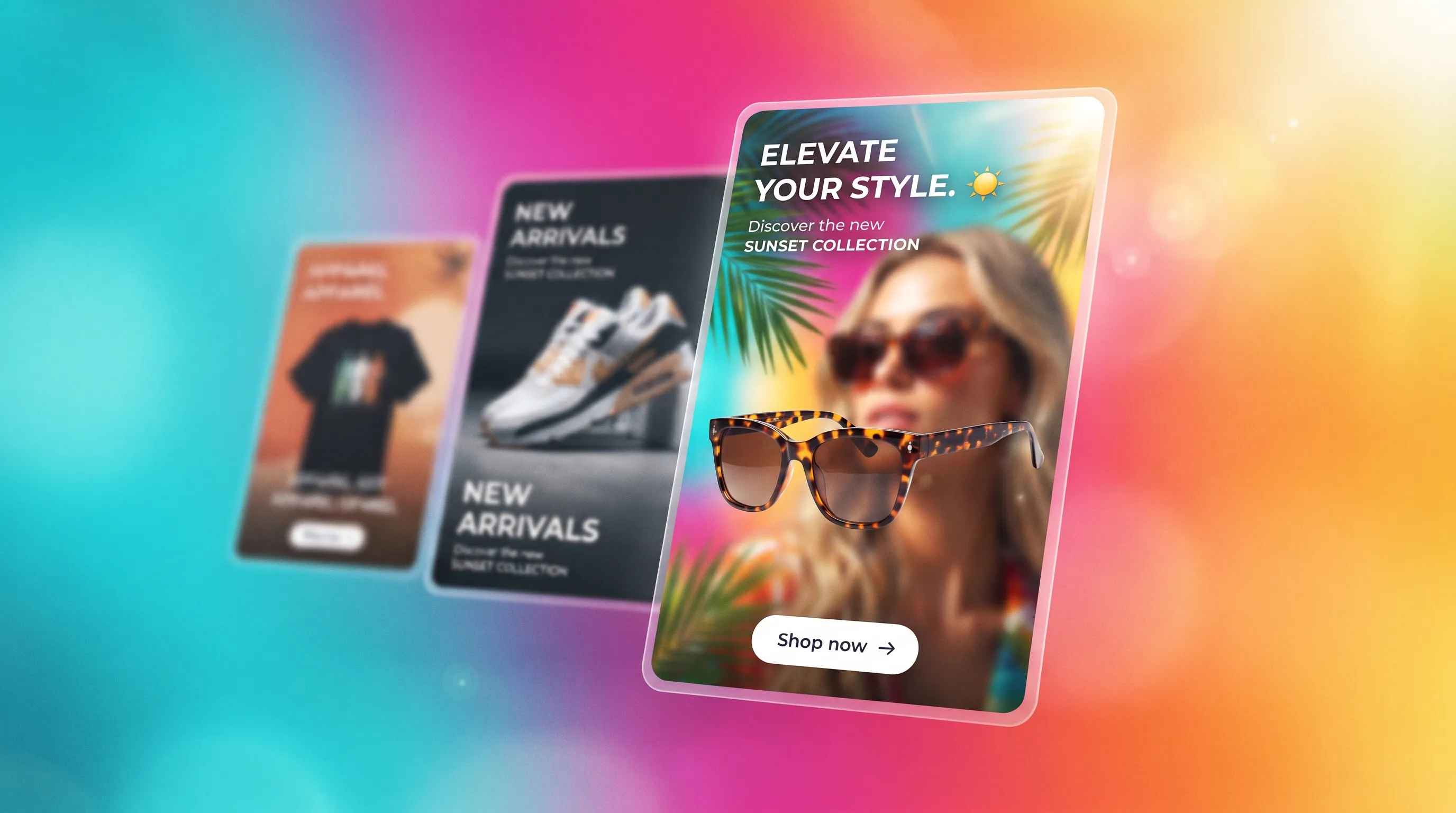
Social Media Ads Examples
Real social media ads examples by platform and type — Instagram, Facebook & TikTok — plus a free generator that makes your own ad from one product photo.
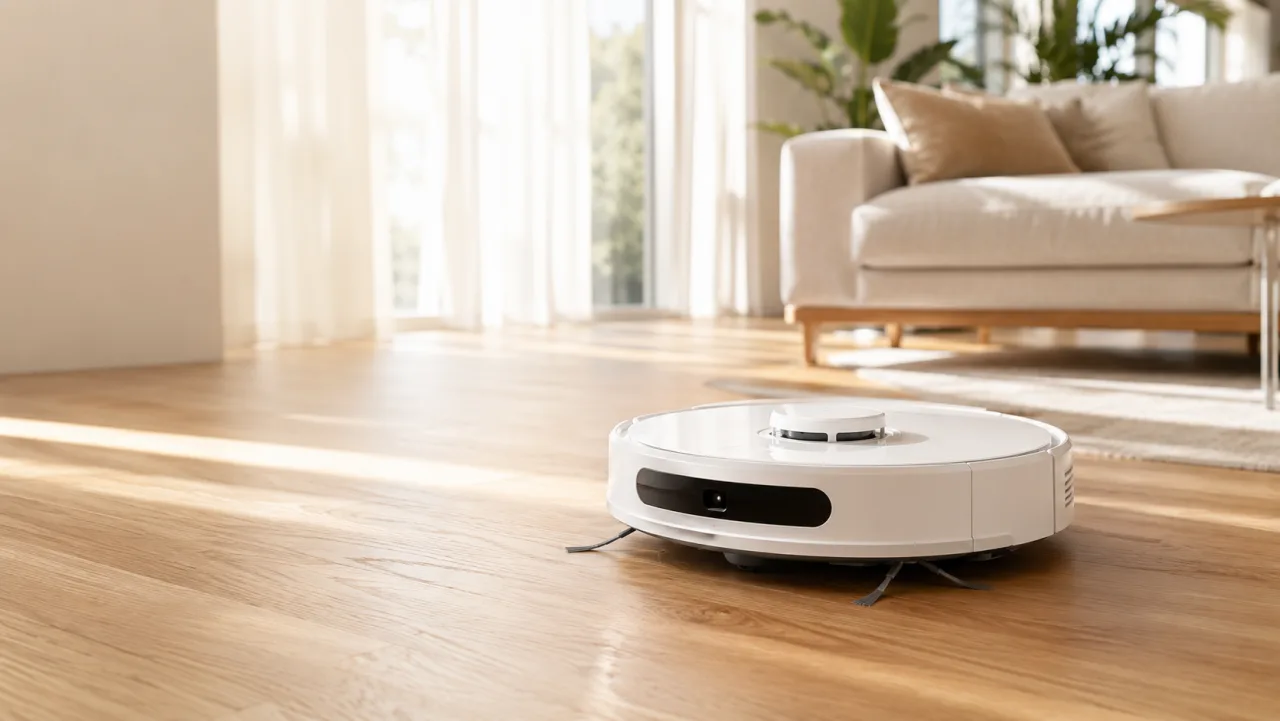
YouTube Ad Maker
The AI YouTube ad maker: turn a product photo into a native video ad for either YouTube size — 16:9 in-stream or a 9:16 Short. No editor, no crew, no agency.
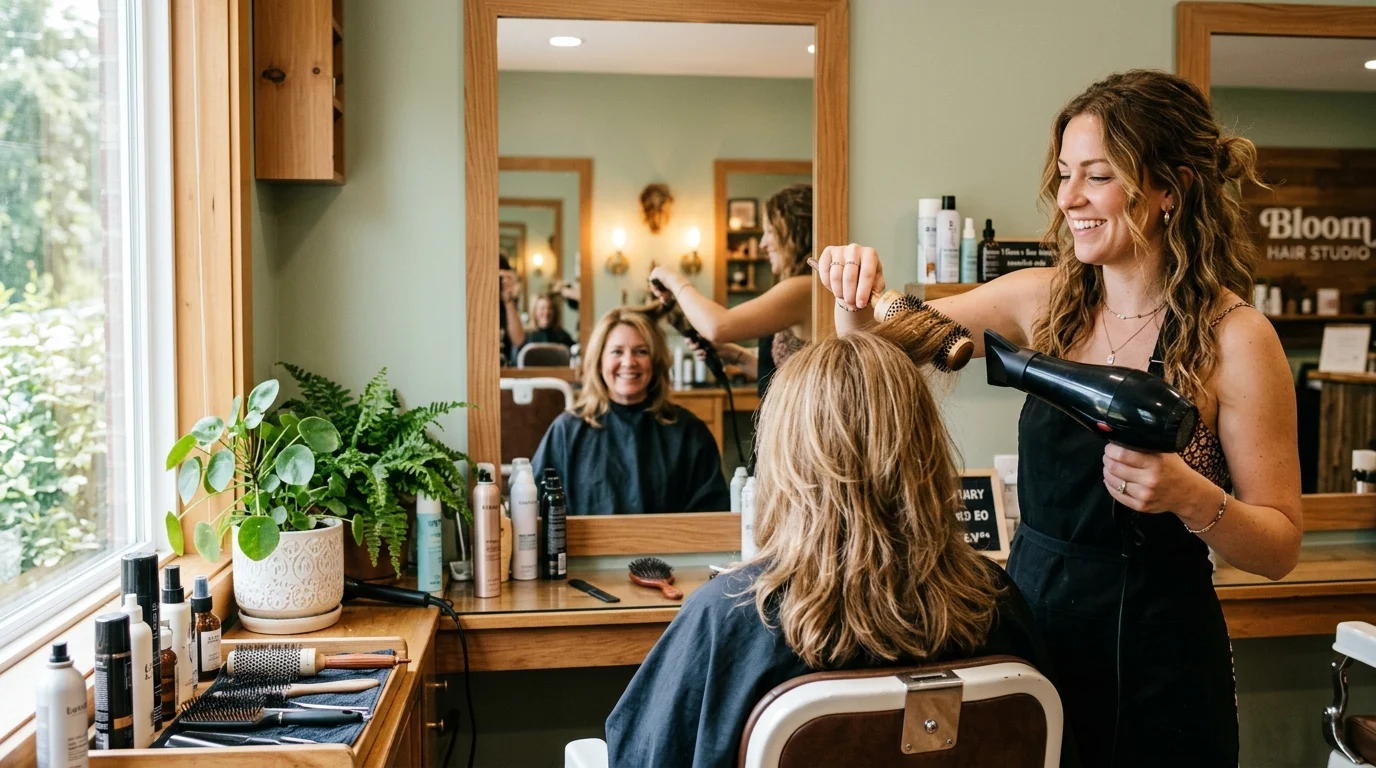
AI Avatar Ads for Small Business
Affordable AI avatar generators for small businesses — put an AI avatar in a real scene and turn it into a vertical UGC video ad from $29, no crew. Sign up free, preview a start frame for 1 credit.
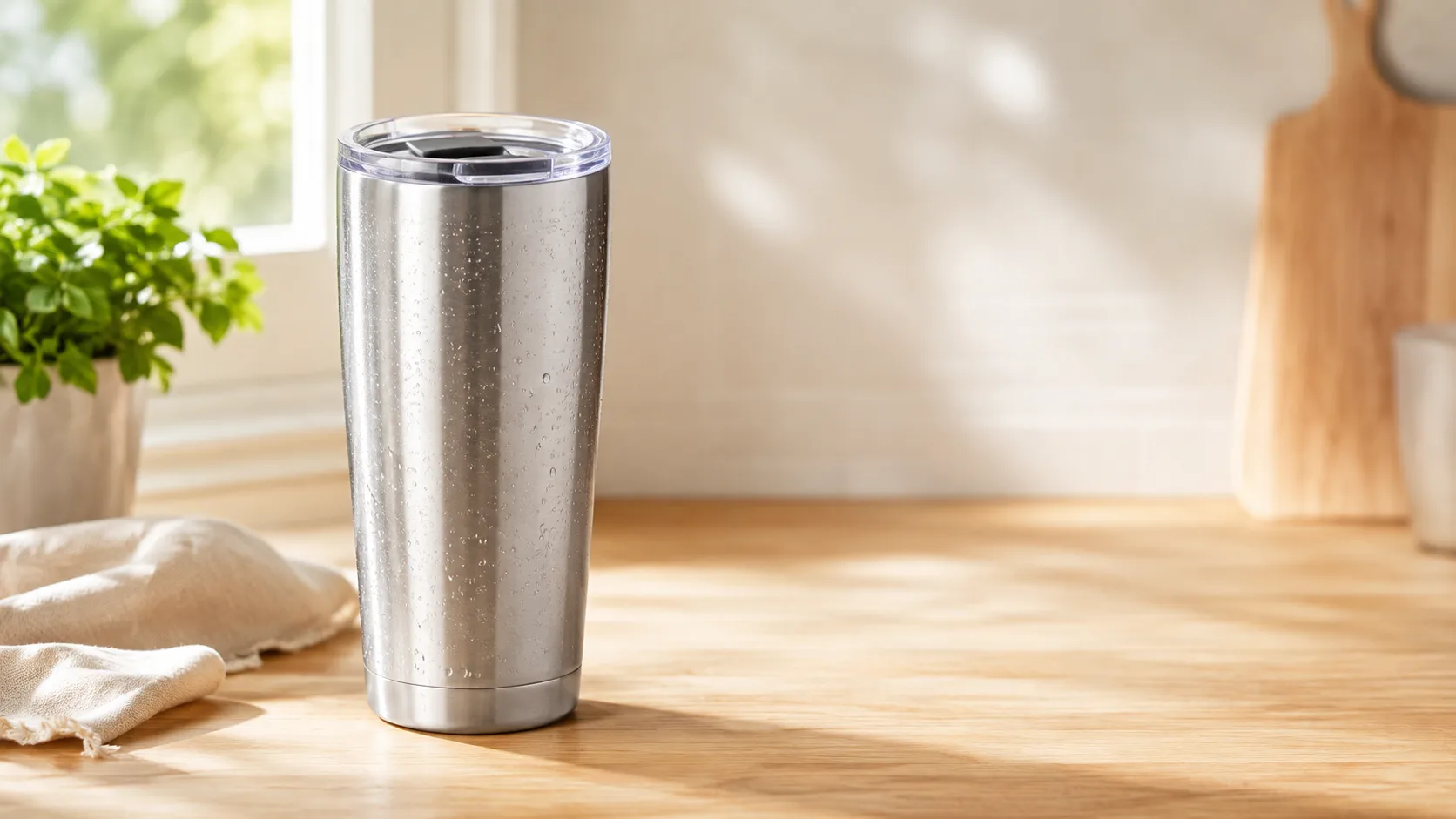
HeyGen vs Arcads
HeyGen vs Arcads compared: AI avatars, actor library, pricing, and output for UGC video ads — plus a product-first way to make an ad without an actor.
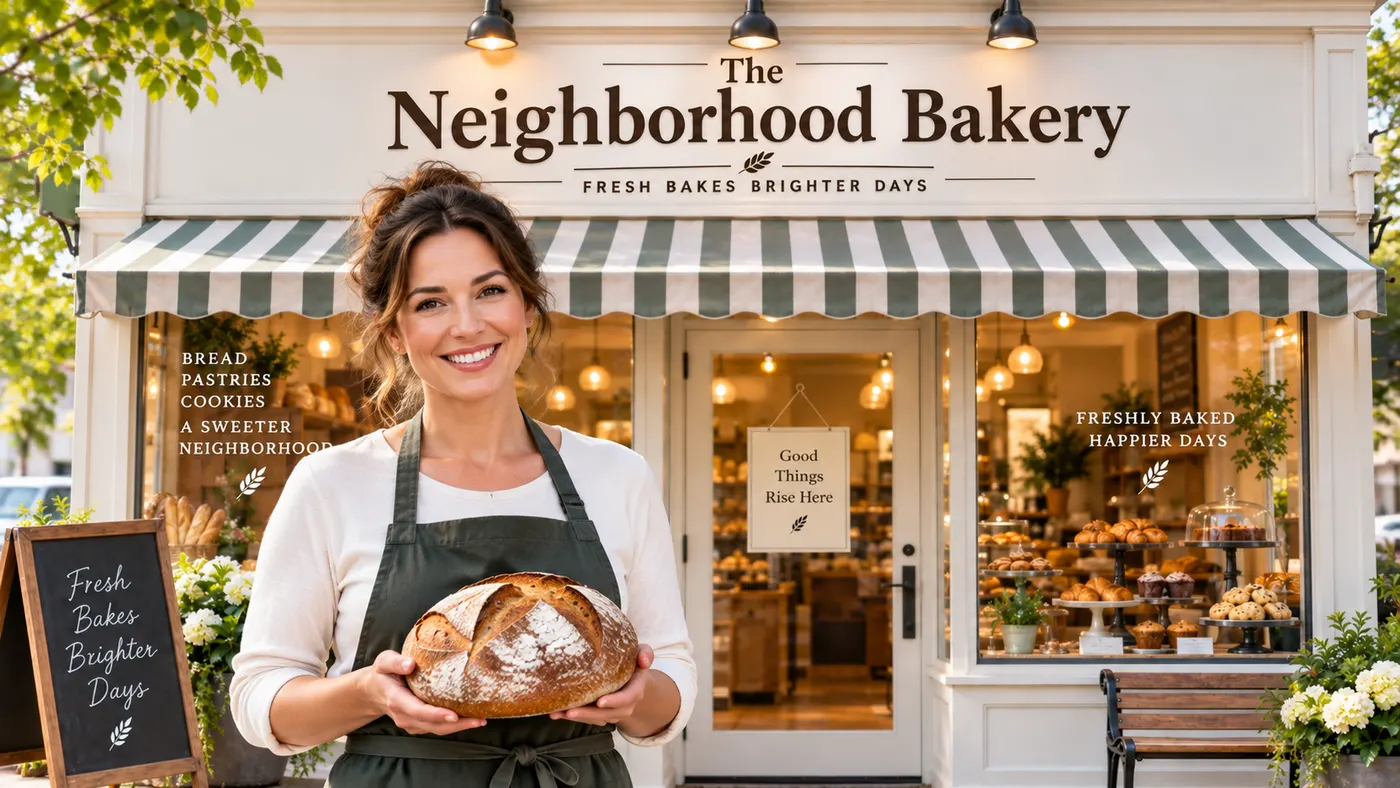
AI Spokesperson Video
Create an AI spokesperson video from your business photo and script: generate a believable presenter ad for offers, explainers, and calls to action.