Pick your product, choose a Style and size, then generate. A Brand Guide is optional — turn it on for a consistent look.
Ad subject (what the ad is about)
Optional — leave empty to generate from your prompt alone (text only).
What are you advertising?
A product or e-commerce item
Style (the kind of ad — sets the look)
A clean, versatile ad — let the studio choose the angle
Brand Guide (optional)
Off by default — turn it on only when you want visual consistency across your ads.
Platform — where the ad runs
Placement
Generating at 1:1 for Feed Square
Or any ratio the model supports
On-image text (optional — blank = no text)
Prompt (editable — the scene & styling that drives the image)
Also applied (not part of the editable box above):
Your product stays exactly as your photo (shape, label, colours) — styling only touches the scene & lighting.
No invented text, logos, watermarks, prices or hex codes rendered on the image.
On-image text = only the slogan you typed (blank = none).
This step uses 1 credit
Jewelry Ad Studio
A product photo in, ready-to-run jewelry ads out — product heroes, lifestyle try-ons, and gift angles sized for the placement you pick.
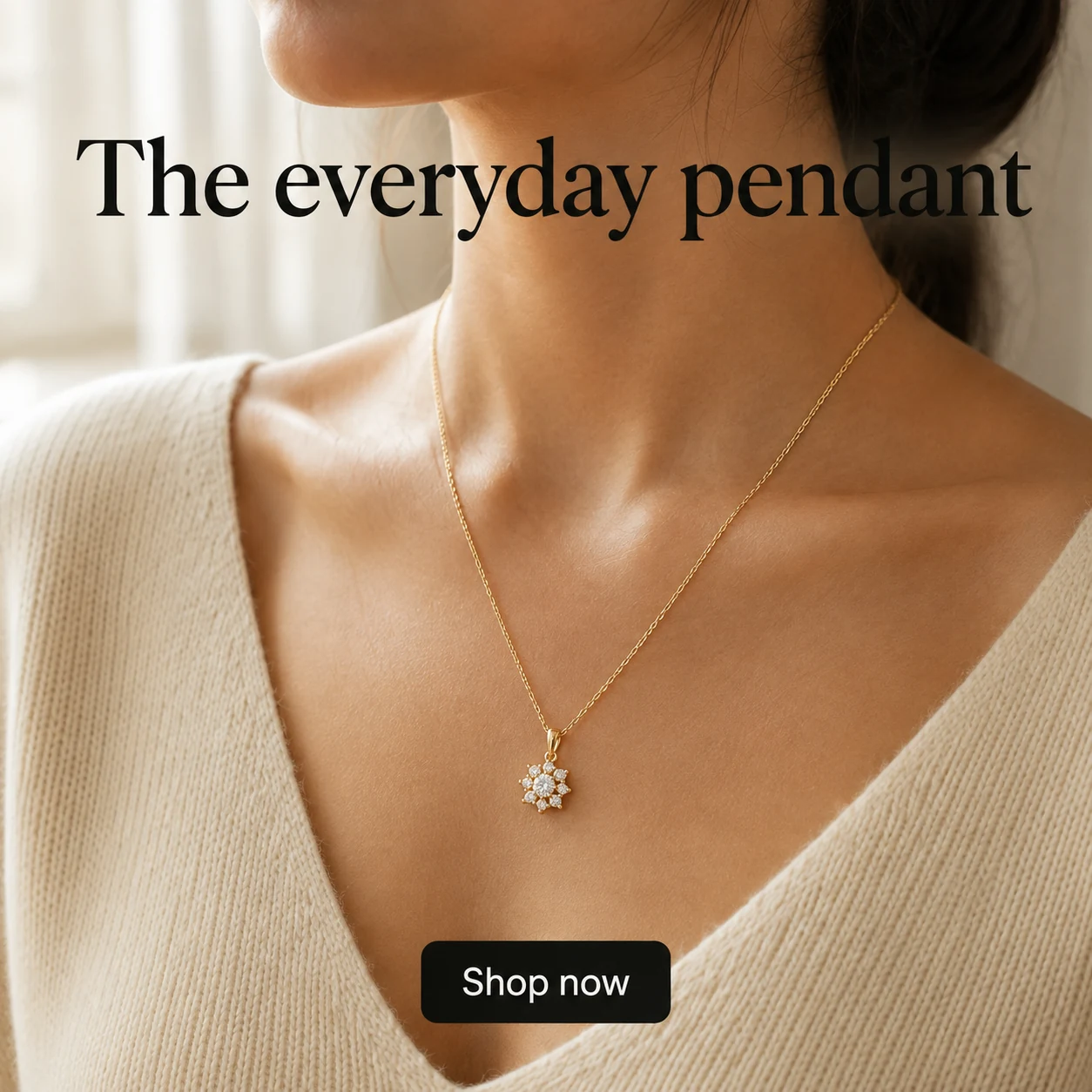
Jewelry Ads That Sell the Piece — Without an Agency
Punchylime turns one product photo into jewelry advertising built to run: a Meta jewelry ad, an Instagram Reel try-on, a Pinterest pin, or Google creative for jewelry store advertising and jewelry e-commerce advertising — export and upload to Ads Manager yourself.
Make Jewelry Ads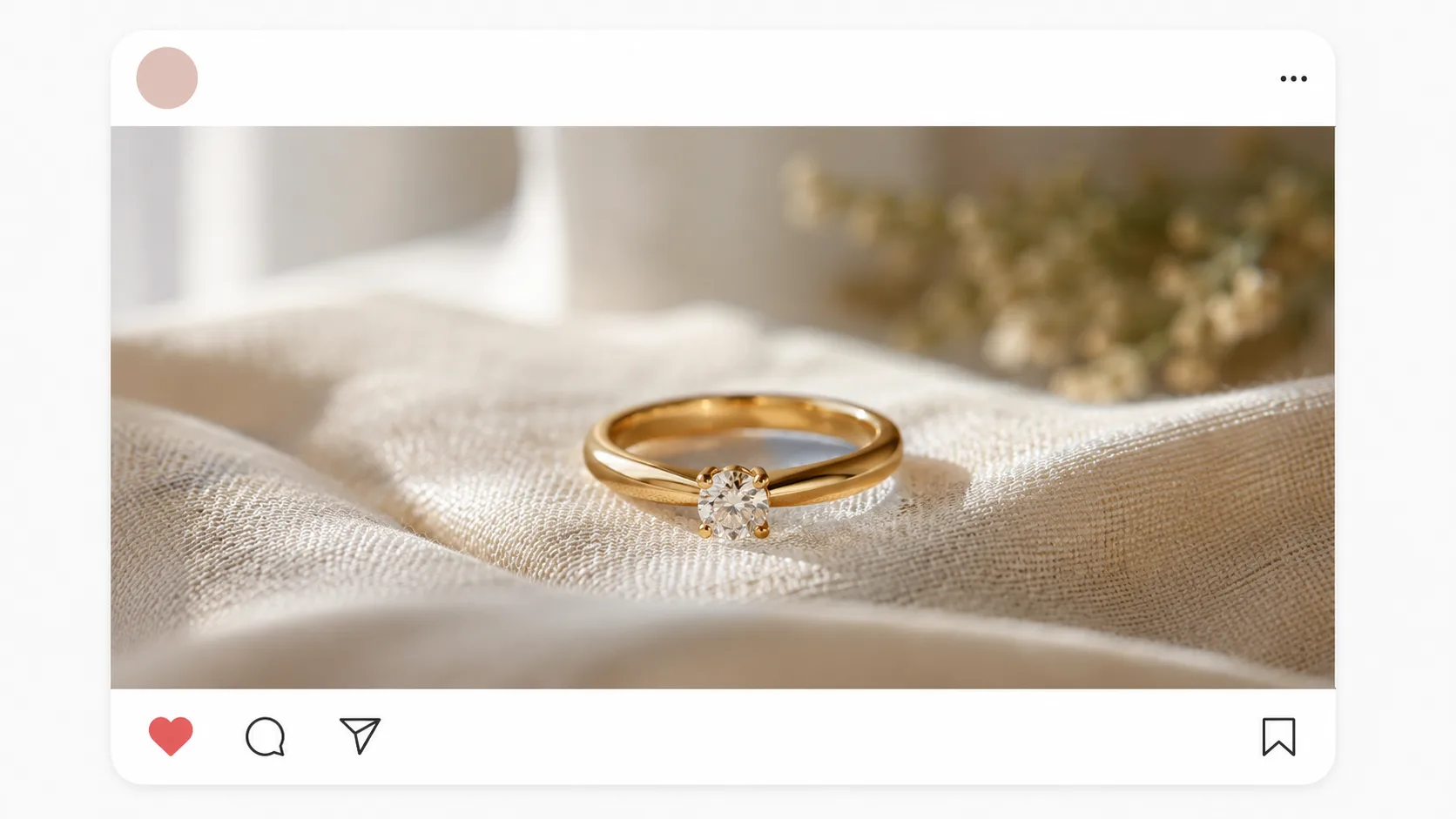
What Are Jewelry Ads?
Jewelry ads are how a brand or store turns pieces into paid creatives that stop the scroll — a product hero on Instagram, a lifestyle try-on Reel, a gift-occasion pin on Pinterest, a Shopping-ready still for Google. Ads for jewelry fail when they look like flat catalog shots; jewelry advertising ideas that win mix product detail with emotion. Punchylime builds those jewelry ad campaigns from one photo: product showcase, lifestyle, and UGC-style angles — marketing creative you export, not a catalog feed or checkout flow.
Why Run Jewelry Advertising with Punchylime?
A jewellery marketing campaign usually means a studio day, a retoucher, and a week of revisions — or stock that makes every jewlery ads feed look the same. Punchylime collapses that loop: upload a piece, pick product hero / lifestyle try-on / gift offer, and get jewellery ads sized for Meta, Pinterest, and Google in minutes. A draft costs 1 credit; keep only the jewelry advertisements you decide to run.
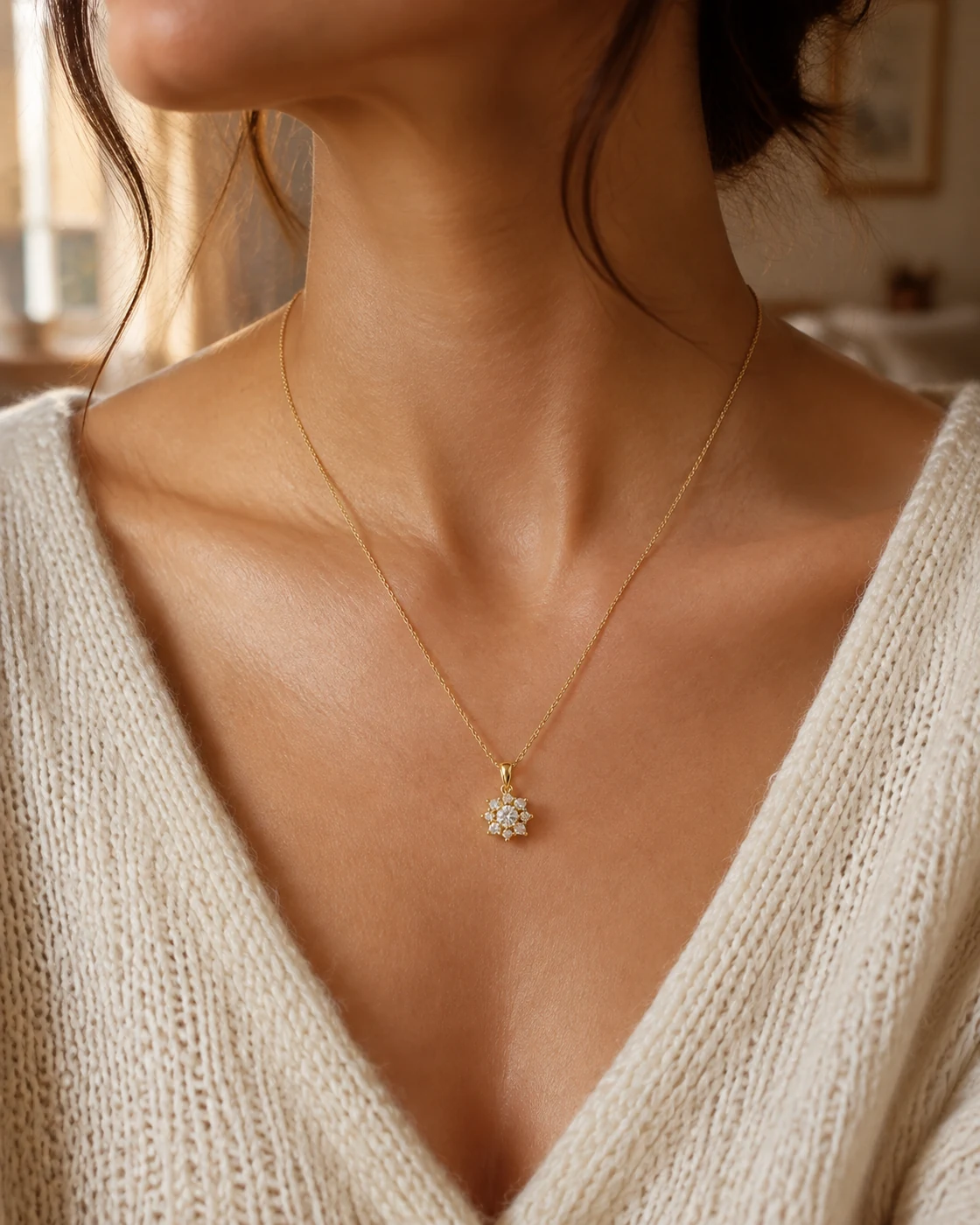
Tired of Flat Product Shots That Don’t Convert?
Buyers scroll past generic white-background stills. High cart abandonment needs jewelry ads that work — trust, sparkle, and occasion — without looking stock-generic. Punchylime keeps your real piece in frame for jewelry promotion ideas and jewellery advertisement ideas: anniversary hooks, holiday drops, and jewellery ad campaigns you can refresh the week an angle goes quiet.
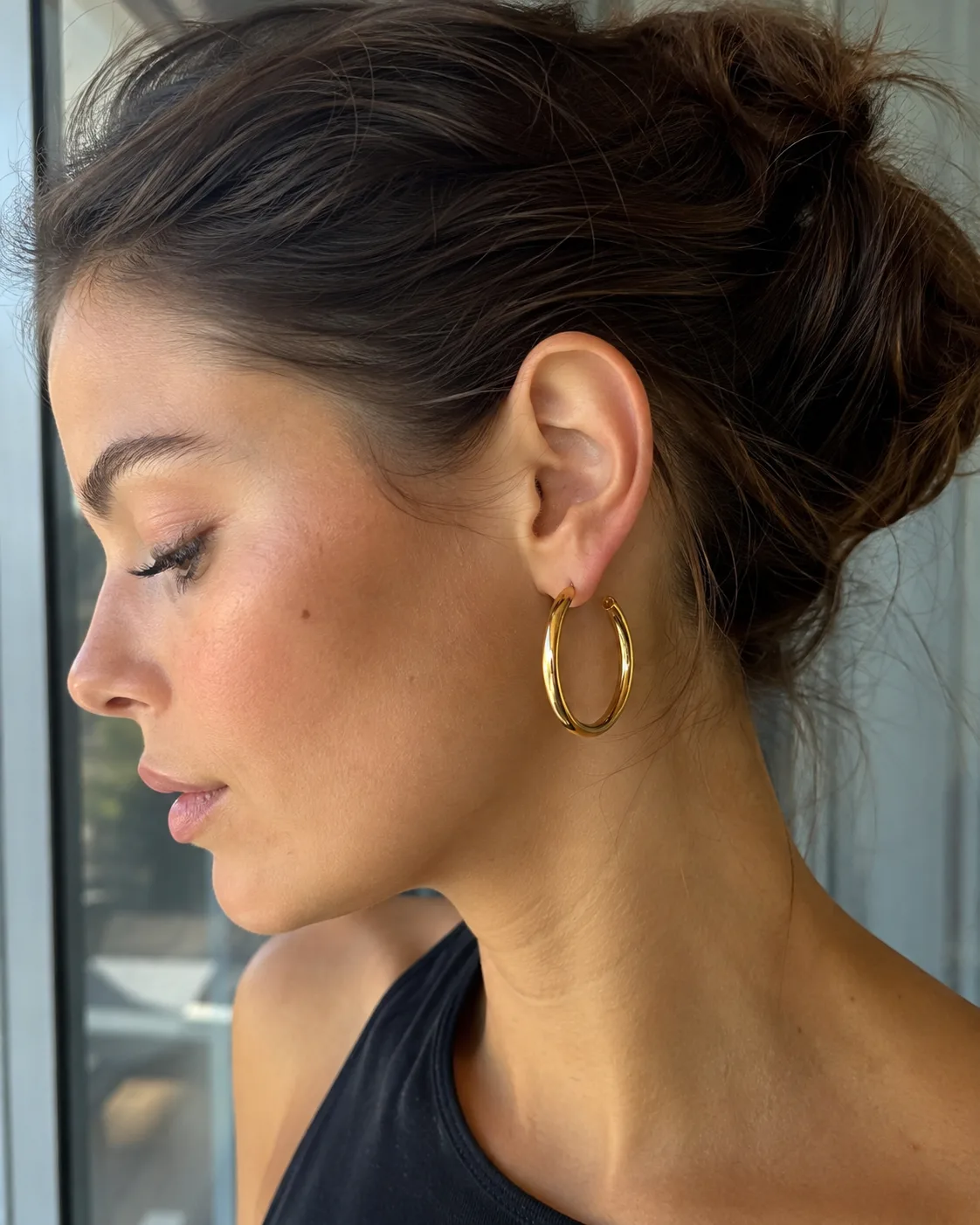
What Makes Punchylime Jewelry Ads Different
Most jewelry ad tools hand you a template. Punchylime builds jewelry advertising campaigns around your real piece, composes every placement, and lets you swap angles when creative fatigues.
Your Real Piece, Not Stock Jewelry
Every jewelry ad anchors to the photo you upload — metal, stones, and silhouette stay true — so shoppers recognize the piece they will buy, not a licensed stock ring.
One Piece, Every Placement It Needs
A jewelry campaign has to run Feed, Reels, Stories, Pinterest, and Google — different canvases. Punchylime composes each from the same brief for jewelry ad campaigns and jewellery advertising campaigns.
Swap the Angle When Results Dip
When a jewelry sale advertisement cools, spin a fresh lifestyle or gift angle from the same photo — best jewelry marketing campaigns iterate creatives, not briefs.
How to Make Jewelry Ads with Punchylime
From one product photo to placement-ready jewelry advertising — three steps, no agency, no invented gemstones.
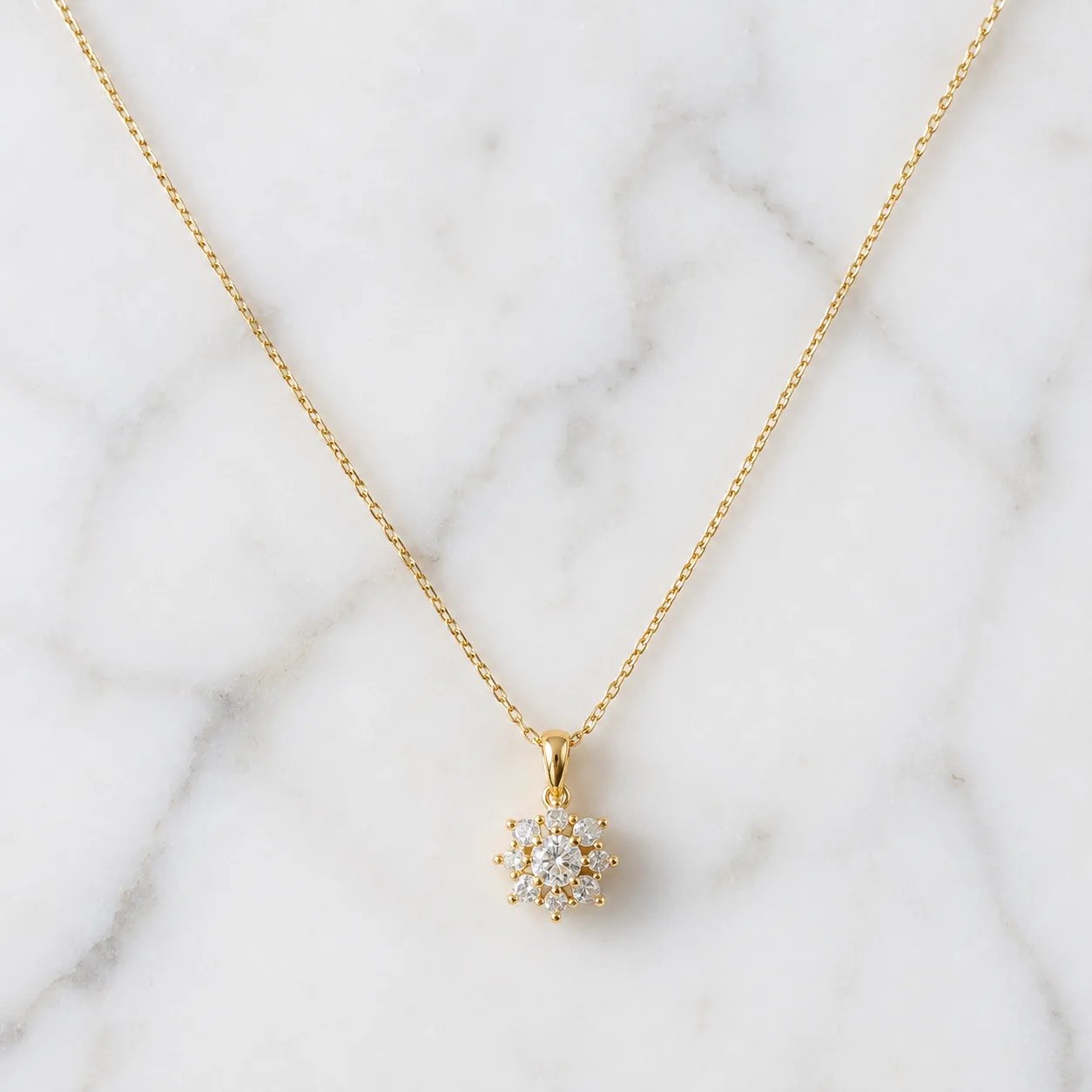
Step 1: Add a photo of the piece
Upload one product photo — ring, necklace, bracelet, or earrings — or paste your store URL and Punchylime pulls imagery. It reads metal, shape, and detail so advertise jewelry creatives stay true to the piece.
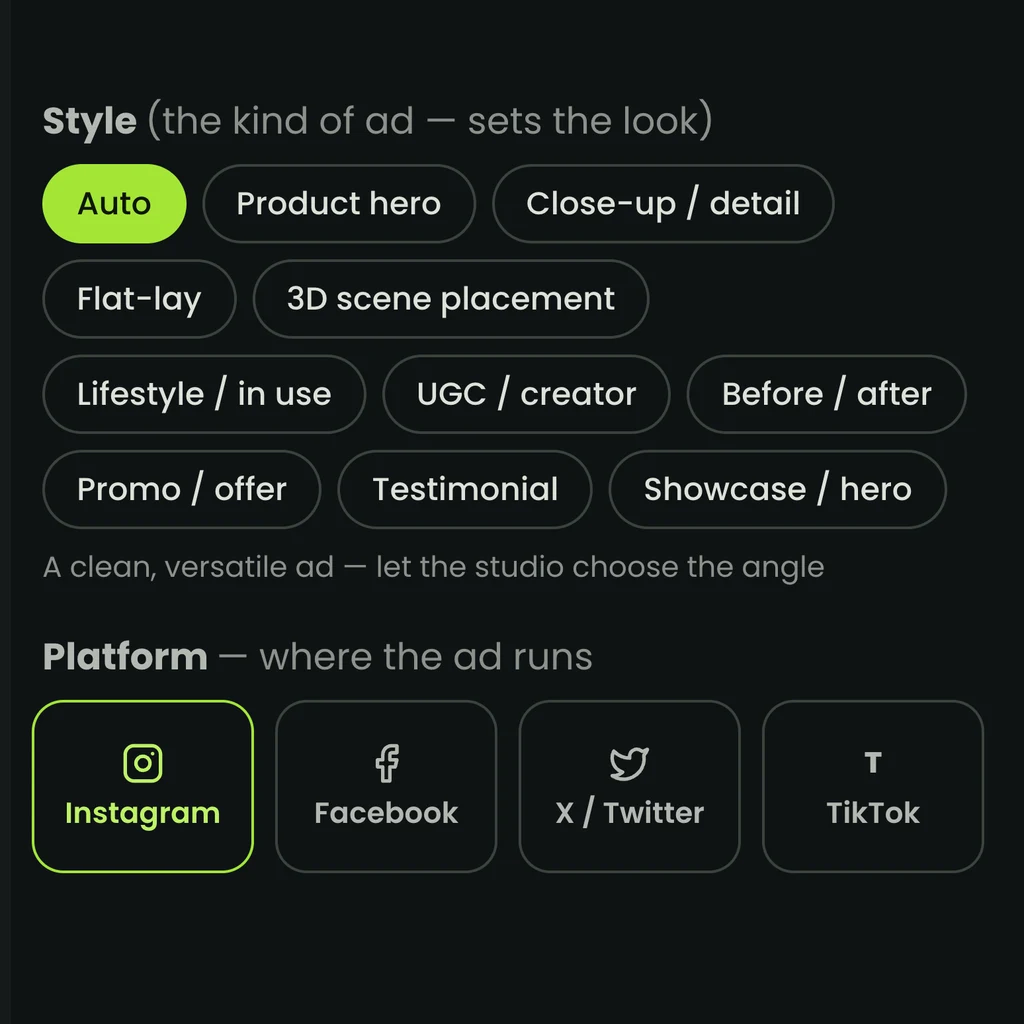
Step 2: Pick the angle and where it runs
Choose product hero, lifestyle try-on, or gift/occasion offer, then the placement: Meta Feed, Instagram Reels, Pinterest, or Google. Jewelry advertising ideas map to the canvas that wins for that channel.
Step 3: Generate, then run it
The studio composes jewelry ads for the ratio you pick. Preview, regenerate angles worth pushing, download, and upload to Ads Manager or Shopping yourself — advertising jewelry without claiming auto-publish.
Ads for Every Industry
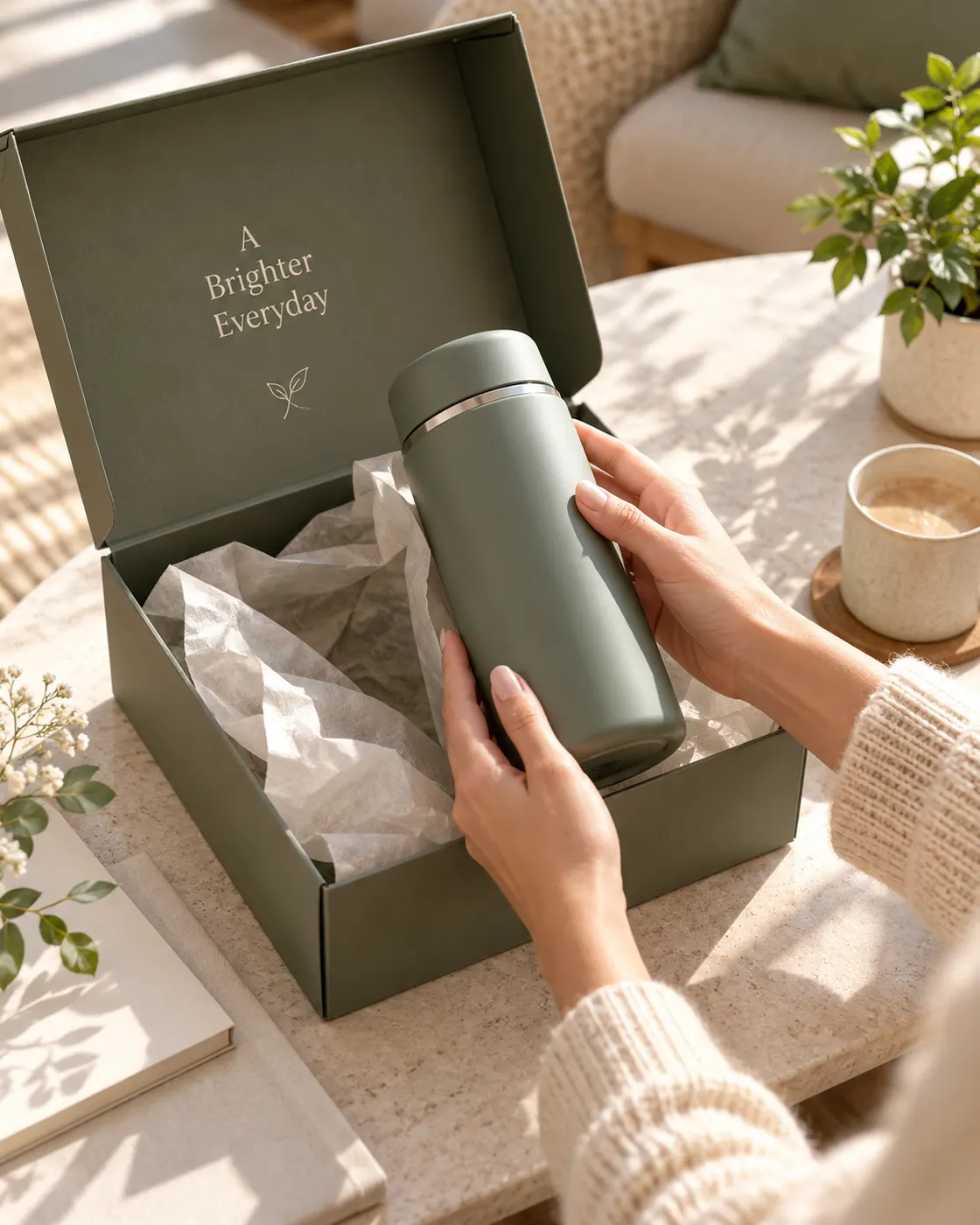
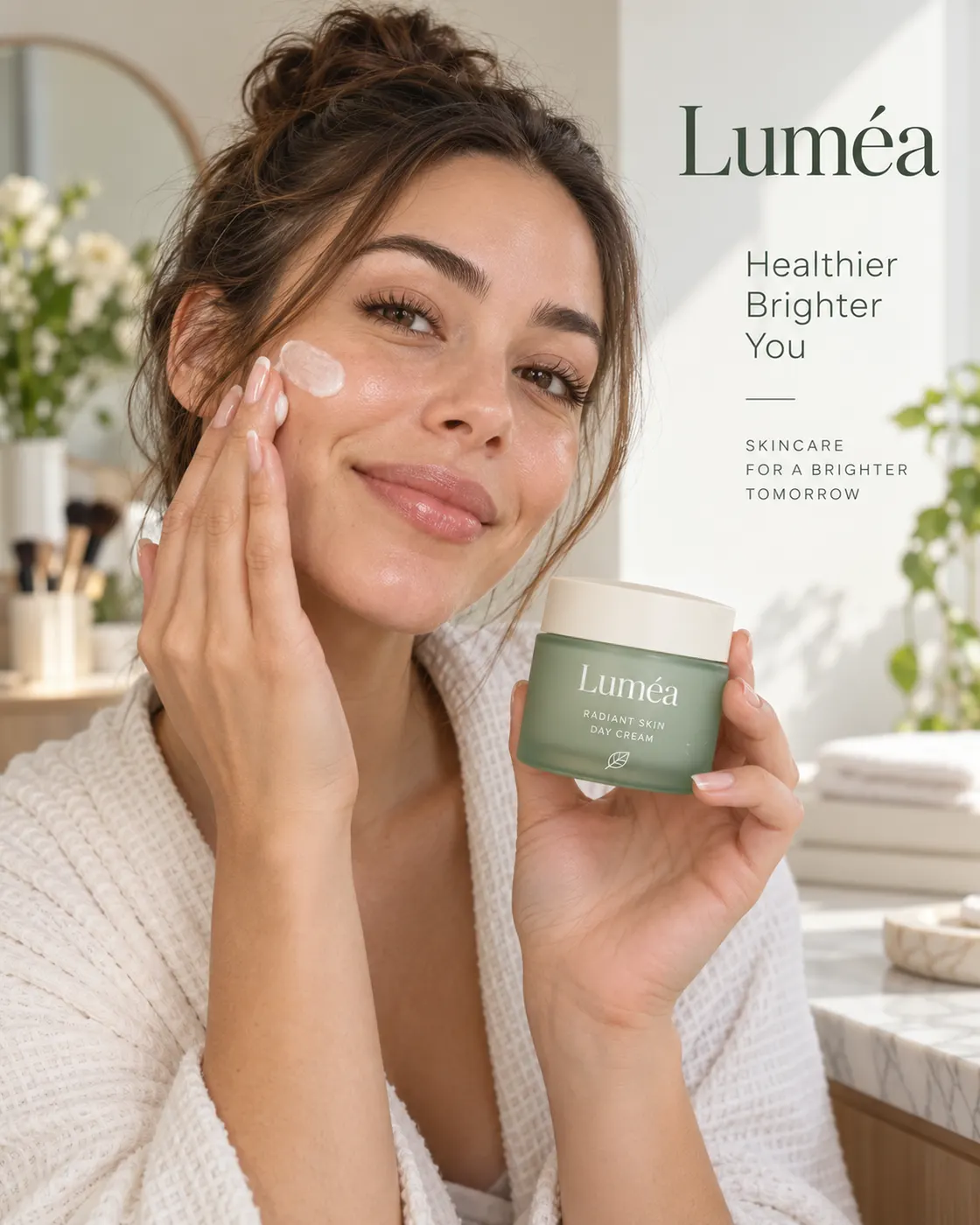
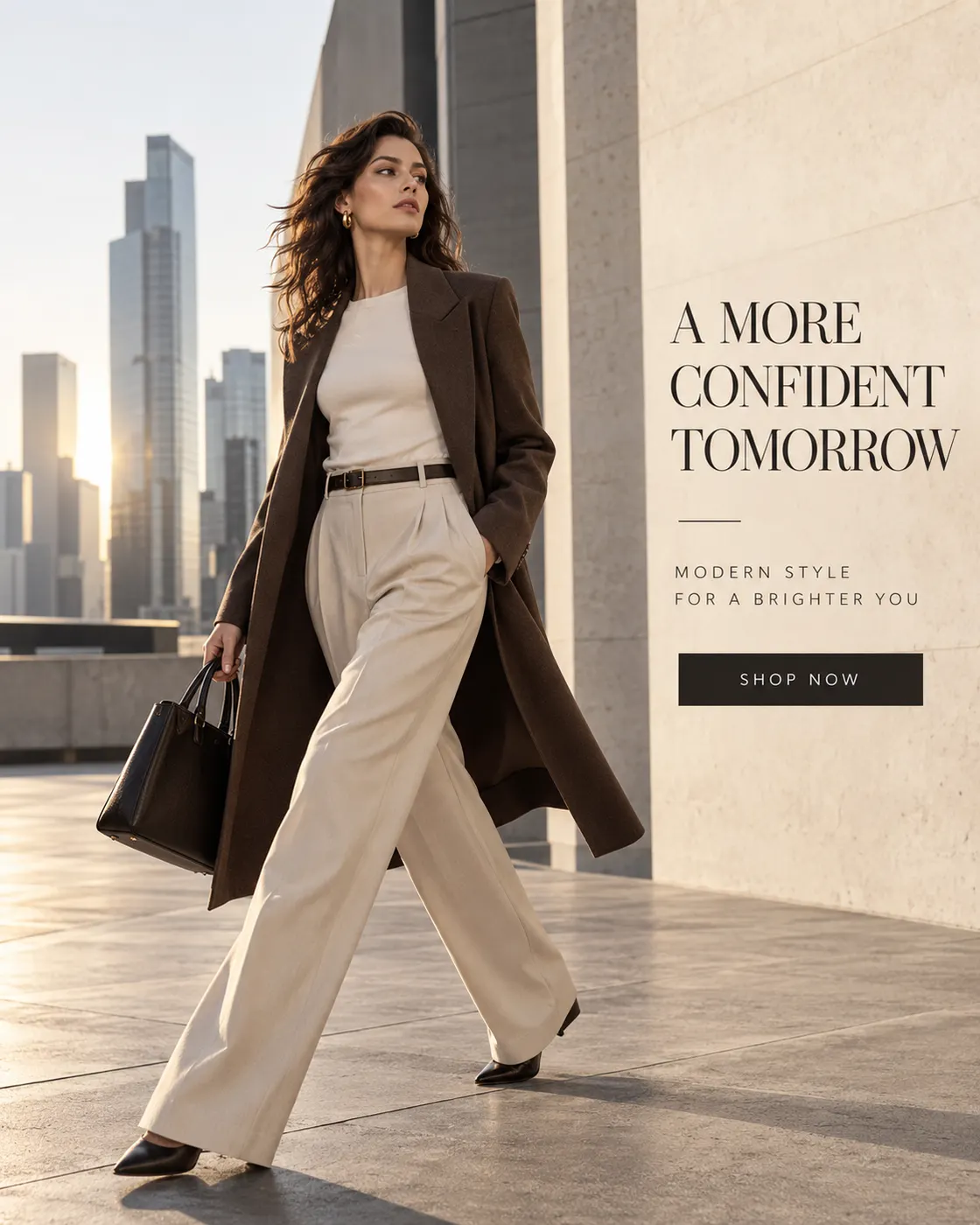
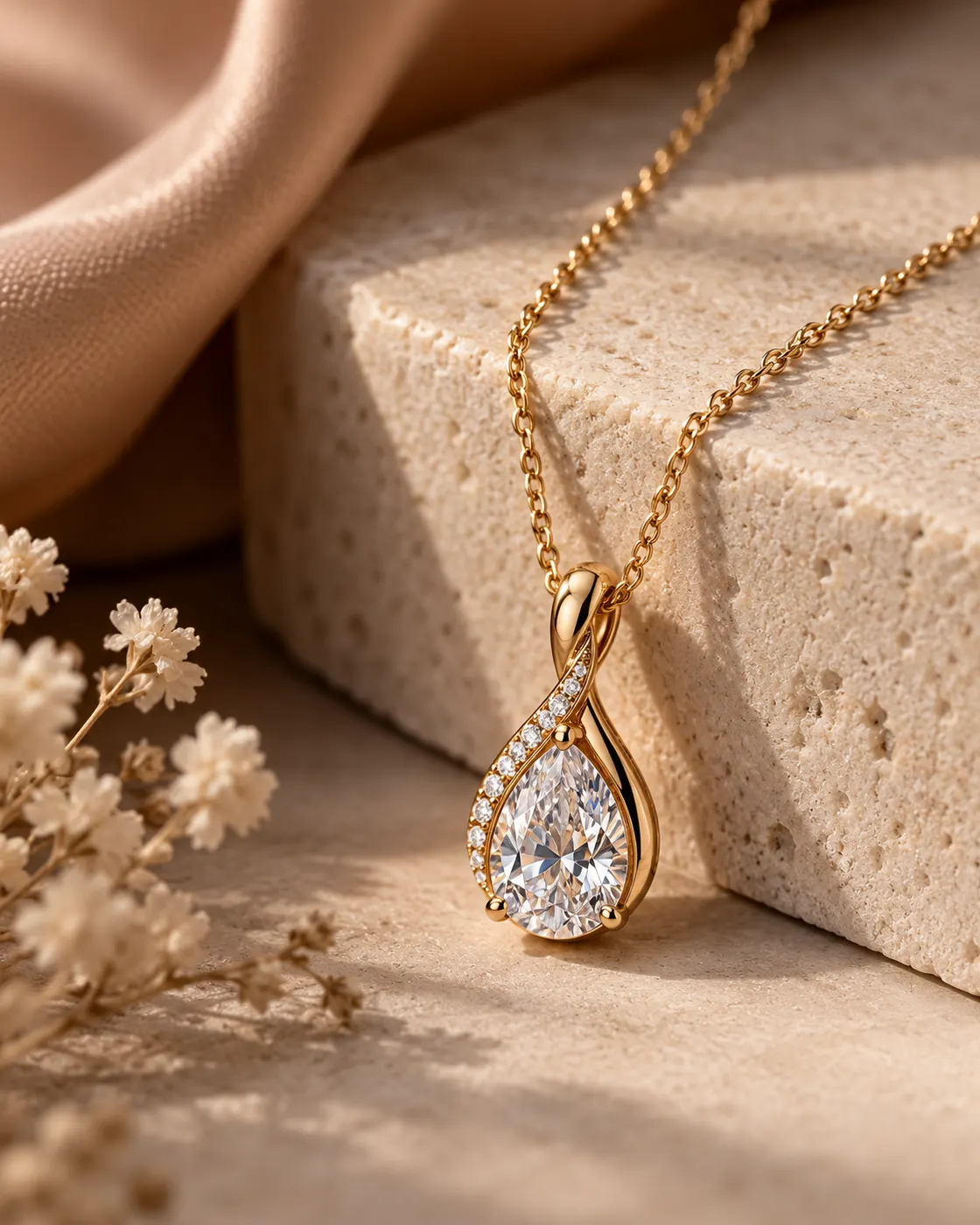
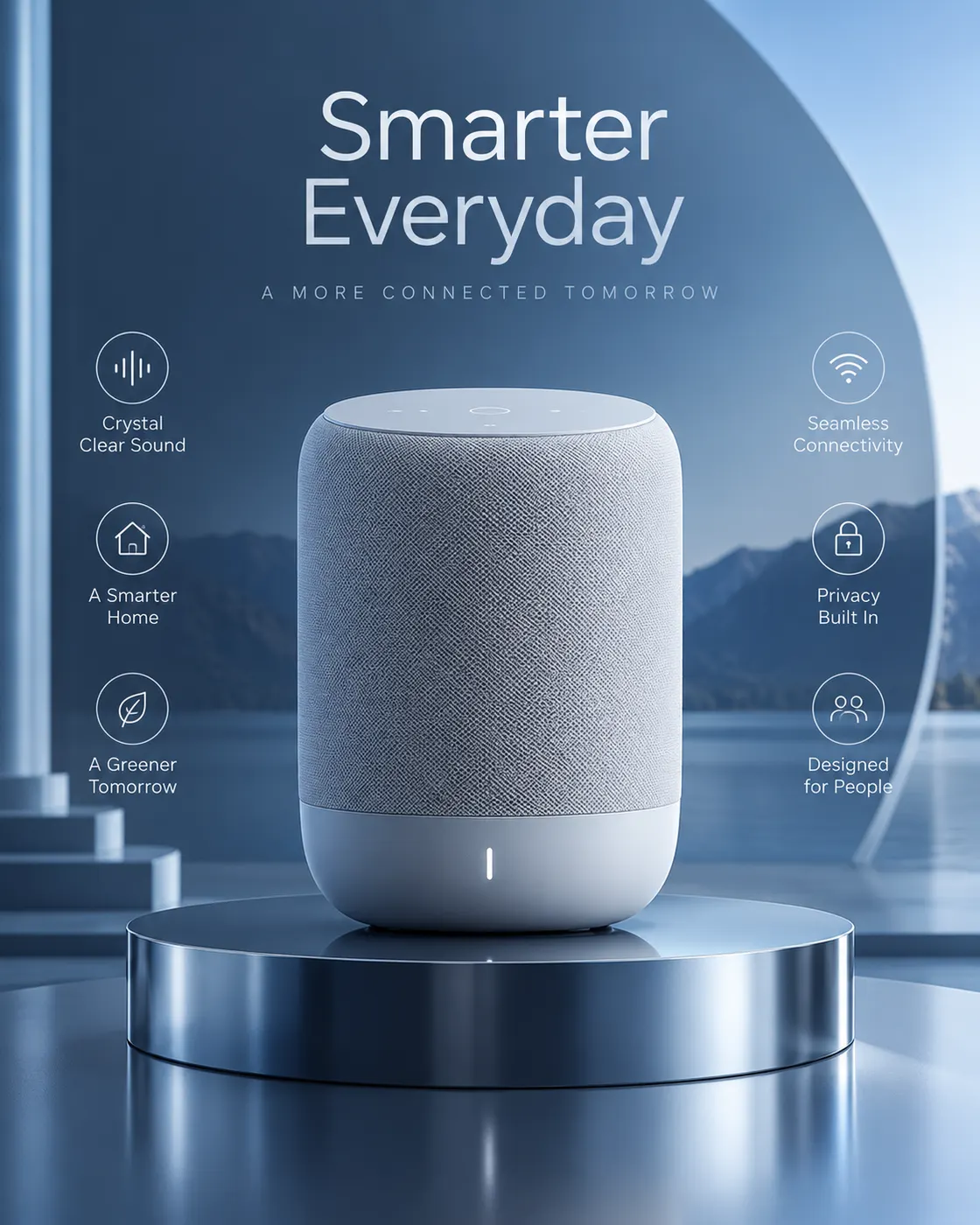
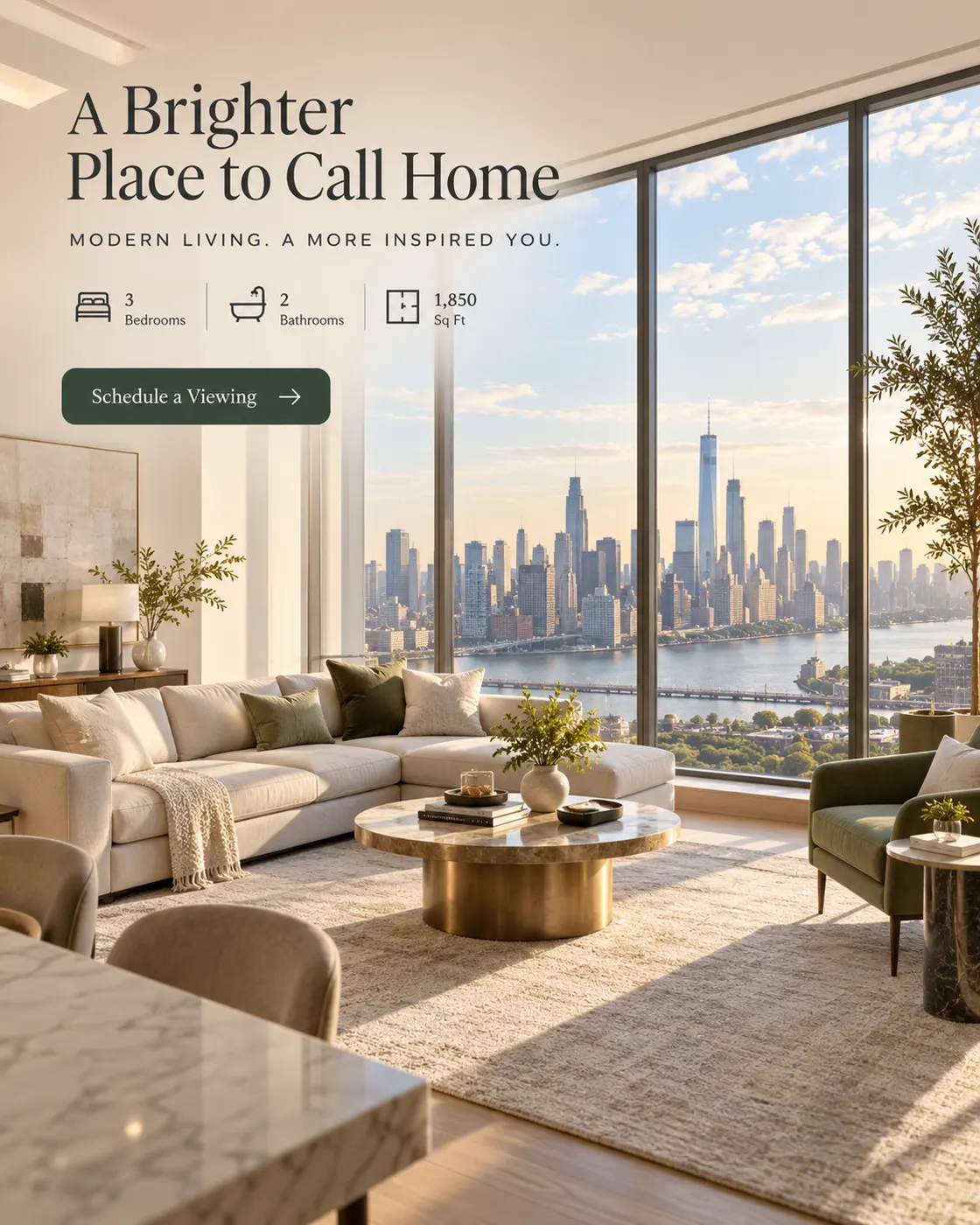
From e-commerce products to local services, the AI ad generator makes on-format ads for the businesses that need them most. Every ad below is a real Punchylime output.



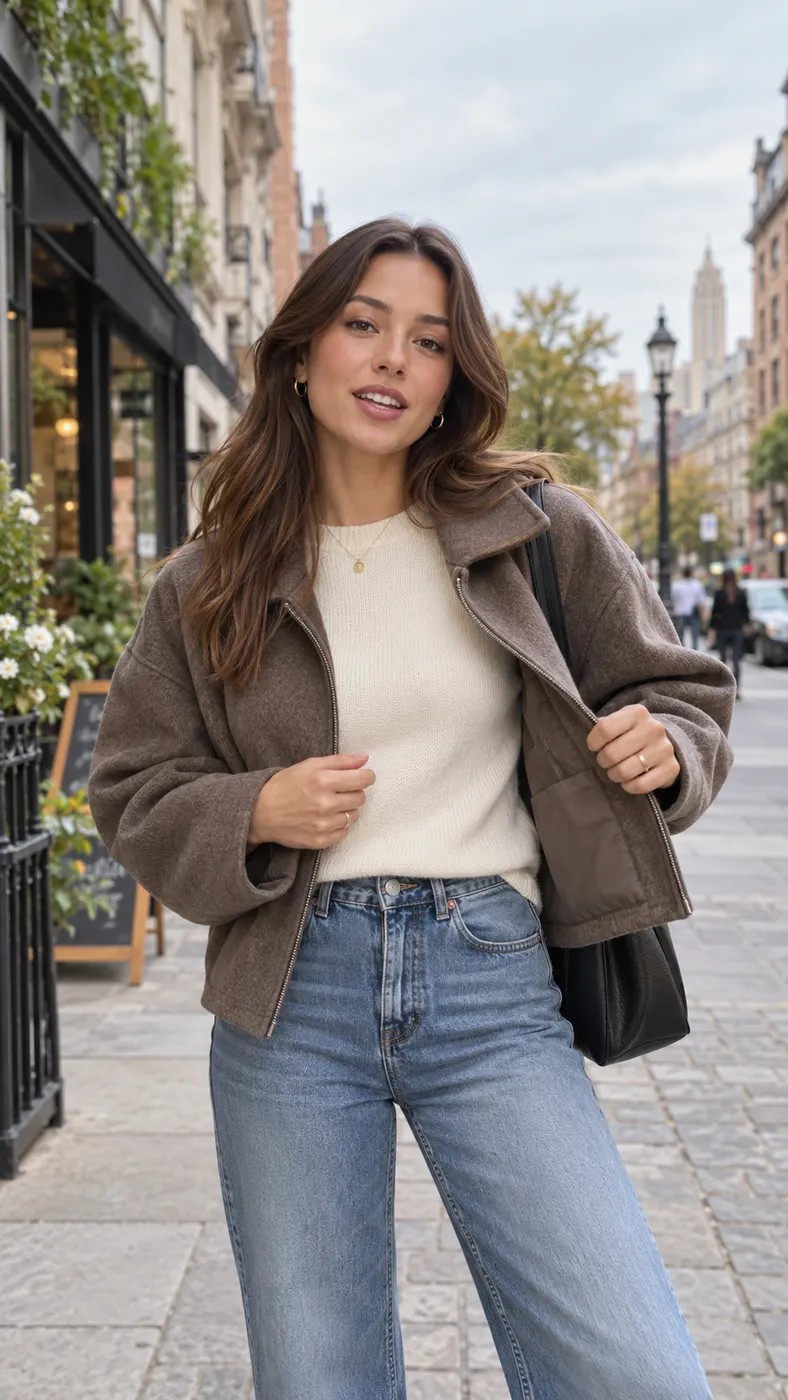
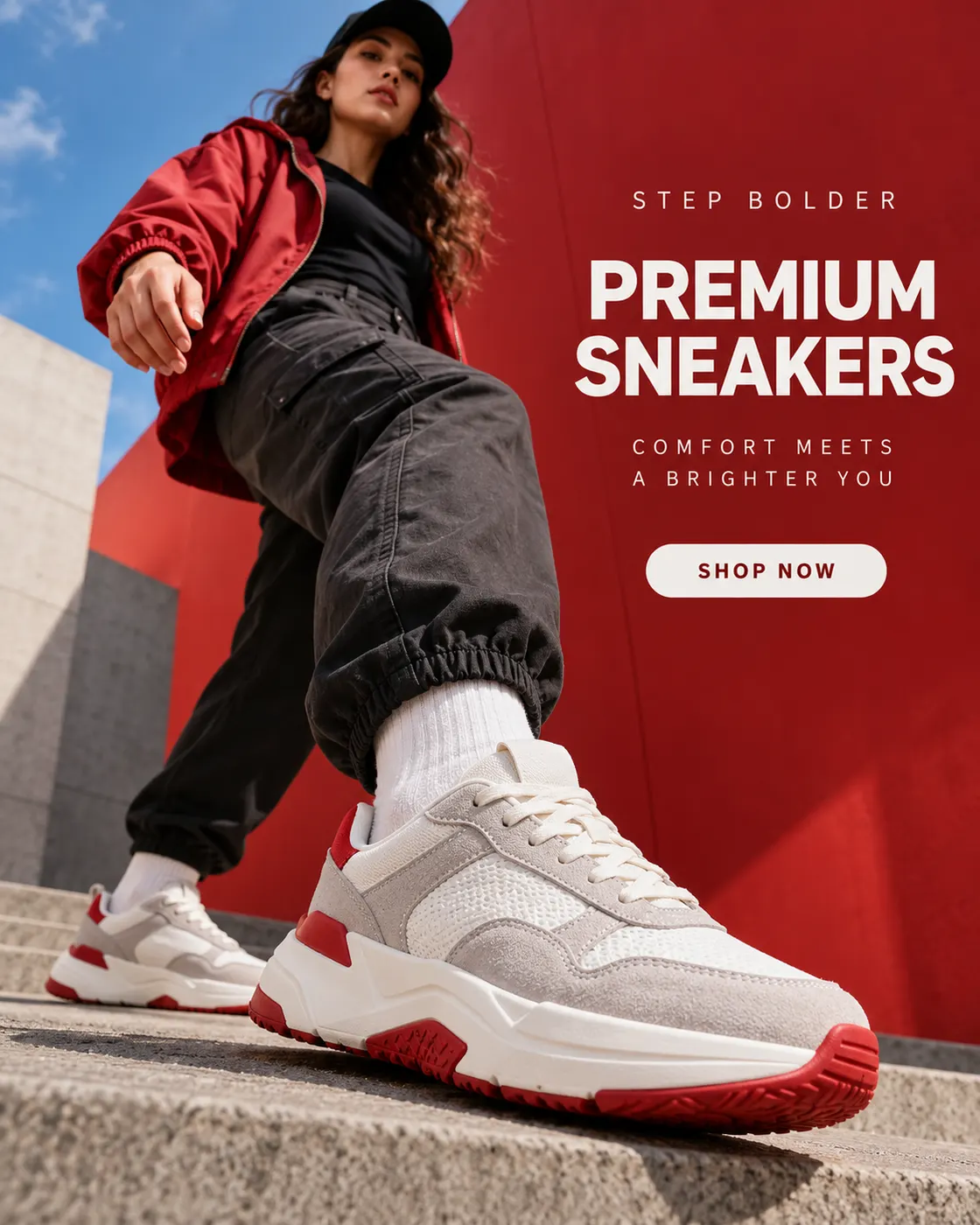
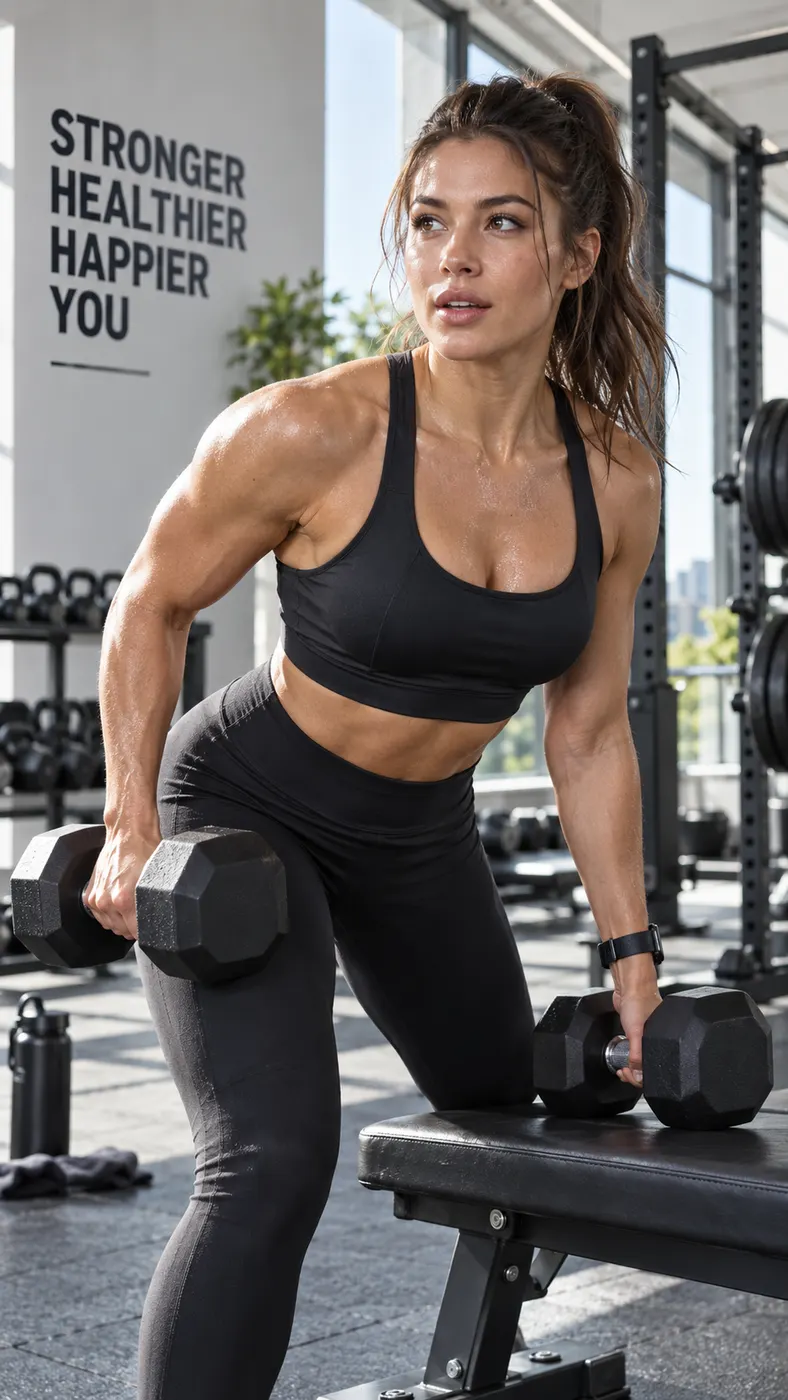


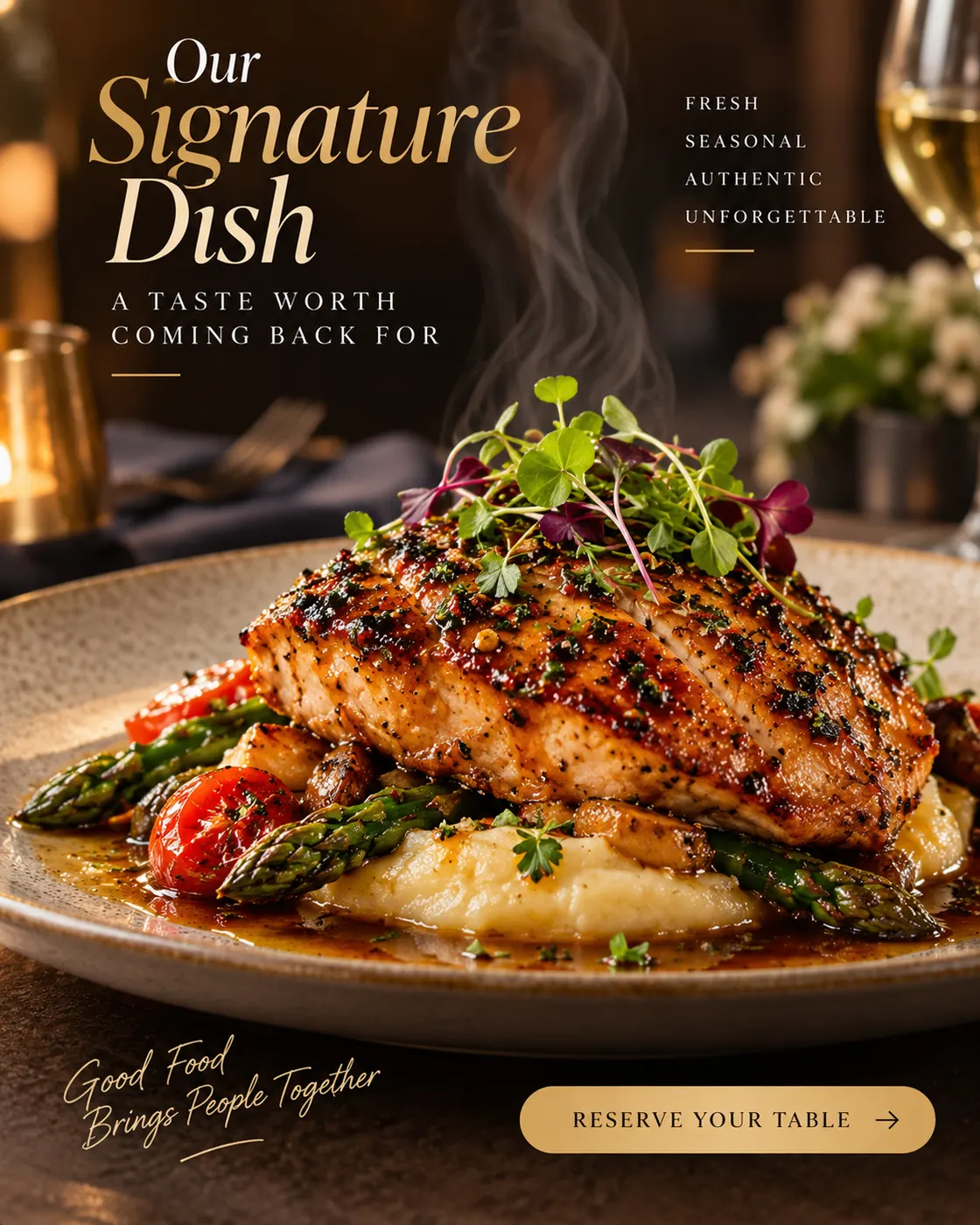



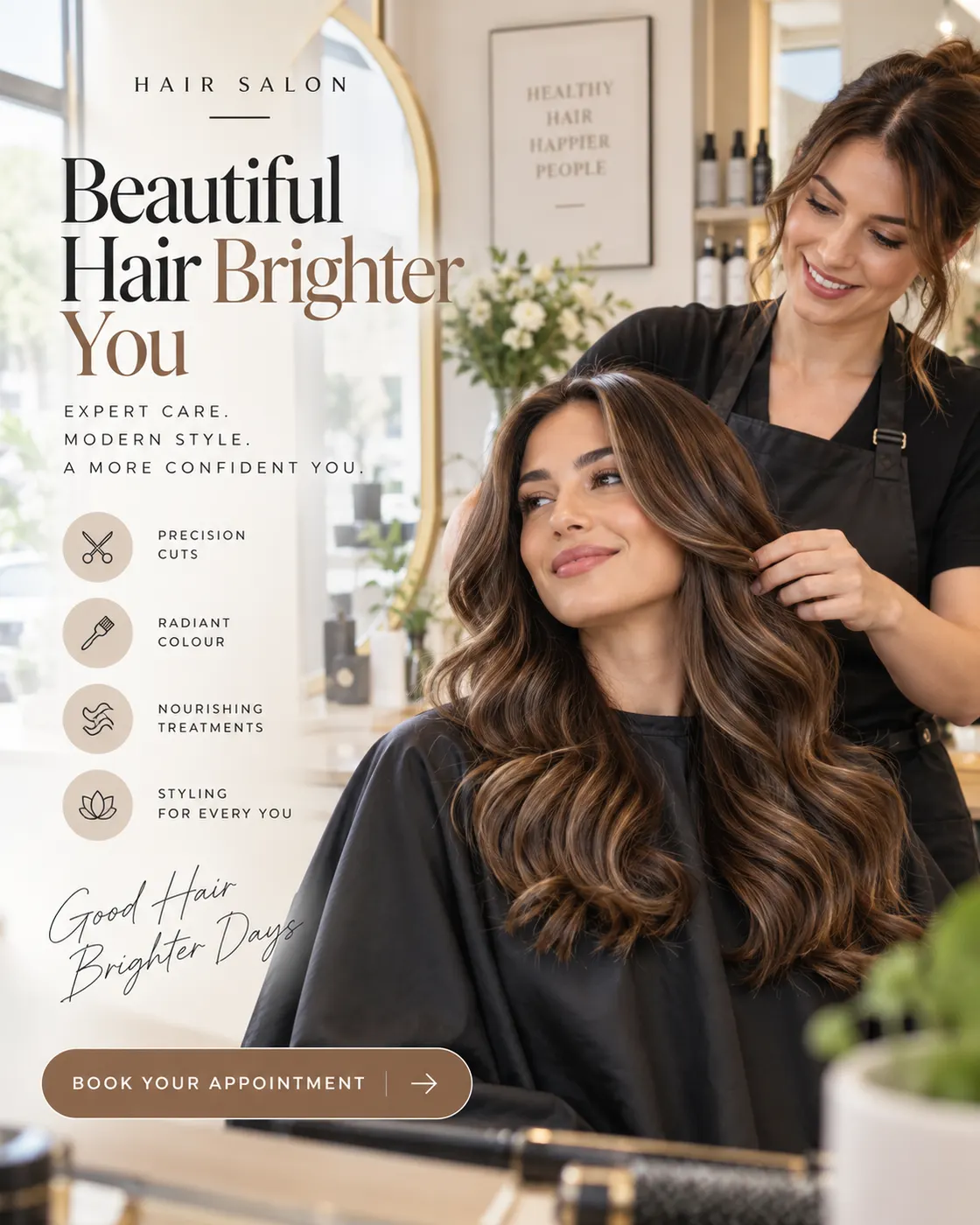

Your Next Jewelry Ad Is One Product Photo Away
Upload a piece, pick the angle and placement, and let the studio size Meta, Pinterest, and Google jewelry ads for you. A draft costs 1 credit — keep the creatives you run, regenerate the rest.
Make Jewelry AdsHow Jewelry Ads Work on Punchylime, and What They Will and Won’t Do
A plain-English rundown of jewelry advertising, jewellery marketing campaigns, and the honesty lines a jewelry brand should keep.
What the studio makes, and who runs it
Jewelry ads here mean marketing creative for jewelry store advertising and jewelry e-commerce advertising — product heroes, lifestyle try-ons, UGC-style unboxing frames, and jewellery marketing ideas for Meta, Instagram, Pinterest, and Google. Store owners, DTC brands, and ecommerce marketers use it when they need jewelry ads ideas fast without an agency. It does not build Shopping catalog feeds or run checkout.
Which formats win per channel
Shopping and Google love clean product detail; Instagram Reels and Meta reward lifestyle and UGC motion; Pinterest loves aspirational gift pins. Punchylime sizes jewellery ads and jewelry advertisements for those jobs — you still choose the campaign objective and upload the file yourself.
The honesty lines it holds
Creatives stay true to the piece you upload — no invented carats, certificates, or fake social proof. Advertising for jewelry should feel premium and real; Punchylime makes marketing creative, not claims about stone quality or returns.
1-credit drafts, one credit wallet
A draft costs 1 credit, so you can dial jewellery advertisement ideas before committing. Rendering final jewelry ads uses credits shown on Generate, drawn from one wallet across tools — same as other Punchylime studios.
More Punchylime tools
Every ad generator in the studio — swipe through, all on one login.
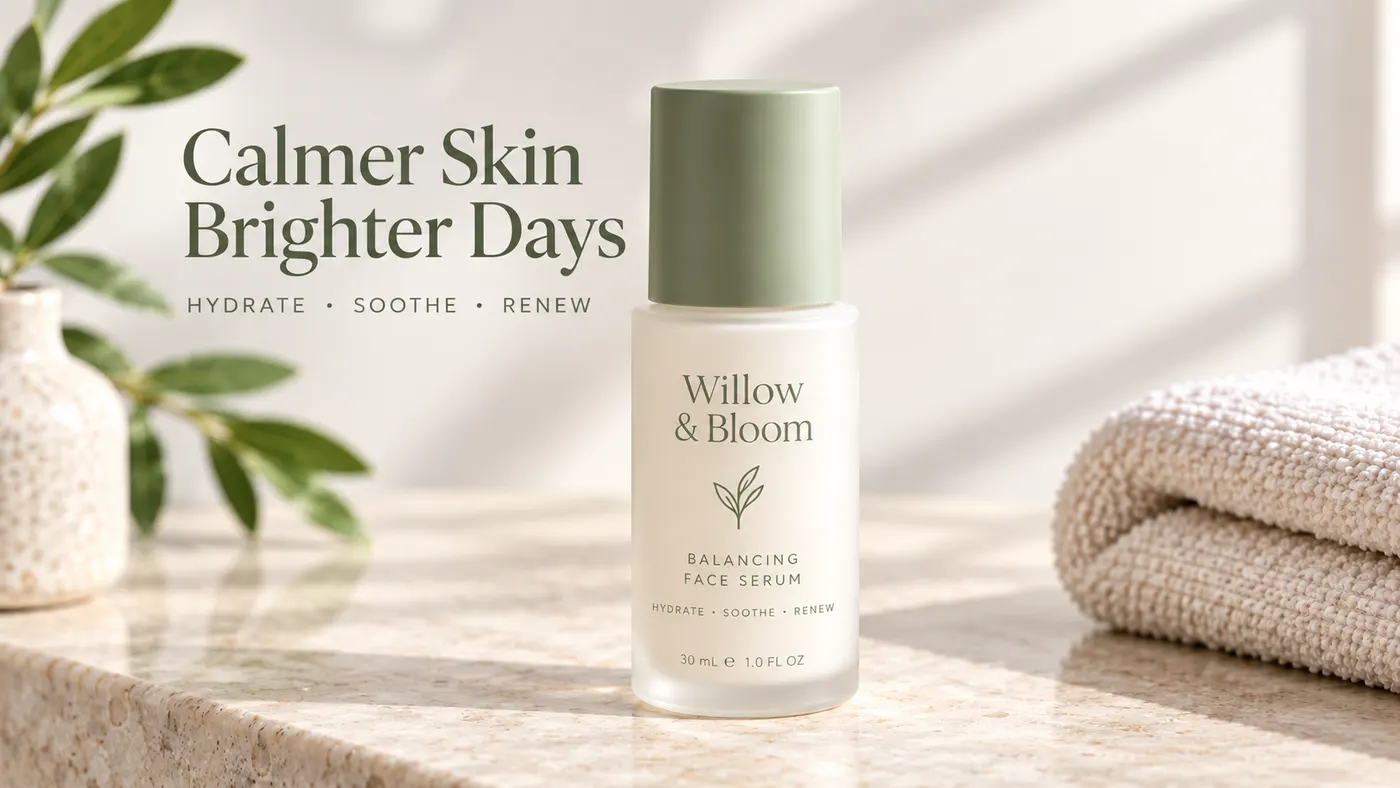
TikTok Ad Generator
The TikTok ad generator that turns a product photo or URL into a scroll-stopping 9:16 TikTok video ad — no editor, no crew, no agency. Sign up free, preview a start frame for 1 credit.
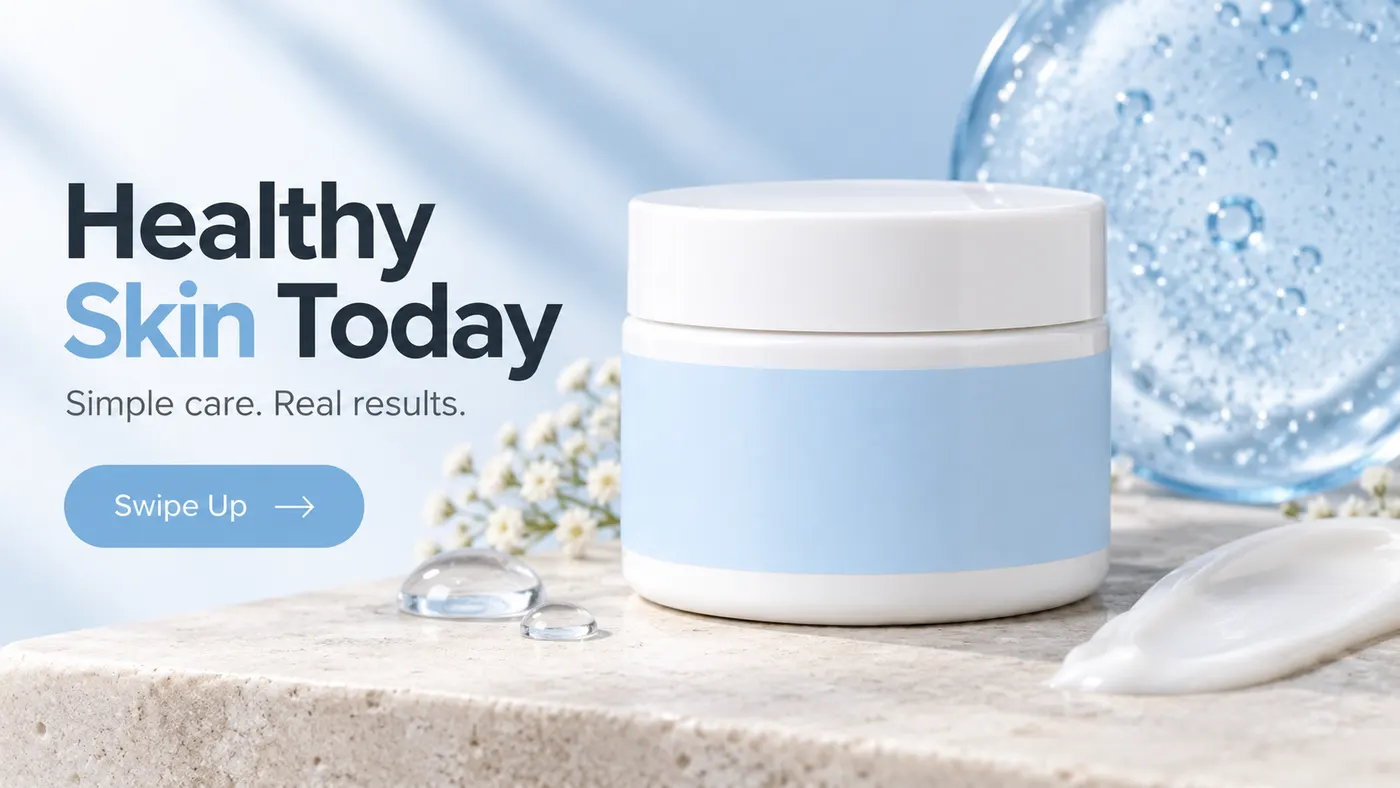
Instagram Ad Maker
The Instagram ad maker that turns a product photo or a URL into native Feed, Reels, and Story ads — sized for the placement, ready for Ads Manager. Start free.

UGC Prompt Generator
The free UGC prompt generator that turns one line about your product into several TikTok, Reels, and Shorts hooks with shot-by-shot directions. No signup.
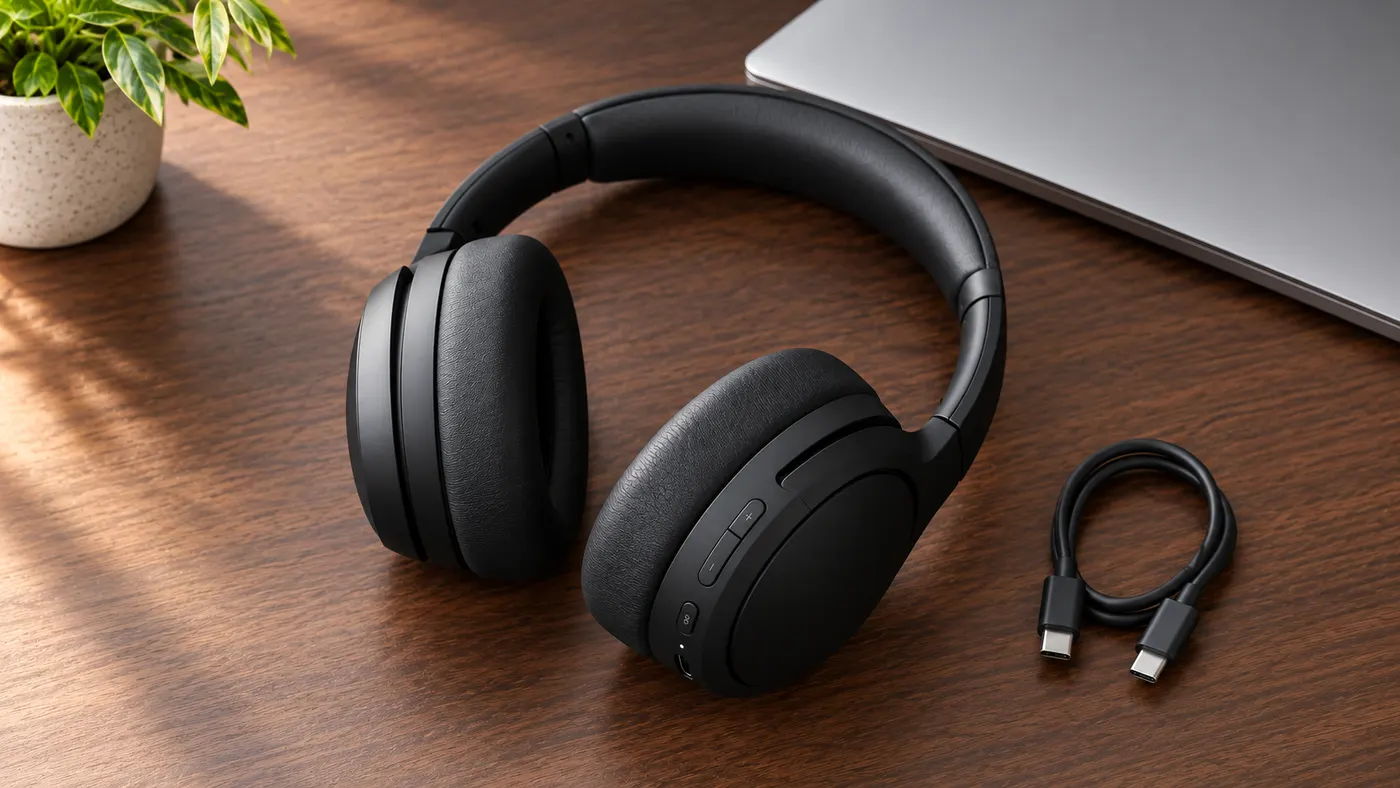
AI Product Photography
The AI product photography tool that turns one phone photo or URL into catalog-grade studio shots — no light tent, no photographer, no reshoot. Start free.
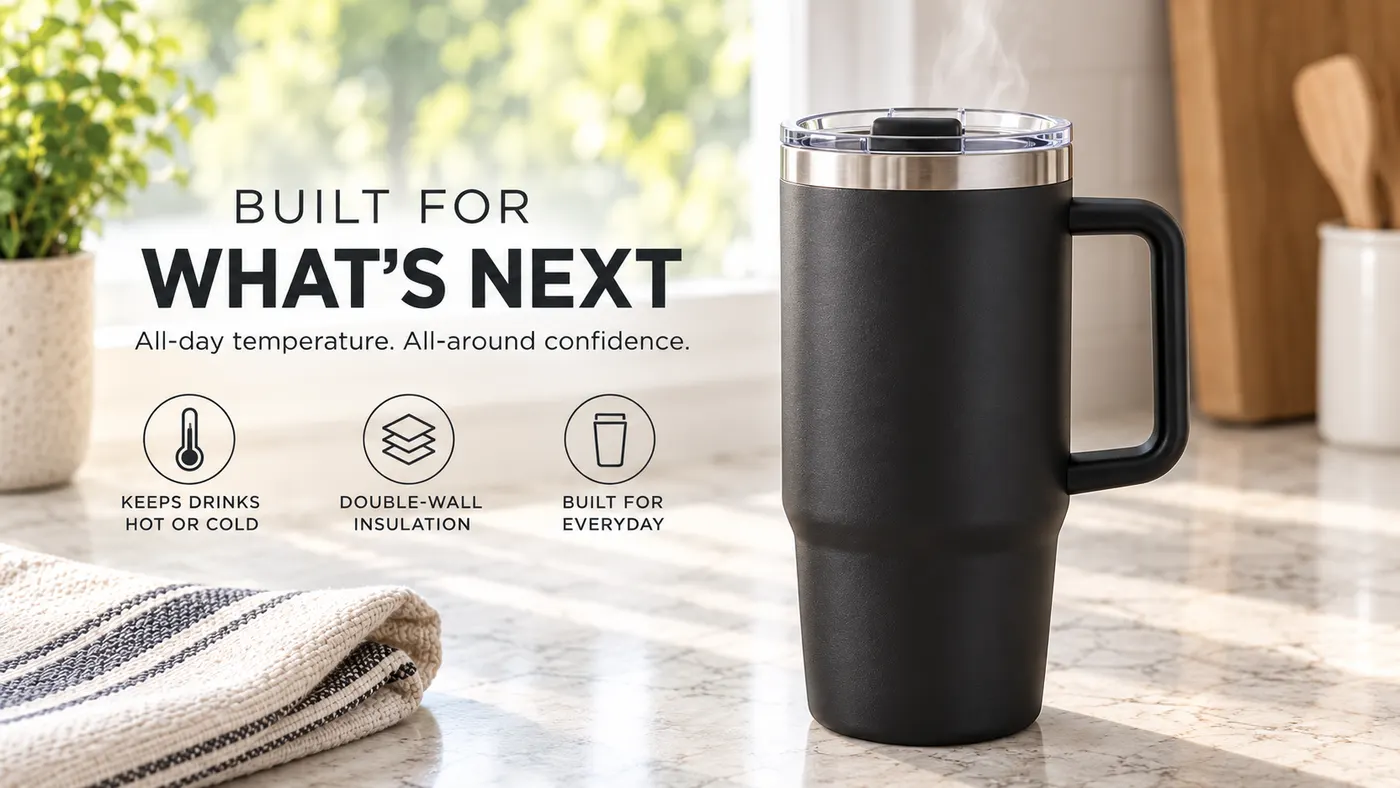
Video Ad Maker
Punchylime is the video ad maker that turns a product photo or URL into a scroll-stopping video ad in minutes — no editing software, no agency. Sign up free, preview a start frame for 1 credit.
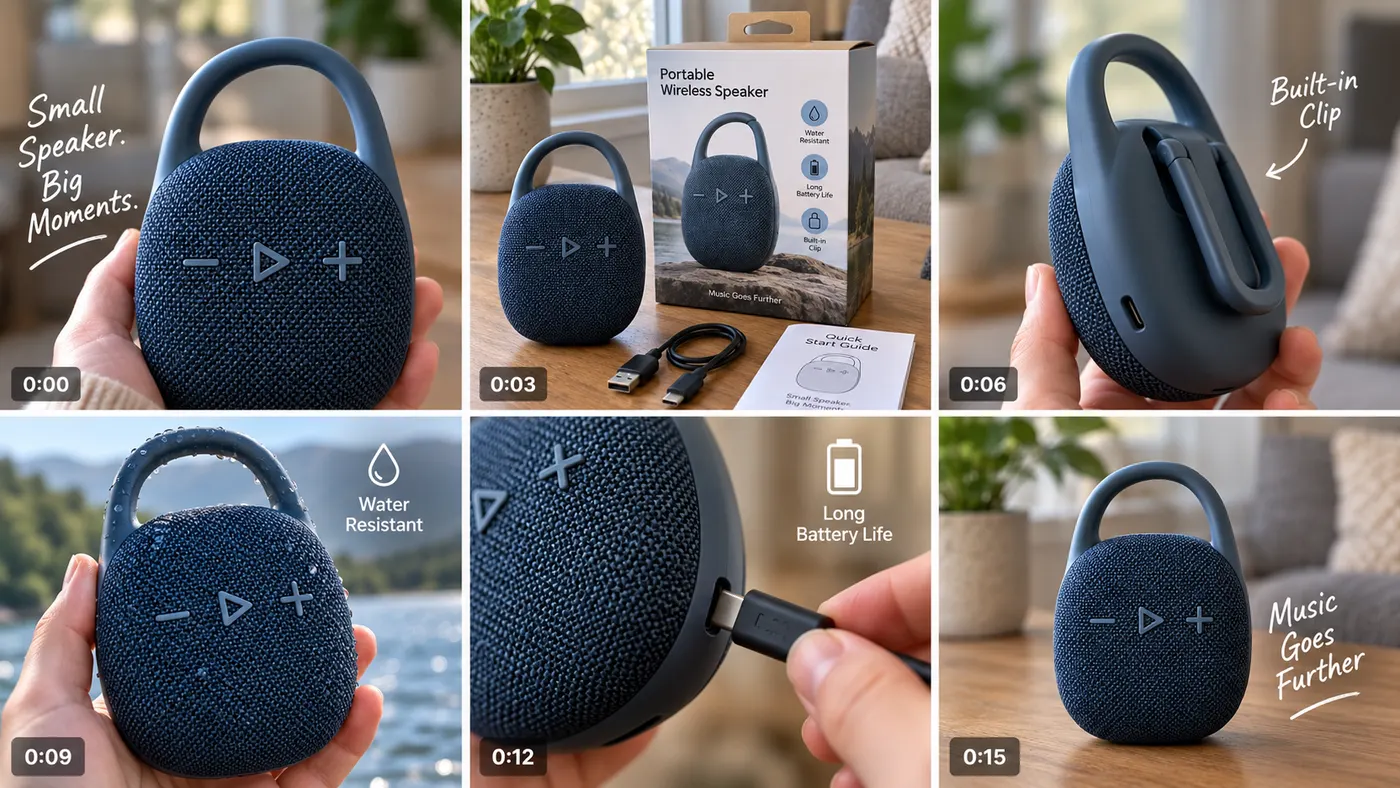
UGC Ad Maker
The AI UGC video generator that turns a product photo into creator-style UGC ads for TikTok and Reels in minutes — no creator to hire, no reshoots. Sign up free, preview a start frame for 1 credit.
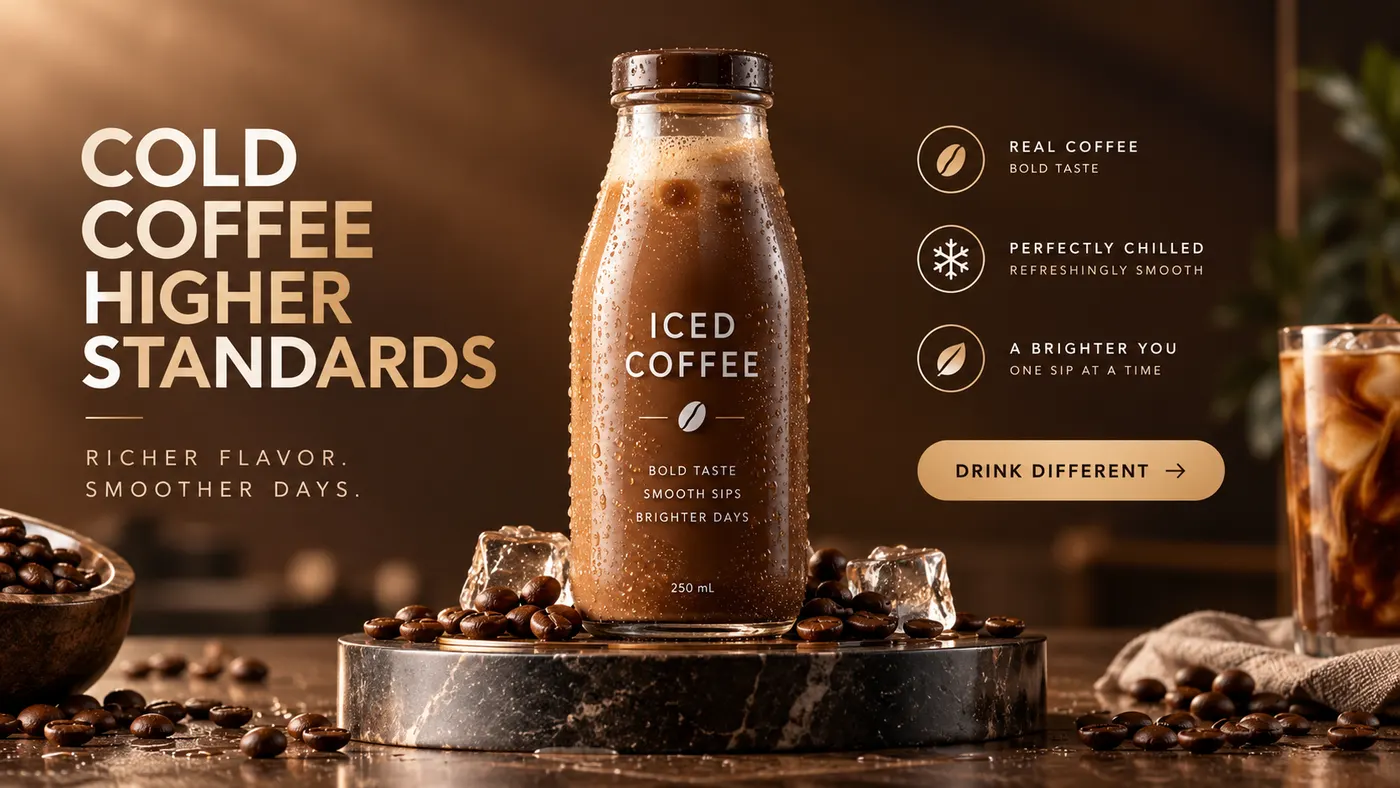
Ad Copy Generator
The free AI ad copy generator that turns one line about your product into ready-to-run Facebook, Instagram, Google, and TikTok ad copy — high-converting primary text, headlines, and hooks. Online, no signup.
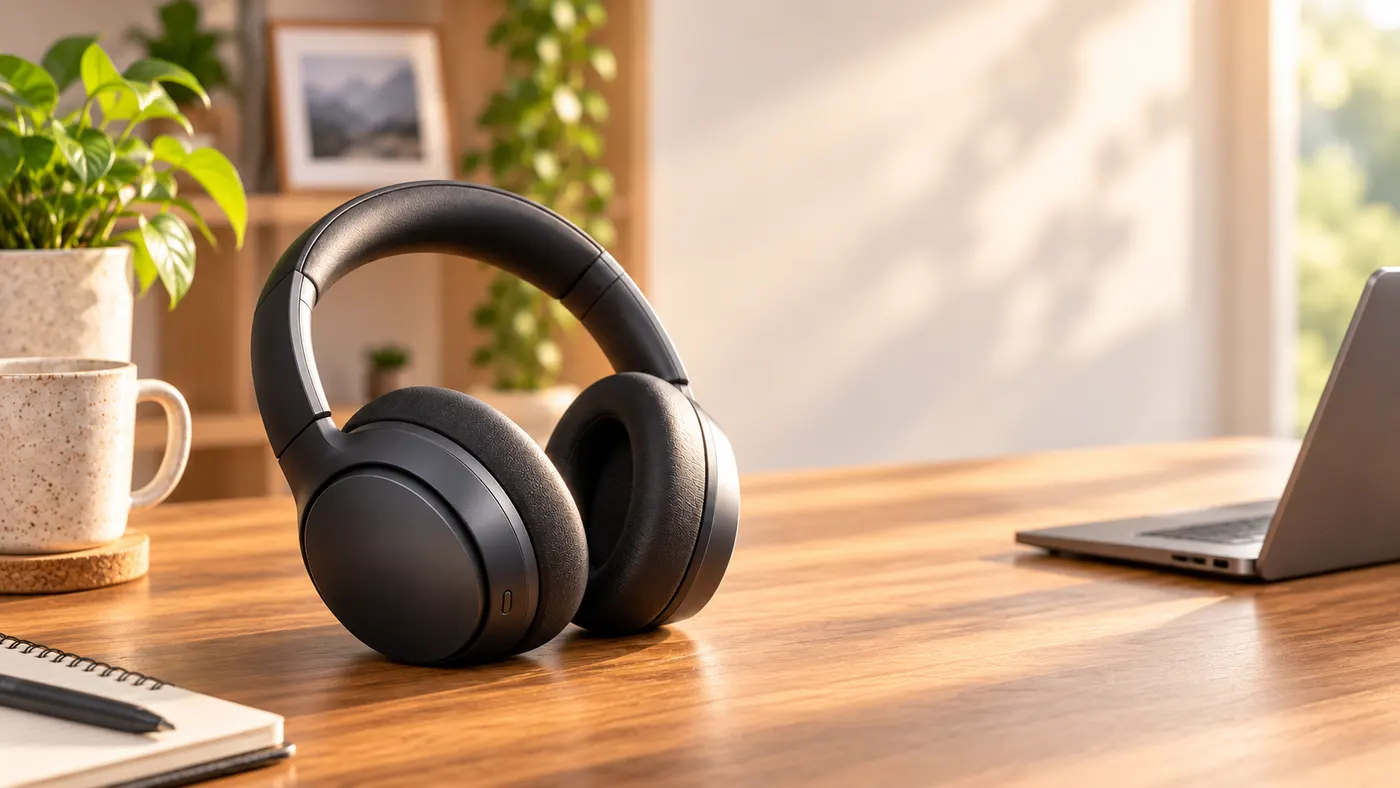
AI Image Ad Generator
Make AI image ads from one product photo or a store URL — ads and banners in the ratio each placement needs, in minutes. No photoshoot, no designer. Free to start.
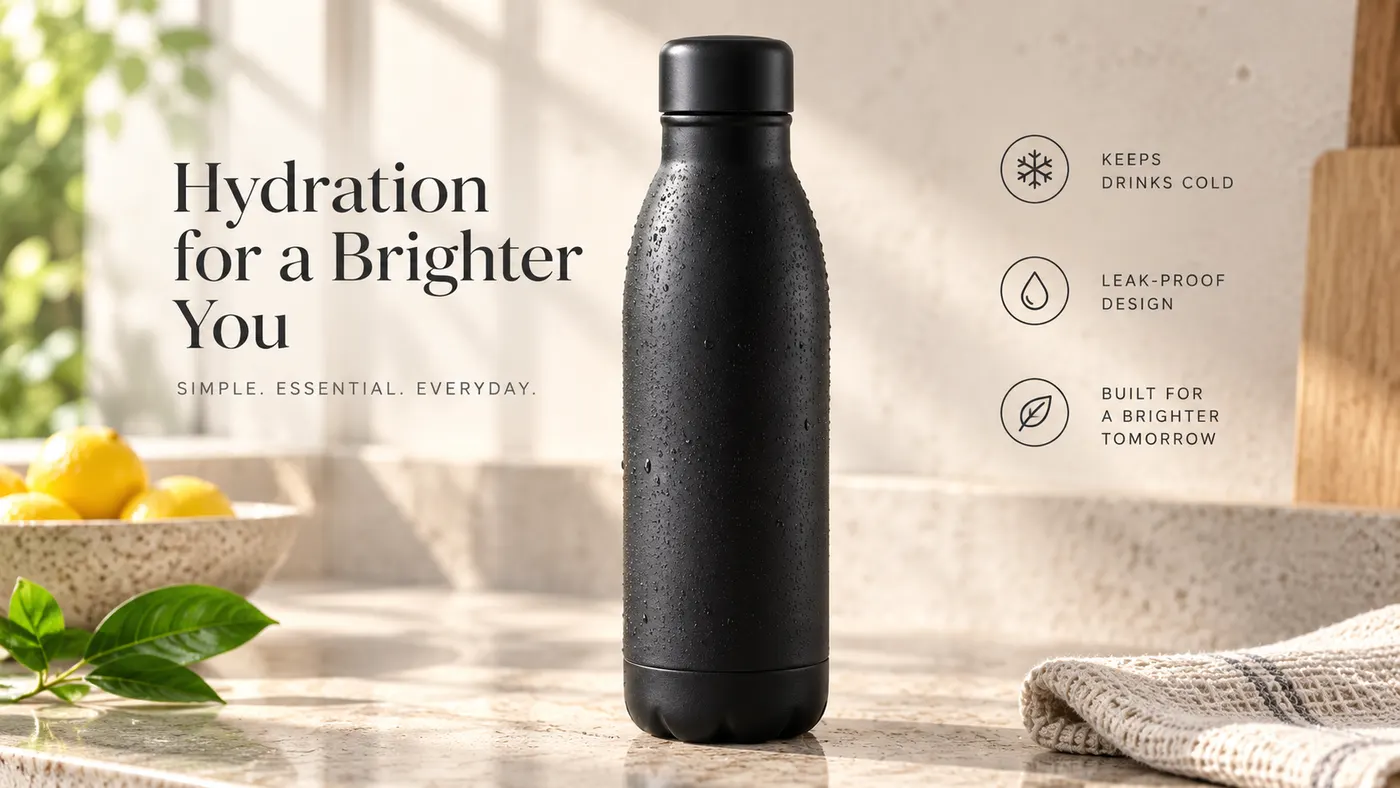
AI Video Ad Generator
The AI video ad generator that turns a product photo or URL into a scroll-stopping video ad in minutes — no crew, no editor, no agency. Sign up free, preview a start frame for 1 credit.
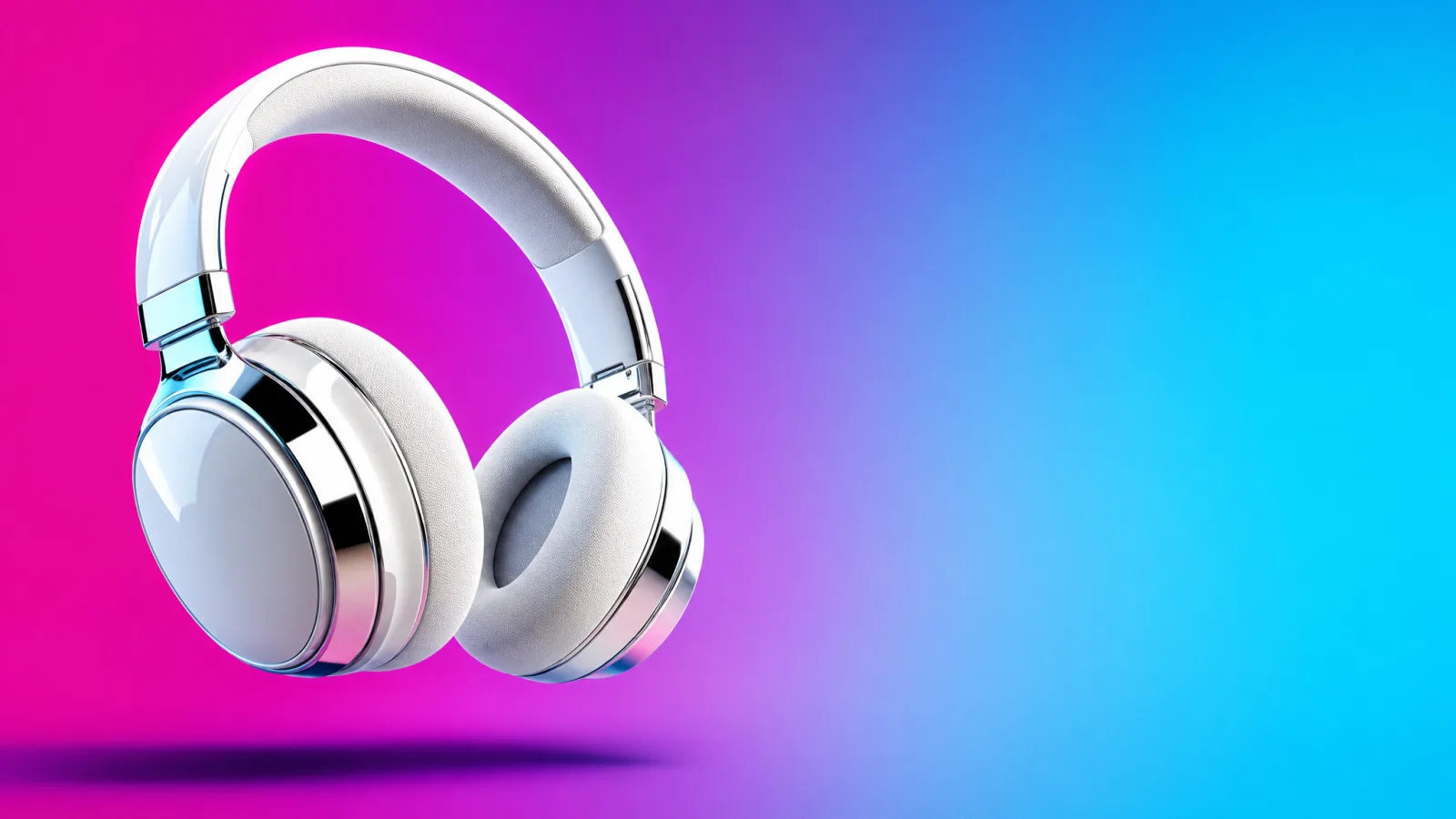
Google Ads Generator
Turn one product photo into Google Ads creative — responsive display assets in the landscape and square ratios Google asks for, ready to upload. Free to start.
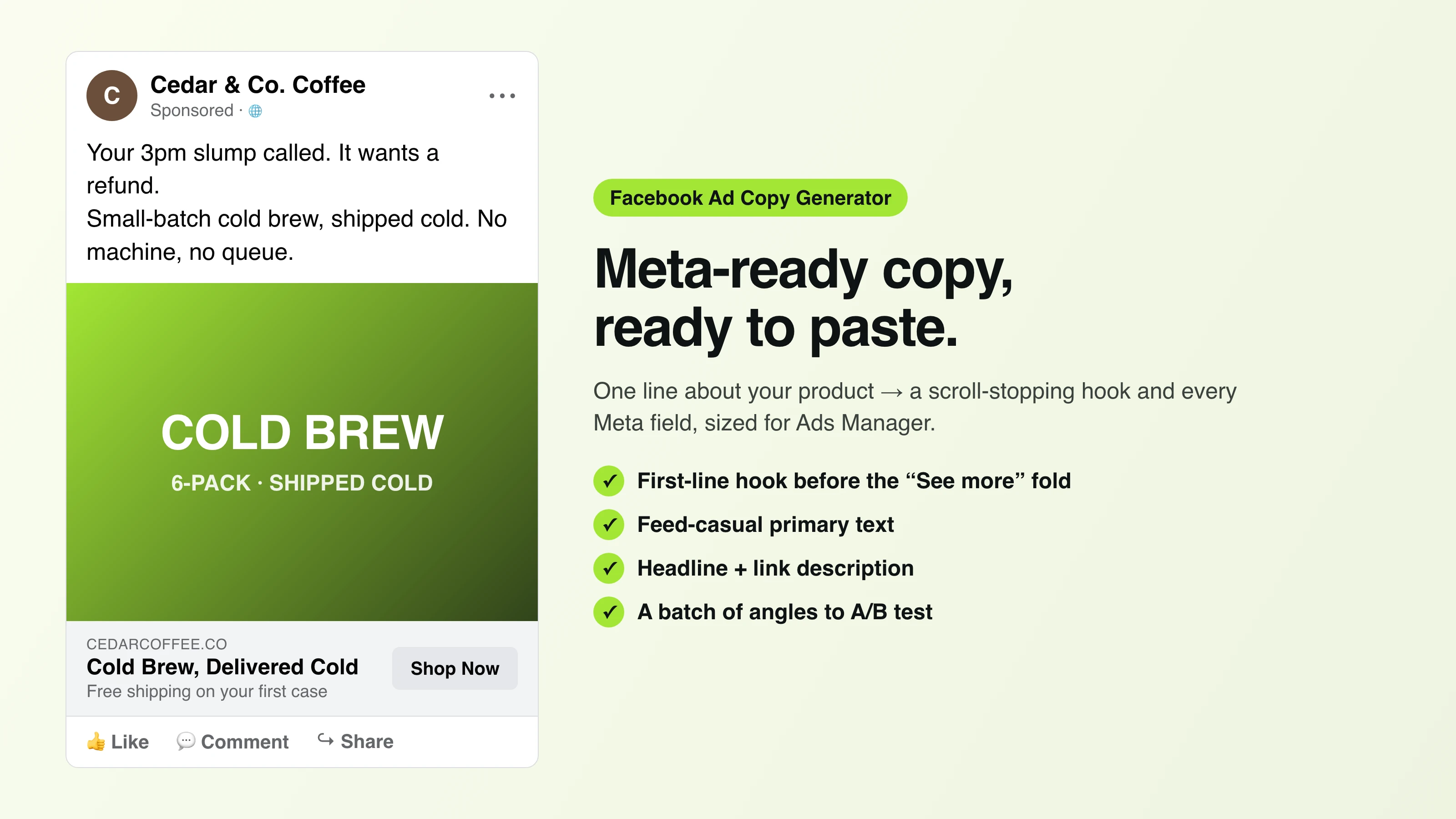
Facebook Ad Copy
The free Facebook ad copy generator that turns one line about your product into scroll-stopping Meta primary text, headlines, and link descriptions. No signup.
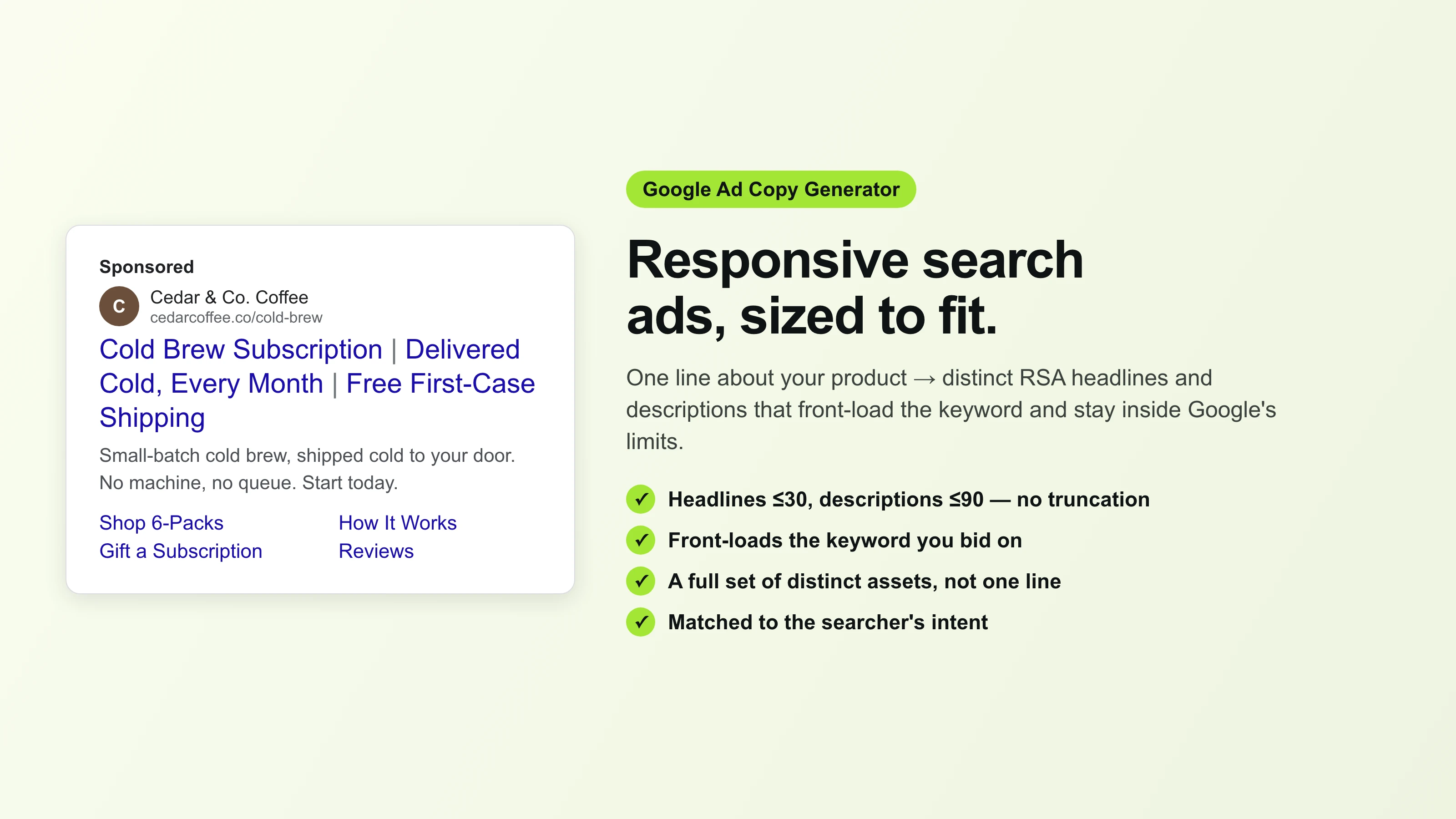
Google Ad Copy Generator
The free Google ad copy generator: turn one line about your product into responsive search ad headlines and descriptions that fit Google Ads’ limits. No signup.
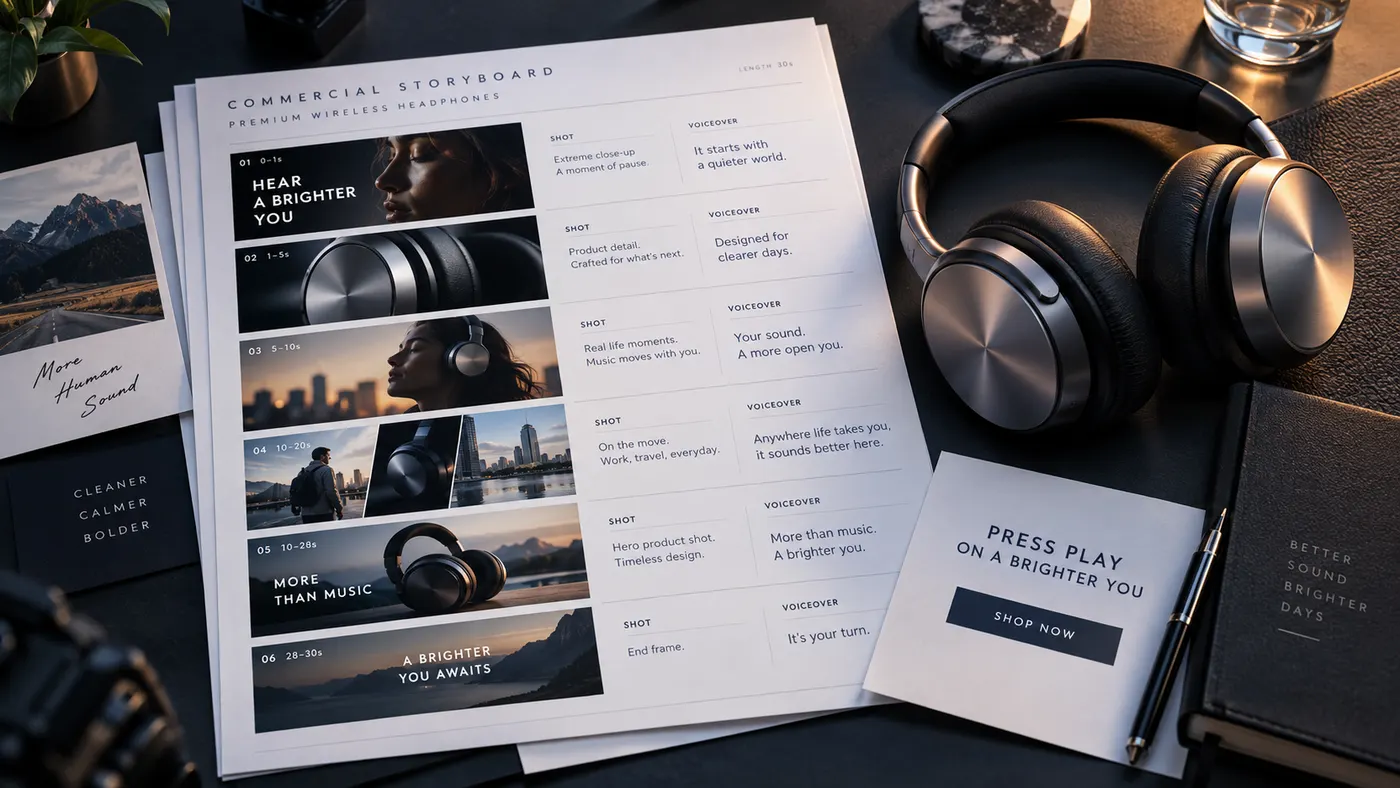
Ad Script Generator
The free ad script generator that turns one line about your product into a shot-by-shot video ad script — hook, scene directions, voiceover, and CTA. No signup.
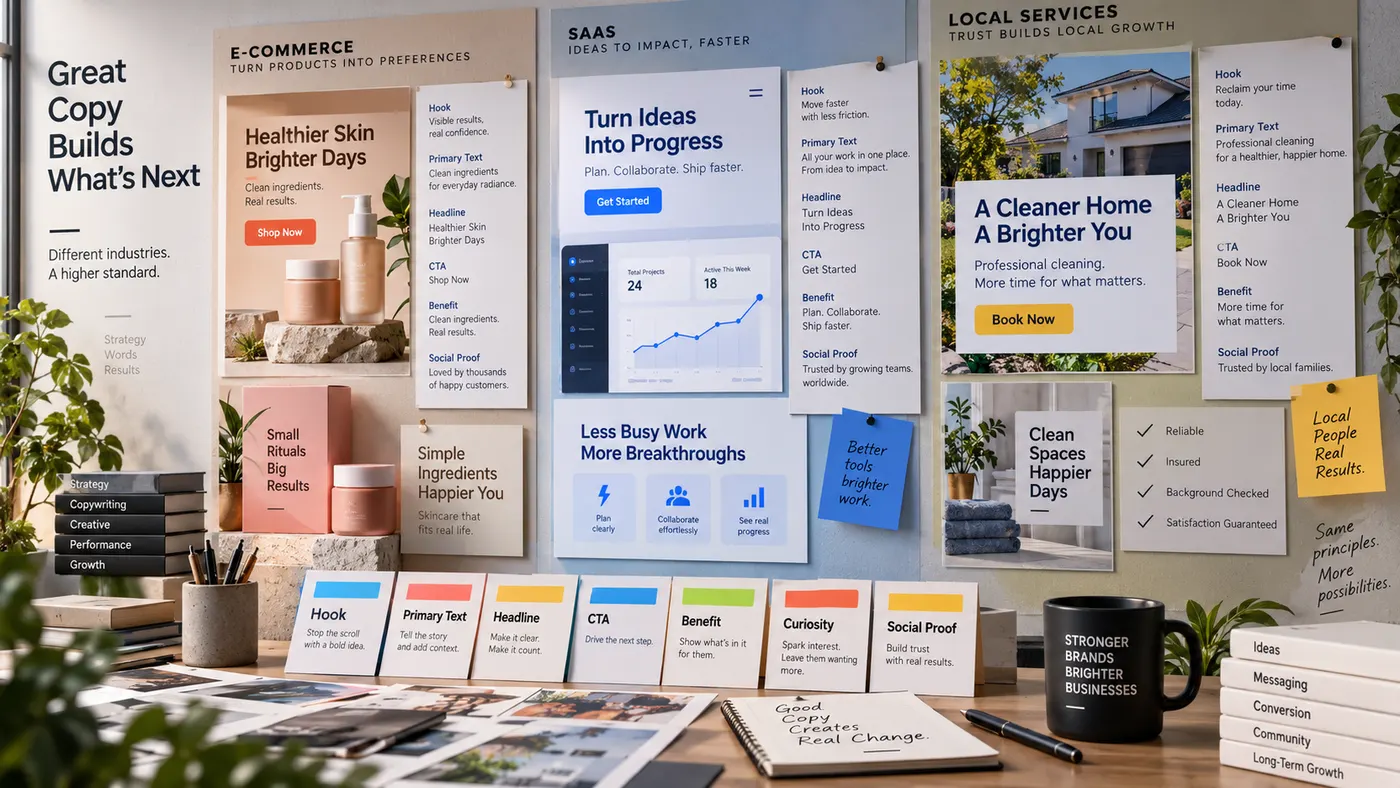
Advertising Copy Examples
Real advertising copy examples across industries and angles — plus a free generator that writes your own ad copy from one line about your product. No signup.
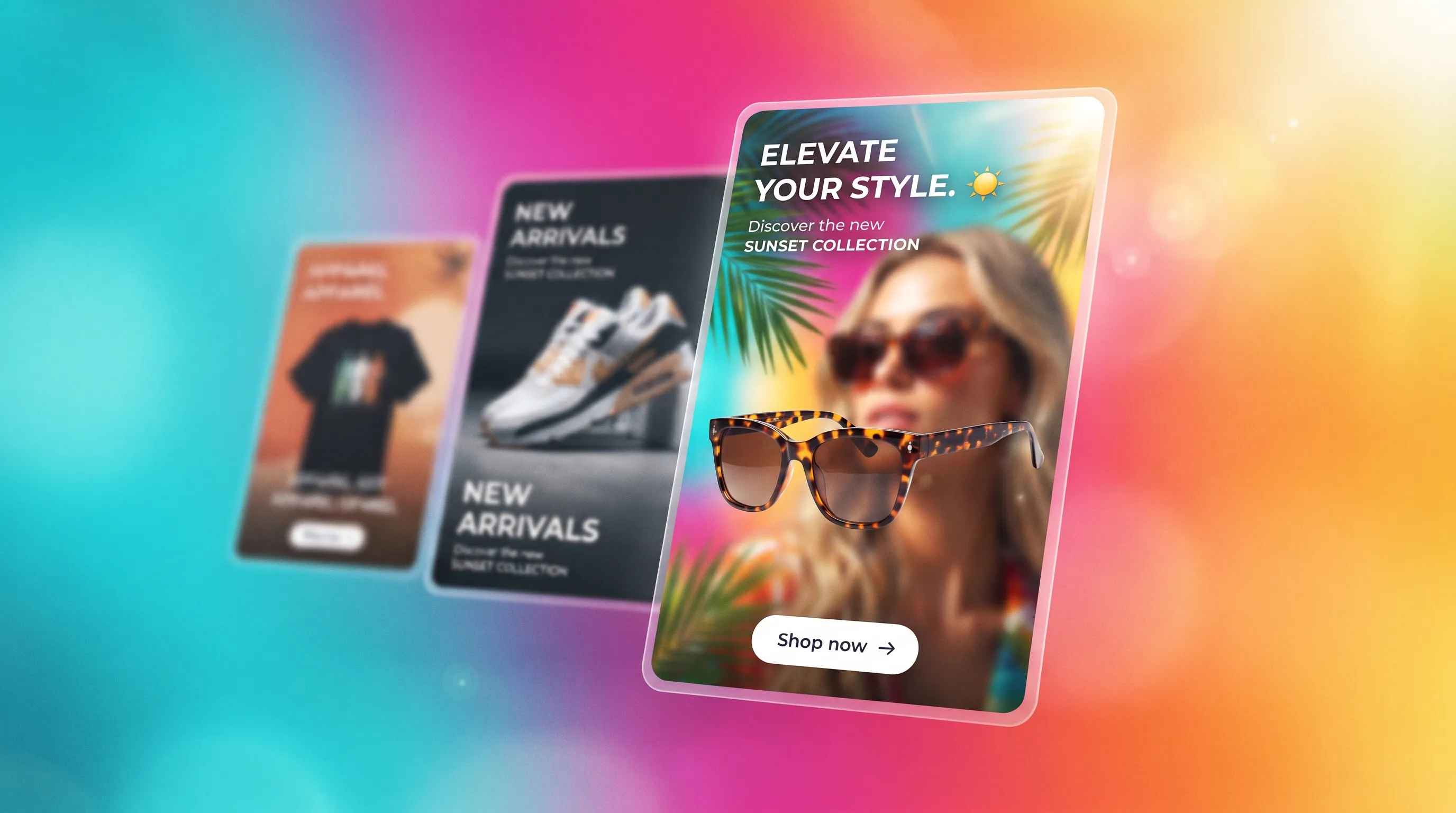
Social Media Ads Examples
Real social media ads examples by platform and type — Instagram, Facebook & TikTok — plus a free generator that makes your own ad from one product photo.
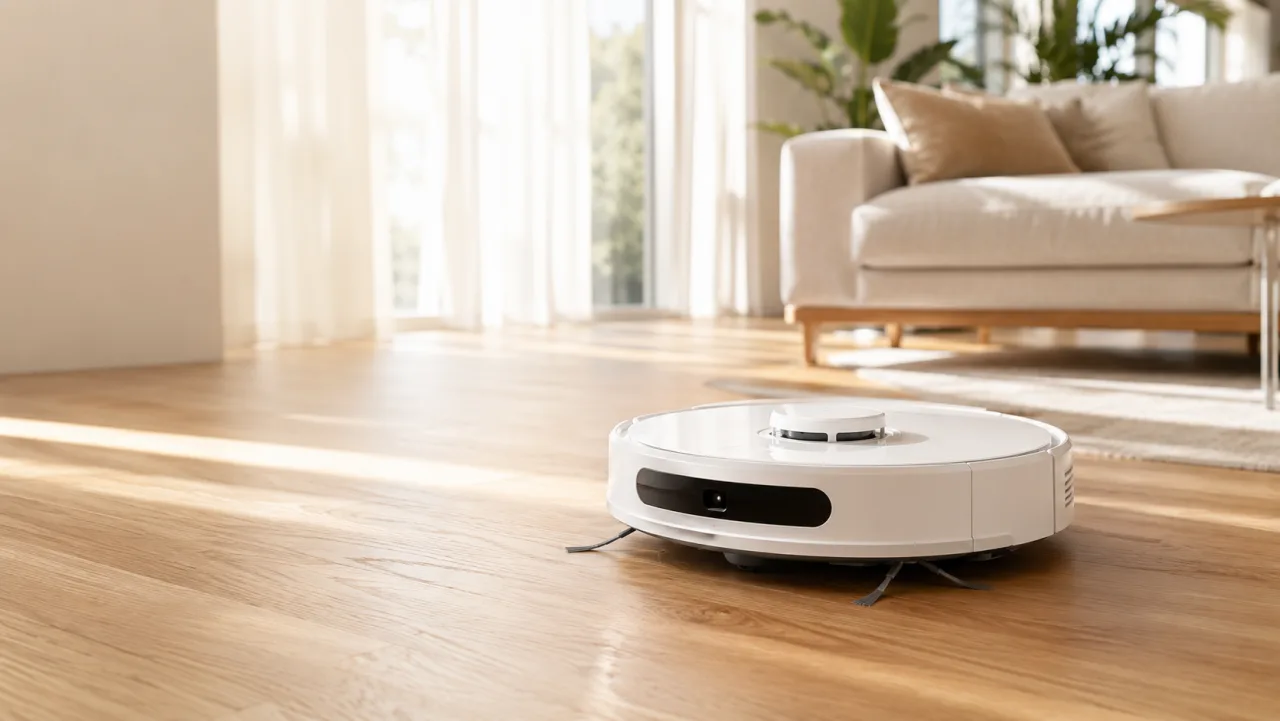
YouTube Ad Maker
The AI YouTube ad maker: turn a product photo into a native video ad for either YouTube size — 16:9 in-stream or a 9:16 Short. No editor, no crew, no agency.
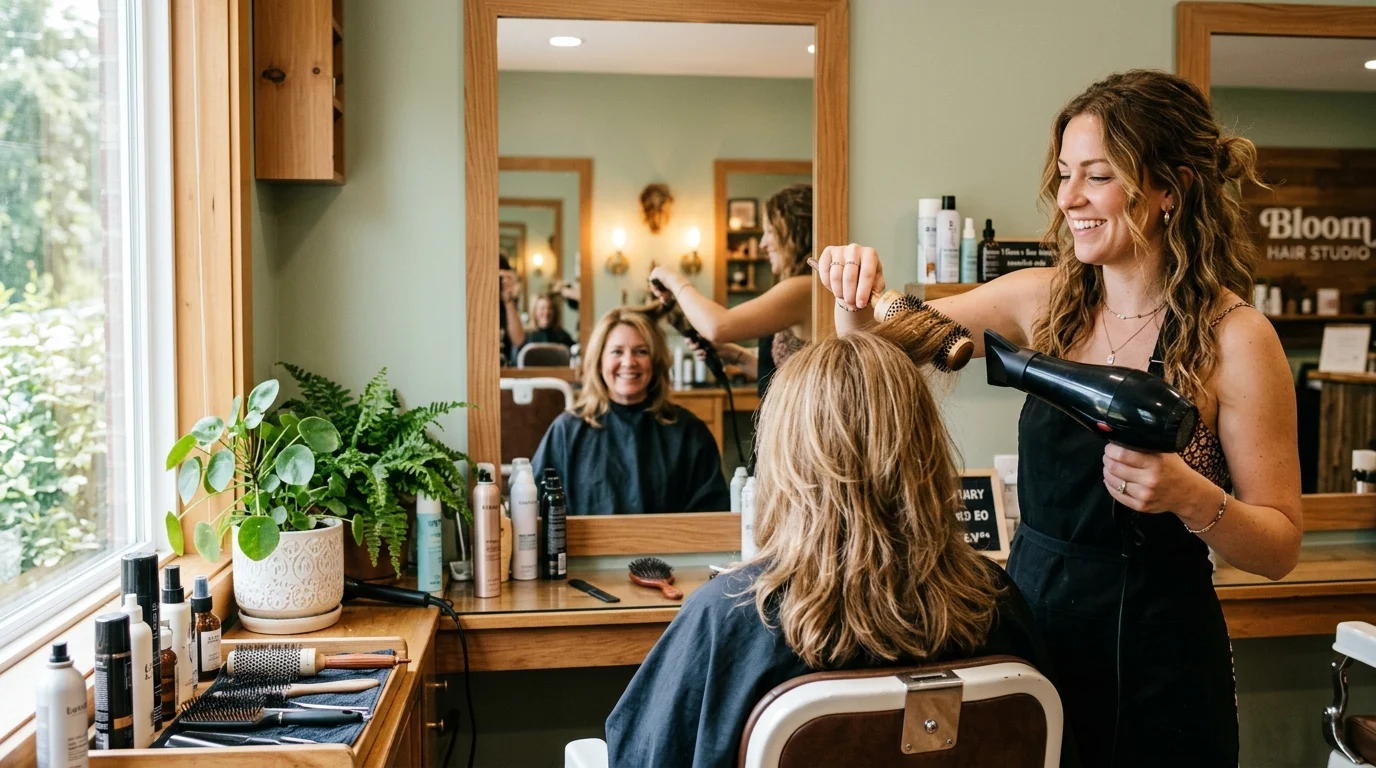
AI Avatar Ads for Small Business
Affordable AI avatar generators for small businesses — put an AI avatar in a real scene and turn it into a vertical UGC video ad from $29, no crew. Sign up free, preview a start frame for 1 credit.

HeyGen vs Arcads
HeyGen vs Arcads compared: AI avatars, actor library, pricing, and output for UGC video ads — plus a product-first way to make an ad without an actor.
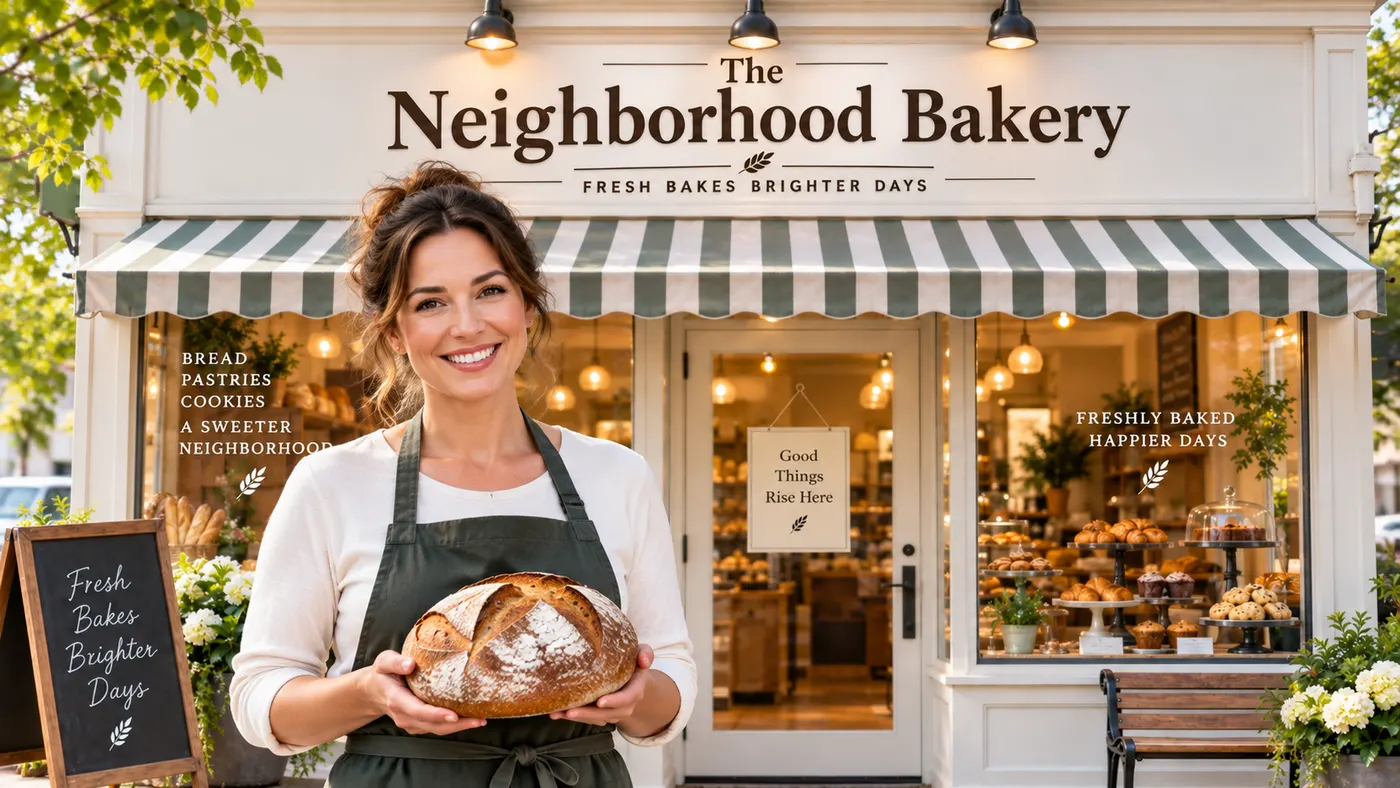
AI Spokesperson Video
Create an AI spokesperson video from your business photo and script: generate a believable presenter ad for offers, explainers, and calls to action.