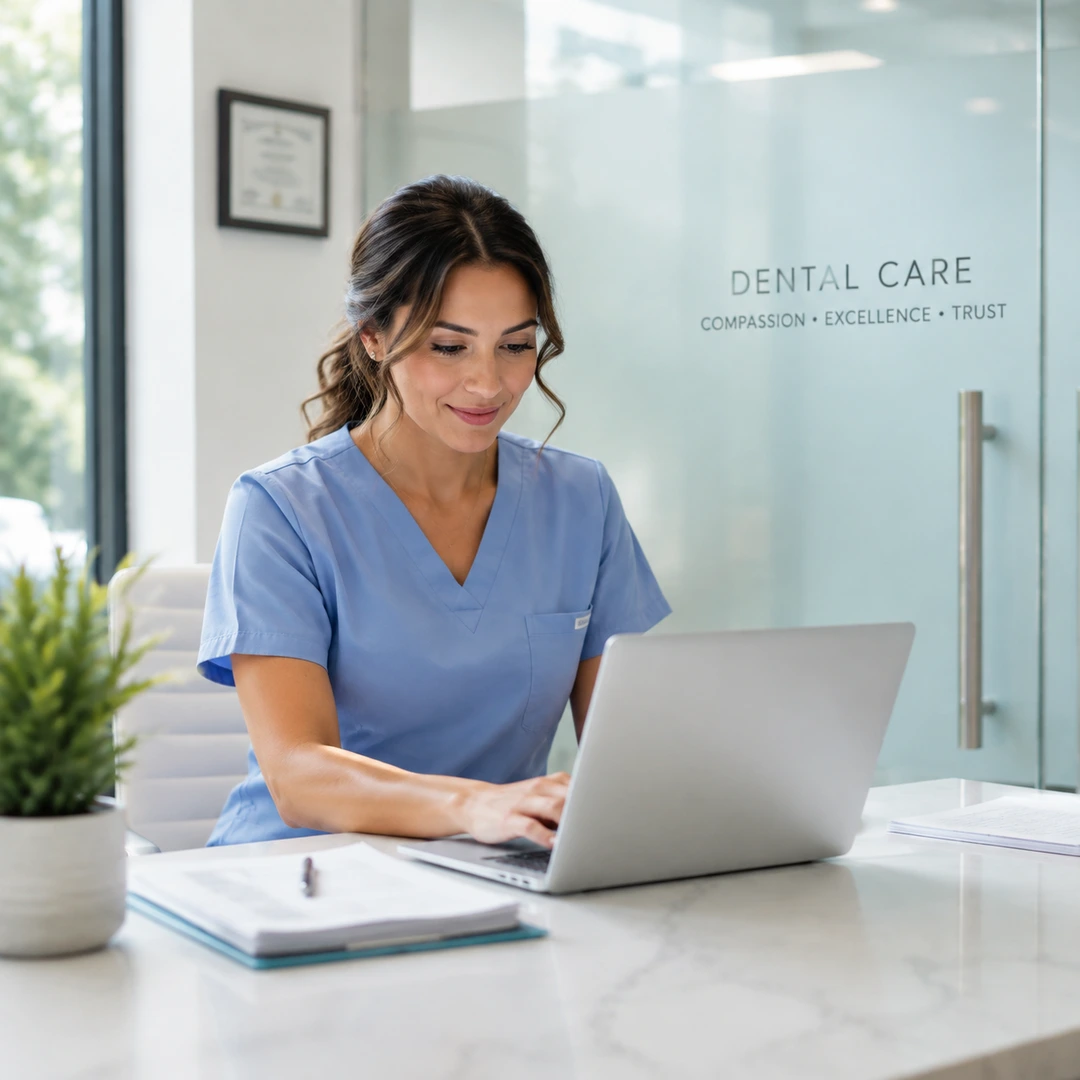
Reception · Facebook feed 1:1Create a polished reception · facebook feed 1:1 ad with a clear subject, strong opening composition, natural lighting, believable detail, and platform-ready commercial pacing.
Facebook Ads for Dentists
Pick your practice, choose a Style and size, then generate. A Brand Guide is optional — turn it on for a consistent look.
Ad subject (what the ad is about)
Optional — leave empty to generate from your prompt alone (text only).
Style (the kind of ad — sets the look)
A clean, versatile ad — let the studio choose the angle
Brand Guide (optional)
Off by default — turn it on only when you want visual consistency across your ads.
Platform — where the ad runs
Placement
Generating at 1:1 for Feed Square
Or any ratio the model supports
On-image text (optional — blank = no text)
Prompt (editable — the scene & styling that drives the image)
Also applied (not part of the editable box above):
Your practice stays exactly as your photo (shape, label, colours) — styling only touches the scene & lighting.
No invented text, logos, watermarks, prices or hex codes rendered on the image.
On-image text = only the slogan you typed (blank = none).
This step uses 1 credit
Facebook Ads for Dentists
A practice photo in, a Facebook feed ad out — compose a 1:1 still for 1 credit, then download it for Ads Manager. No designer, no fake smiles.
Facebook Ads for Dentists
Facebook ads for dentists that start from a photo of your practice, not a stock smile. Punchylime turns that photo into a Facebook feed ad and a Stories-sized cut you can upload to Ads Manager — dentist Facebook ads for new-patient offers, whitening, and the waiting room, without inventing a clinical result. Facebook advertising for dentists should look like your office, not a billboard of a stranger.
Make a Facebook ad free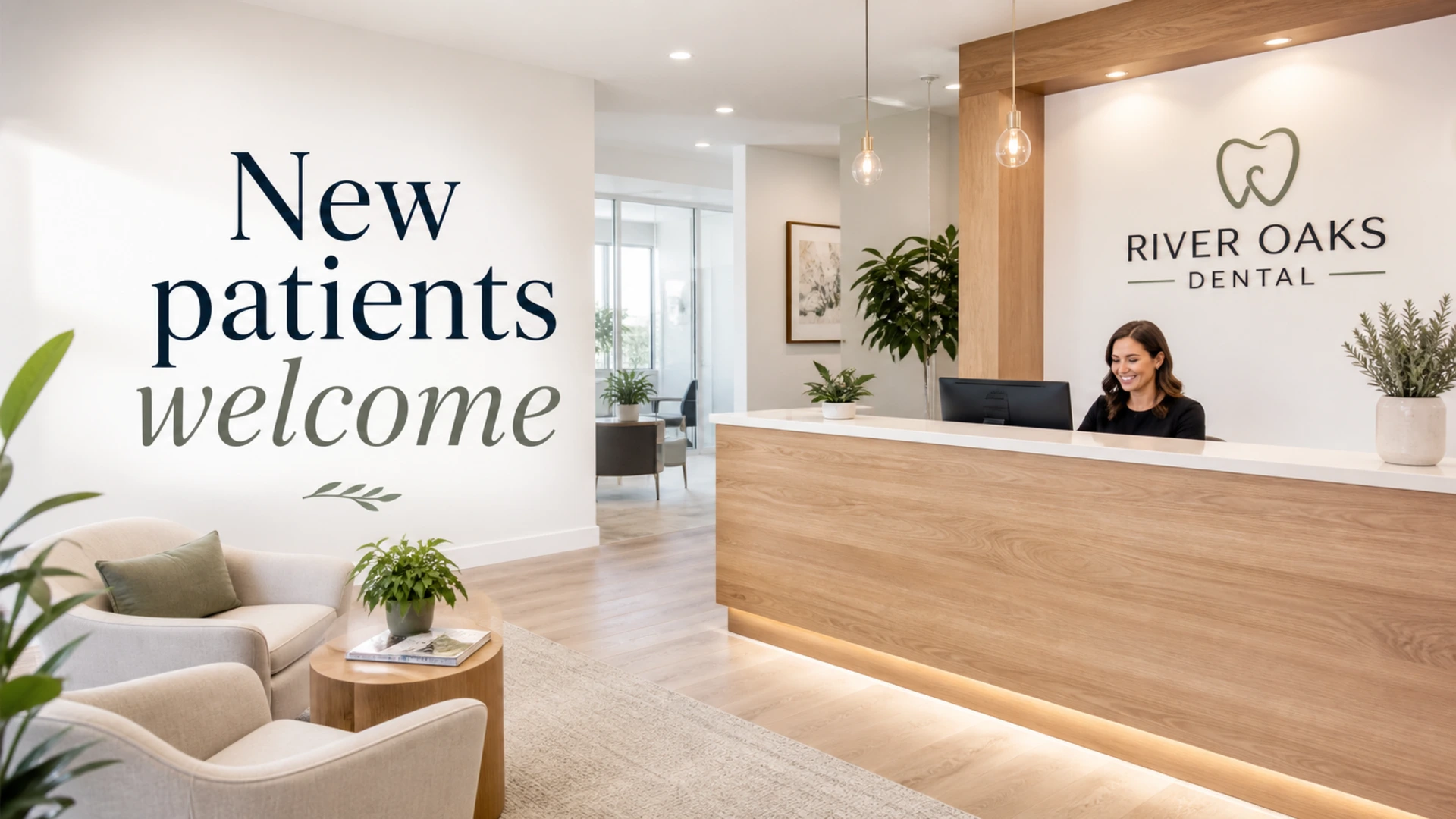
Facebook ads sized for the feed, not a print flyer
Facebook ads for dentists live in a 1:1 feed and a 9:16 Story. This generator composes both from one practice photo, with the clinic name and offer inside the safe zone so the Facebook UI never covers them. Dentist Facebook ads that crop like a brochure get ignored; these are built for the thumb.
Your practice, kept true — no fabricated smiles
Facebook advertising for dentists is YMYL: we will not invent a patient result, a before-after, or a smile that is not in your photo. The ad stages your real reception, operatory, or storefront. If you run Facebook ads for dentists on a new-patient offer, the offer text is yours; the room is yours.
From one photo to Ads Manager in minutes
Upload a practice photo, pick a Facebook placement, review a 1-credit still, download, and upload to Ads Manager. Facebook ads for dentists do not need a designer or an agency deck — dentist Facebook ads for a local office should be this short.
Why dental offices use these Facebook ads
Feed-native sizes, an honest practice photo, and a 1-credit still before you boost.
1:1 feed and 9:16 Stories
Facebook ads for dentists that actually fit the placements — not a stretched flyer.
No fake clinical claims
The generator will not fabricate a smile, a whitening result, or a pain-free promise.
Free start still
See the Facebook ad for your practice before you boost a post.
How to make Facebook ads for dentists
Three steps from a practice photo to a feed-ready Facebook ad.
1. Add a photo of the practice
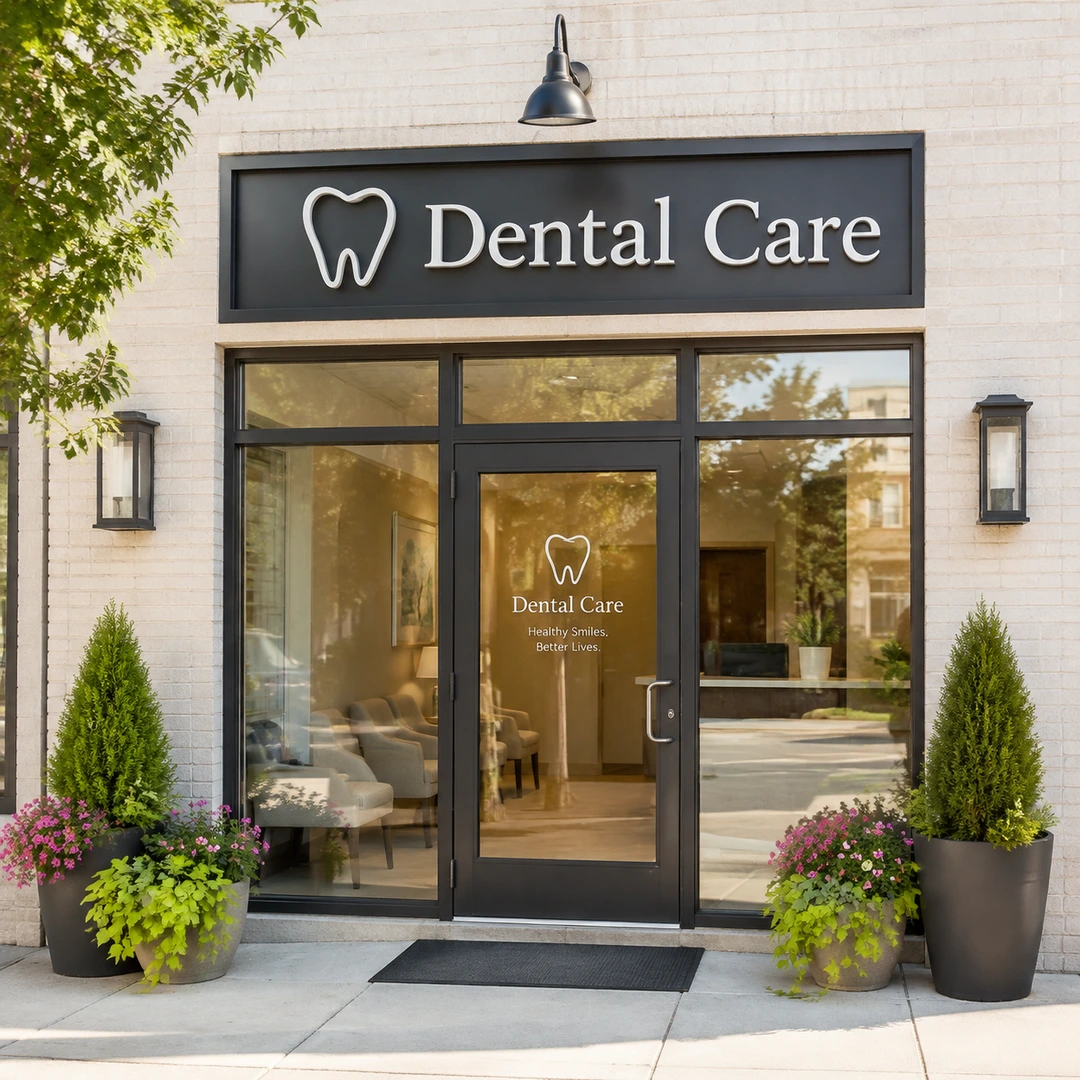
Upload a shot of the reception, the exterior, or an operatory. That is all dentist Facebook ads need to start — no patient photos required.
2. Pick Facebook feed or Stories
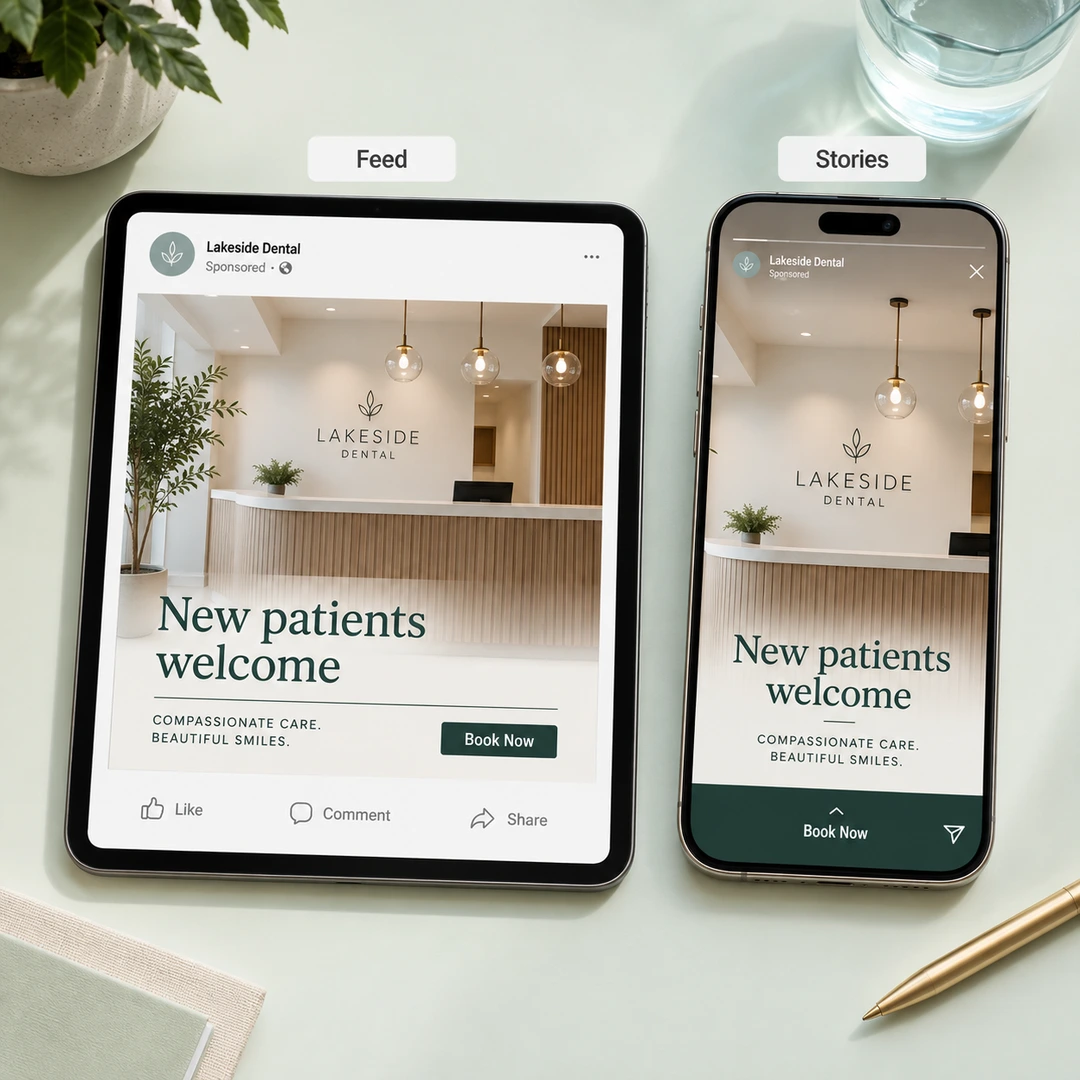
Choose 1:1 for the feed or 9:16 for Stories. Review the 1-credit still — Facebook advertising for dentists should be readable at a glance.
3. Download and load Ads Manager
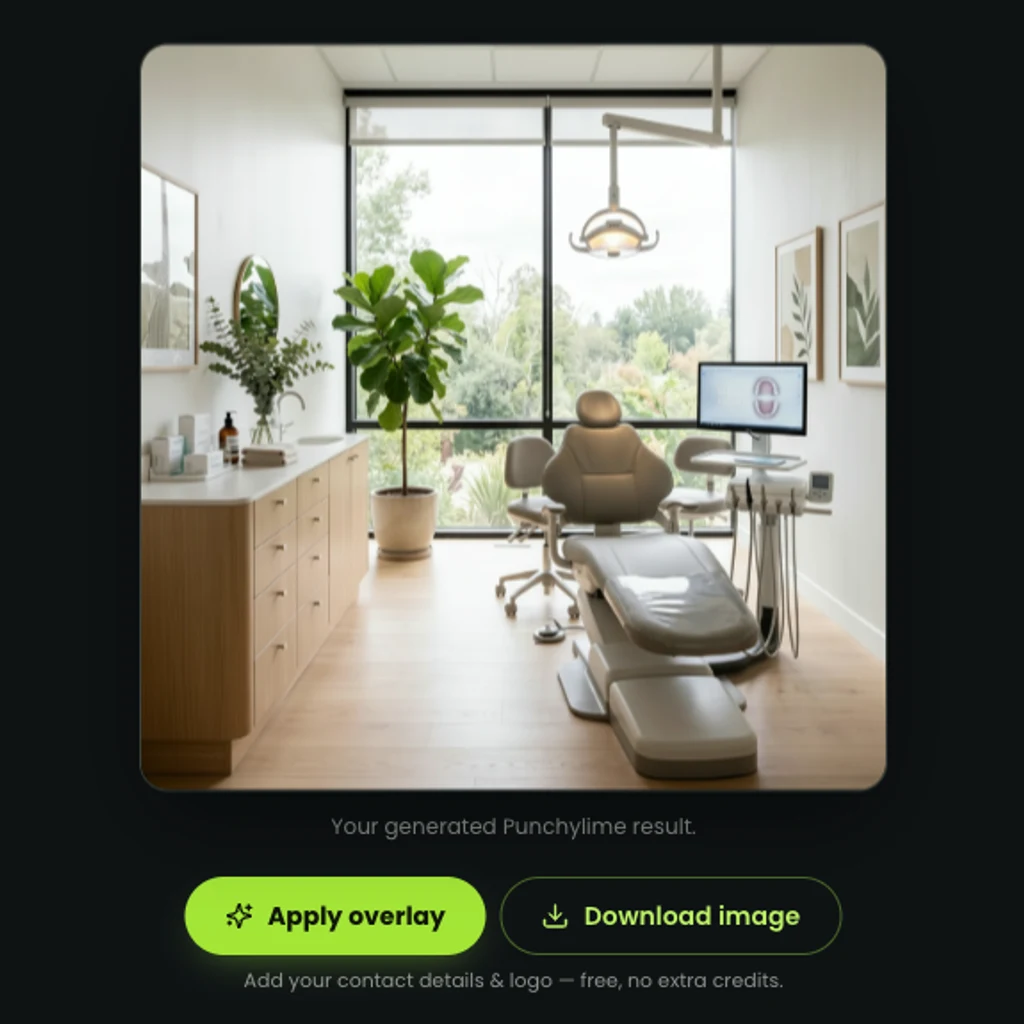
Download the still and upload it to Meta Ads Manager with your offer. You post it; we do not auto-publish.
Facebook ads for dentists — example creatives
Practice-true stills in Facebook sizes. Not patient outcomes. The same kind of dentist Facebook ads you can make from one photo.
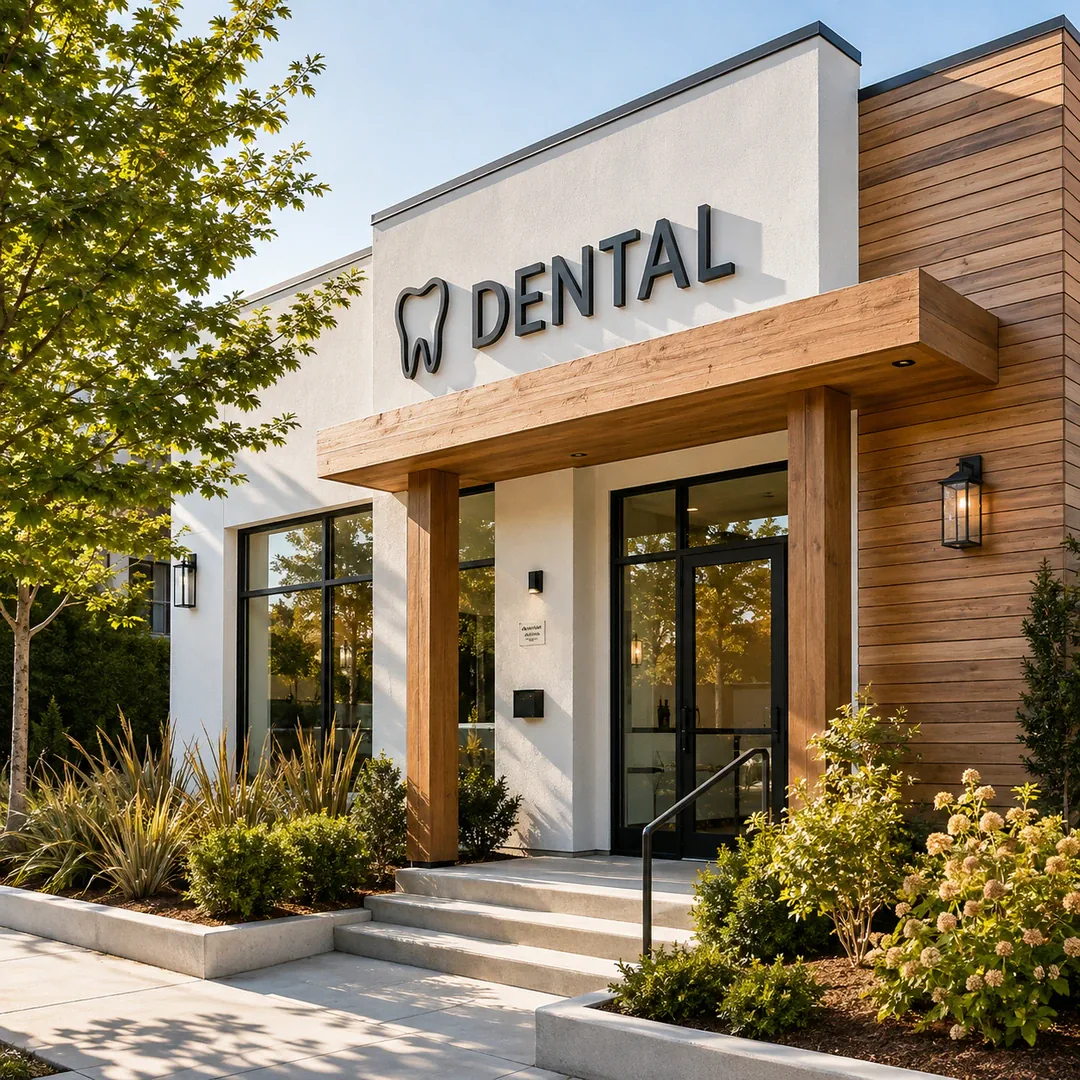
Clinic exterior · Facebook feed 1:1Create a polished clinic exterior · facebook feed 1:1 ad with a clear subject, strong opening composition, natural lighting, believable detail, and platform-ready commercial pacing.
New-patient offer · 4:5Create a polished new-patient offer · 4:5 ad with a clear subject, strong opening composition, natural lighting, believable detail, and platform-ready commercial pacing.
Whitening offer · Stories 9:16Create a polished whitening offer · stories 9:16 ad with a clear subject, strong opening composition, natural lighting, believable detail, and platform-ready commercial pacing.
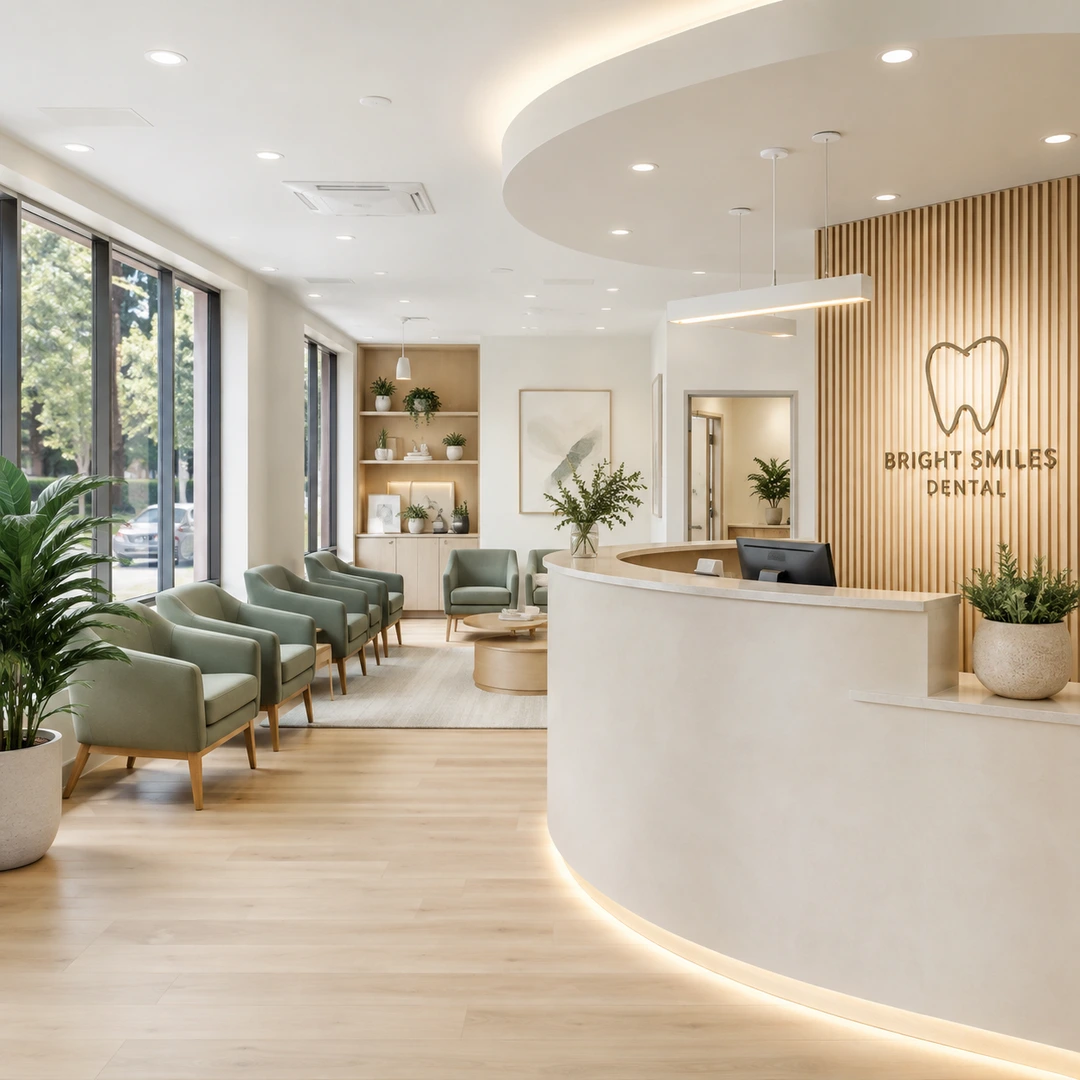
Family dentistry · feed 1:1Create a polished family dentistry · feed 1:1 ad with a clear subject, strong opening composition, natural lighting, believable detail, and platform-ready commercial pacing.
Evening hours · Stories 9:16Create a polished evening hours · stories 9:16 ad with a clear subject, strong opening composition, natural lighting, believable detail, and platform-ready commercial pacing.
Make your first Facebook ad for the practice free
Start with a practice photo and get a Facebook feed still in minutes. The start frame costs 1 credit — see the dentist Facebook ad before you boost anything.
Open the Facebook ad makerGood to know about Facebook ads for dentists
Straight answers before you make the first ad.
What are Facebook ads for dentists?
They are Facebook feed and Stories ads that send people to a dental practice — new-patient offers, whitening, implants — built from a photo of the office. Dentist Facebook ads are local and offer-led; they are not clinical case studies.
Can I show patient before-and-afters?
Not with this generator. Facebook advertising for dentists that fabricates or implies a clinical result is a YMYL red line. Use a practice photo and your own approved offer copy; do not upload identifiable patient charts here.
Does this post to Facebook for me?
No. You download the still and upload it in Ads Manager or as a boost. Facebook ads for dentists stay under your account, your pixel, and your budget.
How is this different from dental advertising?
Dental advertising is the umbrella page for every channel. This page is only Facebook ads for dentists — feed and Stories sizes, Meta Ads Manager, the Facebook advertising for dentists intent.
More Punchylime tools
Every ad generator in the studio — swipe through, all on one login.
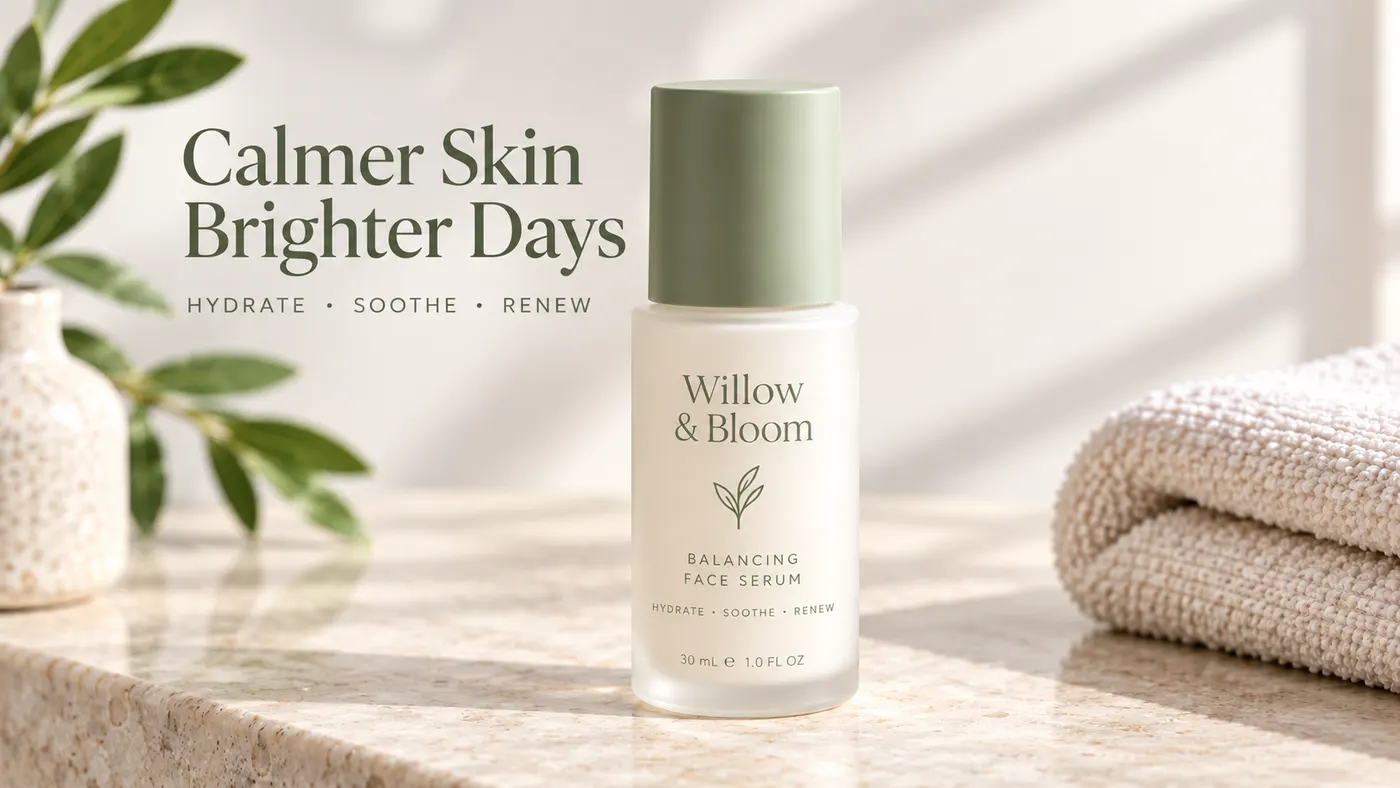
TikTok Ad Generator
The TikTok ad generator that turns a product photo or URL into a scroll-stopping 9:16 TikTok video ad — no editor, no crew, no agency. Sign up free, preview a start frame for 1 credit.
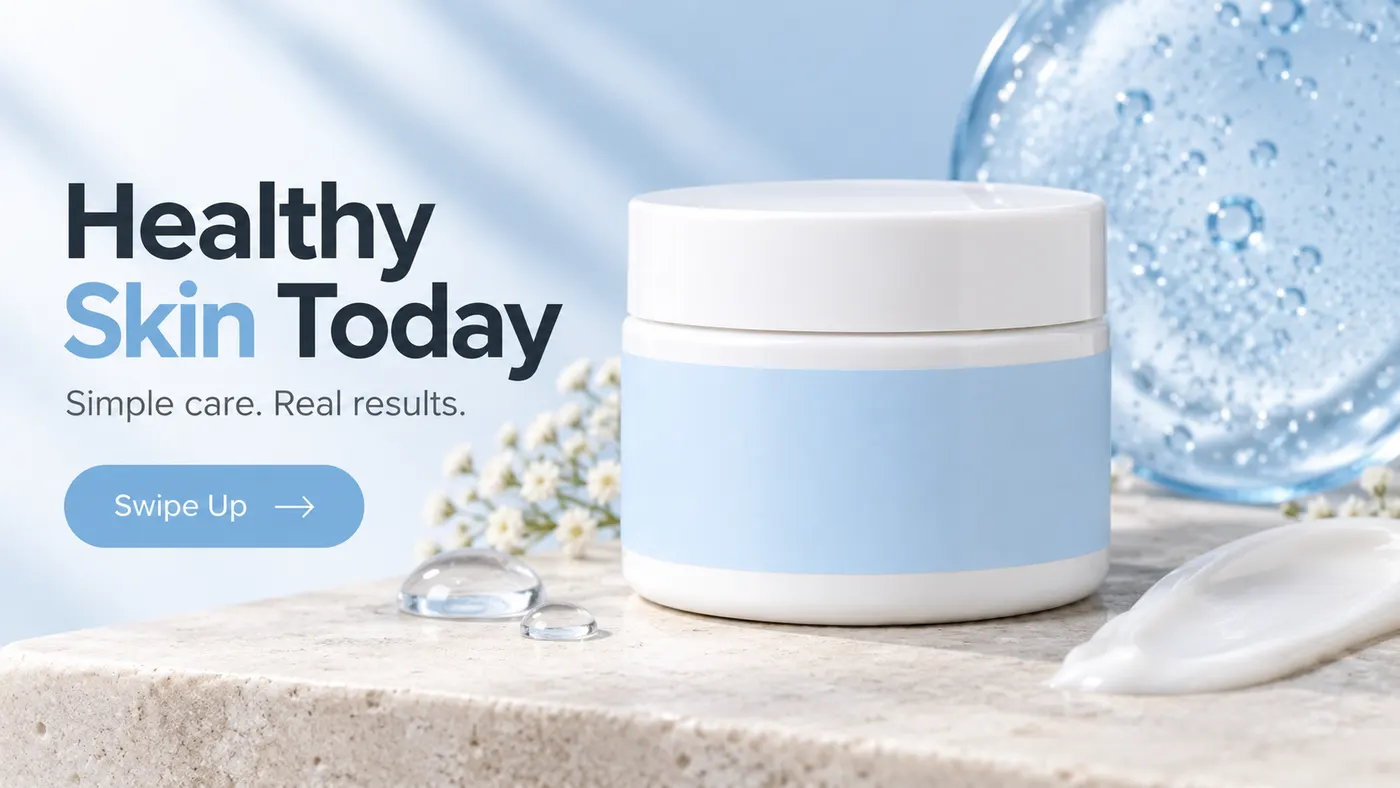
Instagram Ad Maker
The Instagram ad maker that turns a product photo or a URL into native Feed, Reels, and Story ads — sized for the placement, ready for Ads Manager. Start free.
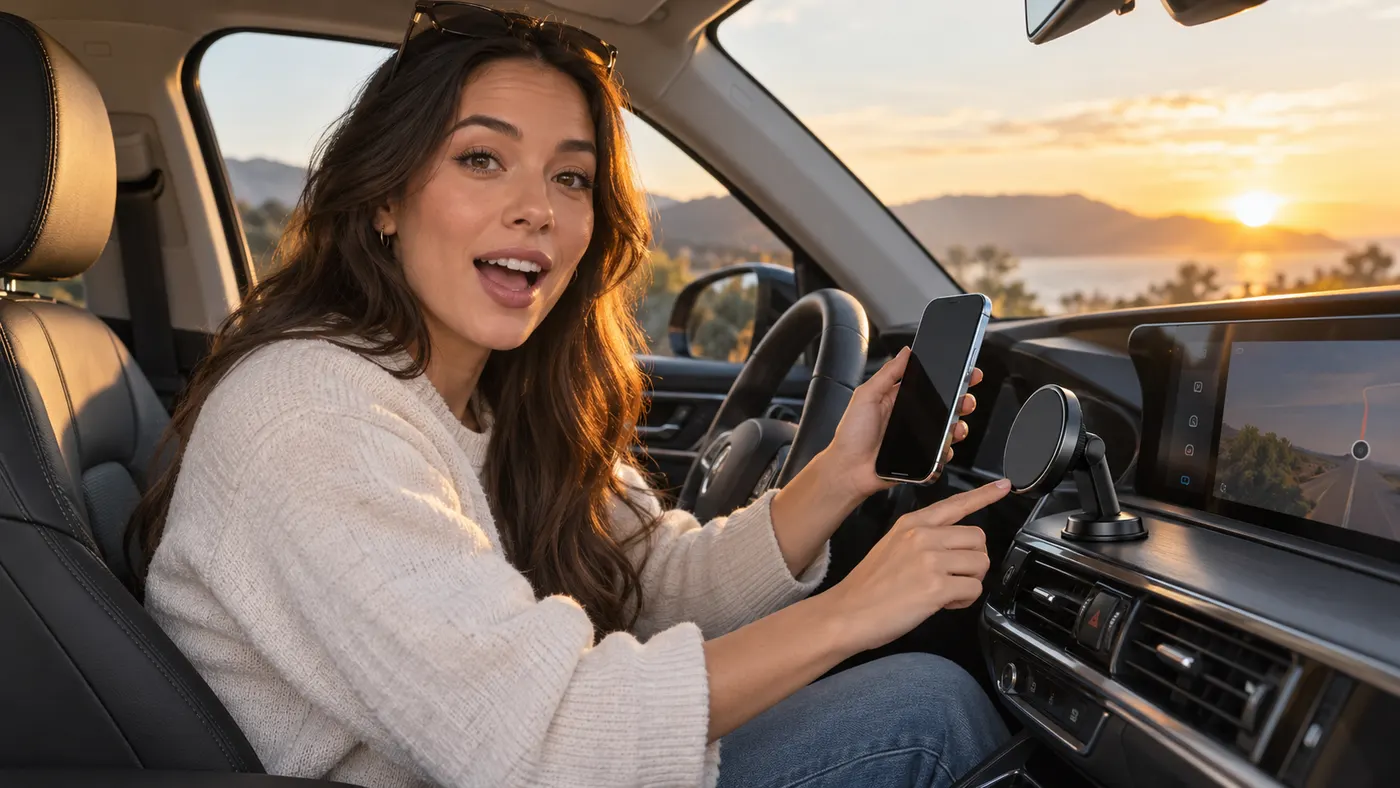
UGC Prompt Generator
The free UGC prompt generator that turns one line about your product into several TikTok, Reels, and Shorts hooks with shot-by-shot directions. No signup.
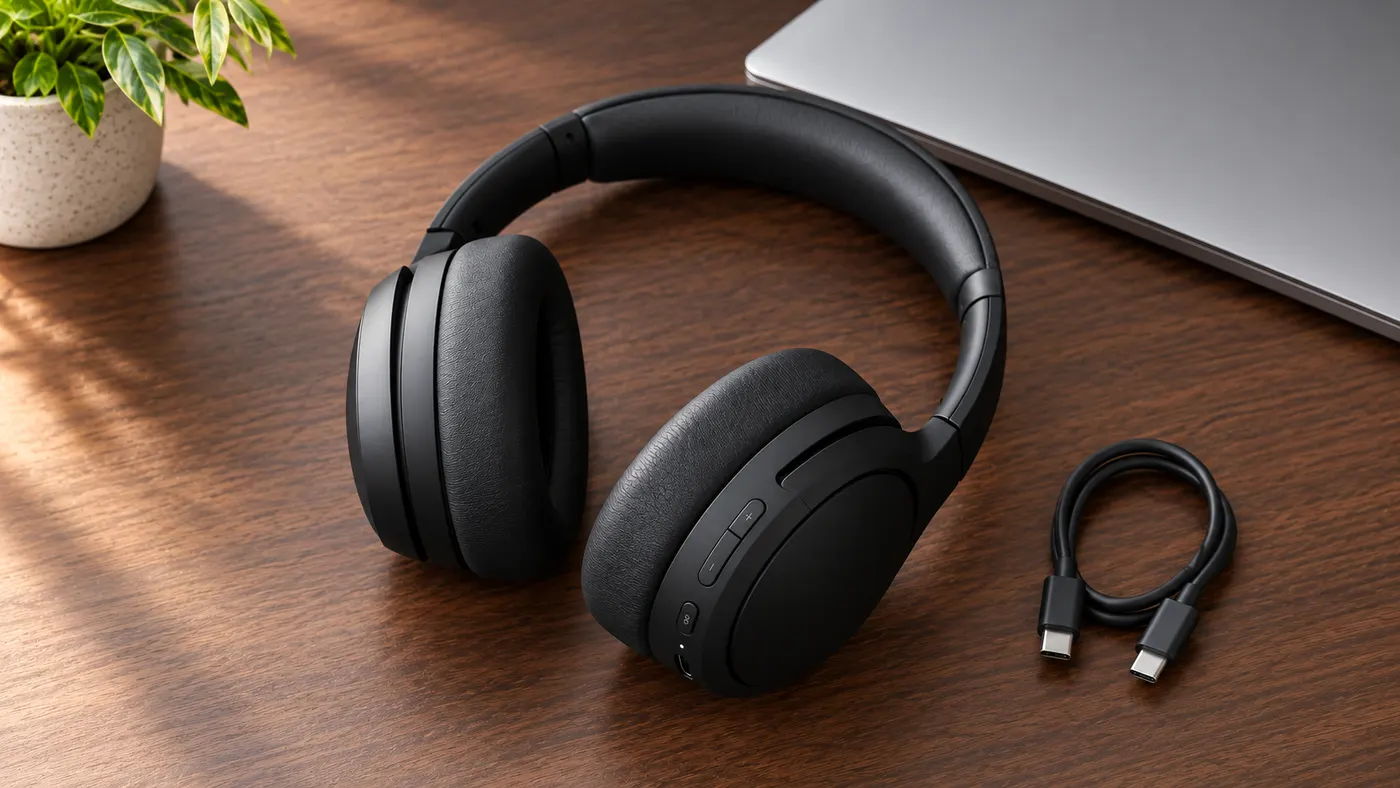
AI Product Photography
The AI product photography tool that turns one phone photo or URL into catalog-grade studio shots — no light tent, no photographer, no reshoot. Start free.
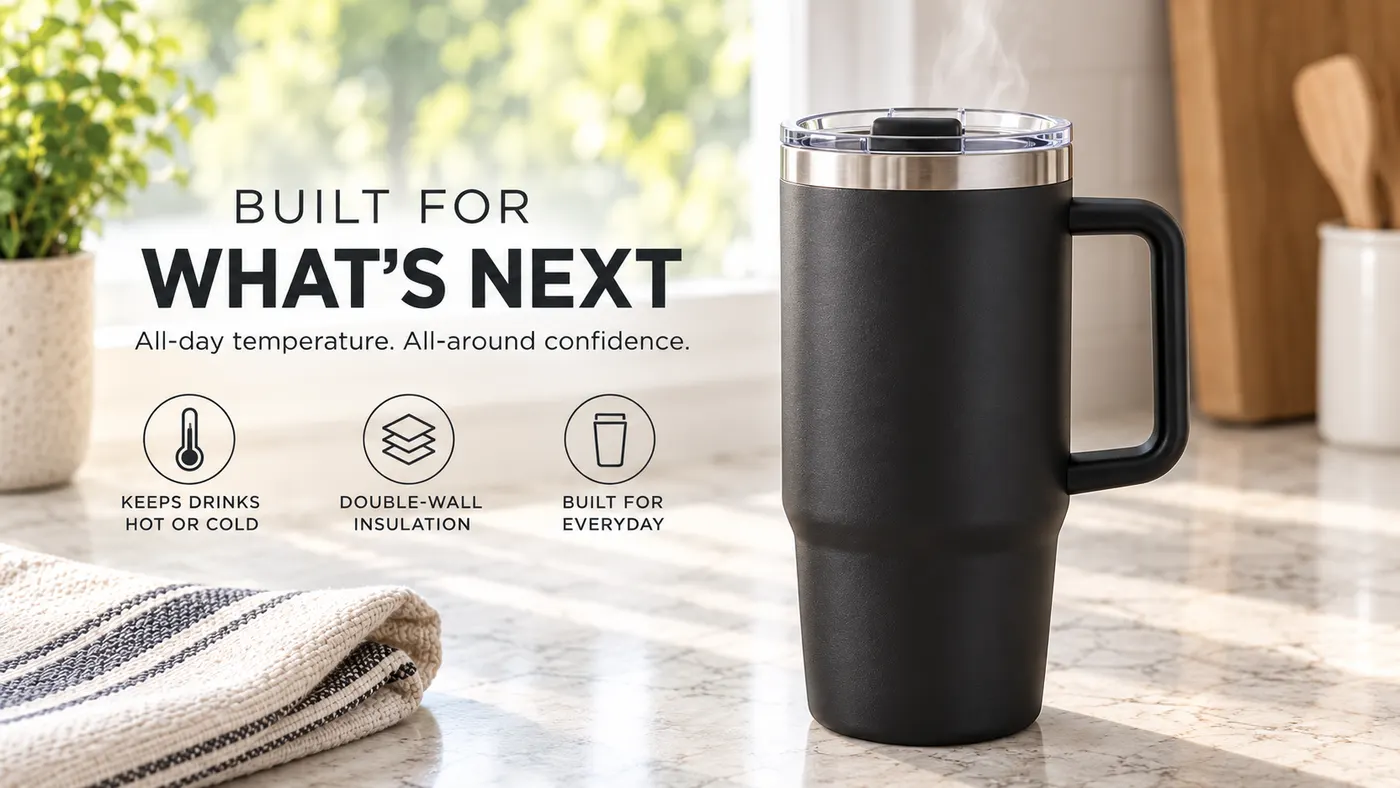
Video Ad Maker
Punchylime is the video ad maker that turns a product photo or URL into a scroll-stopping video ad in minutes — no editing software, no agency. Sign up free, preview a start frame for 1 credit.
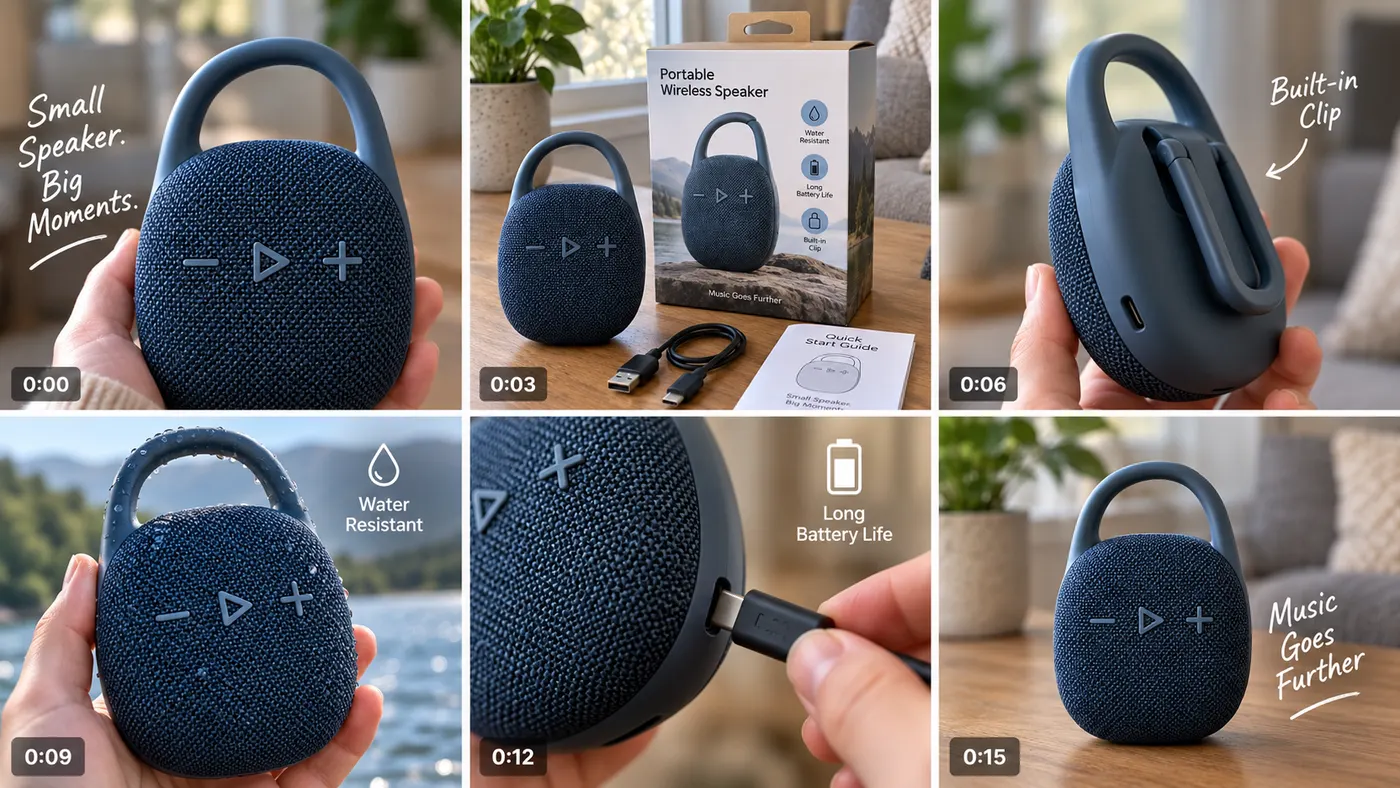
UGC Ad Maker
The AI UGC video generator that turns a product photo into creator-style UGC ads for TikTok and Reels in minutes — no creator to hire, no reshoots. Sign up free, preview a start frame for 1 credit.
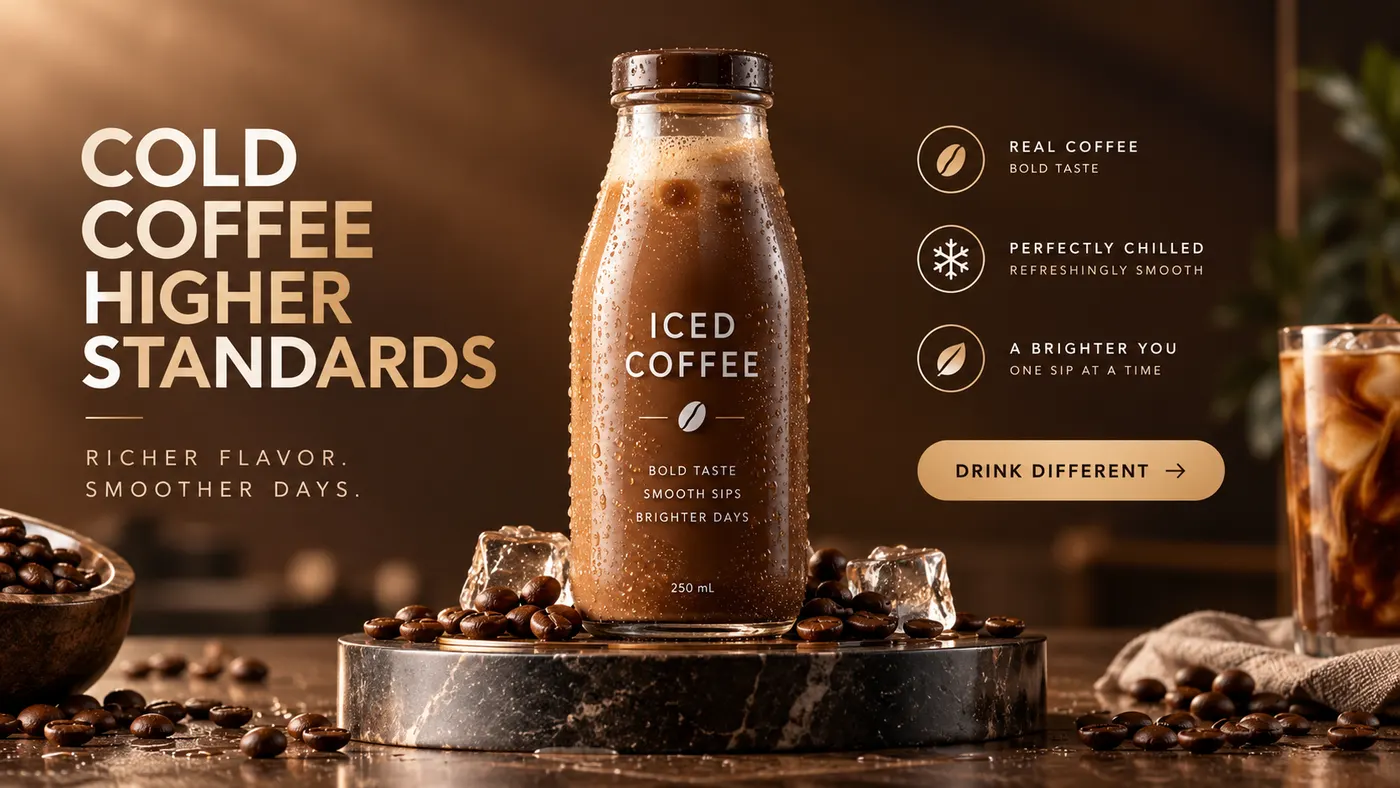
Ad Copy Generator
The free AI ad copy generator that turns one line about your product into ready-to-run Facebook, Instagram, Google, and TikTok ad copy — high-converting primary text, headlines, and hooks. Online, no signup.
AI Image Ad Generator
Make AI image ads from one product photo or a store URL — ads and banners in the ratio each placement needs, in minutes. No photoshoot, no designer. Free to start.
AI Video Ad Generator
The AI video ad generator that turns a product photo or URL into a scroll-stopping video ad in minutes — no crew, no editor, no agency. Sign up free, preview a start frame for 1 credit.
Google Ads Generator
Turn one product photo into Google Ads creative — responsive display assets in the landscape and square ratios Google asks for, ready to upload. Free to start.
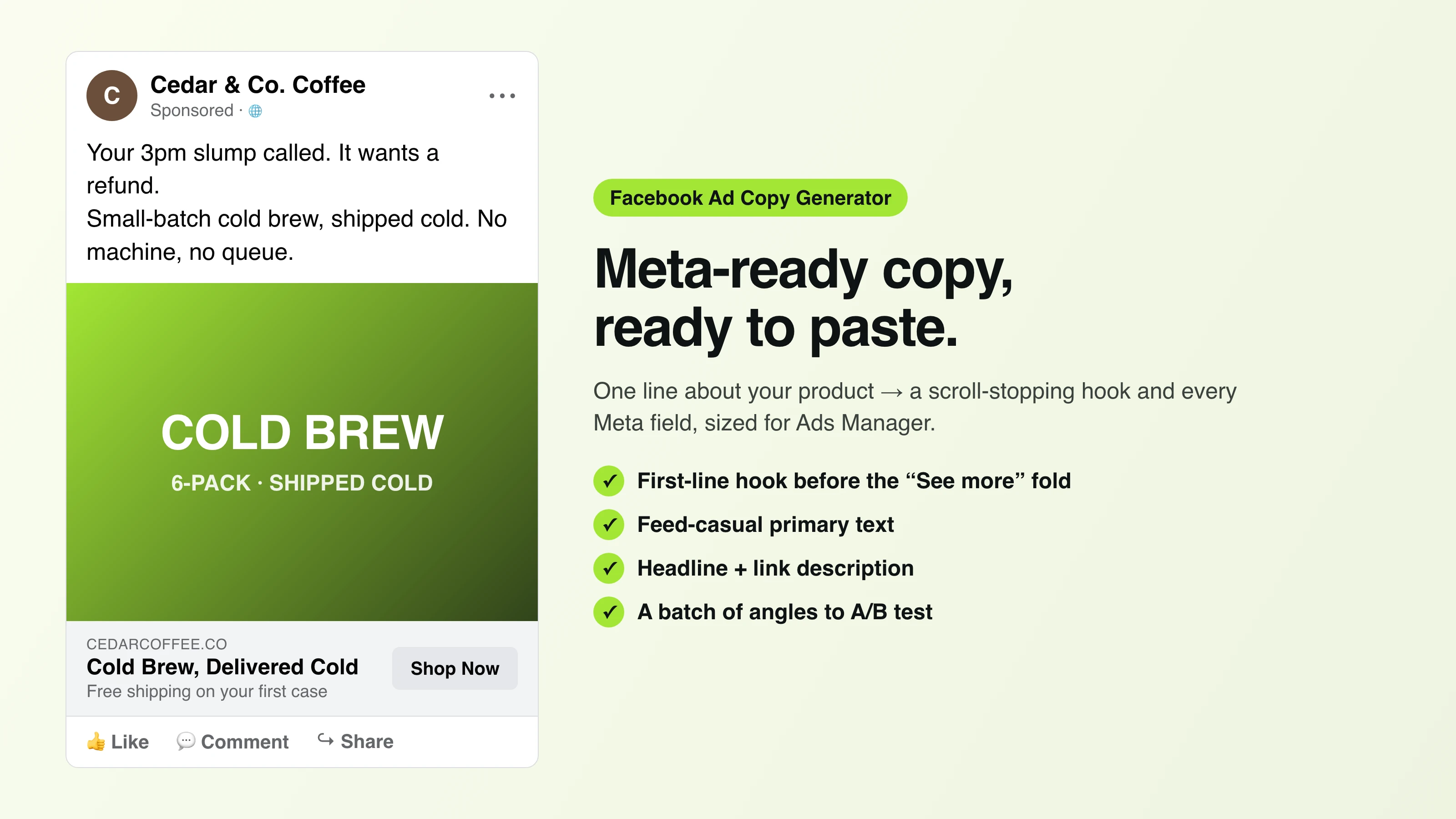
Facebook Ad Copy
The free Facebook ad copy generator that turns one line about your product into scroll-stopping Meta primary text, headlines, and link descriptions. No signup.
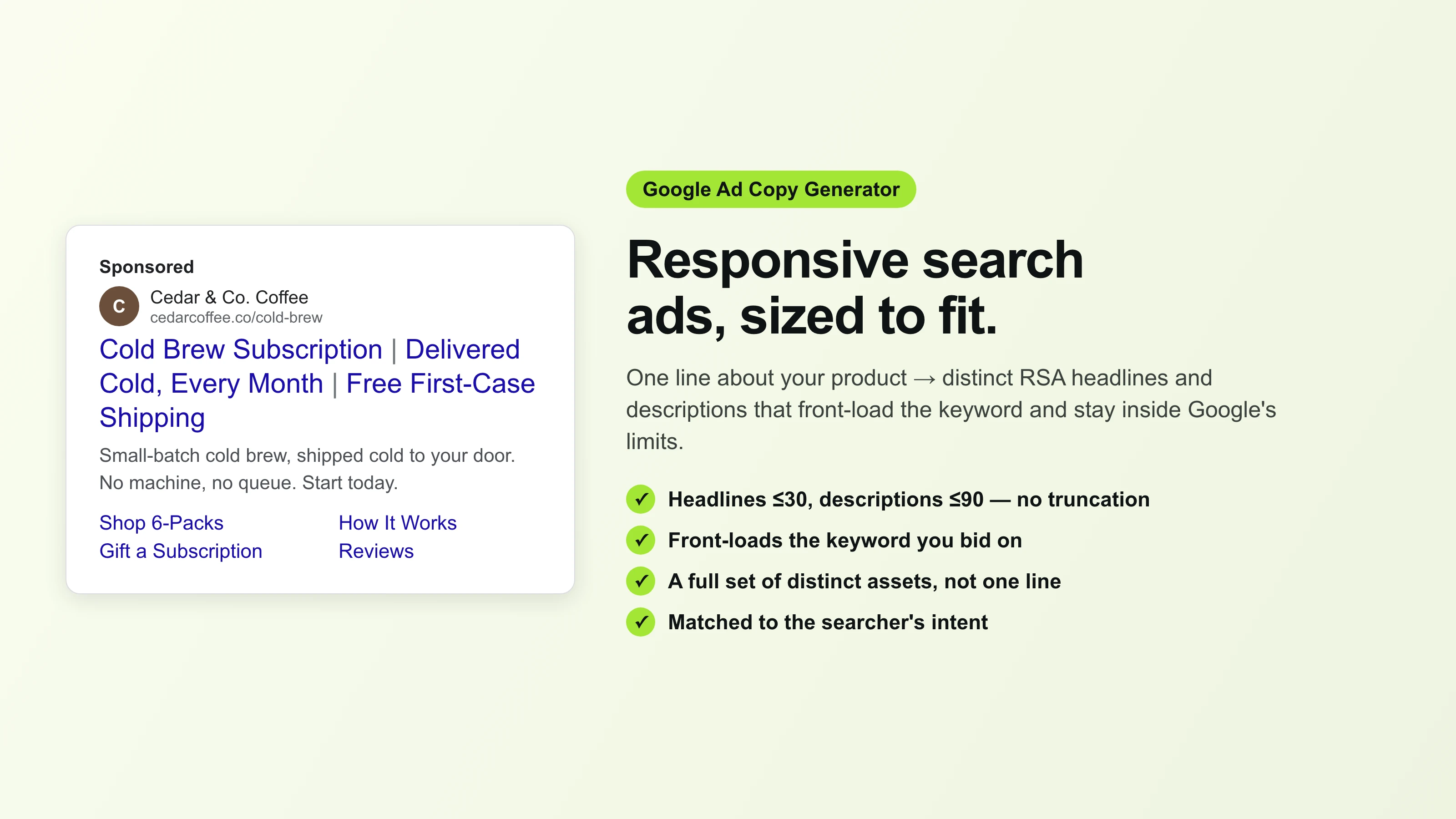
Google Ad Copy Generator
The free Google ad copy generator: turn one line about your product into responsive search ad headlines and descriptions that fit Google Ads’ limits. No signup.
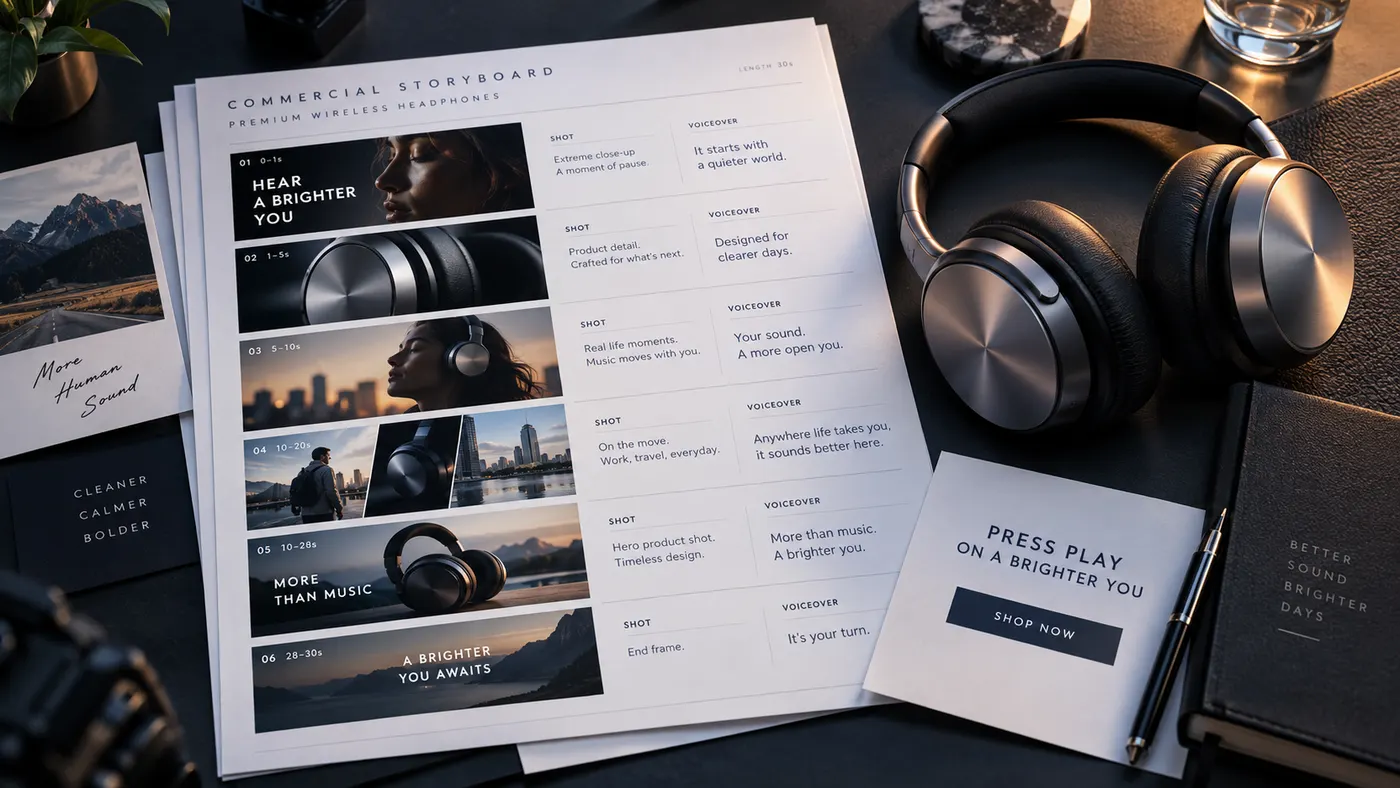
Ad Script Generator
The free ad script generator that turns one line about your product into a shot-by-shot video ad script — hook, scene directions, voiceover, and CTA. No signup.
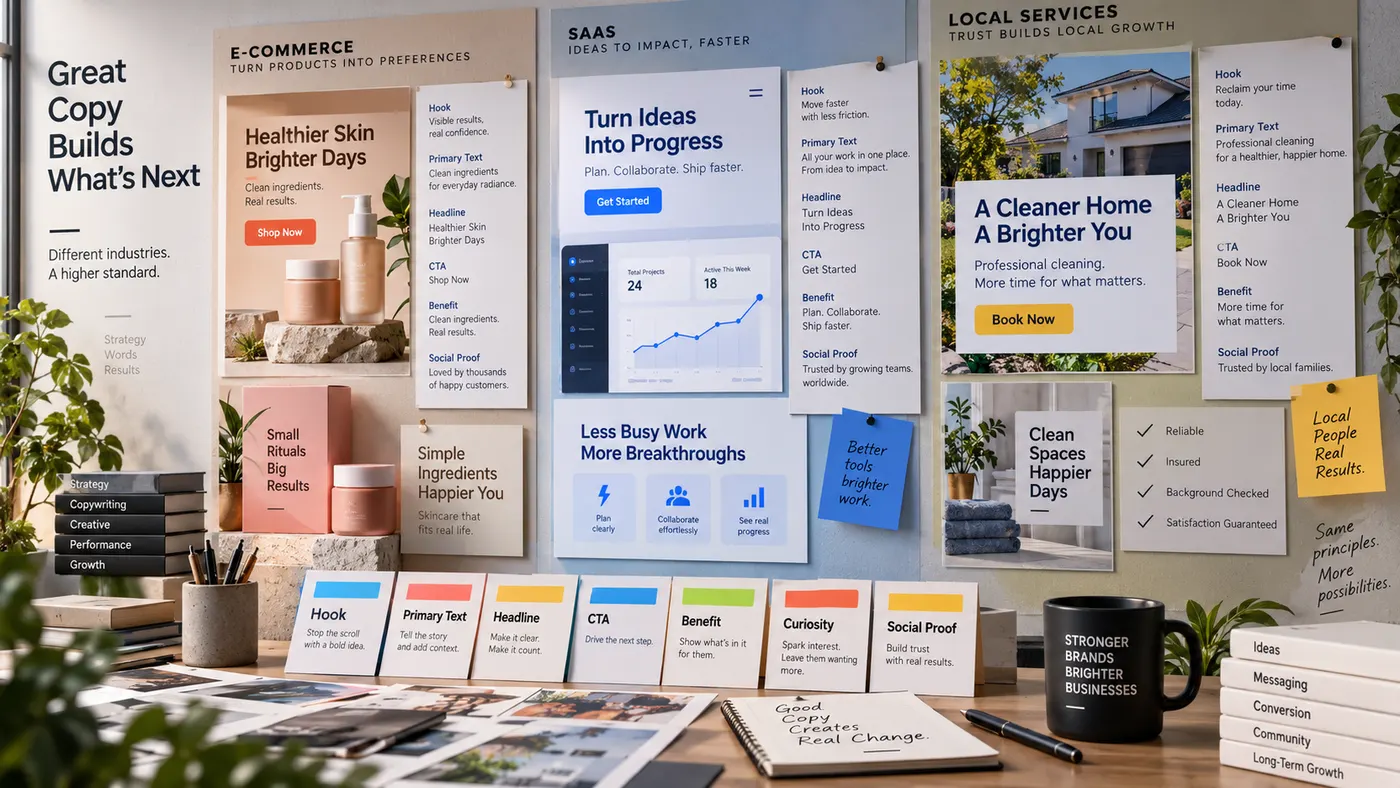
Advertising Copy Examples
Real advertising copy examples across industries and angles — plus a free generator that writes your own ad copy from one line about your product. No signup.
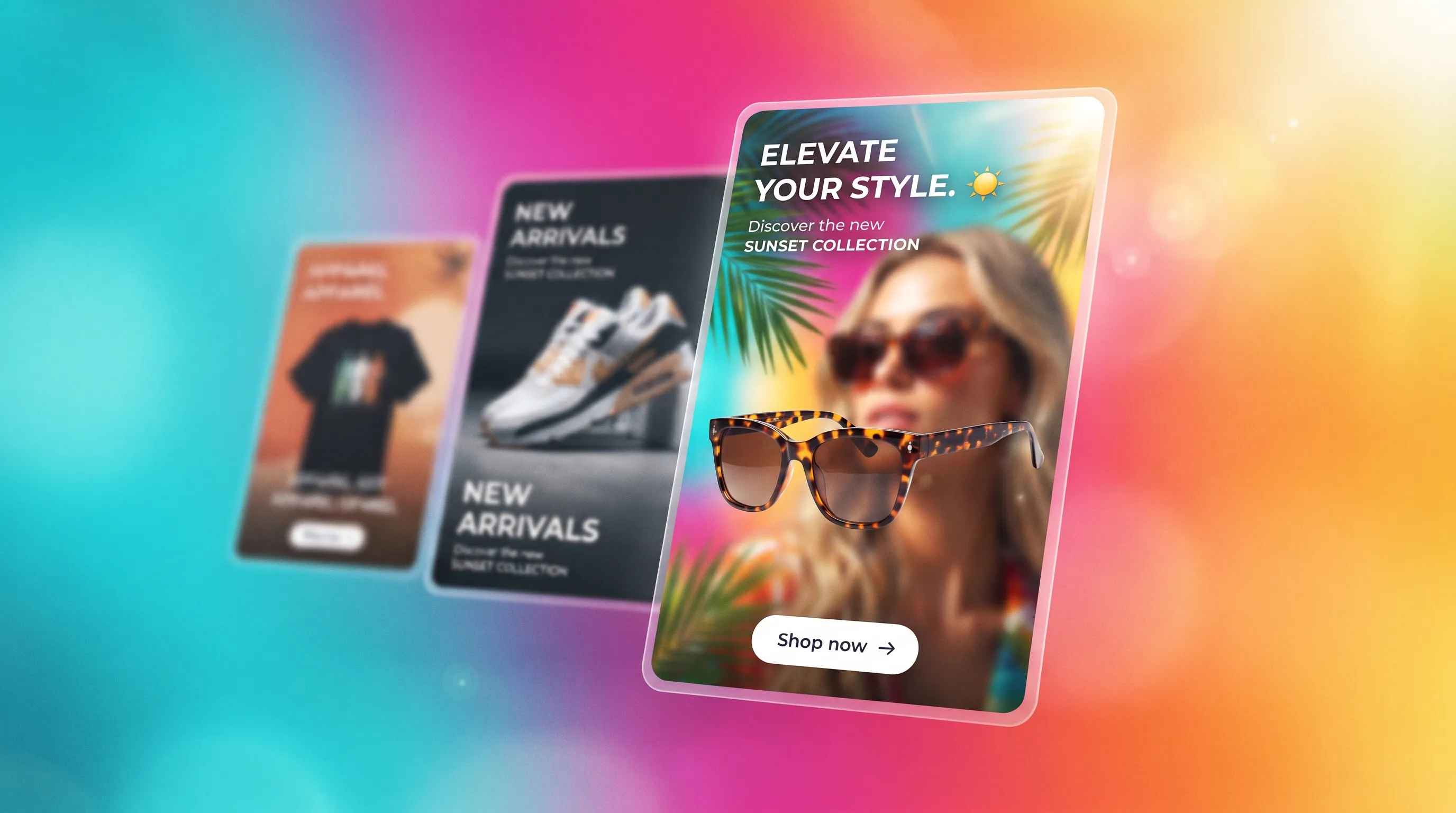
Social Media Ads Examples
Real social media ads examples by platform and type — Instagram, Facebook & TikTok — plus a free generator that makes your own ad from one product photo.
YouTube Ad Maker
The AI YouTube ad maker: turn a product photo into a native video ad for either YouTube size — 16:9 in-stream or a 9:16 Short. No editor, no crew, no agency.
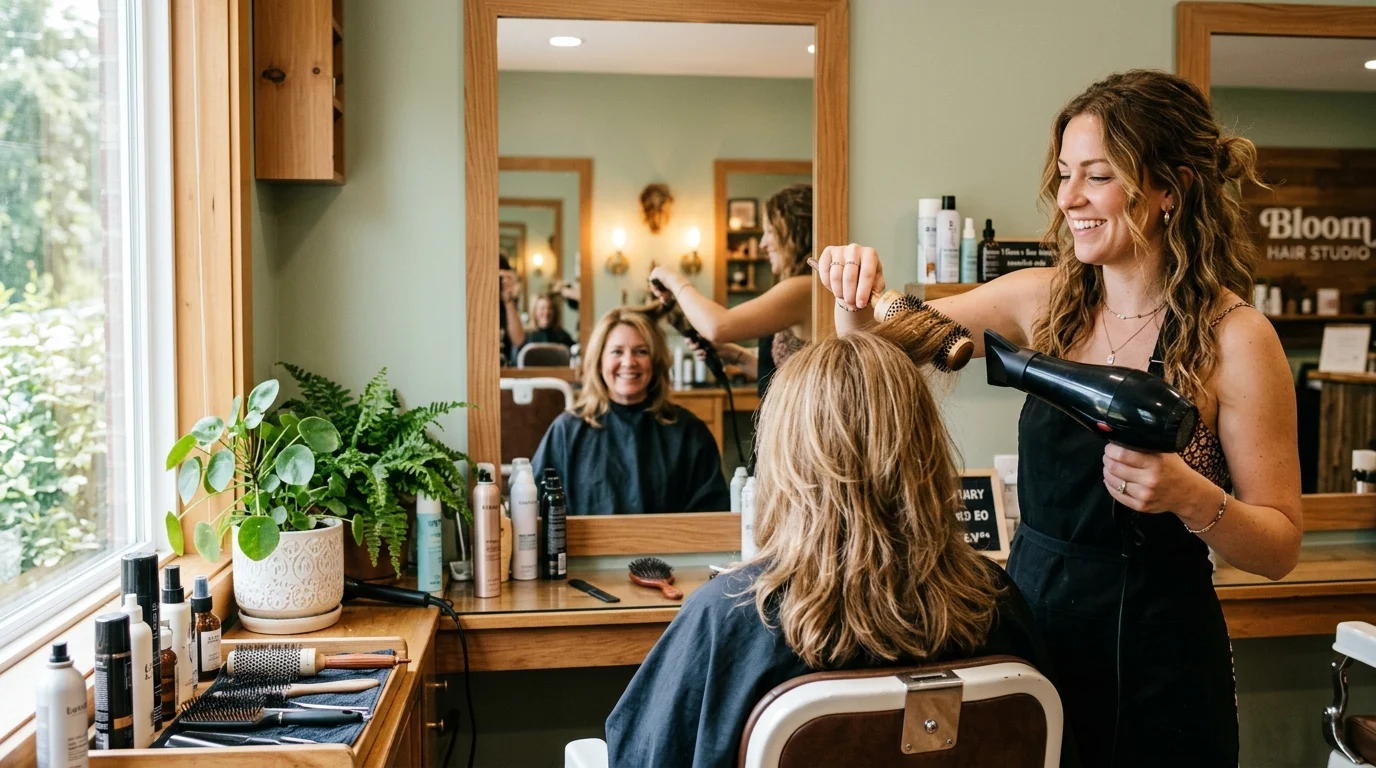
AI Avatar Ads for Small Business
Affordable AI avatar generators for small businesses — put an AI avatar in a real scene and turn it into a vertical UGC video ad from $29, no crew. Sign up free, preview a start frame for 1 credit.
HeyGen vs Arcads
HeyGen vs Arcads compared: AI avatars, actor library, pricing, and output for UGC video ads — plus a product-first way to make an ad without an actor.
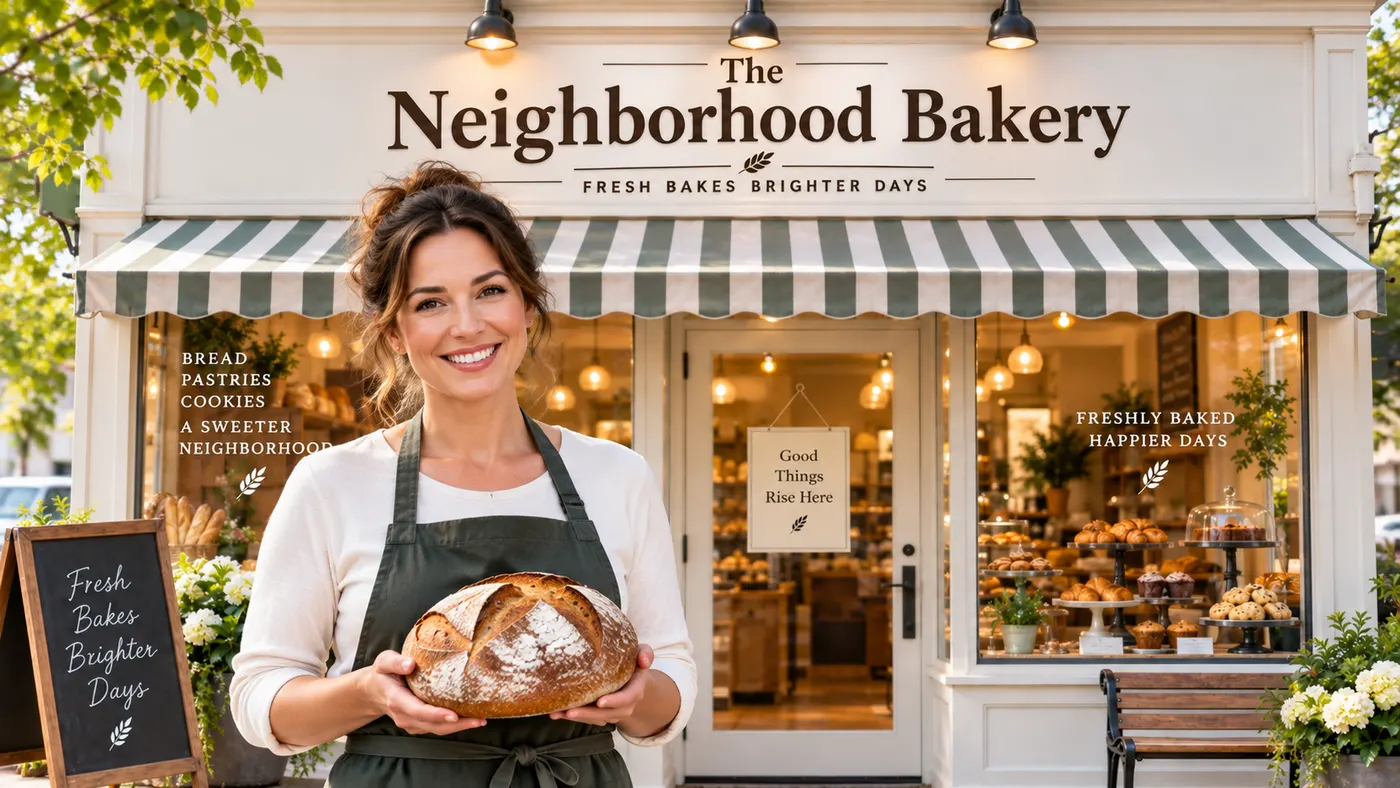
AI Spokesperson Video
Create an AI spokesperson video from your business photo and script: generate a believable presenter ad for offers, explainers, and calls to action.