HeyGen Alternative: Turn a Product, Service, or URL into Scroll-Stopping Ads
Looking for a HeyGen alternative that makes ads, not just presenter videos? Punchylime takes a product photo, a service, or a store URL and builds video, UGC, and image ads with your product on screen — sized for Reels, TikTok, and Feed. Try it free.
What Is HeyGen?
HeyGen is an AI video platform built around AI presenters — a synthetic host reads a script to camera, and the tool can clone a specific host and voice or translate a finished video into other languages. It is a strong fit for explainers, training, and localized talking clips. The question for advertisers is different: do you need a person on camera, or do you need the product itself in a scroll-stopping ad? That is where an alternative to HeyGen like Punchylime fits, turning a photo, a service, or a URL into a finished ad. Try the AI video ad generator to see the difference.
Punchylime vs. HeyGen: Where Each One Wins
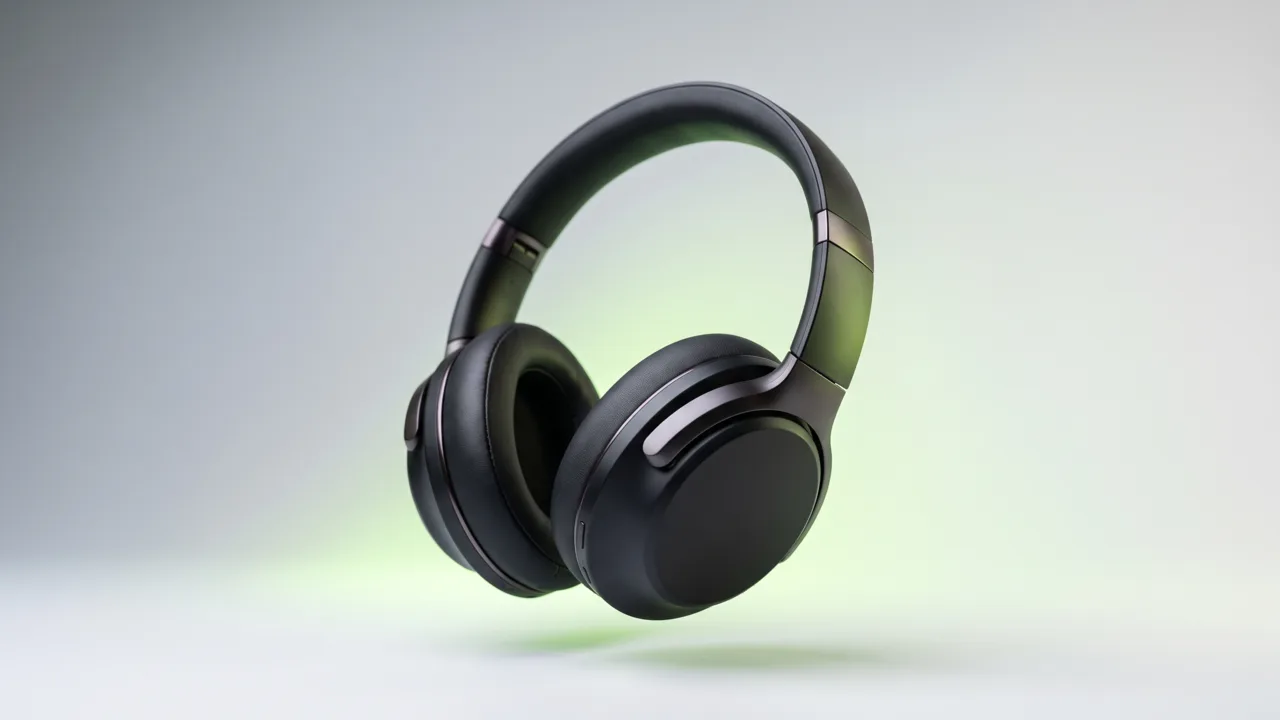
Quick verdict: HeyGen is built for AI presenter videos and translating them into other languages. Punchylime is built to turn a product, service, or URL into ads. Pick by the job — a host on camera, or your product in the feed.
| Comparison item | Punchylime | HeyGen |
|---|---|---|
| Core focus | Turning a product, service, or URL into ads you can run — video, UGC, image, and copy. | AI presenter videos: a synthetic host reads your script to camera. |
| What ends up on screen | Your actual product or service, anchored to a start frame built from your photo. | A generated AI presenter delivering the words you type. |
| How the video is made | Image-to-video: approve a start frame, then it animates into a short ad. | A generated host speaks your script, with mouth movement matched to the voice. |
| Inputs it takes | A product photo, a service description, a landing-page URL, or a text prompt. | A written script, plus a chosen host and voice. |
| Ad placement formats | Renders 9:16, 4:5, 1:1, and 16:9 for Reels, TikTok, Story, Feed, and in-stream. | Presenter videos in standard aspect ratios; placement-native ad framing is not the focus. |
| Presenter hosts & voice cloning | Not in this version — Punchylime leads with product-forward creative. | Core strength: a large host library plus custom host and voice cloning. |
| Video translation / localization | Not a Punchylime feature. | Core strength: translate one video into many languages with matched speech. |
| What one plan covers | Video, UGC, image ads, product photoshoots, and ad copy on one credit wallet. | Hosts, voices, and translation, metered by presenter-video minutes. |
| Best for | Marketers and small businesses who need scroll-stopping product and service ads, fast. | Teams who need an on-camera host for explainers, training, or localized clips. |
| Free access | Free ad copy and image ads; video ads use paid credits. | Offers a free tier with limits — check HeyGen’s current plans. |
The two tools answer different briefs. HeyGen shines when a person needs to talk to the camera and be understood in another language. As a HeyGen competitor, Punchylime skips the host entirely and keeps your product in frame, so an upload becomes a Reel, a Story, or a Feed ad you can upload to Ads Manager. If your goal is paid-social performance, start with the AI video ad generator and compare a finished ad against a presenter clip on the same product.
Should You Choose HeyGen or Punchylime?
Choose HeyGen when a person needs to speak on camera or in another language. Choose Punchylime when the ad is about the product and the placement it has to run in.
Choose HeyGen if...
- You need a person talking to the camera to explain a product, a course, or a process.
- You want to clone a specific presenter and reuse them across many videos.
- You need to translate one video into several languages with matched speech.
- Your videos are explainers, onboarding, or internal comms rather than paid-social ads.
Choose Punchylime if...
- You want the product itself — not a host — to be the star of the ad.
- You need native 9:16, 4:5, 1:1, and 16:9 creative for Reels, TikTok, Story, and Feed.
- You want video, UGC, image ads, and copy from one tool on one credit wallet.
- You are advertising an e-commerce product or a local service and need variants fast.
Many teams use both: HeyGen for the presenter clip, Punchylime for the product ads that run alongside it. If you only have budget for one and your job is paid social, the product-forward path usually earns its keep faster.
Where a HeyGen Alternative Actually Helps
Not all HeyGen alternatives do the same job — product ads, local-service marketing, and UGC-style creative are where keeping your product in frame beats a host reading a script.
E-Commerce Product Ads
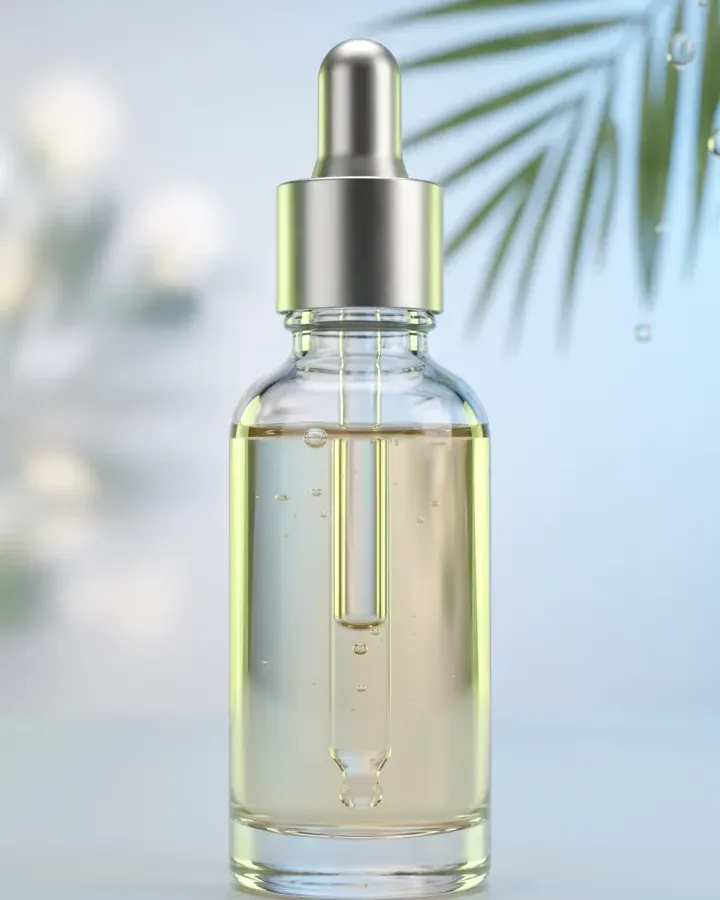
A host describing your bottle sells less than the bottle on screen, moving. Punchylime anchors the ad to a start frame built from your product photo, so the label and shape stay recognizable through the whole clip. Send the same product to the product photoshoot tool for the still versions of the campaign.
Local Service Marketing
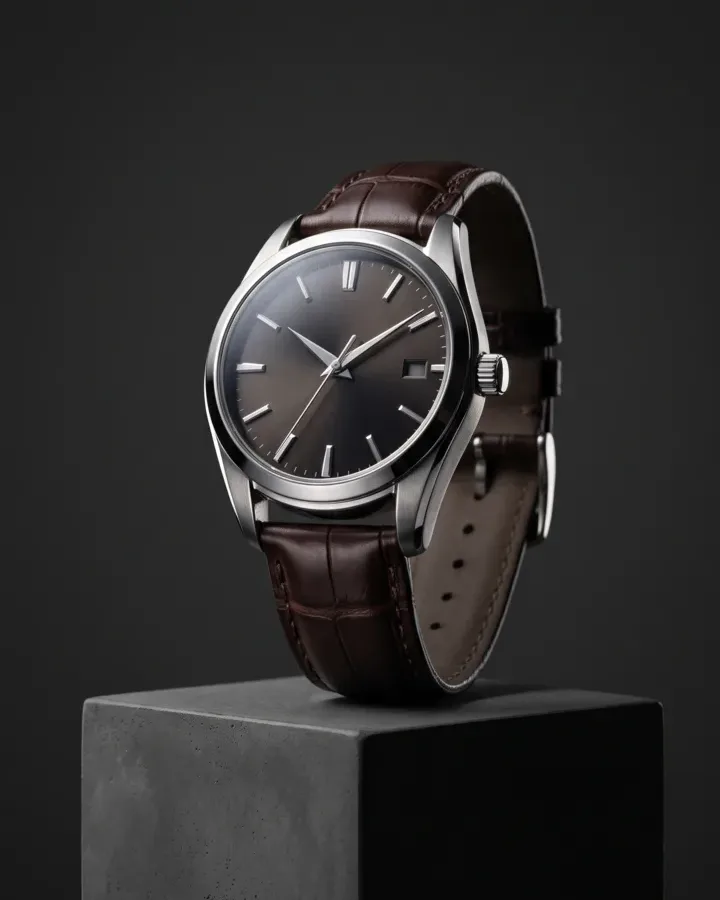
A dental office or a med spa has no product to photograph, which is exactly where generic ad tools stall. Punchylime builds a professional-in-the-scene ad from a short description, so the practice looks the part without a film crew. See it applied on the dental advertising page.

UGC-Style Ads Without an Actor
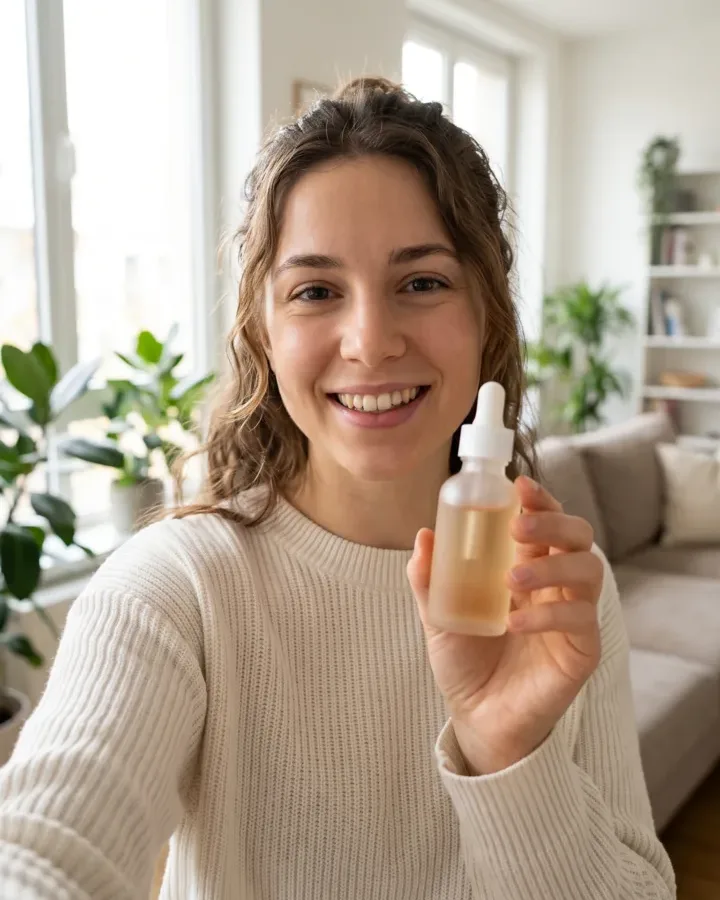
In a HeyGen vs Arcads comparison, both center on a synthetic host reading a script. Punchylime takes the other route: its UGC ad maker keeps your product in a real-feeling handheld moment, so the ad looks like a customer filmed it — not a studio host on a set.

How to Switch from HeyGen to Punchylime
Turn a product, service, or URL into a finished ad in three steps — no script to write, no host to cast, no editor to book.
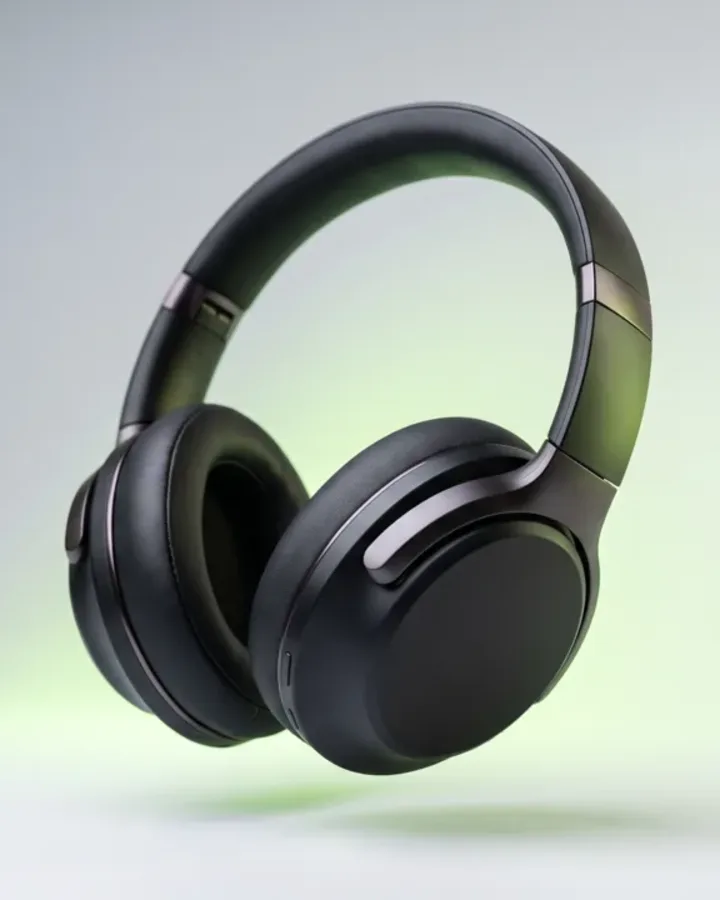
Step 1: Add your product, service, or URL
Open the video ad generator, then upload a product photo or paste a store URL. For a local service with nothing to photograph, describe the business instead — no script and no host casting to do first.
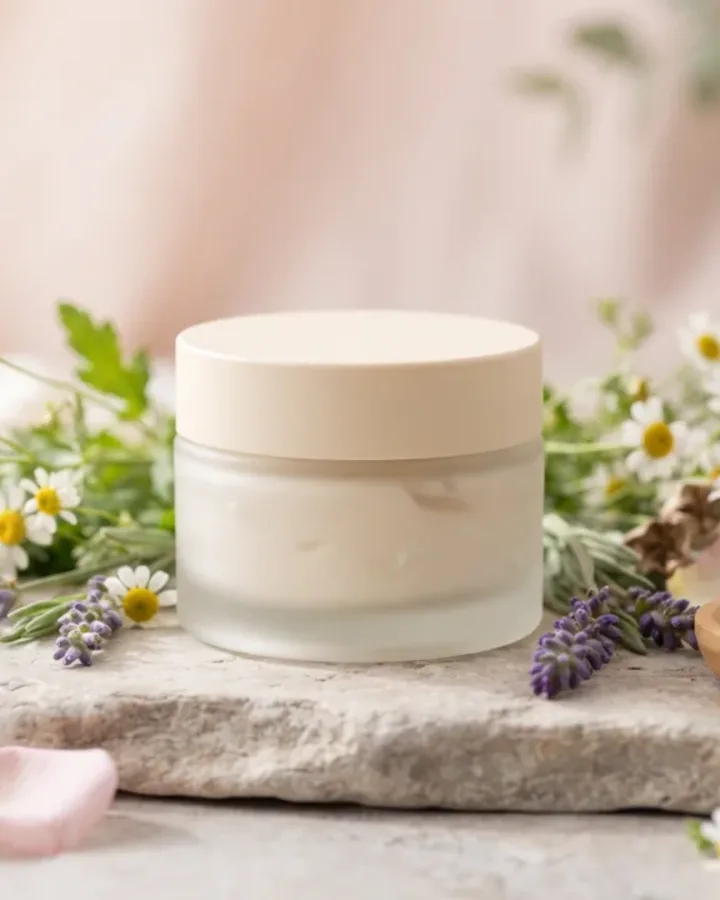
Step 2: Pick the ad format and generate
Choose 9:16 for Reels and TikTok, 1:1 for Feed, or 16:9 for in-stream, and set the length. Punchylime builds a start frame from your product, then animates it — you approve the still before any video credits are spent.
Step 3: Batch variants and run them
One upload can produce a batch of variations, so you can test hooks and formats and swap in fresh creative when an ad tires out. Download the finished ad and upload it straight to Meta, TikTok, or Google.
Ads for Every Industry
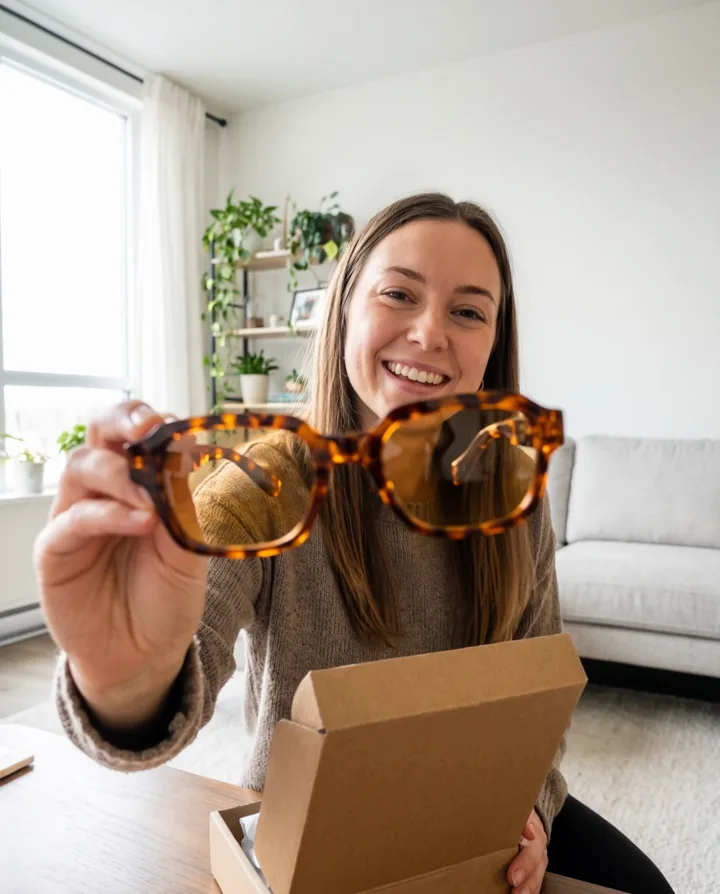
From e-commerce products to local services, the AI ad generator makes on-format ads for the businesses that need them most. Every ad below is a real Punchylime output.


How Punchylime and HeyGen Actually Differ
A plain-English look at where each tool wins, so you can pick the HeyGen alternative that matches the job in front of you.
Which alternative fits the job
The honest answer to “which is the best HeyGen alternative” is that it depends on the job. HeyGen is a strong choice when you need a person talking to the camera — a synthetic host reading a script for an explainer, a training clip, or a testimonial-style video. For paid-social ads where the product itself should be on screen, Punchylime is a closer fit: it turns a product photo, a service, or a URL into video, UGC, and image ads sized for Reels, TikTok, and Feed, with no host and no script required.
Presenter videos vs. product ads
Punchylime is not a feature-for-feature clone of HeyGen, and it is fair to say so. HeyGen is built around AI presenter videos and translating them into other languages; Punchylime is built around product-forward ad creative. The real mechanical difference follows from that focus. HeyGen generates a synthetic host that reads your typed script to camera, with mouth movement matched to the voice. Punchylime keeps your actual product in frame: it builds a start frame from your photo, animates it into a short ad, and renders it in the format the placement needs. One tool makes a person speak; the other makes the product sell. If you came to HeyGen to make product or service ads rather than a presenter clip, Punchylime is the HeyGen alternative that fits that goal.
HeyGen vs. Arcads vs. Punchylime
The same logic sorts out a three-way comparison like HeyGen vs. Arcads vs. Punchylime. HeyGen and Arcads both center on a synthetic host or AI actor reading a script, which is genuinely good for explainers and testimonial-style clips. Punchylime takes a different route by keeping your product on screen. So pick HeyGen or Arcads when you want a person on camera, and pick Punchylime for scroll-stopping product and service ads. To feel the gap directly, run the same product through the AI video ad generator and compare a finished ad against a presenter clip.
What You Can Make, and What It Costs to Try
The formats Punchylime renders, the one thing it does not do in this version, and how the free tier and credits work.
The one thing it will not do
One thing to be clear about up front: Punchylime does not generate presenter-led or on-camera-host videos in this version — that is squarely HeyGen’s strength. Punchylime focuses on video ads, UGC-style ads, image and banner ads, product photoshoots, and ad copy, where your product is the subject rather than a person reading a script. Presenter-style formats are on the Punchylime roadmap, not a live feature today, and it is better to say that plainly than to imply parity that does not exist.
Every placement, natively rendered
For the ad work it does cover, Punchylime renders every placement natively: 9:16 for Reels, TikTok, and Shorts, 4:5 for Story, 1:1 for Feed, and 16:9 for in-stream. Because each format is composed from the start, you are not cropping a landscape clip into a vertical frame and losing the product — the ad is built for the placement instead of trimmed to fit it. That makes it a practical way to produce the TikTok and Reels creative most advertisers actually need day to day.
Free to try, one credit wallet
There is a free way to try this HeyGen alternative before spending anything. Ad copy is free to generate, and an image ad or a video start frame costs just 1 credit, so you can preview before committing. Rendering the finished video uses paid credits, since video costs more to produce than a still, but one credit wallet covers video, UGC, image, and copy — there is no separate subscription per format. So you can shape the look, approve the frame, and only spend on the renders you actually want.
Your ads, ready to run
Finally, the ads are yours to use. Anything you generate on Punchylime is cleared to run on Meta, TikTok, Google, and your own site. Because a single photo or URL can produce a batch of variations, you can test hooks and openings against each other and swap in fresh creative the moment a winning ad starts to fatigue — the workflow paid-social advertisers need, without a designer or an editor in the loop.
Try the HeyGen Alternative Built for Ads
Add a product photo, a service, or a URL and let Punchylime build the ad — video, UGC, or image. Preview the start frame for 1 credit; save the bigger spend for the renders worth running.
Start for Free