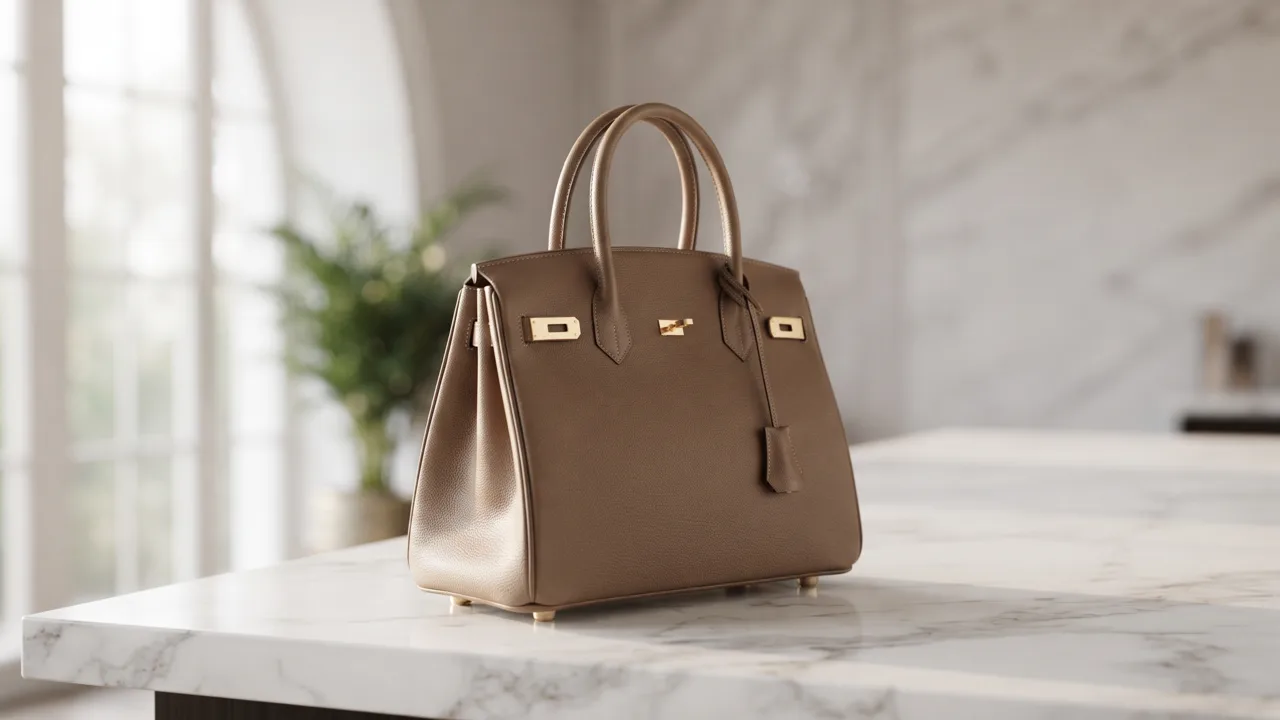
E-commerce unboxingCreate a polished e-commerce unboxing ad with a clear subject, strong opening composition, natural lighting, believable detail, and platform-ready commercial pacing.
UGC Prompt Generator
Pick an angle and write a short brief, then generate. A Brand Guide is optional — turn it on for your brand voice.
Ad subject (what the ad is about)
Optional — leave empty to generate from your prompt alone (text only).
What are you advertising?
A product or e-commerce item
Style (the kind of ad — sets the look)
A batch of scroll-stopping opening lines
Brand Guide (optional)
Off by default — turn it on only when you want visual consistency across your ads.
Brief (editable — what the copy should say)
Also applied (not part of the editable box above):
Written in your Brand Guide's voice when one is on — edit freely.
This step is free
UGC Prompt Generator
Pick an angle and add a short brief — get a ready-to-shoot UGC video prompt: the creator, the hook, the beats, and the call to action.
UGC Prompt Generator: Turn One Product Into a Week of UGC Ideas — Free
Punchylime is the free UGC prompt generator that turns one line about your product into a batch of scroll-stopping hooks and shot-by-shot directions — unboxing, testimonial, how-to, day-in-the-life — each paced for TikTok, Reels, or Shorts. No credits, no watermark, no signup to try. Write the brief here, then hand it to a creator or drop it straight into the UGC Ad Maker.
Generate UGC Prompts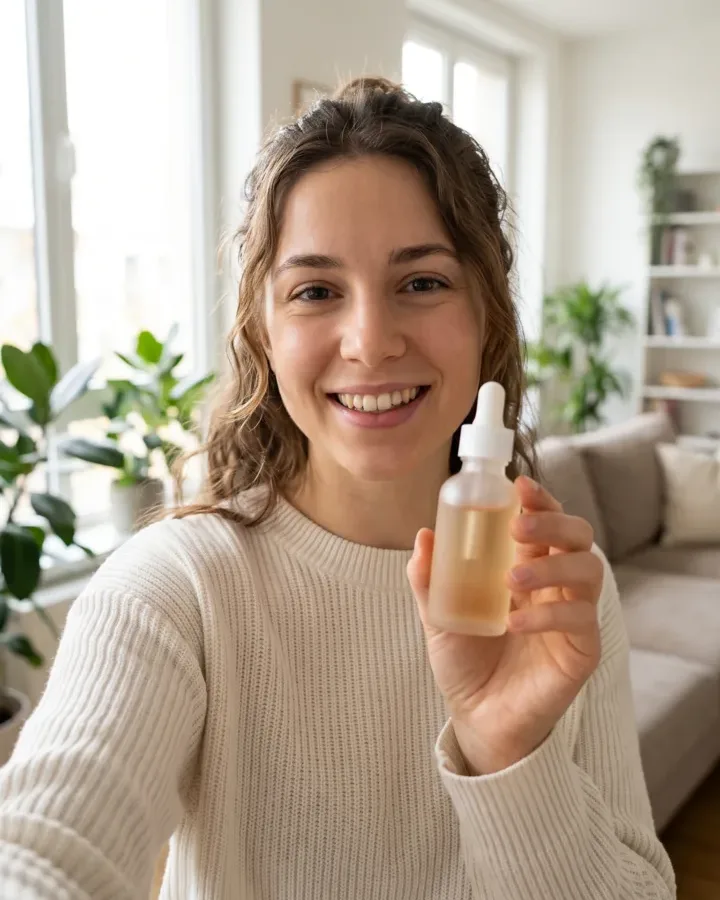
What Is a UGC Prompt Generator?
A UGC prompt generator turns a plain description of what you sell into shoot-ready creator briefs — the hook a scroller hears first and the shot direction that stages it. Punchylime reads your offer and audience and writes a batch of prompts shaped for the style and platform you pick, so each idea already knows where to open and what to show. Unlike a generic idea wheel that hands back a topic, it composes the hook and the camera together — a brief a creator can film, not a subject you still have to turn into a script.
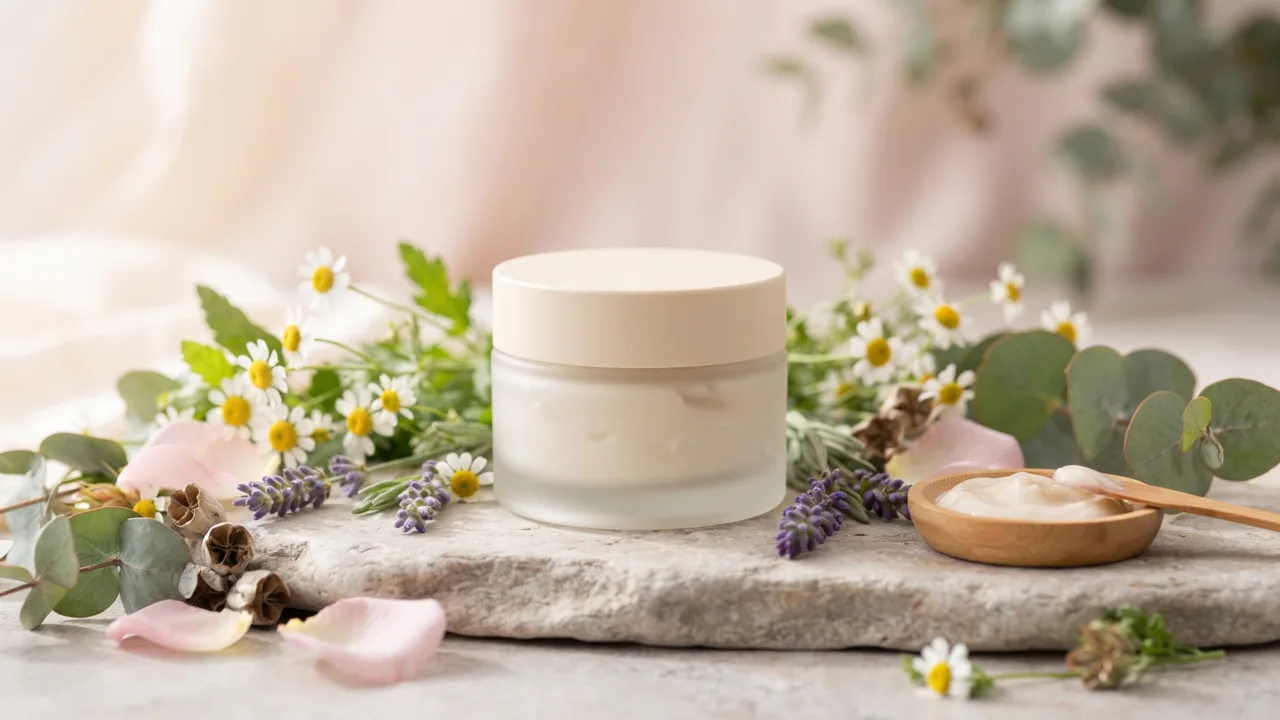
Why Start Your UGC Here?
A blank content calendar and a posting deadline is where most UGC stalls, and a creator charges per concept before a single frame is shot. Punchylime collapses that into seconds: describe the product once, and this UGC prompt creator returns hooks, scenes, and shot lists for free — no credits, no watermark, no card. Regenerate for a fresh angle as often as you like, keep the briefs that sound native to the feed, and test the rest, instead of paying for a new concept every time a hook stops landing.

Staring at a Blank Content Calendar?
One product has to become an unboxing, a testimonial, a how-to, and a day-in-the-life — each with its own hook and pacing for TikTok, Reels, or Shorts. Doing that by hand means reinventing the same idea four different ways. Punchylime writes to every style at once, so a single description becomes a week of on-format UGC prompts. And because it runs on one Punchylime account, the winning brief drops straight into the UGC Ad Maker to render — no leaving the tool to make the clip.

What Makes Punchylime a Real UGC Prompt Generator, Not a Topic Wheel
Generic idea generators spit out a subject and stop. A UGC prompt generator writes the hook and the shot together, gives you a batch to test, and keeps your real product at the centre of every frame.
A Shot List, Not a Vague Vibe
Most idea tools hand you a topic and leave you to figure out the camera. Punchylime writes the hook line and the shot direction together — where to open, what the hands do, which feature the overlay names — so a creator can pick up a phone and film it without a second brief.
A Batch of Angles Every Time
One product should not ride on one idea. Every generate returns several UGC prompts — an unboxing, a testimonial, a POV in-use, a problem-then-fix — so you have a week of content to test instead of a single clip that either works or dies. Regenerate for a fresh angle whenever a hook tires.
Free, and It Feeds the Rest
No credits, no watermark, no card. Draft as many UGC prompts as you like, then send the winning brief straight into the Punchylime UGC Ad Maker to render it — or hand it to a real creator. The prompt generator is the free front door to the studio, not a paywalled toy.
How to Write UGC Prompts with Punchylime
From one line about your product to a week of shot-ready UGC briefs — three steps, no mood board, no agency.
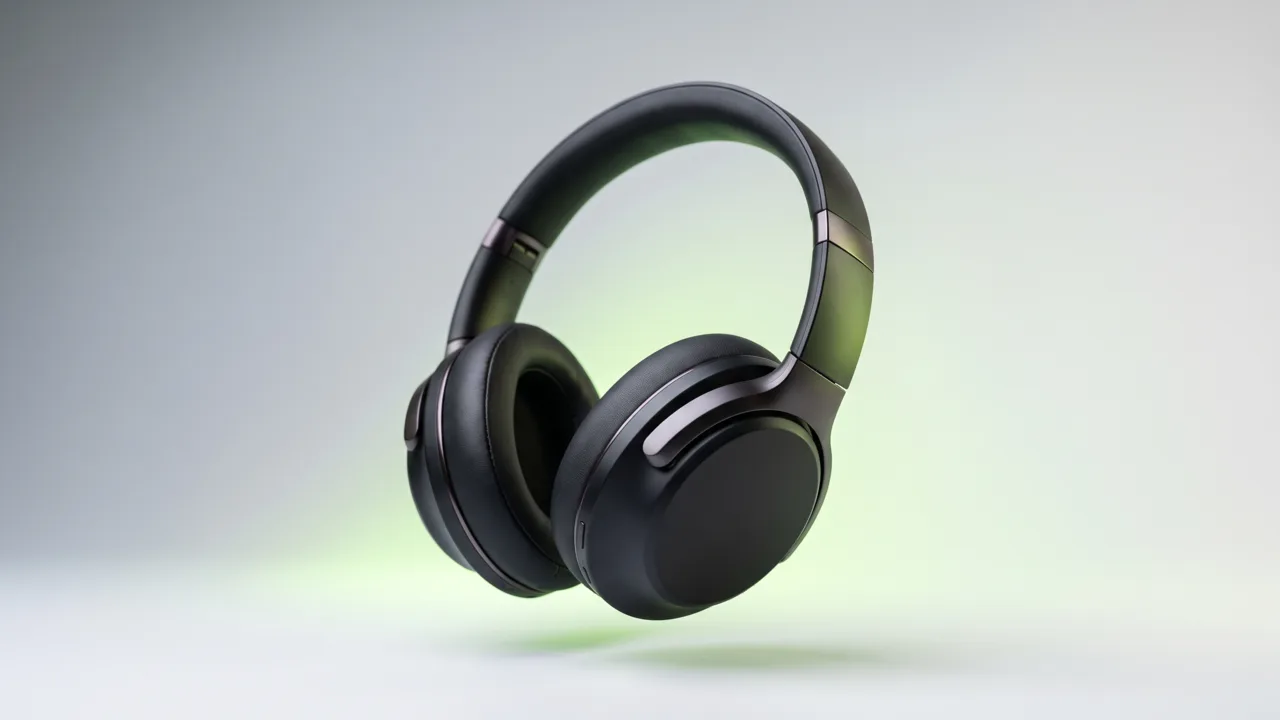
Step 1: Describe what you sell
Type one line about your product or category — who it is for and the one thing a buyer should remember. No upload, no mood board; a single sentence is enough for the UGC prompt creator to build a brief from.
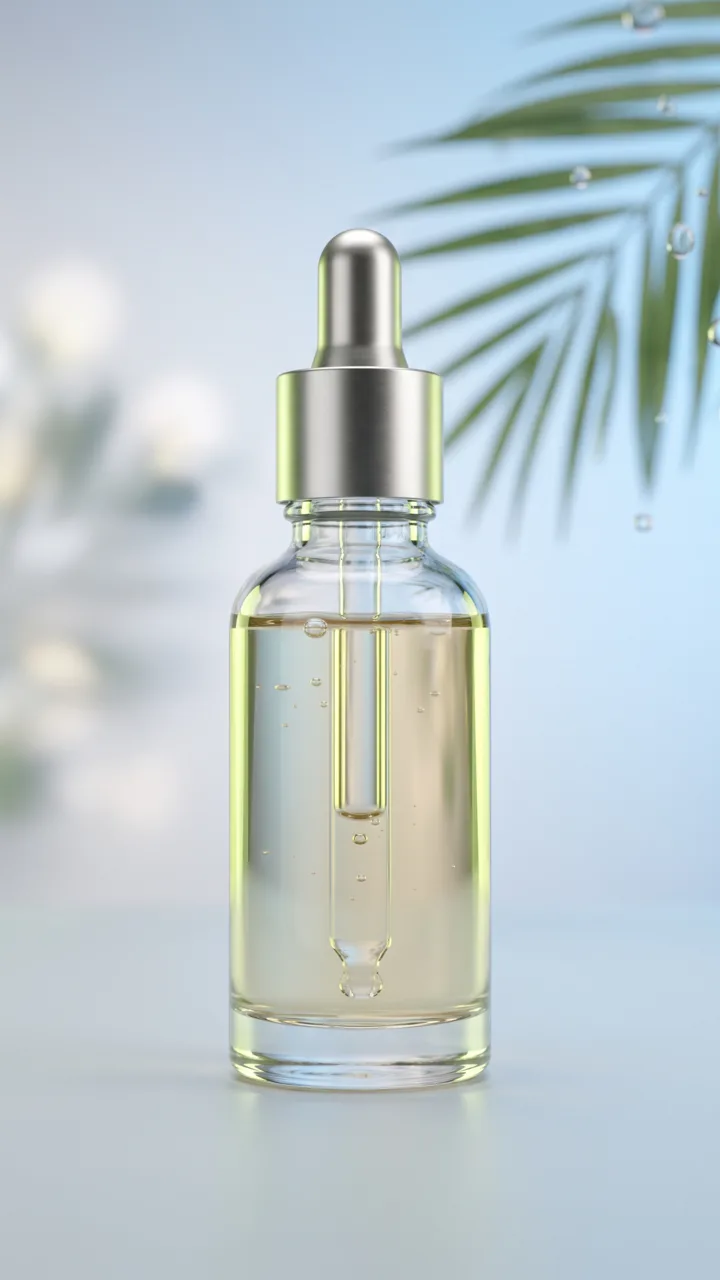
Step 2: Pick the style and platform
Choose the content style — unboxing, testimonial, how-to, day-in-the-life, or problem-then-fix — then TikTok, Reels, Shorts, or feed. Punchylime paces each prompt to that placement’s length and hook window, so the shot fits before you film.
Step 3: Shoot it or send it on
Get a batch of hooks with shot directions you can copy in one click. Hand the brief to a creator to film, or send the winning prompt straight into the Punchylime UGC Ad Maker to render a creator-style clip from it.
Ads for Every Industry
From e-commerce products to local services, Punchylime generates on-format ads for the businesses that need them most. Every ad below is a real Punchylime output.
Beauty UGCCreate a polished beauty ugc ad with a clear subject, strong opening composition, natural lighting, believable detail, and platform-ready commercial pacing.
Fashion try-onCreate a polished fashion try-on ad with a clear subject, strong opening composition, natural lighting, believable detail, and platform-ready commercial pacing.
Fitness UGCCreate a polished fitness ugc ad with a clear subject, strong opening composition, natural lighting, believable detail, and platform-ready commercial pacing.
Food UGCCreate a polished food ugc ad with a clear subject, strong opening composition, natural lighting, believable detail, and platform-ready commercial pacing.
Apparel UGCCreate a polished apparel ugc ad with a clear subject, strong opening composition, natural lighting, believable detail, and platform-ready commercial pacing.
Jewelry productCreate a polished jewelry product ad with a clear subject, strong opening composition, natural lighting, believable detail, and platform-ready commercial pacing.
Food productCreate a polished food product ad with a clear subject, strong opening composition, natural lighting, believable detail, and platform-ready commercial pacing.
Automotive productCreate a polished automotive product ad with a clear subject, strong opening composition, natural lighting, believable detail, and platform-ready commercial pacing.
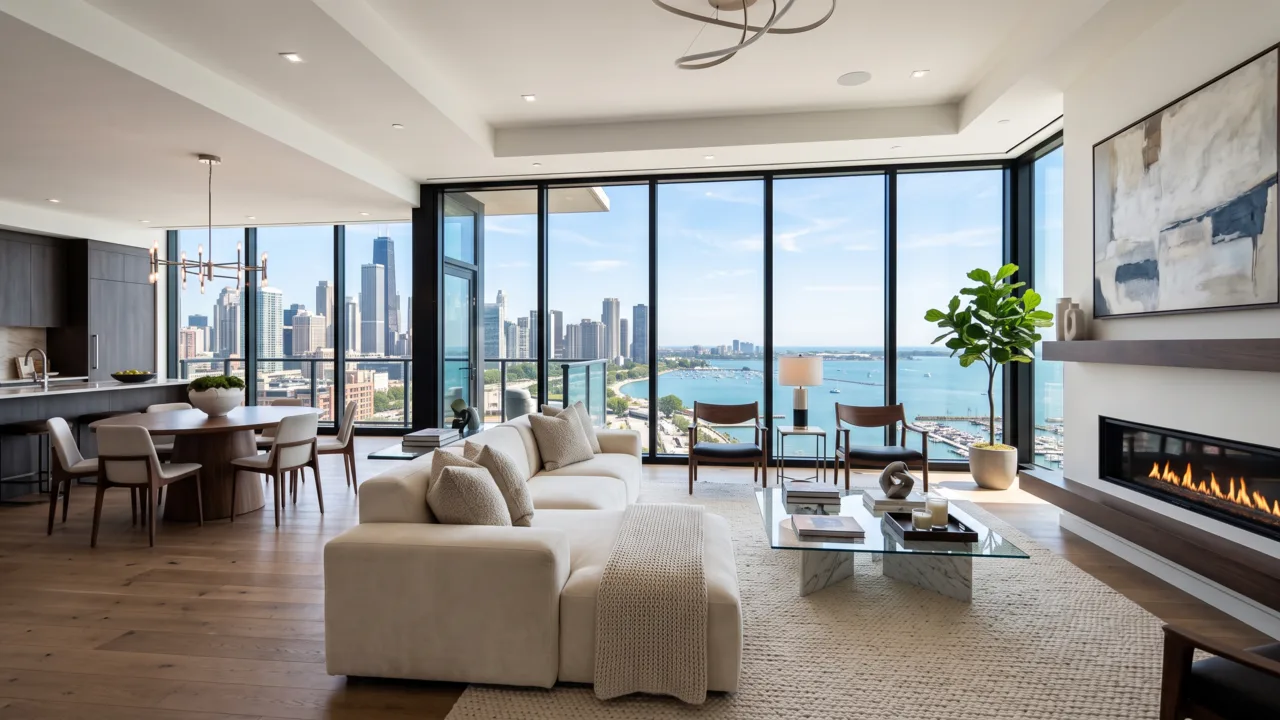
Home before / afterCreate a polished home before / after ad with a clear subject, strong opening composition, natural lighting, believable detail, and platform-ready commercial pacing.
Home & livingCreate a polished home & living ad with a clear subject, strong opening composition, natural lighting, believable detail, and platform-ready commercial pacing.
Decor productCreate a polished decor product ad with a clear subject, strong opening composition, natural lighting, believable detail, and platform-ready commercial pacing.
Your Next UGC Ad Starts With One Good Hook
Describe your product, pick a style, and let the free UGC prompt generator write the hooks and shot directions for you. No credits, no watermark — then film the winner or render it in the UGC Ad Maker.
Generate UGC PromptsWhat the UGC Prompt Generator Does, and How You Use It
A plain-English rundown of what the tool writes, what it costs, and how the prompts slot into the way you actually ship UGC.
What the tool actually writes
A UGC prompt generator turns a short description of your product into ready-to-shoot creator briefs — the hook line a scroller sees first, plus the shot direction that says where to open, what the hands do, and which feature the caption names. Instead of staring at a blank content calendar, you tell Punchylime what you sell and it writes a batch of UGC prompts you can hand to a creator or film yourself, not a vague topic you still have to turn into a script. Unlike a generic idea wheel that hands back a subject, it composes the hook and the camera together, so every brief already knows where to begin and what to put on screen.
Free to draft, unlimited angles
Writing those prompts is free — no credits, no watermark, and no card to start. Generate as many hooks and shot lists as you like and regenerate for a fresh angle whenever one falls flat. That is the point of starting here: the prompt generator is the free, idea-stage lead-in to the studio, so you can explore concepts until a brief clicks before you spend anything. When one wins, you send it to the Punchylime UGC Ad Maker to render a clip, and only that paid render spends credits. Because it all runs on one Punchylime account, the winning brief drops straight into the Ad Maker — you never leave the tool to make the video.
A brief, not a synthetic presenter
It helps to be clear about what this tool makes. This tool writes the brief — the hooks, the scene, and the shot-by-shot direction — so you or a creator can film it. It does not generate a synthetic presenter reading a script, because a prompt generator is a text tool by design. When you want the clip made for you, send the winning prompt to the Punchylime UGC Ad Maker, which renders a product-forward UGC ad anchored to your real product. Keeping the two steps separate is deliberate: you lock the idea for free, then pay only to produce the version you already know is worth shooting.
Prompts shaped for each platform
The prompts come back shaped for where they will run. Pick the style that fits the product — unboxing, testimonial, how-to, day-in-the-life, or problem-then-fix — and the platform: TikTok, Reels, Shorts, or the feed. Each one has its own length and hook window, and the UGC prompt creator paces the brief to that placement instead of handing you one generic idea. Choose the style and platform first and the prompts arrive already fit to the format, so a single description can become a week of on-format UGC — an unboxing, a testimonial, a how-to, and a day-in-the-life — without you reinventing the same idea four different ways.
Hooks that sound human
Good UGC lives or dies on the hook, so there is a hook angle control — relatable, bold, curiosity, urgency, or playful — that works together with the description you give it. Good UGC opens the way a person actually talks, so the prompts lead with a spoken hook and a first-person moment rather than a brand slogan. Because every generate returns several angles, you keep the ones that sound native to the feed and regenerate the rest until the voice is right, instead of paying a creator per concept just to find out which opener lands.
Yours to shoot and run
The UGC prompts you generate on Punchylime are yours to shoot and run on TikTok, Reels, Shorts, Meta, and your own site. Since one description can produce a batch of hook-and-shot briefs, you can test angles from day one and swap in fresh creative the moment an ad starts to fatigue — the content pipeline paid-social advertisers need, without an agency or a full-time creative team on retainer. Describe the product once, keep the briefs that feel native, and let the tool hand you the next batch the moment a hook stops working.
More Punchylime tools
Every ad generator in the studio — swipe through, all on one login.
TikTok Ad Generator
The free TikTok ad generator that turns a product photo or URL into a scroll-stopping 9:16 TikTok video ad — no editor, no crew, no agency. Start free.
Instagram Ad Maker
The Instagram ad maker that turns a product photo or a URL into native Feed, Reels, and Story ads — sized for the placement, ready for Ads Manager. Start free.
AI Product Photography
The AI product photography tool that turns one phone photo or URL into catalog-grade studio shots — no light tent, no photographer, no reshoot. Start free.

Video Ad Maker
Punchylime is the video ad maker that turns a product photo or URL into a scroll-stopping video ad in minutes — no editing software, no agency. Start free.
UGC Ad Maker
The AI UGC video generator that turns a product photo into creator-style UGC ads for TikTok and Reels in minutes — no creator to hire, no reshoots. Start free.

Ad Copy Generator
The free AI ad copy generator that turns one line about your product into ready-to-run Facebook, Google, TikTok, and email ad copy — high-converting primary text, headlines, and hooks. Online, no signup.
AI Image Ad Generator
Make AI image ads from one product photo or a store URL — ads and banners sized for every placement, in minutes. No photoshoot, no designer. Free to start.
AI Video Ad Generator
The AI video ad generator that turns a product photo or URL into a scroll-stopping video ad in minutes — no crew, no editor, no agency. Start free.
Google Ads Generator
Turn one product photo into Google Ads creative — responsive display assets and Display Network banner sizes, sized natively, ready to upload. Free to start.

Facebook Ad Copy
The free Facebook ad copy generator that turns one line about your product into scroll-stopping Meta primary text, headlines, and link descriptions. No signup.

Google Ad Copy Generator
The free Google ad copy generator: turn one line about your product into responsive search ad headlines and descriptions that fit Google Ads’ limits. No signup.
Ad Script Generator
The free ad script generator that turns one line about your product into a shot-by-shot video ad script — hook, scene directions, voiceover, and CTA. No signup.
Advertising Copy Examples
Real advertising copy examples across industries and angles — plus a free generator that writes your own ad copy from one line about your product. No signup.

Social Media Ads Examples
Real social media ads examples by platform and type — Instagram, Facebook & TikTok — plus a free generator that makes your own ad from one product photo.

YouTube Ad Maker
The AI YouTube ad maker: turn a product photo into a native video ad in both YouTube sizes — 16:9 in-stream and a 9:16 Short. No editor, no crew, no agency.
AI Avatar Ads for Small Business
Affordable AI avatar generators for small businesses — put an AI avatar in a real scene and turn it into a vertical UGC video ad from $29, no crew. Start free.

HeyGen vs Arcads
HeyGen vs Arcads compared: AI avatars, actor library, pricing, and output for UGC video ads — plus a product-first way to make an ad without an actor.