Pick your subject and format — AI handles the scene, script, and start frame. Switch to Full control to fine-tune.
Ad subject & Brand Guide (auto-fills the form)
Platform — where it runs
Placement
Aspect auto-set to 9:16 for Reels
UGC Ad Maker
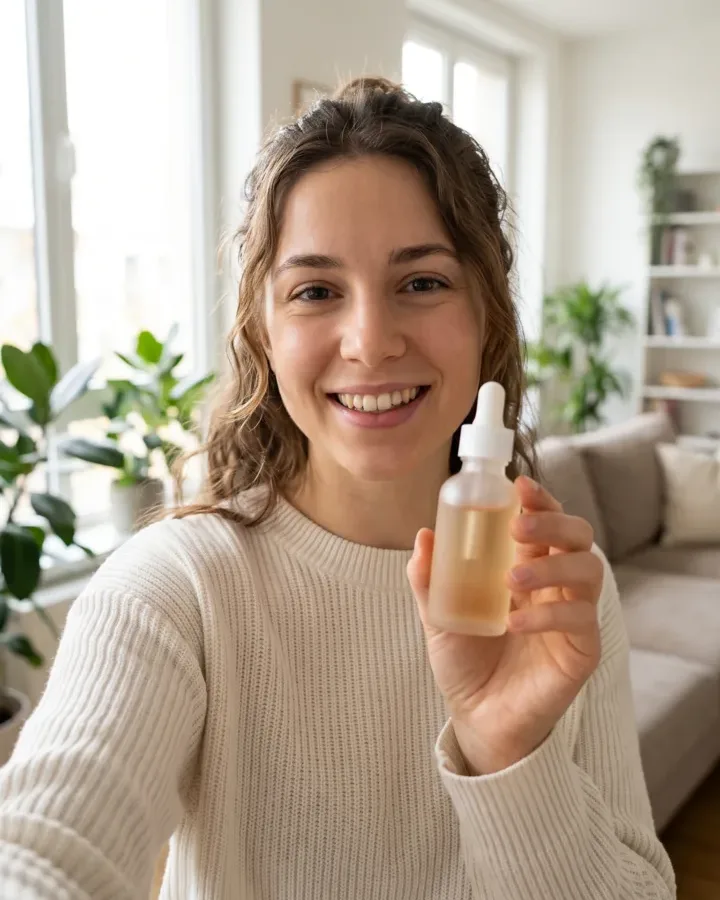
A product photo in, a creator-style UGC ad out — the handheld, in-the-wild clip that stops the scroll on TikTok and Reels, without hiring a single creator.
 9:16
9:16AI UGC Video Generator: Turn a Product Photo Into Creator-Style Ads
Punchylime is the UGC ad maker that turns a product photo — or a store URL — into the handheld, in-the-wild clips that outperform polished spots on TikTok and Reels. This UGC ai video generator lets you pick an unboxing, a hands-on demo, or a POV in-use scene, and it renders a vertical UGC ad with your real product in the frame — no creator to hire, no shipping samples, no reshoots.
Make a UGC AdWhat Is an AI UGC Video Generator?
An AI UGC video generator turns a still input into a creator-style ad without a creator, a camera, or an editing suite. Punchylime takes a product photo, a URL, or a description and builds a hook-first opening frame with your product in it, then animates that frame into a short, vertical clip that feels shot on a phone — the unboxing, the hands-on demo, the POV in-use moment. Unlike generic text-to-video, it composes for the placement — 9:16 for Reels and TikTok, 4:5 for the feed — so what comes out is a UGC ad you can post, not a clip you still have to crop, caption, and fix.
Why Make Your UGC Ads Here?
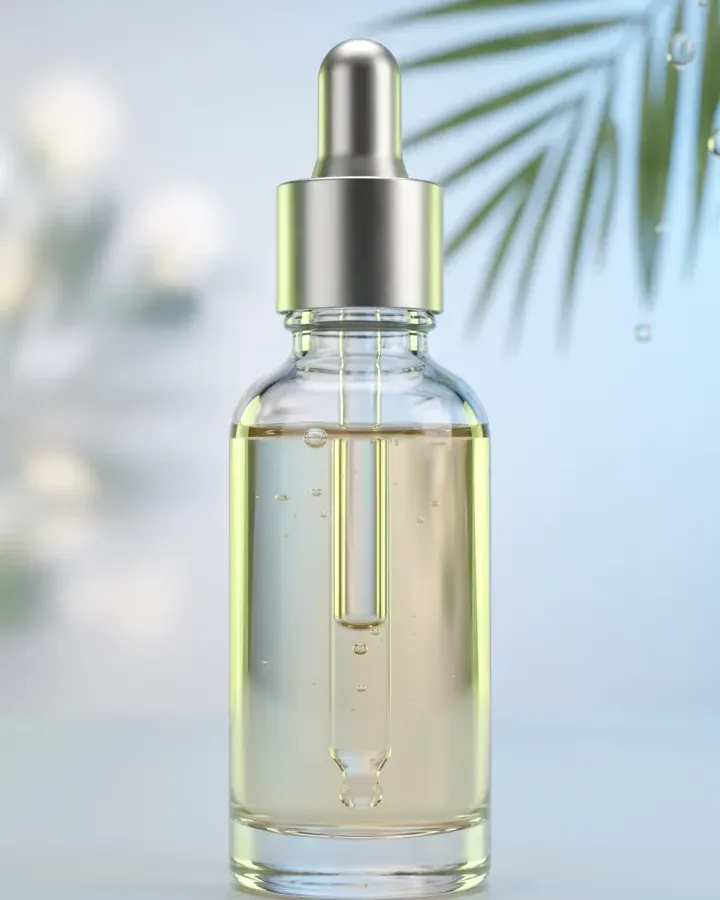
Sourcing a real creator burns a week and a budget before you see one clip: a brief, a sample shipped, a rate negotiated, and a reshoot every time a hook tires out. Punchylime collapses that into minutes: upload once, and the AI UGC generator handles the scene, the framing, and the captions. Preview the opening frame for free, then render only the angles worth spending credits on — and spin up scene variants to test hooks against ad fatigue instead of paying a new creator every time a winner stops working.
Tired of Chasing Creators for Every New Angle?
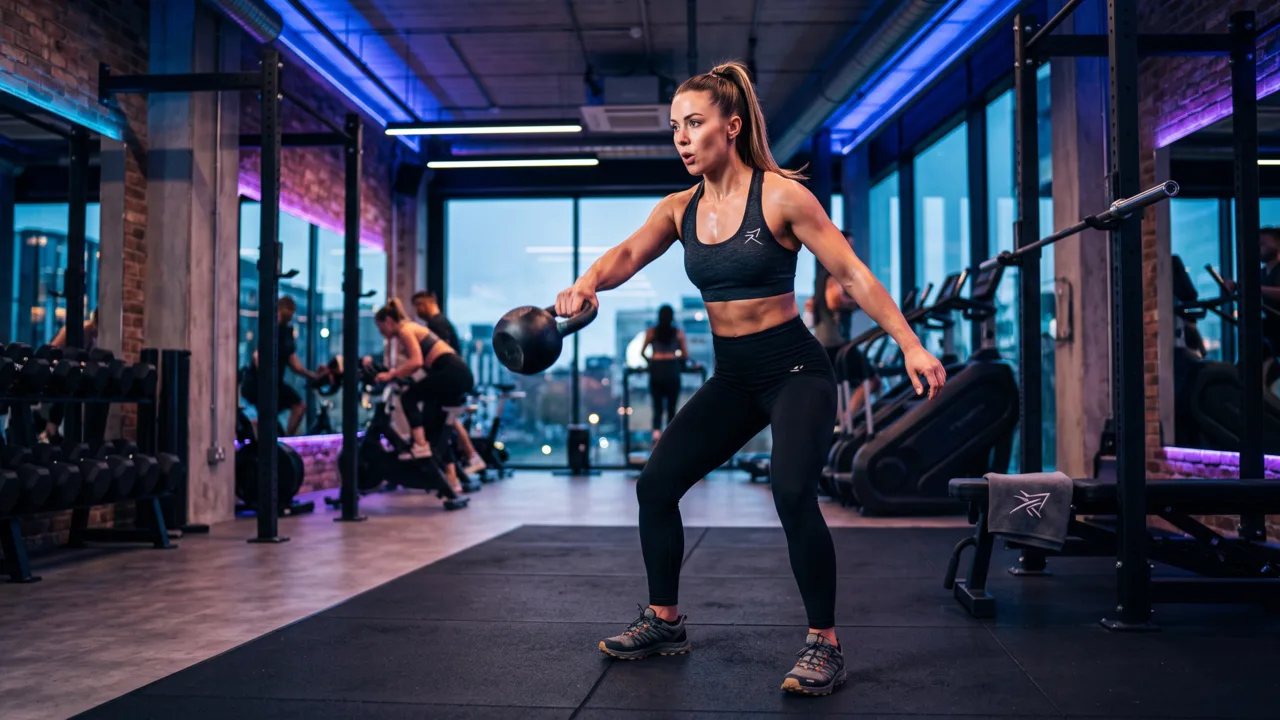
Traditional UGC means outreach, contracts, and shipping product to people you hope deliver — days of turnaround per clip and a new invoice for every fresh idea. Punchylime removes the roster and the wait. Feed the UGC generator one product photo and it becomes a scroll-stopping UGC ad, a batch of scenes comes from the same upload, and the whole thing runs on one credit wallet shared with your video, image, and copy work — so a small team can ship creator-style ads like a studio, without a single DM.

What Makes Punchylime a Real UGC Ad Maker, Not a Clip Generator
A generic video model makes footage. A UGC ad maker — a UGC video generator built for ads — makes clips that pass as real creator posts. The difference is product fidelity, native vertical framing, and scenes built to sell.
Your Real Product, in the Creator’s Hands
Text-to-video invents a look-alike and gets your label wrong. Punchylime anchors the clip to the exact photo you upload, so the bottle, box, or device a viewer sees in the unboxing is the one you actually ship — label legible, shape intact, in a real-feeling scene.
Native Vertical, Built to Be Scrolled Past — Then Not
A UGC ad lives or dies in the first second. The maker renders 9:16 and 4:5 at native pixels with a hook-first opening frame and on-screen captions, so the clip reads as a real creator post in the feed, not a landscape spot someone cropped and reposted.
A Creator Roster You Never Have to Book
Real UGC means sourcing creators, shipping samples, and waiting a week per revision. Swap that for scene chips — unboxing, hands-on demo, POV in-use, before & after — and spin a fresh angle in minutes, so you test what converts instead of paying per clip to find out.
How to Make a UGC Ad with Punchylime
From a single product photo to a creator-style clip sized for TikTok and Reels — three steps, no creator to hire, no samples to ship, no reshoots.
Step 1: Add your product photo or URL
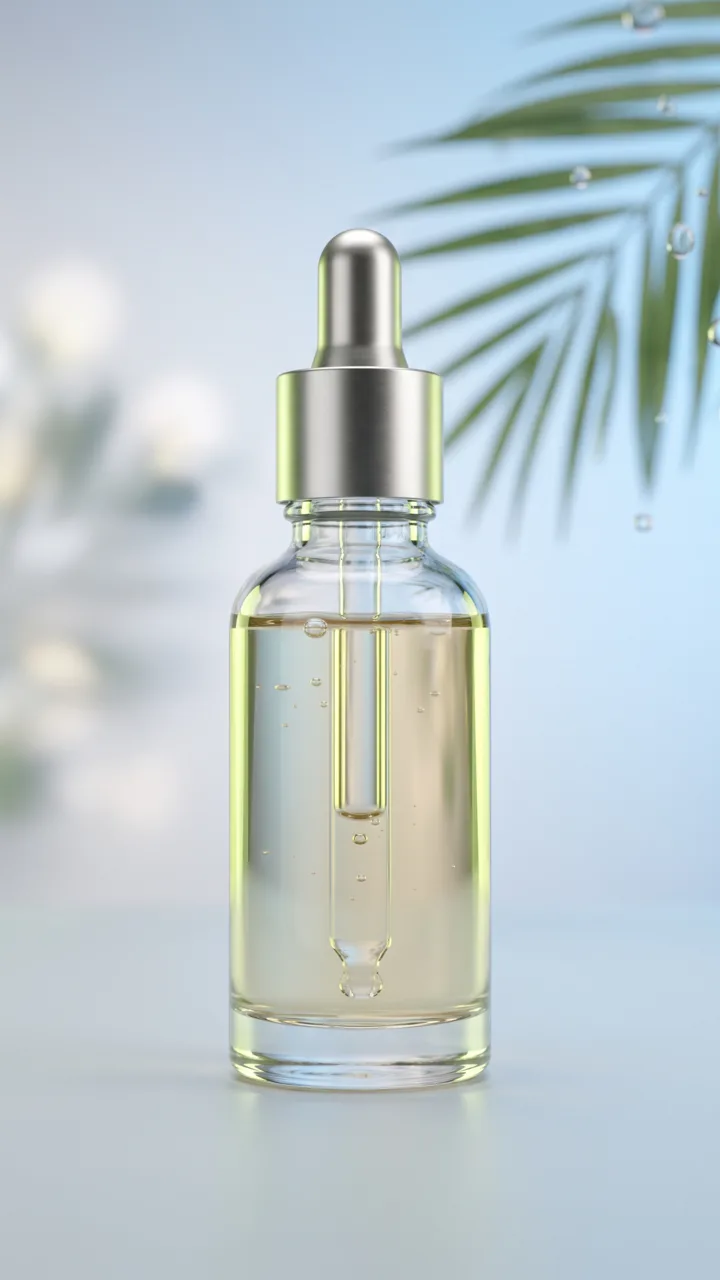
Upload one product photo — a phone snapshot works — or paste a store URL and Punchylime pulls the product for you. It reads the shape, colour, and label so the UGC clip keeps your product on-brand, no cut-out or sample to ship a creator.
Step 2: Pick the scene and the framing
Choose the UGC scene — unboxing, hands-on demo, POV in-use, before & after, or flat-lay reveal — then the camera framing, from selfie/POV to handheld close-up. Write the hook and caption you want on screen, or leave it clean for your editor.
Step 3: Generate, then post it
The UGC ad maker renders a native 9:16 or 4:5 clip with captions burned in. Preview it, regenerate the angles worth pushing, download the MP4, and post straight to TikTok, Reels, or your paid-social manager.
Ads for Every Industry
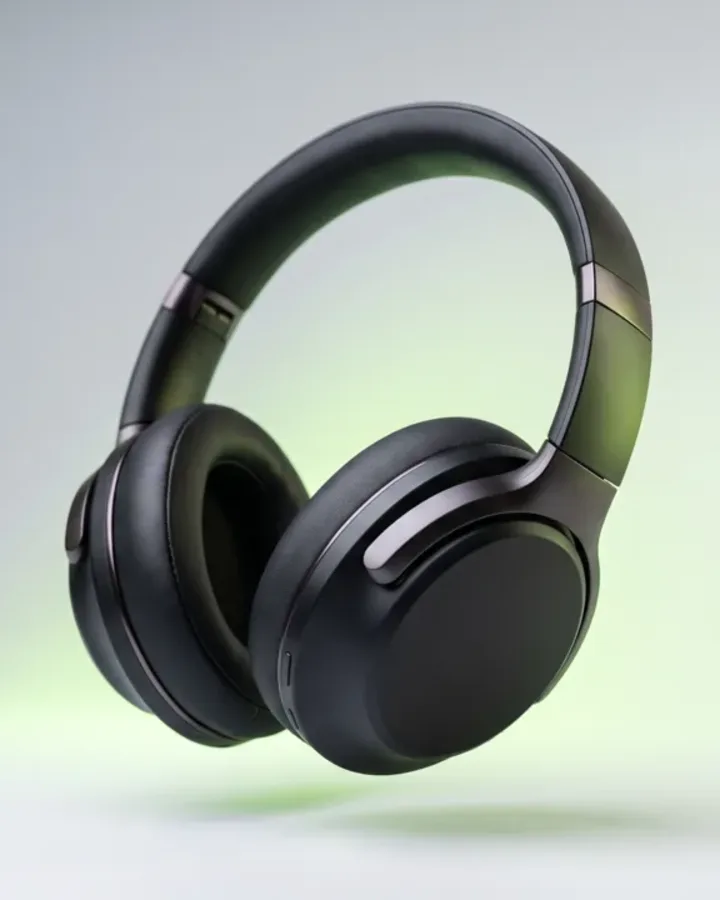
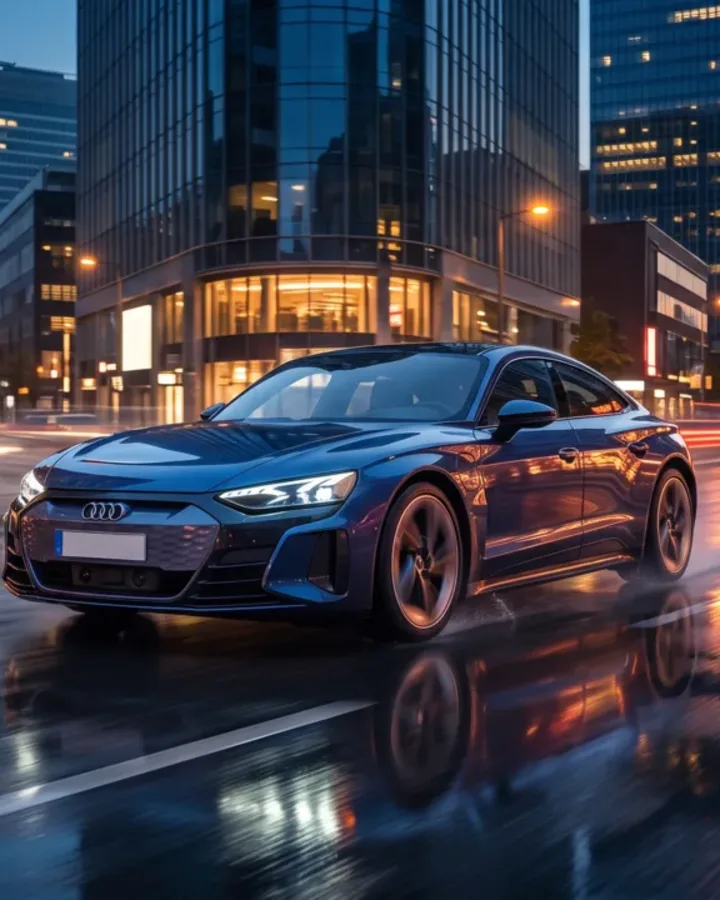
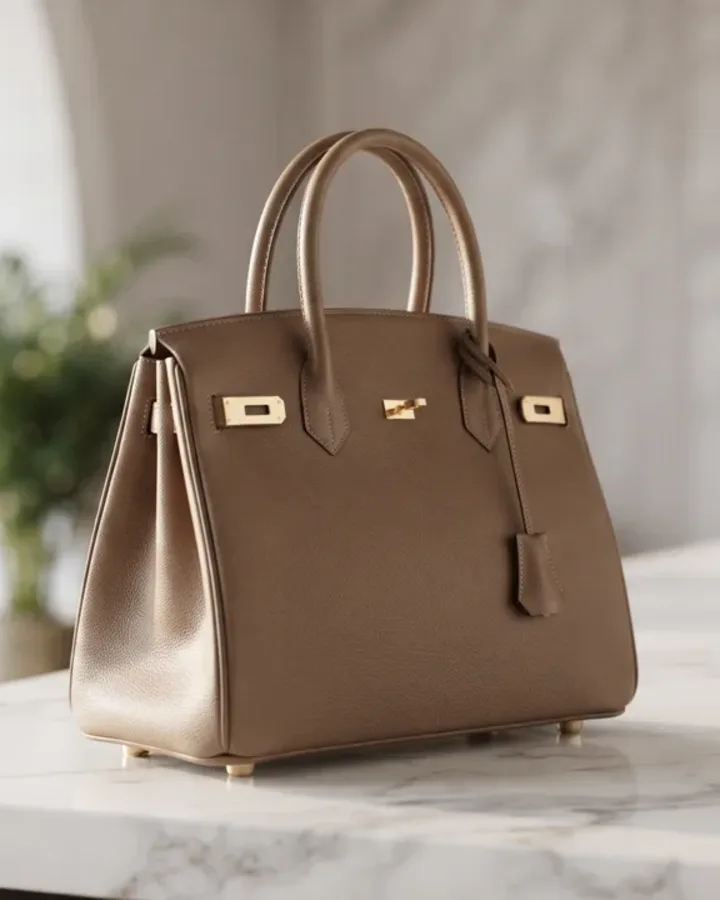
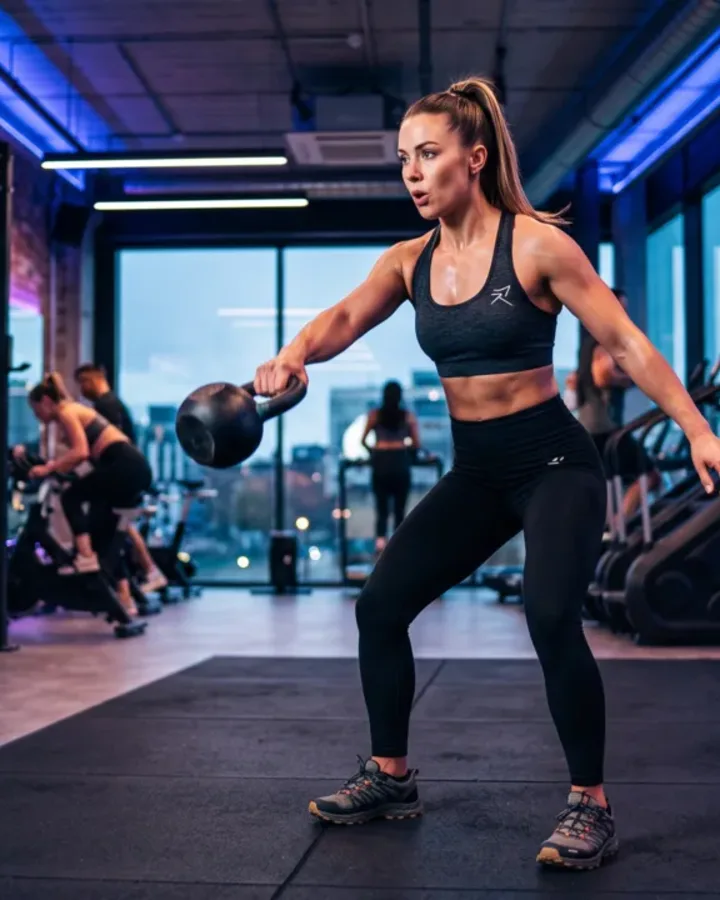
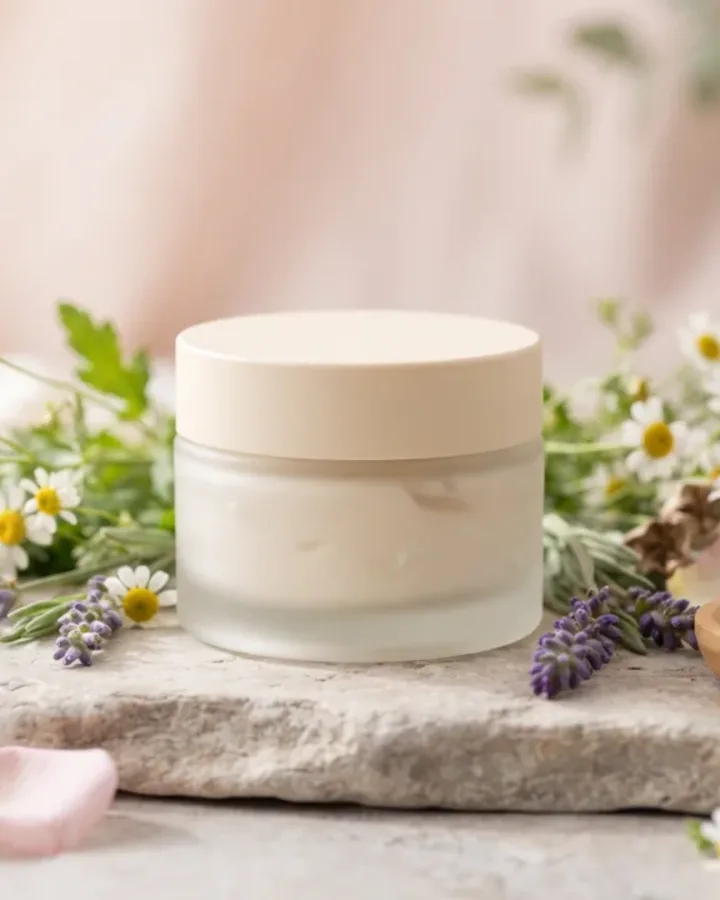
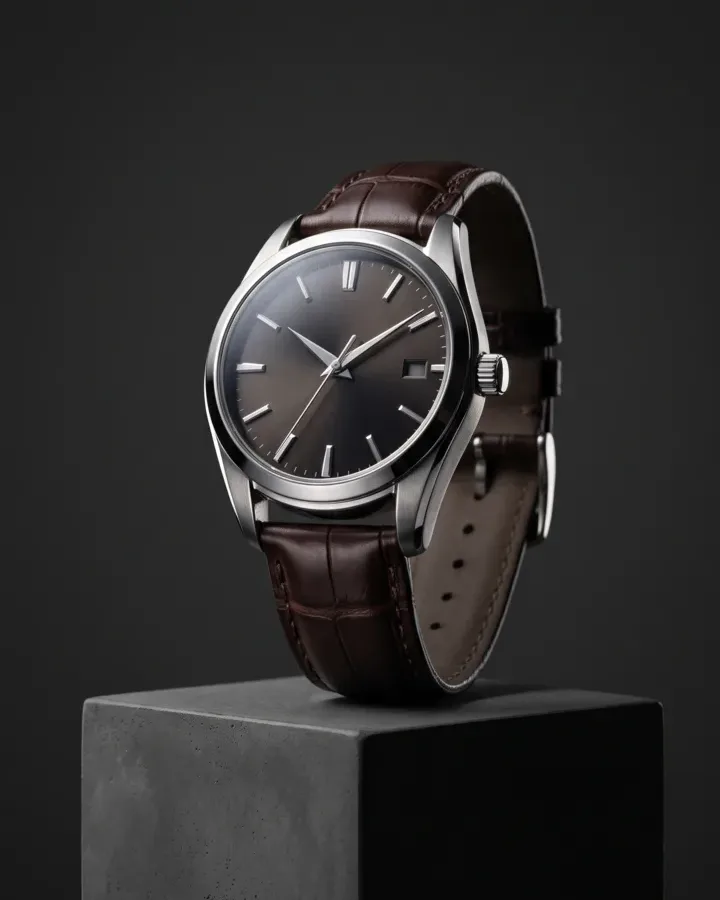
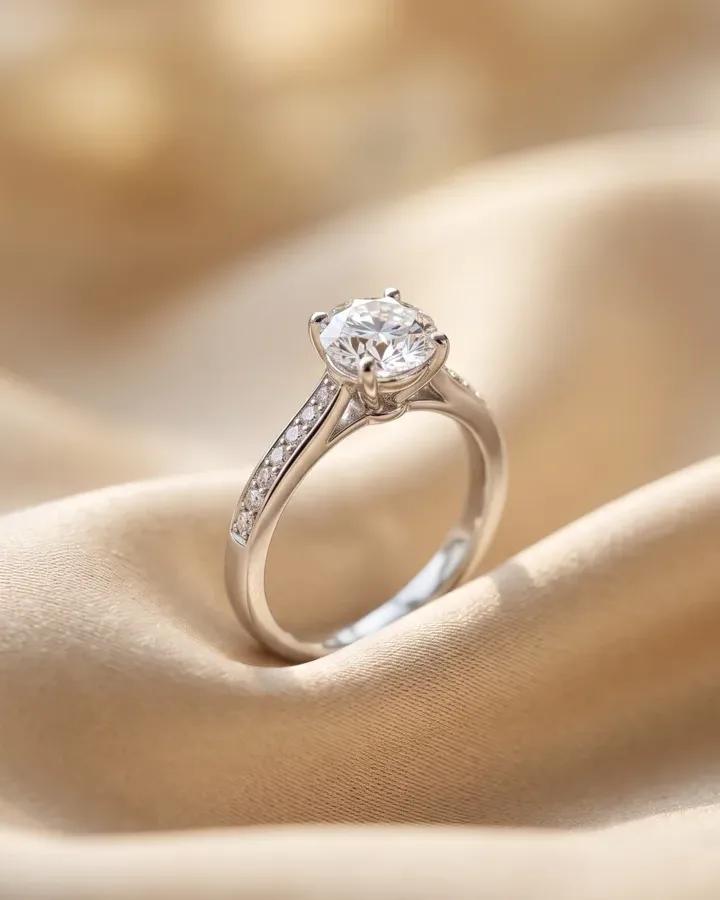
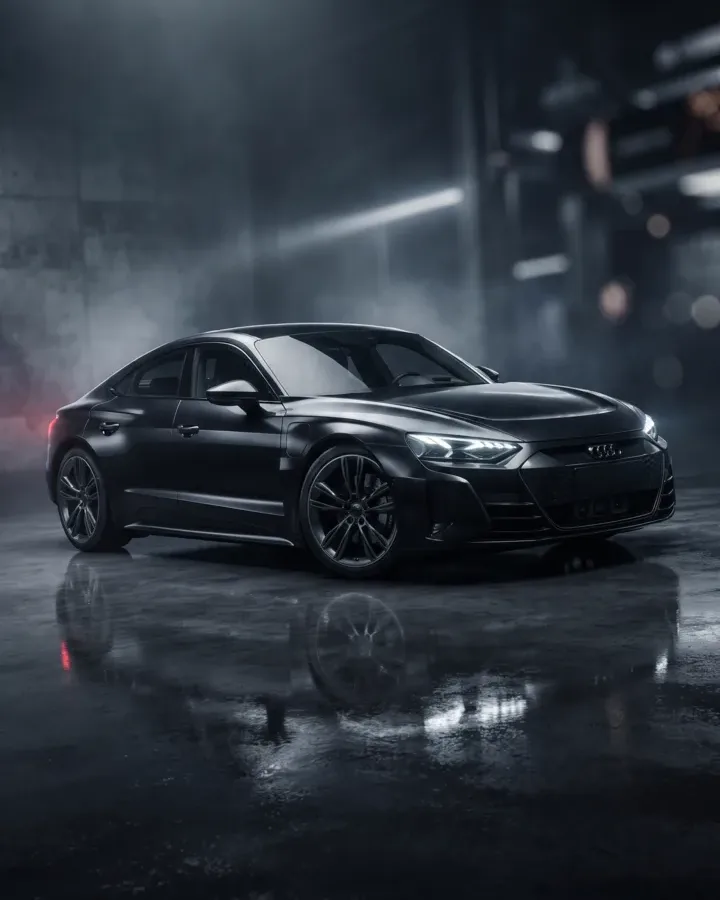
From e-commerce products to local services, Punchylime generates on-format ads for the businesses that need them most. Every ad below is a real Punchylime output.



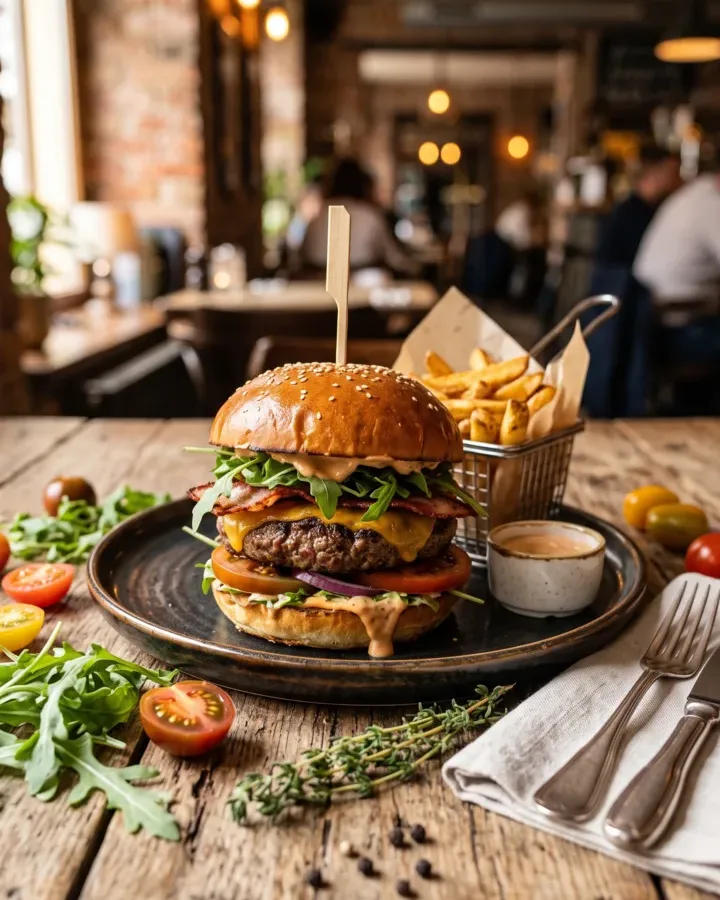

Your Next UGC Ad Is One Product Photo Away
Upload a photo, pick the scene and the framing, and let the UGC ad maker handle the shoot, the angle, and the captions. Free previews make it the best AI UGC video generator to try — spend credits only on the clips you decide to post.
Make a UGC AdWhat the AI UGC Video Generator Does, and What You Feed It
A plain-English rundown of how the UGC ad maker works, what you can start from, and how the ads fit the way you actually run creator-style paid social.
Product-anchored UGC, not a fake presenter
An AI UGC video generator turns a still input — a product photo, a store URL, or a description — into a creator-style video ad without booking a creator or shipping a sample. Punchylime anchors the clip to your real product, drops it into an unboxing, hands-on demo, or POV in-use scene, and renders a native vertical ad with on-screen captions doing the talking. The output is a UGC ad you can post straight to TikTok or Reels, not a polished spot that reads as a brand commercial the second it starts. That is deliberate: the studio makes product-forward UGC — the handheld, in-the-wild footage of your product being unboxed, held, and used — and it does not generate a synthetic presenter or a fake face performing a script. A talking-head avatar crosses the line from authentic-feeling into uncanny, so the ad stays anchored to the real product, not a person we invented, and it ships the kind of UGC that actually converts instead of promising a capability that does not exist.
What you can start from, and every format
You never need to ship a sample, book a creator, or film anything yourself to begin. Upload one product photo — a phone snapshot on a plain surface is enough — and Punchylime uses it as the anchor for every frame, or paste a store or product-page URL and it pulls the product image and details for you. If you only have a description, the UGC ad maker can compose the scene from that too. From there you pick the UGC scene that fits the product — unboxing, hands-on demo, POV in-use, before & after, or a flat-lay reveal — and the camera framing, from selfie or POV to a handheld close-up or a desk top-down shot. It renders 9:16 for TikTok and Reels and 4:5 for the feed at native pixels, with a hook-first opening frame and captions burned in, so each clip is built for the placement instead of one landscape master cropped down and losing the product in the crop.
Your product stays on-brand
Keeping your actual product looking right is the whole point of anchoring to your upload. Generic text-to-video often warps labels, logos, and proportions because it invents the product from scratch, but Punchylime builds the scene around the real photo you provide, so the bottle, box, or device still reads as your product once a hand picks it up. You can preview every angle before spending anything and regenerate any scene that misses, so nothing goes to render until it looks the way you want.
Free previews, one credit wallet
Previewing is free, so you dial in the scene and framing before you commit. Rendering the finished clip uses credits, priced per video and shown on the Generate button before you click — and one credit wallet covers your UGC, video, image, banner, and copy work, with no separate subscription per format. Ads you generate are yours to run on TikTok, Meta, and your own site, and because a single photo can produce a batch of scenes, you can test hooks against each other and swap in fresh creative the moment a winning ad starts to fatigue — the workflow paid-social advertisers actually need, without a creator roster, a designer, or an editor in the loop.